


What manufacturing AI work covers
Aranv builds AI in manufacturing for small and midsize plants: tools that read RFQ drawings and draft quote sheets, help quality teams write and search nonconformance reports, give technicians answers from manuals and past work orders, and let managers query ERP data, while engineers and estimators make the final calls.
The ERP is the backbone, so AI reads from and writes to it: item masters, routings, work orders and quality records. Our AI for ERP and Odoo work covers that layer, and manufacturing software development covers the wider systems, from shop floor apps to EDI.
Quoting builds on AI quote generation. Camera checks on a line follow our AI visual inspection approach, which starts with sample images of good and bad parts before any hardware is bought.
An RFQ, from inbox to quote
Drawing in, quote sheet out
- 01 Receive the RFQ An email, portal upload or EDI request arrives with drawings, models and quantities.
- 02 Read the drawing Material, finish, tolerances, revision and quantity come from the title block and notes.
- 03 Match past jobs Similar parts, routings and actual hours are found in your ERP history.
- 04 Estimator prices it A draft quote sheet goes to the estimator, who sets price and lead time.
Prices, lead times and engineering judgment stay with your estimators and engineers.
Manufacturing AI solutions we build
AI earns its place on a plant’s repetitive desk work and on the data your machines and ERP already collect.
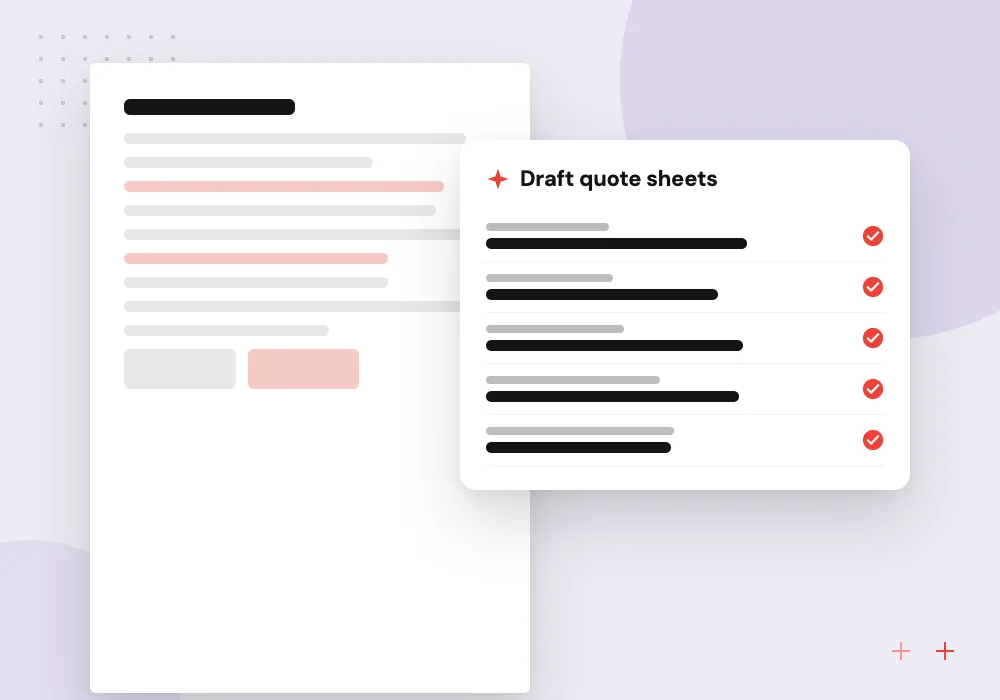
RFQ and drawing intake
Reads PDF drawings and RFQ emails, pulls material, tolerances, finish and quantity, and finds similar past parts so the estimator starts from real history.
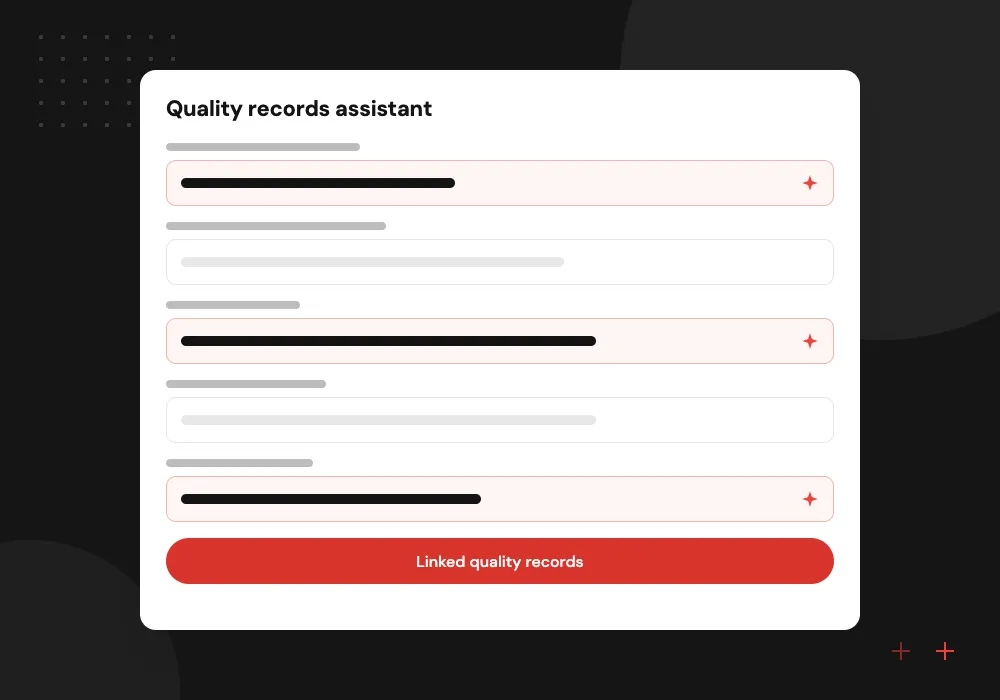
Quality records assistant
Drafts nonconformance reports from inspector notes and photos, and searches past NCRs and corrective actions for the same defect.
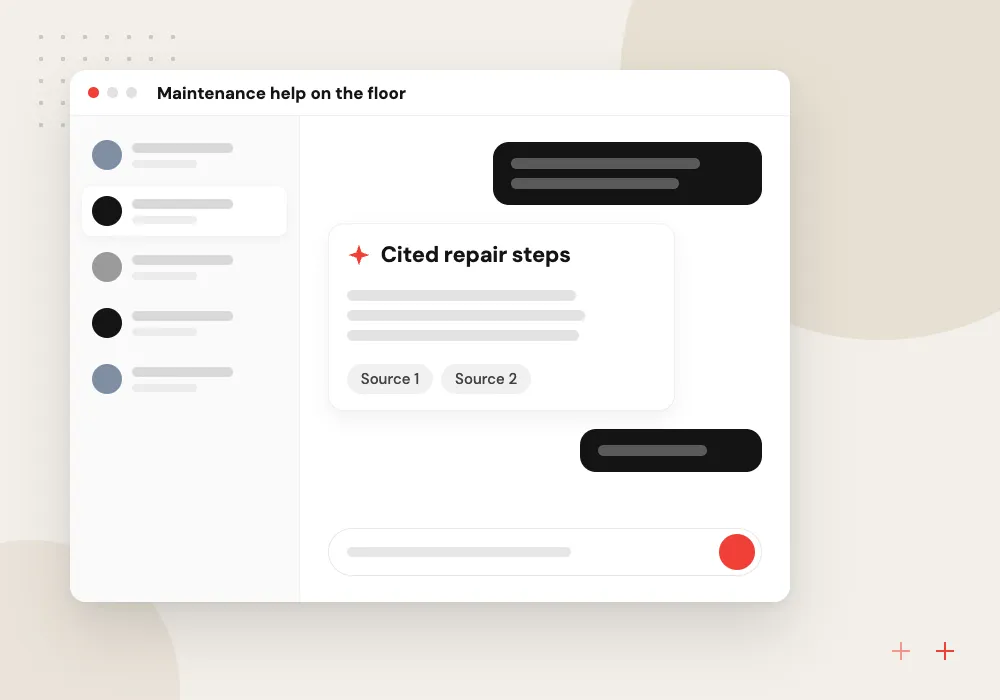
Maintenance help on the floor
Technicians ask about an alarm or fault code and get steps from the machine manual and past work orders for that asset.
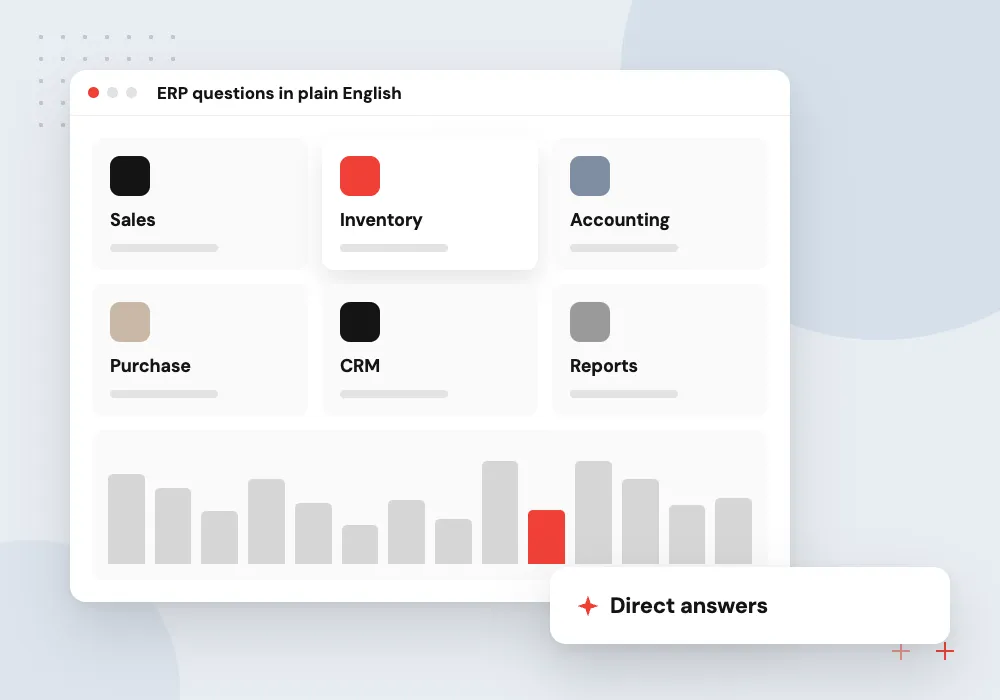
ERP questions in plain English
Planners and managers ask which jobs are late, which parts are short or what a customer ordered last quarter, and get answers from ERP data.
Quoting support from drawings and job history
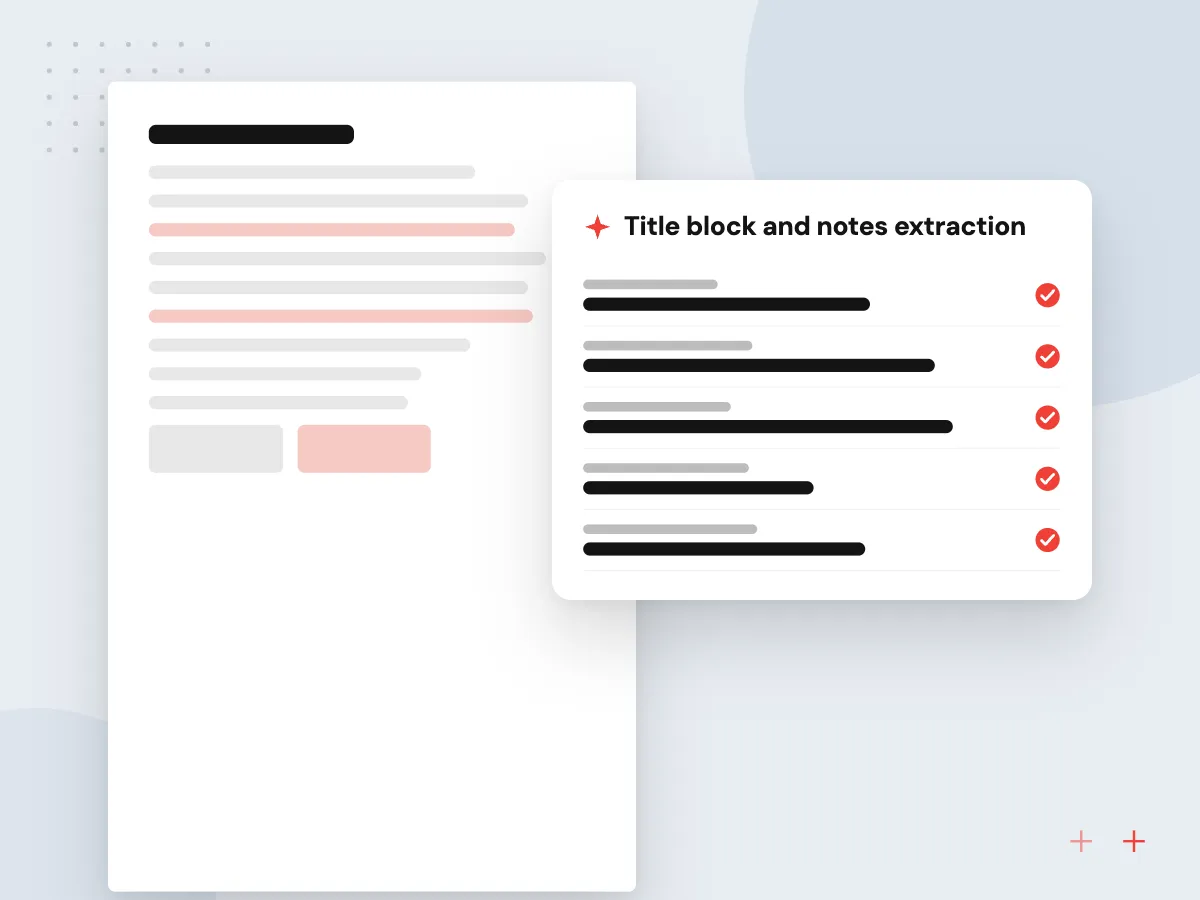
Job shops often quote from a stack of RFQs with PDF drawings and STEP models. We extract the details estimators check first, flag tight tolerances or unusual finishes, and pull actual setup and run times from similar jobs in your ERP, so the first number rests on your own shop’s history.
What we do
- Title block and notes extraction
- Flags for tight tolerances and finishes
- Similar part search
- Actual hours from past jobs
- Quote sheet in your format
Quality and maintenance data put to work
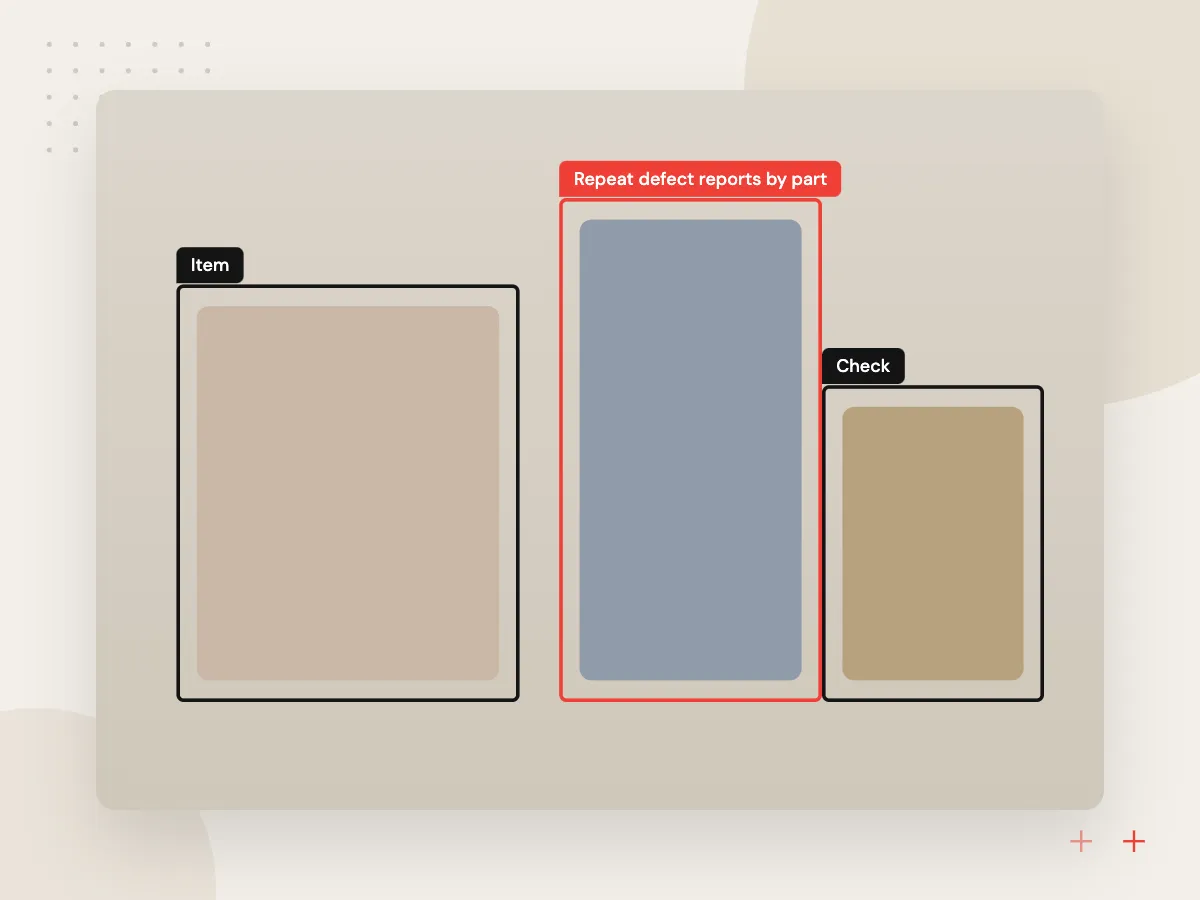
Inspection results, NCRs, downtime logs and work orders sit in separate places. We connect them so a quality manager sees repeat defects by part and supplier, and a maintenance lead spots assets with rising failures. Where machines already report sensor data, a predictive model can follow.
What we do
- Repeat defect reports by part
- Supplier quality summaries
- Downtime by asset and cause
- Camera inspection where it fits
- Sensor data review for prediction

How we approach a project
Maintenance work begins with the records you have. If assets log vibration, temperature or run hours, AI predictive maintenance models can warn ahead of a failure. If they do not, an assistant over manuals and work orders is the practical first step.
Data rules come first. Drawings marked as export-controlled under ITAR or the EAR need decisions on hosting, model provider and access before any AI reads them. Customer drawings shared under NDA stay in your accounts and are never used to train public models.
How we work
- Estimators set every price
- Use shop data before new sensors
- Controlled drawings get a plan first
Our Process
-

Walk one part through
We follow one RFQ or one defect from first email to closed record and list every system it touches.
-

Check the data
We sample ERP history, drawings and quality records to see what is clean enough to use and what needs cleanup.
-

Build for one desk
The first release serves one team, such as estimating or quality, with weekly reviews against real work.
-

Expand by department
Once that team relies on it, the same foundations serve maintenance, planning or a second plant.
Why plants work with Aranv
Grounded in your job history
Suggestions come from your own routings, hours and quality records, so estimators and engineers see numbers they recognize rather than generic averages.
Values shown on the drawing
Every extracted dimension or callout points back to its place on the sheet, which keeps checking quick and engineering review in charge.
ERP-first integration
Results are written into the ERP records your planners already use, so quotes, NCRs and work orders stay in one system of record.
Careful with controlled data
Export-controlled and NDA drawings get their own hosting and access plan, agreed with your compliance lead before processing starts.
Planning AI for Manufacturers?
Book a 30-minute conversation with the team that would build it.
Manufacturing AI questions
-
Where should a small manufacturer start with AI?
Start where people retype information: RFQs into quote sheets, inspector notes into NCRs, or questions sent to the one person who knows the ERP. These jobs have clear inputs, a person checks every output, and the time saved is easy to see.
-
Can AI read engineering drawings and GD&T callouts?
Current vision models read title blocks, notes, material callouts and many dimension and tolerance callouts on clean PDFs. They still misread dense or scanned sheets, so we show each extracted value at its location on the drawing and the estimator confirms it. The tool supports quoting and does not replace engineering review.
-
Do we need sensors or new machines for AI in manufacturing?
No. Quoting, quality records and ERP questions use data you already hold. Sensors matter only for predictive maintenance and some inspection work, and we advise on those once the desk-side tools are in use.
-
How do you handle ITAR or customer-confidential drawings?
We identify controlled and confidential files during discovery, then choose hosting, model provider and access to match. That can mean a private deployment or leaving those drawings out of scope. Your export compliance lead approves the setup before any controlled file is processed.
-
What drives the cost of a manufacturing AI project?
The number of systems we connect, the variety of drawings and documents, how much ERP data needs cleaning and whether cameras or sensors are involved. We estimate in phases after discovery, so you can fund one team’s tool first.

Let’s talk about your next step
Contact Aranv to discuss your workflow, current tools, and goals. Meet with our team or send an inquiry.
Book a meeting with our team
Choose an available date and time for a 30-minute conversation about your project.
Tell us about your project
Share a few details so we can discuss a useful next step.
Prefer email? sales@aranv.com