


What AI for legal practices covers
Aranv builds AI for law firms: client intake with conflict pre-checks, document review support for transcripts, records and productions, drafting from your own templates and clause banks, and search across past matters. Lawyers review every output, and each tool is set up around client confidentiality and matter-level access.
Firms usually run a practice management system for matters, time and billing, a document management system, email and a legal research subscription. We connect to the first three through their APIs and leave research to the services your lawyers already rely on. Our legal software development page covers client portals and custom practice tools.
Search across precedents and policies uses retrieval-augmented generation, so every answer links to the document it came from. Contract work follows our AI contract review page, which pulls parties, dates and obligations into a table a lawyer can check.
A new matter, from first call to engagement letter
How AI supports matter intake
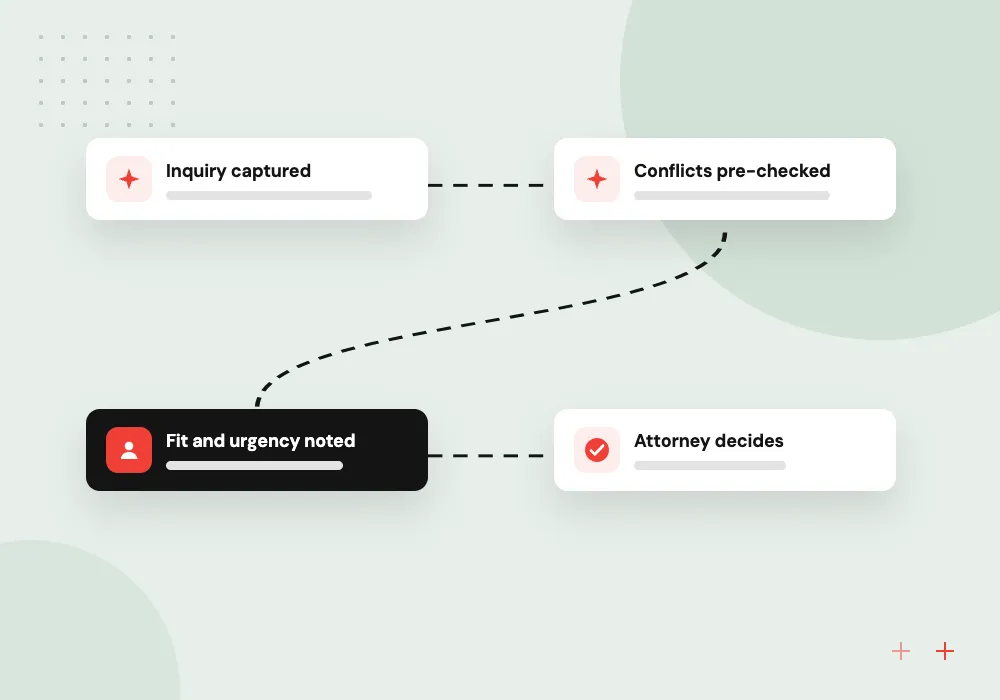
- 01 Inquiry captured Web form, chat or phone intake records the facts, parties and contact details.
- 02 Conflicts pre-checked Party names are searched in your practice system for the conflicts team.
- 03 Fit and urgency noted Practice area and any deadlines the caller mentions are summarized for an attorney.
- 04 Attorney decides The attorney accepts or declines, and an engagement letter is drafted from your template.
The intake assistant never gives legal advice. It collects facts and books consultations.
Legal AI solutions we build
Small and midsize firms carry much the same document load as large ones, with fewer associates and paralegals. These four jobs are where AI support fits a firm’s working day.
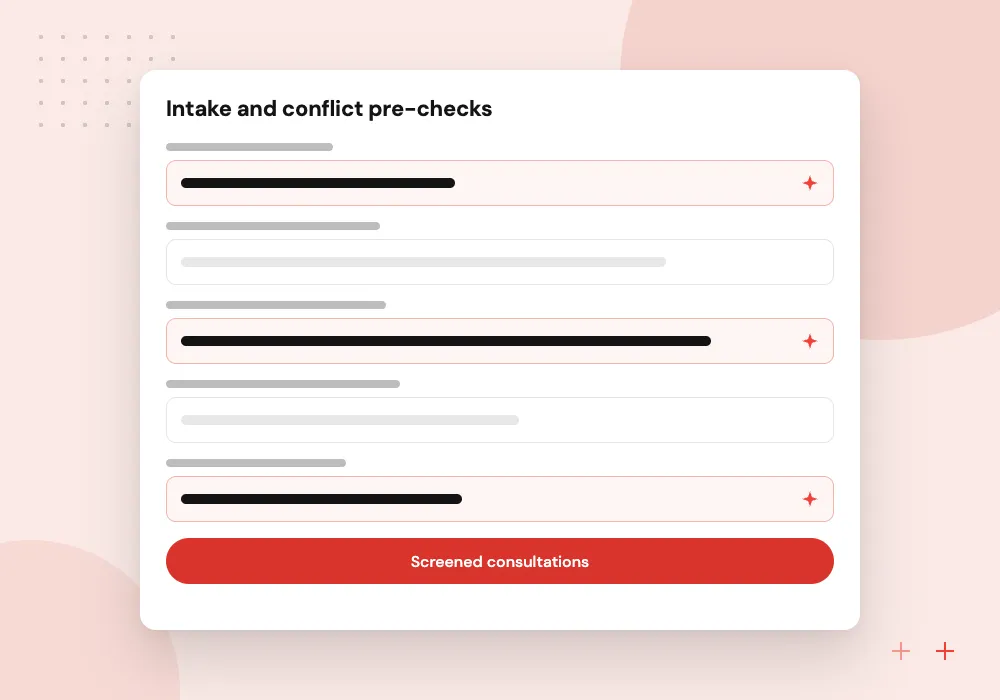
Intake and conflict pre-checks
Collects facts from web, chat or phone inquiries, searches party names against your matters and contacts, and books consultations for qualified leads.
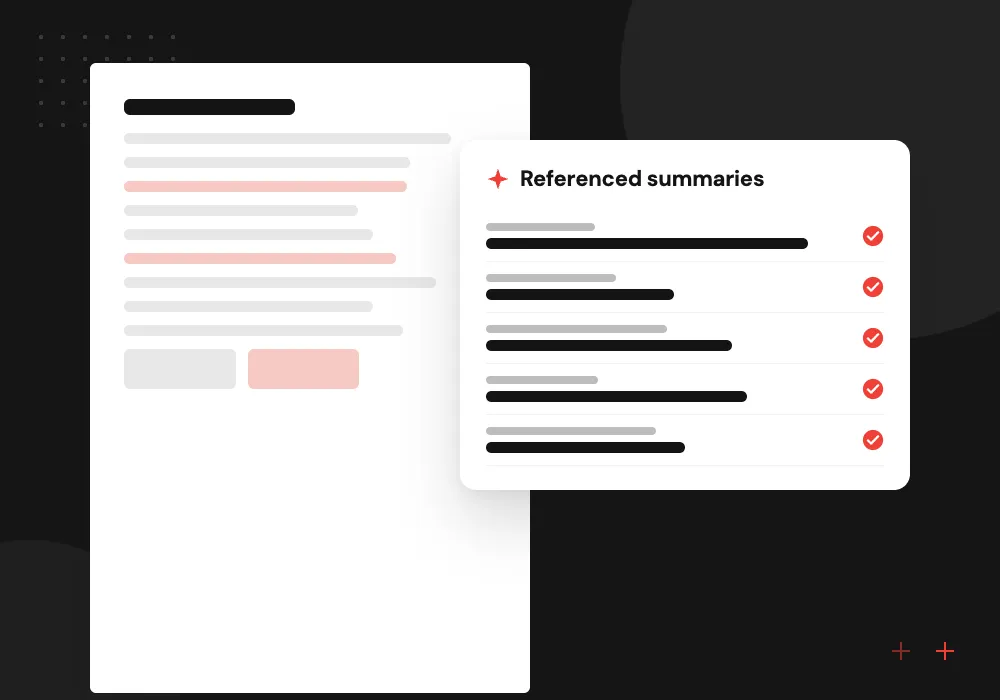
Transcript and record summaries
Summarizes deposition transcripts with page and line references and builds chronologies from produced records, for a paralegal or associate to check.
Drafting from your templates
First drafts of engagement letters, demand letters, discovery responses and routine agreements, built from your templates and clause bank rather than a blank prompt.
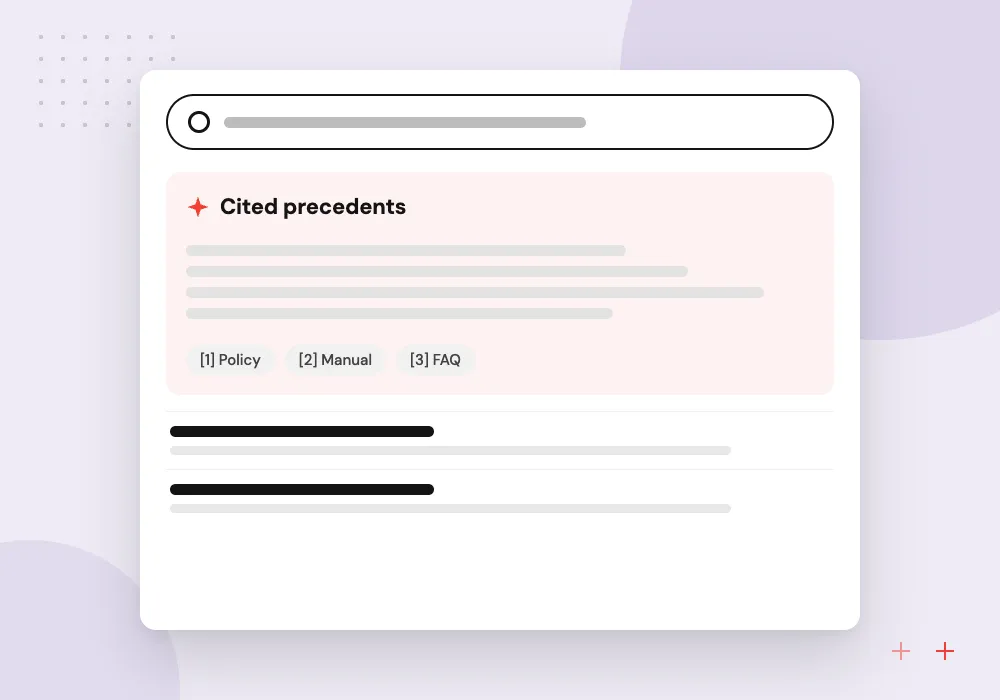
Search across past work
Finds prior briefs, memos and clauses across your document management system, limited to the matters each user is allowed to open.
Document review support for litigation teams
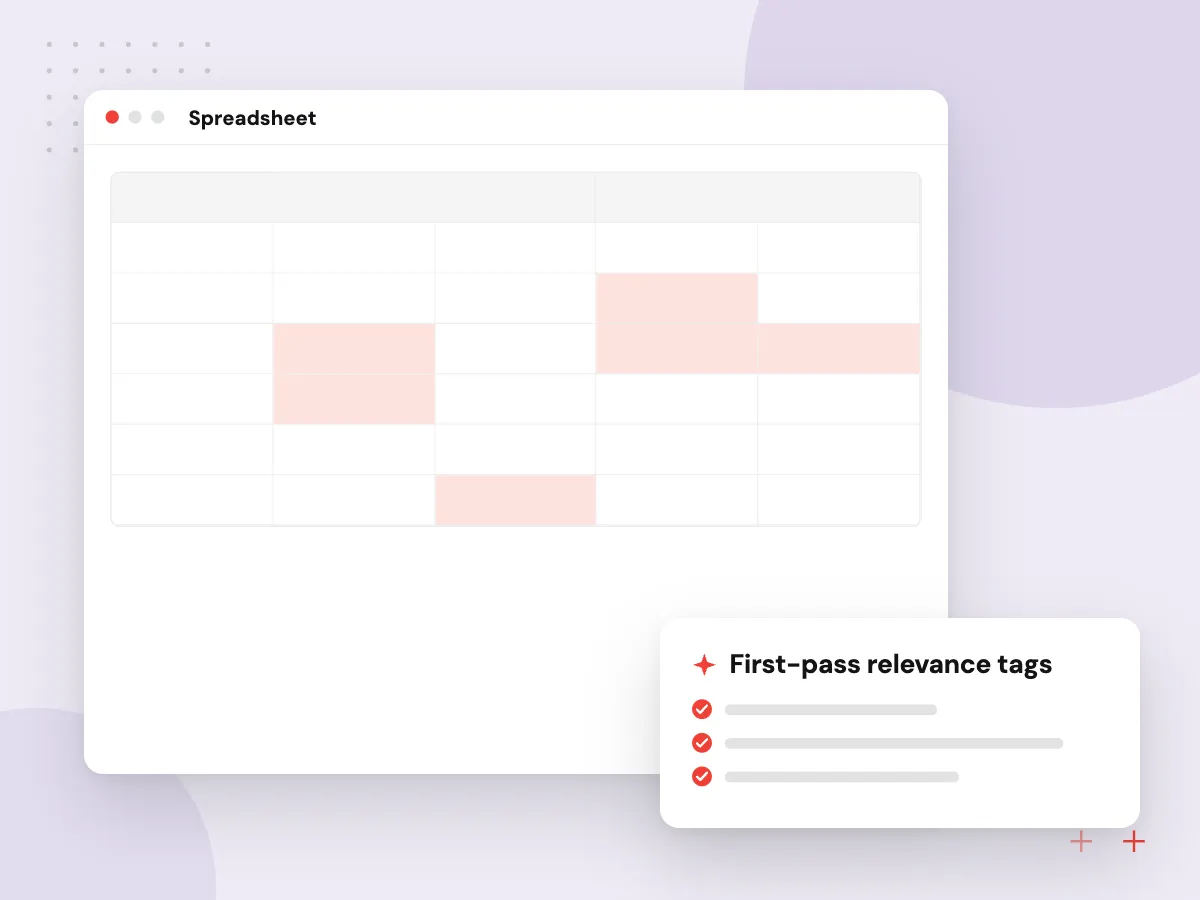
Litigation teams face productions, transcripts and records that take days to read. We build tools that tag documents for likely relevance and possible privilege, summarize transcripts with page and line cites, and assemble chronologies. Attorneys make every relevance and privilege call, and the tool records who decided what.
What we do
- First-pass relevance tags
- Possible privilege flags
- Transcript summaries with cites
- Event chronologies from records
- Reviewer decision log
Confidentiality, supervision and billing
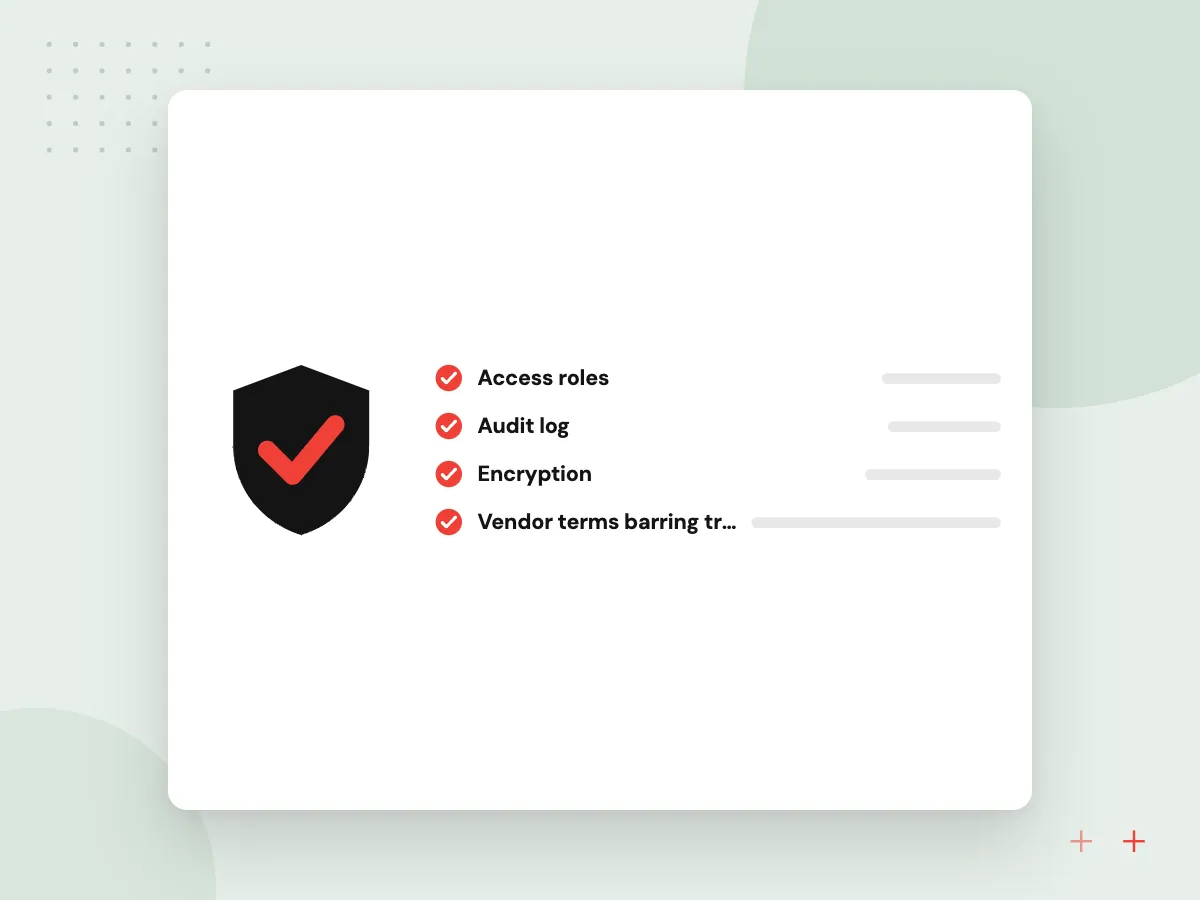
North Carolina’s ethics opinion places AI between ordinary software and nonlawyer staff: lawyers must use it competently, keep client information secure and supervise its work product. We set up vendor terms that bar training on your data, matter-level access and full logs, and give partners usage records that help keep billing accurate.
What we do
- Vendor terms barring training on data
- Matter-level permissions in search
- Prompt and output logs per matter
- Usage records for billing review
- Support for a firm AI policy

How we approach a project
Project 01 on our case studies page, delivered by our wider group, is an AI assistant that puts documents, CRM records and proposal drafting in a single chat. A firm wanting one assistant over matters, contacts and templates can follow the same pattern.
North Carolina’s 2024 Formal Ethics Opinion 1 shows how bars now frame AI use. For an internal AI policy that fits professional conduct rules, see AI governance consulting; the terms protecting privileged material in our own contracts are set out under security, NDA and IP.
How we work
- A lawyer reviews every output
- Matter walls apply to AI search
- Citations checked against real sources
Our Process
-

Start with one practice group
We work with a single group, such as personal injury intake or litigation review, and its supervising partner.
-

Agree the ethics guardrails
Partners approve what the AI may draft, what it must never send to clients and how its use is disclosed.
-

Test on closed matters
Tools run on closed files with known outcomes, and attorneys grade the summaries, tags and drafts.
-

Roll out with training
Lawyers and staff learn the tool’s limits, how to check its work and how to record time accurately.
Why Aranv for law firms
Templates before prompts
Drafting starts from your approved templates and clause bank, so the firm’s voice and positions carry into every first draft.
Ethical walls respected
Search and assistants follow the same matter permissions as your document management system, including screens set up after a conflict.
Attorney review by design
Each tool has a review step where an attorney accepts, edits or rejects the output, and that decision is logged.
Confidential by default
Client documents stay in your environment or with vendors under terms that bar training, with logs your IT team controls.
Planning AI for Law Firms?
Book a 30-minute conversation with the team that would build it.
Law firm AI FAQs
-
Is it ethical for lawyers to use AI?
Bar guidance generally allows it when lawyers use AI competently, protect client confidentiality and supervise the output, and North Carolina’s 2024 opinion says so directly. Check the rules and opinions in each state where your firm practices; this is general information, not legal advice.
-
Will client information be used to train AI models?
Not under the setups we recommend. We pick model services whose contract terms rule out training on client material, or host models in your own cloud, keep logs inside your environment and restrict search to matters each user may open.
-
Can the AI give legal advice to people who contact the firm?
No. The intake assistant collects facts, explains next steps in general terms and books consultations. It tells each person that it cannot give legal advice and that an attorney will review their matter.
-
How do you stop AI from inventing case citations?
Drafting tools work from your templates and documents rather than open-ended prompts, and research stays with your research service. We add a check that flags any citation it cannot match to a source, and the signing lawyer verifies every authority.
-
What does AI for a law firm cost?
Cost depends on the practice group, the systems involved, document volumes, hosting choices and the review screens needed. Beginning with intake for one practice area holds the first phase to a modest size. We estimate in phases after discovery.

Let’s talk about your next step
Contact Aranv to discuss your workflow, current tools, and goals. Meet with our team or send an inquiry.
Book a meeting with our team
Choose an available date and time for a 30-minute conversation about your project.
Tell us about your project
Share a few details so we can discuss a useful next step.
Prefer email? sales@aranv.com