


What a WhatsApp AI chatbot project includes
Aranv builds WhatsApp AI chatbot solutions for US small and midsize businesses whose customers would rather message than call. On the WhatsApp Business API, through Meta’s Cloud API, we build assistants that answer questions, take bookings, share order status and pass the chat to a person when needed.
We set up the WhatsApp Business API on Meta’s Cloud API: business verification where required, the phone number, display name, webhooks and message templates in the utility, marketing and authentication categories. If you already use a messaging provider, we can build on that account instead.
The conversation design follows our AI chatbot development practice, adapted to short mobile messages, buttons and lists. The same assistant can also answer on your website as part of customer service automation.
One WhatsApp conversation, start to finish
How the chatbot handles a customer message
- 01 Customer sends a message Text, a voice note or a photo arrives through the WhatsApp Business API.
- 02 The bot reads intent The model works out the request and checks your order or booking system.
- 03 Reply with buttons or lists Interactive messages offer quick choices instead of long typed answers.
- 04 A person takes over Complaints, refunds or unclear cases move to a staff inbox with full history.
Inside the customer service window the bot can reply with any message type; after it closes, only approved templates can reopen the chat.
WhatsApp chatbots we build
WhatsApp suits short, frequent exchanges where a customer wants an answer without waiting on hold.
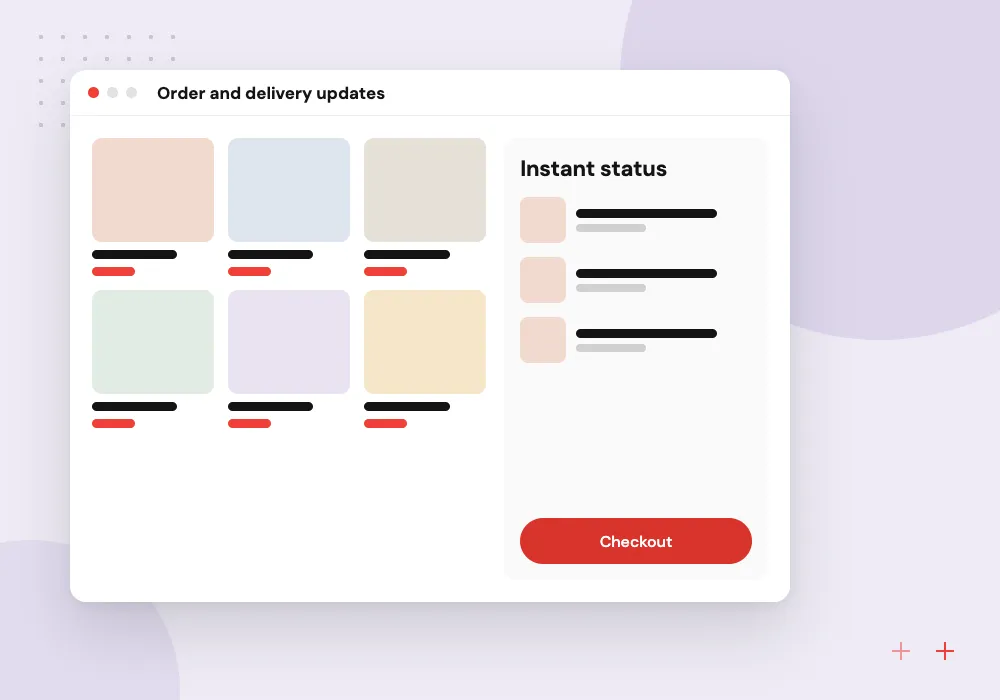
Order and delivery updates
Customers ask where their order is, and the bot checks your store or ERP, then replies with status, a tracking link and the expected date.
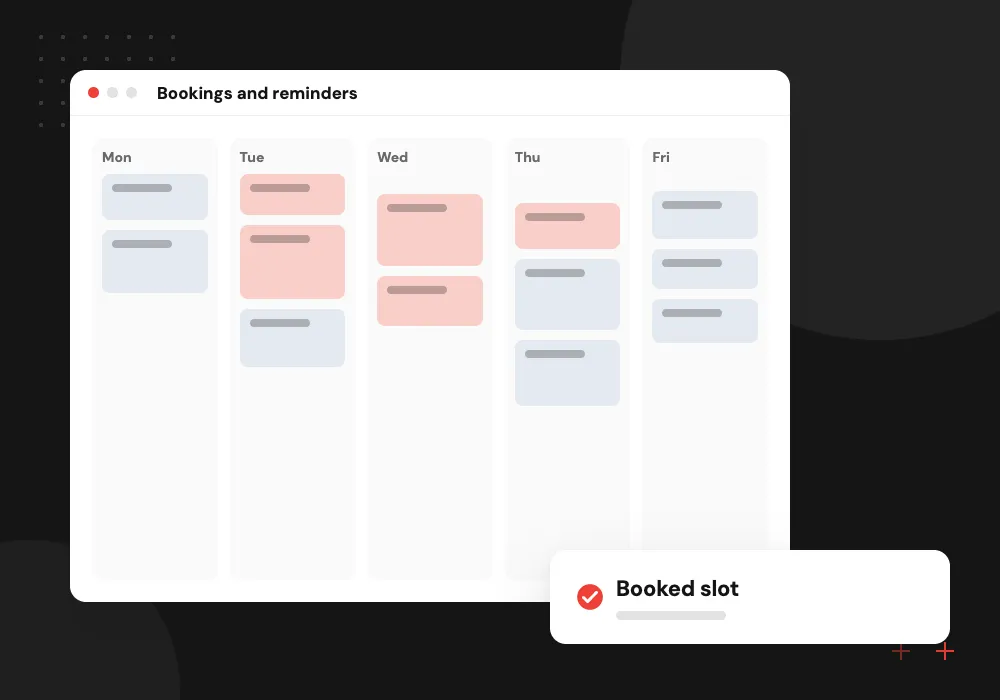
Bookings and reminders
Clients pick a time from a list message, receive a confirmation, and get an approved reminder template before the appointment.
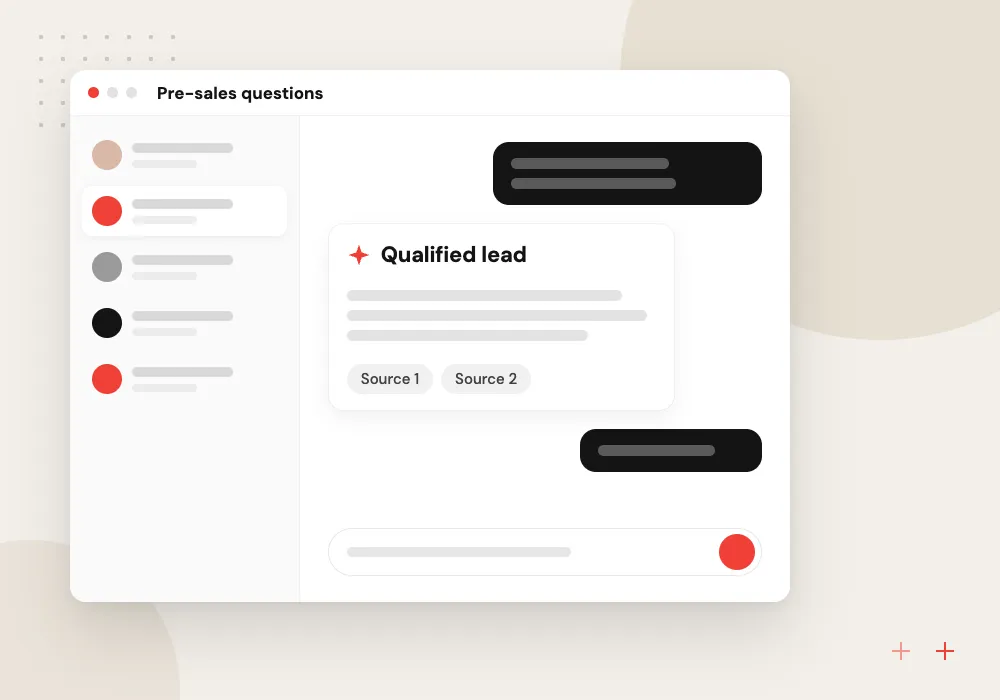
Pre-sales questions
The bot answers questions about products and service areas from content you approve, collects contact details and passes warm leads to sales.
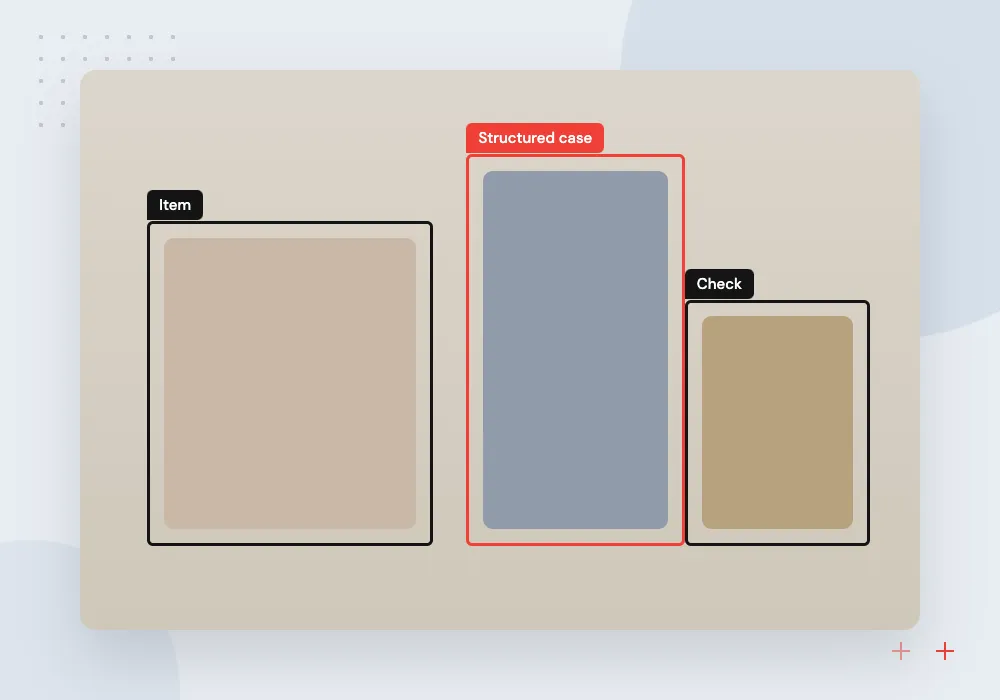
Photo and document intake
Customers send a photo of damage, a receipt or a form, and the model pulls out the details for a staff member to verify.
Order, booking and account flows
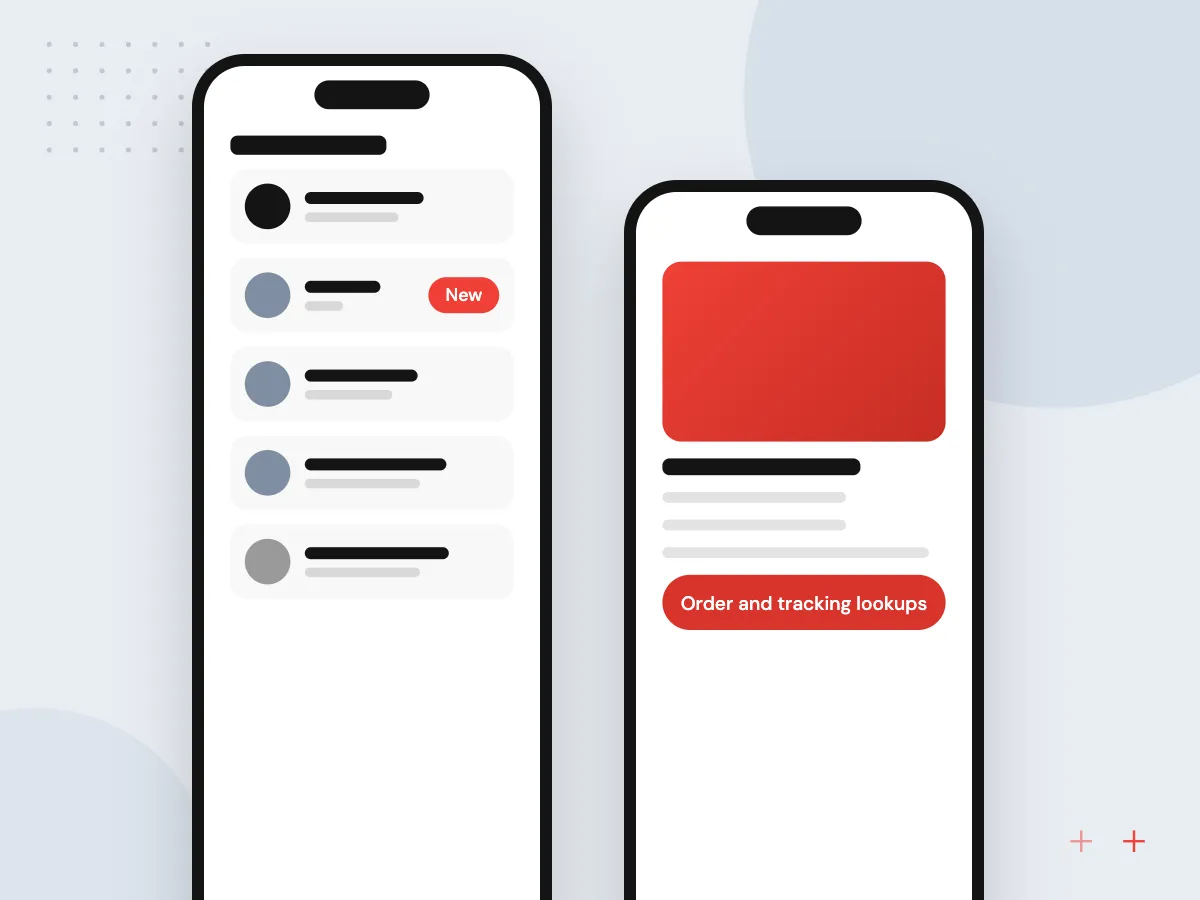
The bot is most useful when it can see your systems. We connect it to your store, booking tool or ERP so customers get real order status, open slots and account details, and we use list messages and reply buttons so people tap a choice instead of typing.
What we do
- Order and tracking lookups
- Booking through list messages
- Approved reminder templates
- Customer match by phone number
- Payment link handoff
Consent, data and handoff rules
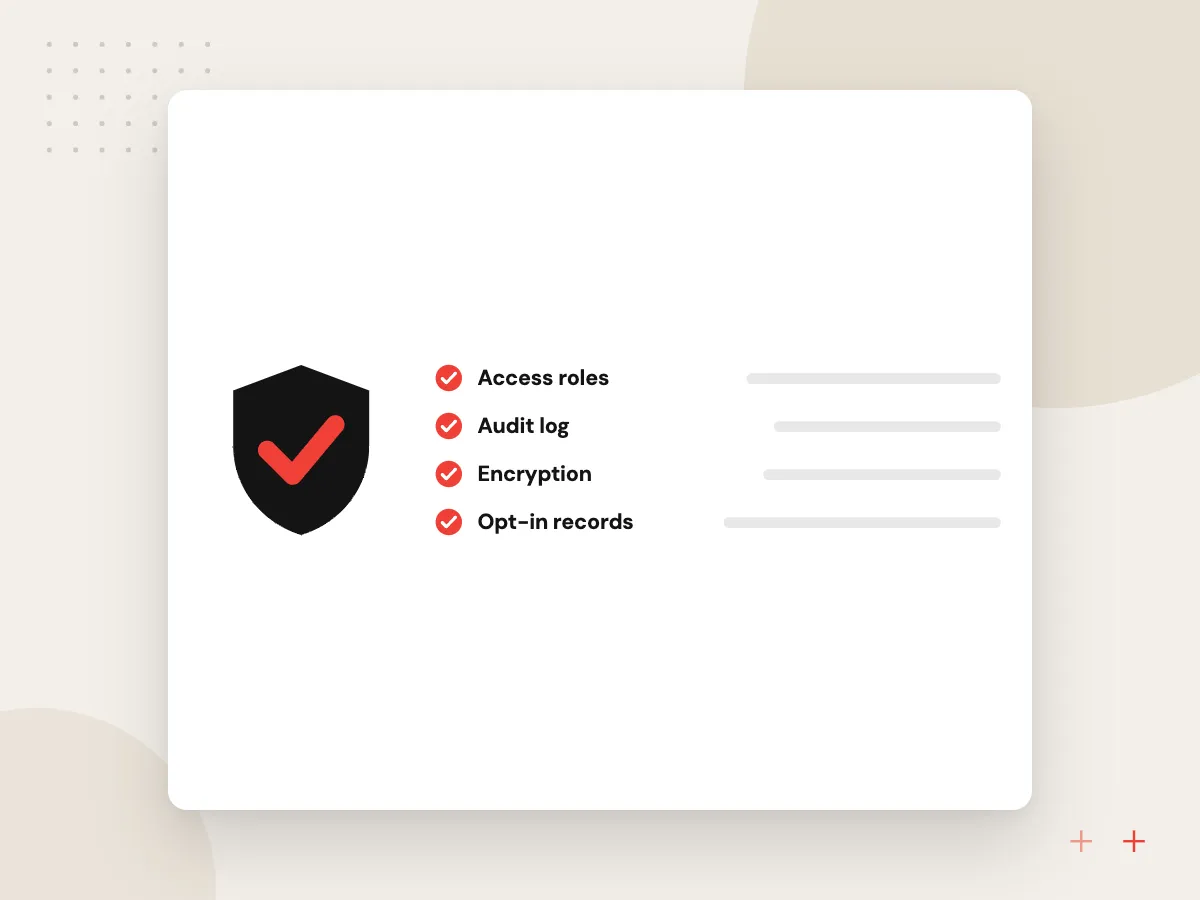
Messaging customers comes with rules. We record opt-ins, keep message logs for the period you choose, mask card numbers and IDs before text reaches the model, and send any chat about complaints, refunds or legal questions to a person with the thread attached.
What we do
- Opt-in records
- Retention you decide
- Masking before model calls
- Handoff triggers by topic
- Weekly handoff review

How we approach a project
Booking and order flows reach your scheduling tool, store or ERP through API integration services. For clinics, salons and field teams, the bot can work alongside AI appointment scheduling.
Meta’s platform terms restrict providers whose main offering on WhatsApp is AI itself and limit how platform data may train models. A chatbot serving your own customers is a different case, and we read the current terms and Meta’s Cloud API messaging guide with you before launch.
How we work
- Opt-in before any outbound message
- A person one tap away
- Answers drawn from your systems
Our Process
-

List the top message types
We sort recent customer messages from phone, email and chat into the requests that come up most often.
-

Set up the account and templates
We register the number, verify the business where needed and submit the first templates for Meta’s approval.
-

Build flows on a test number
Order lookups, bookings and handoff are tried on a test number with staff playing the customer.
-

Go live and read chats weekly
After launch we read handed-off and low-rated chats each week and fix the answers or flows behind them.
Why Aranv for WhatsApp bots
Platform rules in the design
Opt-in, the 24-hour window and template approval are handled while we design the flows, so a blocked message does not surprise you on launch day.
Live data, not canned replies
Order, booking and account answers come from your systems through secured APIs, so customers get the same facts your staff would see.
People stay reachable
Every flow has a clear route to a person, and staff see the whole conversation, so customers never repeat themselves after the handoff.
Accounts in your name
The Meta business account, phone number, templates and hosting belong to your company, which leaves you free to change providers later.
Planning WhatsApp AI Chatbot Development?
Book a 30-minute conversation with the team that would build it.
WhatsApp chatbot FAQs
-
How much does a WhatsApp AI chatbot cost to build and run?
Build cost depends on the number of flows, the systems the bot connects to, the languages and how handoff works. Running cost has two parts: Meta’s per-message charges for certain message types, and model usage for AI replies. We estimate both from your expected volume before you commit.
-
Do we need the WhatsApp Business API or is the WhatsApp Business app enough?
The WhatsApp Business app works when a few staff answer by hand. A chatbot needs the WhatsApp Business API, which adds webhooks, automation, multiple agents and links to your systems. Businesses moving to a bot use Meta’s Cloud API directly or through a messaging provider.
-
Can the WhatsApp bot message customers first?
Only with their opt-in, and only through templates Meta has approved when no conversation is open. Once a customer writes to you, a 24-hour window opens in which the bot can reply with any message type. We design reminders and updates around those rules.
-
Can the chatbot hand a conversation to a real person?
Yes. When the customer asks for a person, the bot is unsure, or the topic is a complaint or refund, the chat moves to a shared inbox or helpdesk with the full history. Staff reply from there and can pass it back to the bot afterwards.
-
Can a WhatsApp AI chatbot reply in Spanish and other languages?
Yes. The model can detect the customer’s language and answer in it, and templates can be submitted in several languages. Before launch we test answers in each language with a fluent speaker on your team, since tone matters as much as grammar.

Let’s talk about your next step
Contact Aranv to discuss your workflow, current tools, and goals. Meet with our team or send an inquiry.
Book a meeting with our team
Choose an available date and time for a 30-minute conversation about your project.
Tell us about your project
Share a few details so we can discuss a useful next step.
Prefer email? sales@aranv.com