


What Slack AI bot development includes
Aranv offers Slack AI bot development for US firms whose staff already run their working day inside Slack channels. We build bots and AI assistants that answer questions from your own documents, sort incoming requests, and create or update records in your helpdesk, CRM or project tracker without anyone leaving the conversation.
Every project starts with the Slack app itself: scopes, event subscriptions, slash commands, shortcuts and Block Kit messages with buttons and menus. We request the narrowest scopes that do the job and write down what each one is for, so your Slack admin can approve it.
The AI part is usually question answering over your documents, built as described on our RAG and knowledge search page, or a bot that takes several steps on its own, covered under AI agent development. The model provider is chosen by your data rules and the cost per answer.
From a busy channel to a working Slack bot
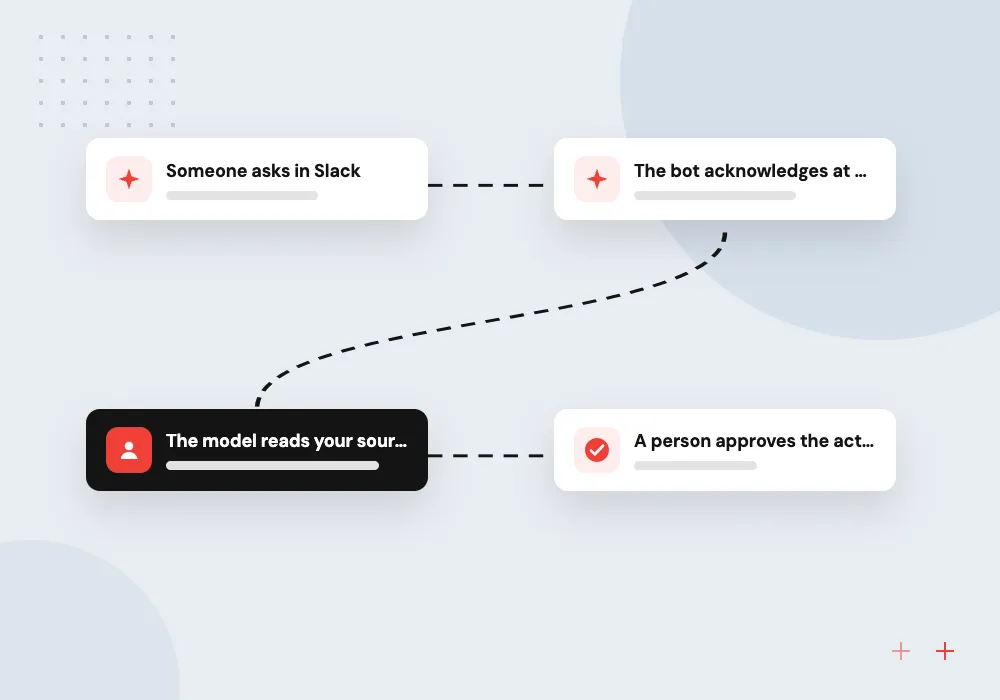
How one Slack request is handled
- 01 Someone asks in Slack A mention, slash command or shortcut sends the request to your bot.
- 02 The bot acknowledges at once Slack wants a quick reply, so lookups and model calls run in the background.
- 03 The model reads your sources Approved documents and records are searched, and the answer links to its source.
- 04 A person approves the action Buttons let a colleague confirm before a ticket, record or message is created.
The app can connect over Socket Mode from inside your network or through a public HTTPS endpoint.
Slack bots and assistants we build
Most projects start with one channel where the same questions and hand-offs come up every single day.
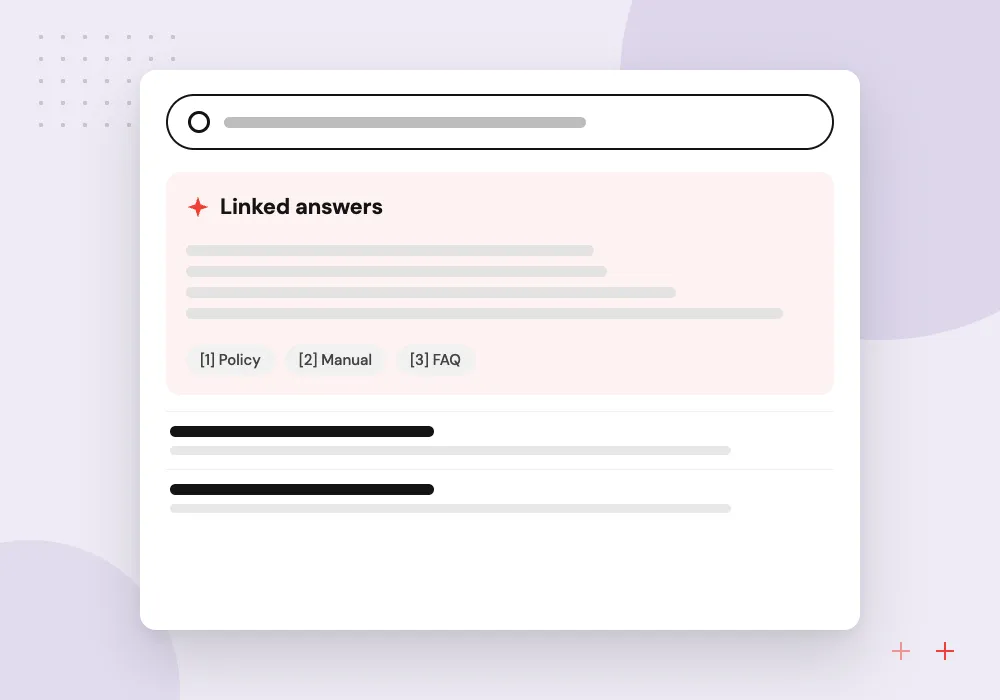
Internal knowledge assistant
Staff ask about policies, price sheets or product specs and get a short answer with a link to the page in Drive, Confluence or SharePoint.
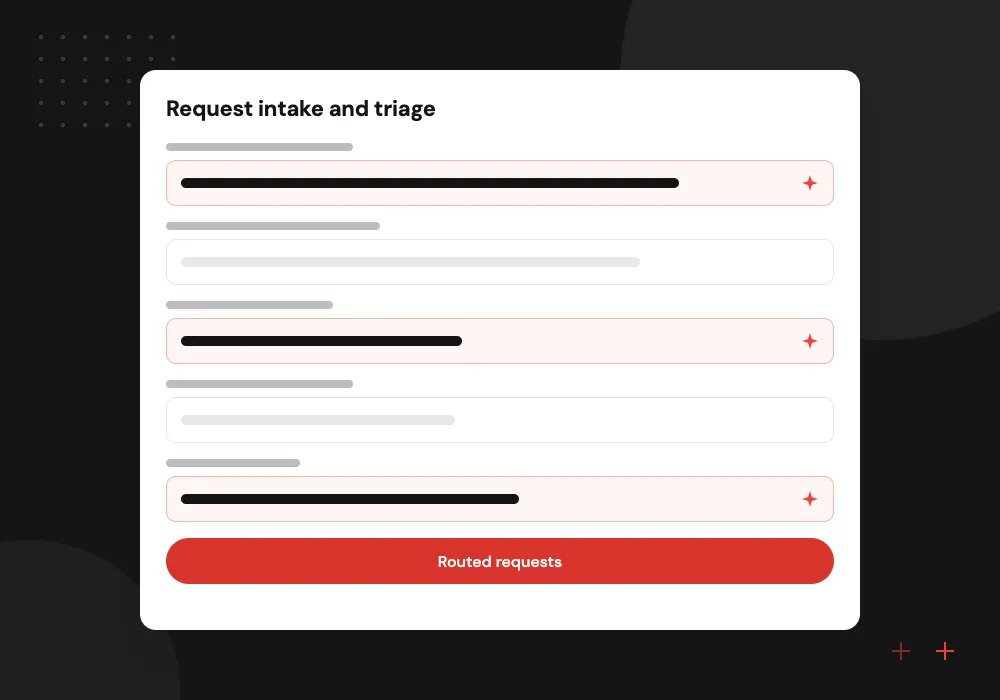
Request intake and triage
A shortcut opens a short form, the model sorts the request by type and urgency, and the bot posts it to the right team channel.
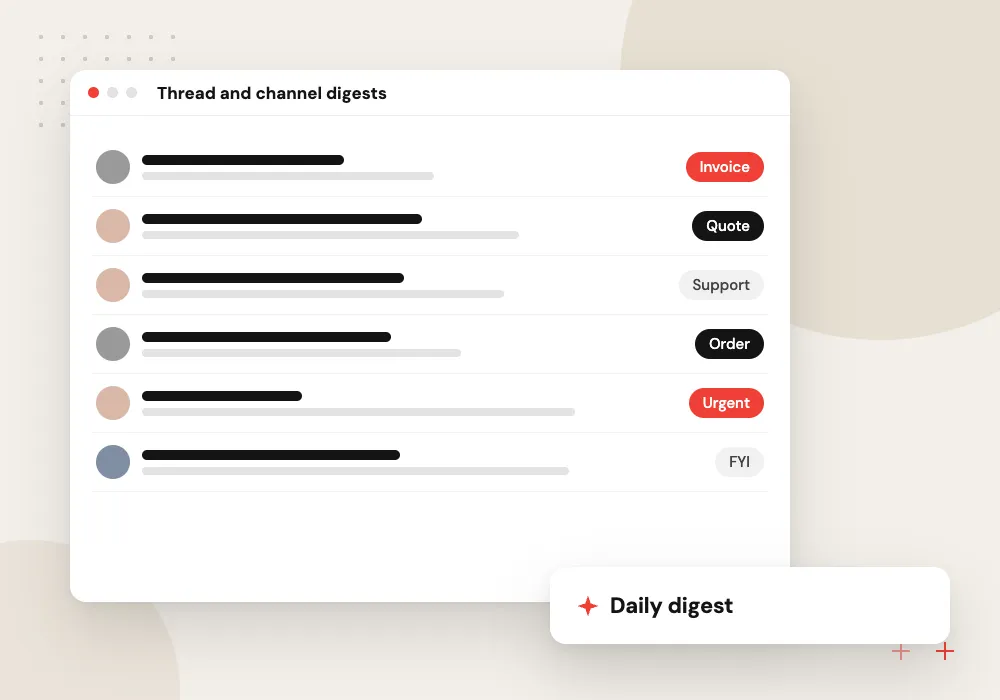
Thread and channel digests
Long incident threads or busy project channels are condensed into decisions, owners and open items for colleagues who were away.
CRM and helpdesk actions
From any message, the bot drafts a ticket, deal note or follow-up task and creates it only after someone presses approve.
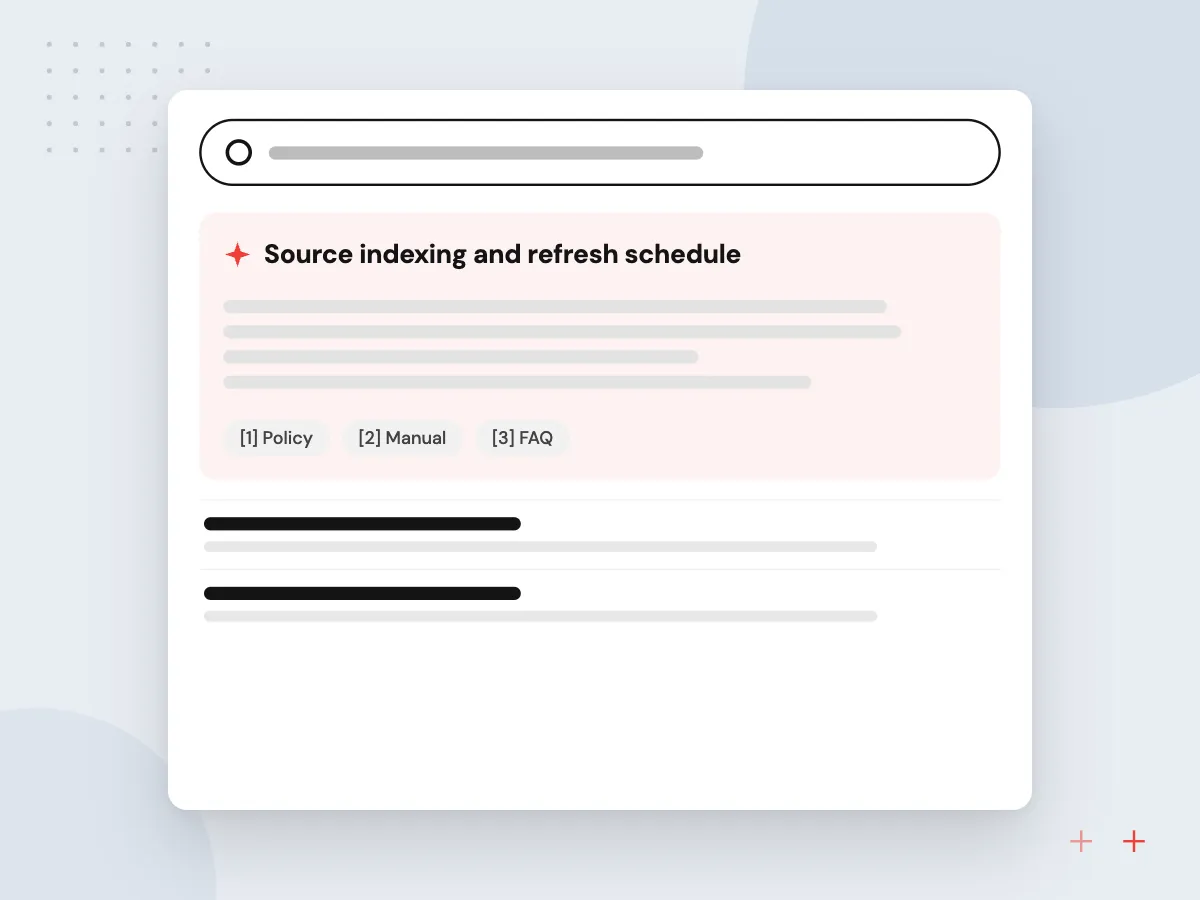
Knowledge assistant for internal questions
Staff ask in a channel or a direct message, and the assistant answers from the documents your team has approved, with a link to the exact page. Answers respect who is asking, so a question about payroll policy does not surface files that person could not open in Drive or SharePoint.
What we do
- Source indexing and refresh schedule
- Per-user permission checks
- Linked sources in every answer
- Fallback to a named owner
- Rating buttons on replies
Data handling and answer review
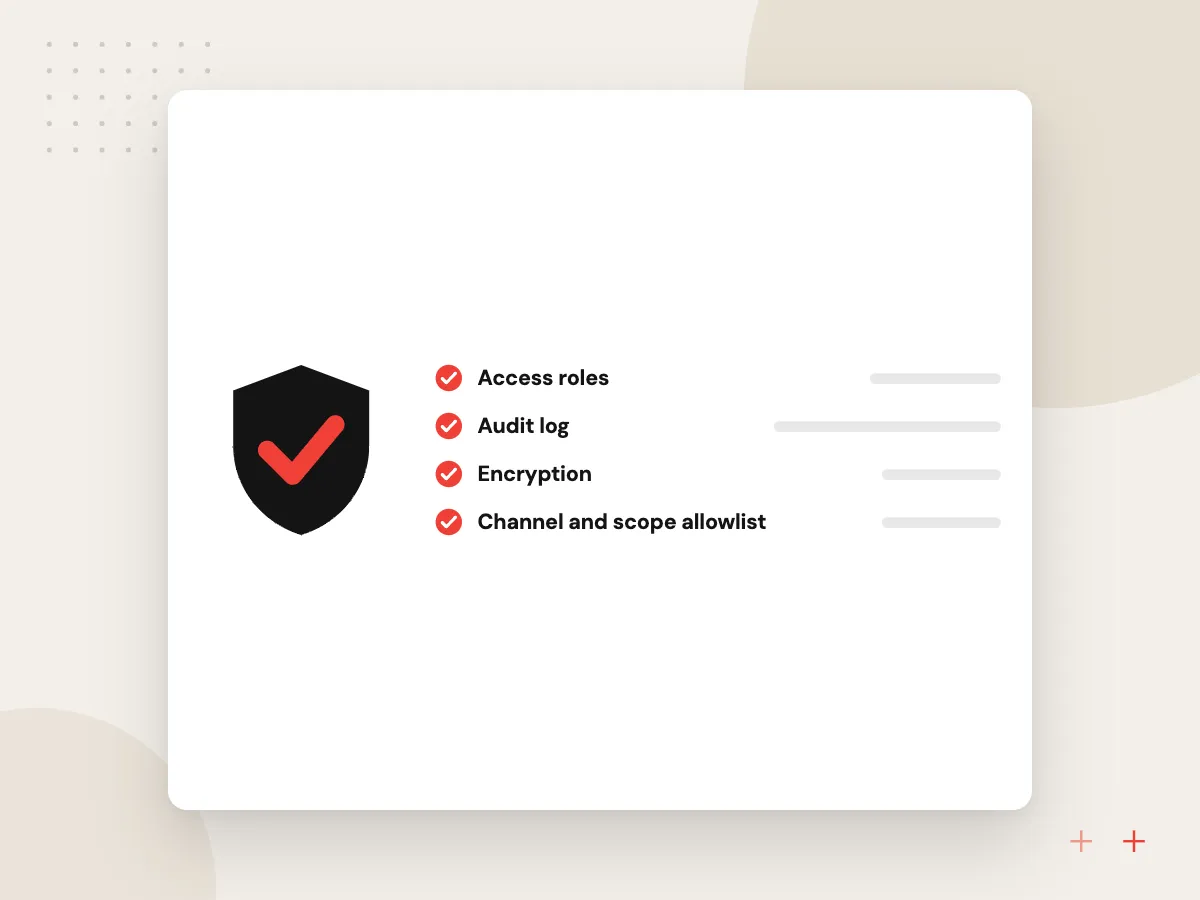
Before launch we agree which channels the bot may read, what gets logged and how long logs are kept. A weekly look at low-rated answers shows which documents are missing or out of date, and any change to prompts or sources is tested against saved questions before users see it.
What we do
- Channel and scope allowlist
- Log retention you set
- Saved test questions
- Weekly low-rating review
- Change notes for admins

How we approach a project
Bots earn their keep when they reach your other systems. We connect Slack to helpdesks, CRMs, Jira and internal databases, as in our API integration services work. If part of your company lives in Microsoft 365, the same assistant can also reach staff through Microsoft Teams bot development.
Slack’s Events API documentation sets the timing and retry rules we design around. Before any pilot, we test the bot against real questions taken from your channels.
How we work
- Answers link to the source document
- People approve changes to records
- Only the channels you choose
Our Process
-

Pick one channel and one job
With the channel owner we read a sample of recent messages and agree the single job the bot takes on first.
-

Register the app in a sandbox
We create the Slack app with minimal scopes and connect it to test copies of your sources and systems.
-

Pilot with a small group
A handful of colleagues use the bot for a few weeks while we log answers and ratings, fill source gaps and adjust prompts.
-

Widen access and report
The bot joins more channels, and a monthly report lists questions asked, poorly rated answers and actions approved or rejected.
Why Aranv for Slack bots
Narrow scopes by default
We request only the Slack permissions the bot needs, explain each one in writing, and remove unused scopes after the pilot so your admin has less to review.
Answers you can check
Each reply links to the passage it used. When the sources do not cover a question, the bot says so and names who to ask instead of making something up.
Actions behind a button
Anything that changes data in your CRM, helpdesk or tracker waits for a person to press approve, and each approval is logged with the user and time.
Your workspace, your accounts
The Slack app, hosting and model API keys sit in accounts you own, so switching vendors or moving support in-house never means rebuilding the bot.
Planning Slack AI Bot Development?
Book a 30-minute conversation with the team that would build it.
Slack bot development FAQs
-
How much does Slack AI bot development cost?
Cost depends on how many systems the bot reads from or writes to, how many request types it handles, whether answers need per-user permission checks, and the model usage your message volume creates. After a short discovery we give a written estimate for a first version covering one channel and one job.
-
Can a Slack bot answer questions from our own documents?
Yes. We index the documents you approve, such as policies, product sheets or support notes, and the bot answers from those passages with a link back. If nothing relevant turns up, it says so and points the person to a human owner instead of guessing.
-
Is our Slack data used to train AI models?
Not by us. We choose model providers and API settings where your inputs are not used for training, confirm that in their current terms, and keep only the logs you agree to. Your Slack admin decides which channels the bot can read at all.
-
Should we use Slack’s built-in AI or build a custom Slack AI assistant?
Slack’s own AI features suit summaries and search across Slack messages. A custom assistant makes sense when answers must come from systems outside Slack, when the bot has to create records in your CRM or helpdesk, or when you need control over the model, prompts and logs.
-
Who owns the Slack app and code once it is built?
You do, under contract terms agreed before work starts. The app is registered in your workspace, the code sits in your repository, and hosting and model accounts belong to your business, which lets you change vendors or bring maintenance in-house later.

Let’s talk about your next step
Contact Aranv to discuss your workflow, current tools, and goals. Meet with our team or send an inquiry.
Book a meeting with our team
Choose an available date and time for a 30-minute conversation about your project.
Tell us about your project
Share a few details so we can discuss a useful next step.
Prefer email? sales@aranv.com