


What POS software development includes
Aranv offers POS software development for US retailers, restaurants and service counters: custom point of sale apps on tablets and terminals, or extensions to the POS you already run, with certified payment terminals, offline sales, inventory sync, loyalty and reporting connected to your back office.
A point of sale system takes orders and payments, but its value sits in what it connects to: stock, customers, staff hours and the books. Packaged POS products suit many shops and restaurants. A custom POS, or a custom layer around an existing one, fits when you sell in ways those products handle poorly, run several brands under one roof, or need the checkout to share data with your own systems. We build it within our custom software development practice.
Payments are integrated, not rebuilt. Processor terminals and APIs are connected through our payment gateway integration work, and the PCI Security Standards Council publishes the standard that card handling must meet.
What a point of sale system has to get right
Quick at the counter, accurate in the books
- 01 Watch a busy shift We time real transactions and note every workaround staff use at peak.
- 02 Choose extend or build Add to your current POS through its API, or build a custom app.
- 03 Integrate payments safely Certified terminals handle card data, so card numbers stay out of your software.
- 04 Pilot one location One store or restaurant runs the system before every site switches.
The checkout must keep selling when the internet drops, so offline mode is designed in from the start.
Point of sale app development we take on
Extending a POS you already like is often cheaper than replacing it, so we look at that option first.
Custom POS for specialty retail
Checkout for stores with made-to-order items, rentals, deposits, trade-ins or serialized goods that standard POS apps handle only with workarounds.
Restaurant ordering and kitchen
Table and counter ordering on tablets, modifiers and courses, kitchen display screens, and split checks that follow how your servers actually work.
POS extensions and integrations
Apps and back-office links for an existing POS: inventory sync, accounting exports, online ordering and multi-store reports through the vendor’s API.
Loyalty, gift cards, accounts
Points, stored value and house accounts tied to customer profiles, shared across in-store, online and phone orders.
Payments, PCI scope and offline sales
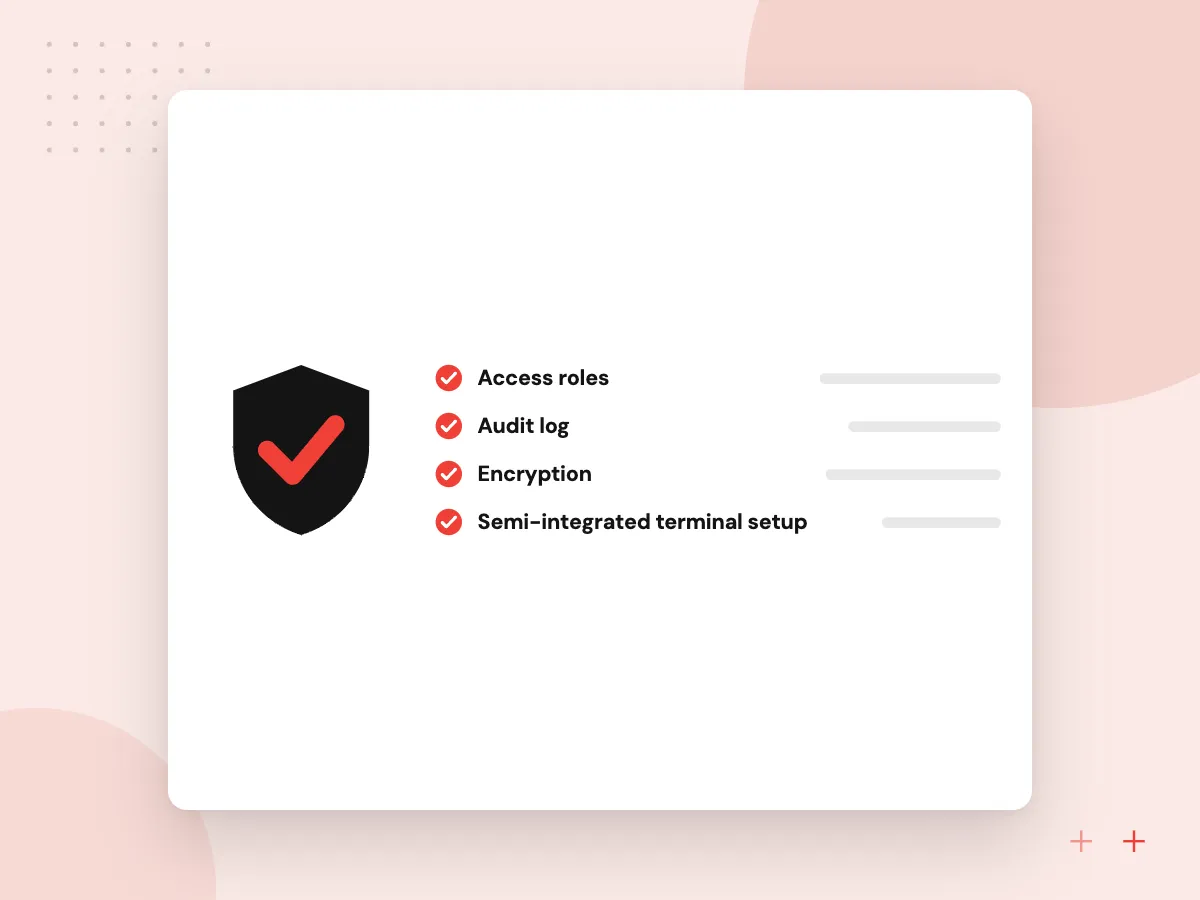
We connect the POS to your processor’s payment terminals in a semi-integrated setup, so card numbers travel from the terminal to the processor and your software receives only the result. That reduces how much of your system falls in PCI DSS scope. When the connection drops, the till keeps recording sales and syncs them once it returns.
What we do
- Semi-integrated terminal setup
- Tips, split tenders and refunds
- Offline sales queue
- End-of-day reconciliation
- Receipt printers and cash drawers
AI features for stores and restaurants
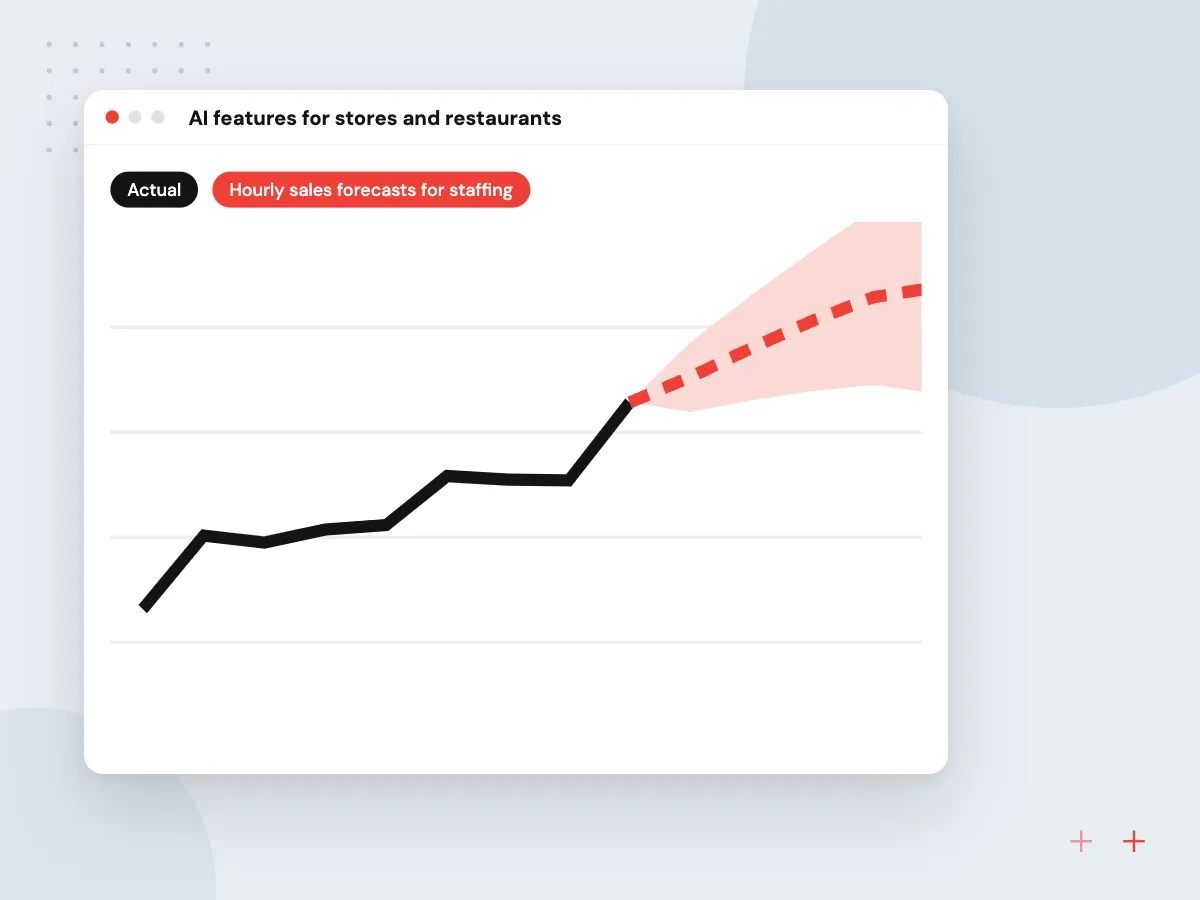
POS data records exactly what sold, when and alongside what. We use it to forecast busy hours for scheduling, suggest add-ons at checkout, flag refund and void patterns that need a manager’s look, and answer questions such as last month’s best sellers by location. Managers see the reasons behind each suggestion.
What we do
- Hourly sales forecasts for staffing
- Basket-based add-on prompts
- Refund and void anomaly alerts
- Plain-English sales questions
- Weekly summaries by location

How we approach a project
Stock levels update with every sale through our inventory management software, and online orders can share the same catalog through Shopify. Restaurants will find more on our food and beverage page, and shops on our retail and eCommerce page.
For AI beyond the register, such as phone ordering or review analysis, see AI for restaurants and AI for retailers.
How we work
- Seconds matter at the counter
- Card data stays with the processor
- Every sale reaches the books
Our Process
-

Shift observation and interviews
We watch busy and quiet periods, then talk with cashiers, servers, managers and the bookkeeper.
-

Hardware and processor plan
Terminals, printers and devices are chosen with your processor, and test units are ordered.
-

Build with bench testing
Each release is tried on the full hardware set before it reaches a store.
-

Pilot site, then rollout
One location runs live for an agreed period, fixes go in, then other sites follow.
Why Aranv for POS projects
We work the counter first
Requirements come from timing real sales at your busiest hour, so the screens put the most common actions one tap away.
Payments through your processor
We integrate with the processor you choose and its certified terminals, which avoids storing card numbers and keeps your PCI scope as small as practical.
Hardware tested before rollout
Printers, scanners, scales, cash drawers and kitchen screens are tested together on the bench before a store opens with them.
Back office in sync
Sales, taxes, tips and refunds post to your accounting package and inventory system each day, with a reconciliation report finance can check.
Planning POS Software Development?
Book a 30-minute conversation with the team that would build it.
POS software FAQs
-
Should we build a custom POS or extend the one we have?
Extend first if your current POS has an open API and handles payments well; adding apps and integrations around it usually costs less. Build when the sale itself works differently from what the product supports, or when per-terminal fees and add-on charges keep rising across many locations.
-
How do you handle PCI compliance in a custom POS?
We keep card data out of your software by using your processor’s certified terminals in a semi-integrated setup, so the POS receives only approval results and tokens. That narrows your PCI DSS scope, though your business still validates its compliance as your processor requires.
-
Can a custom POS keep working offline?
Yes, and it should. The app stores sales locally when the connection drops and syncs them once it returns. Whether card payments can be accepted offline depends on your processor and terminal settings, which we confirm before launch.
-
What hardware does a custom POS run on?
Usually iPads, Android tablets or Windows terminals, plus receipt printers, cash drawers, barcode scanners and payment terminals. Restaurants add kitchen display screens. We prefer hardware your processor supports and test the full set together before rollout.
-
What affects the cost of POS software development?
Whether you extend an existing POS or build new, the number of sale types and locations, hardware, payments, loyalty and accounting links, and reporting needs. We estimate after watching a few shifts, with a pilot location as the first phase.

Let’s talk about your next step
Contact Aranv to discuss your workflow, current tools, and goals. Meet with our team or send an inquiry.
Book a meeting with our team
Choose an available date and time for a 30-minute conversation about your project.
Tell us about your project
Share a few details so we can discuss a useful next step.
Prefer email? sales@aranv.com