


What our n8n automation services include
Aranv provides n8n automation services for US small and midsize businesses that want workflow automation they can host and inspect themselves. Our n8n developers build workflows and n8n AI agents that connect your CRM, inbox, ERP and databases, with error handling, logging and documentation your team can maintain.
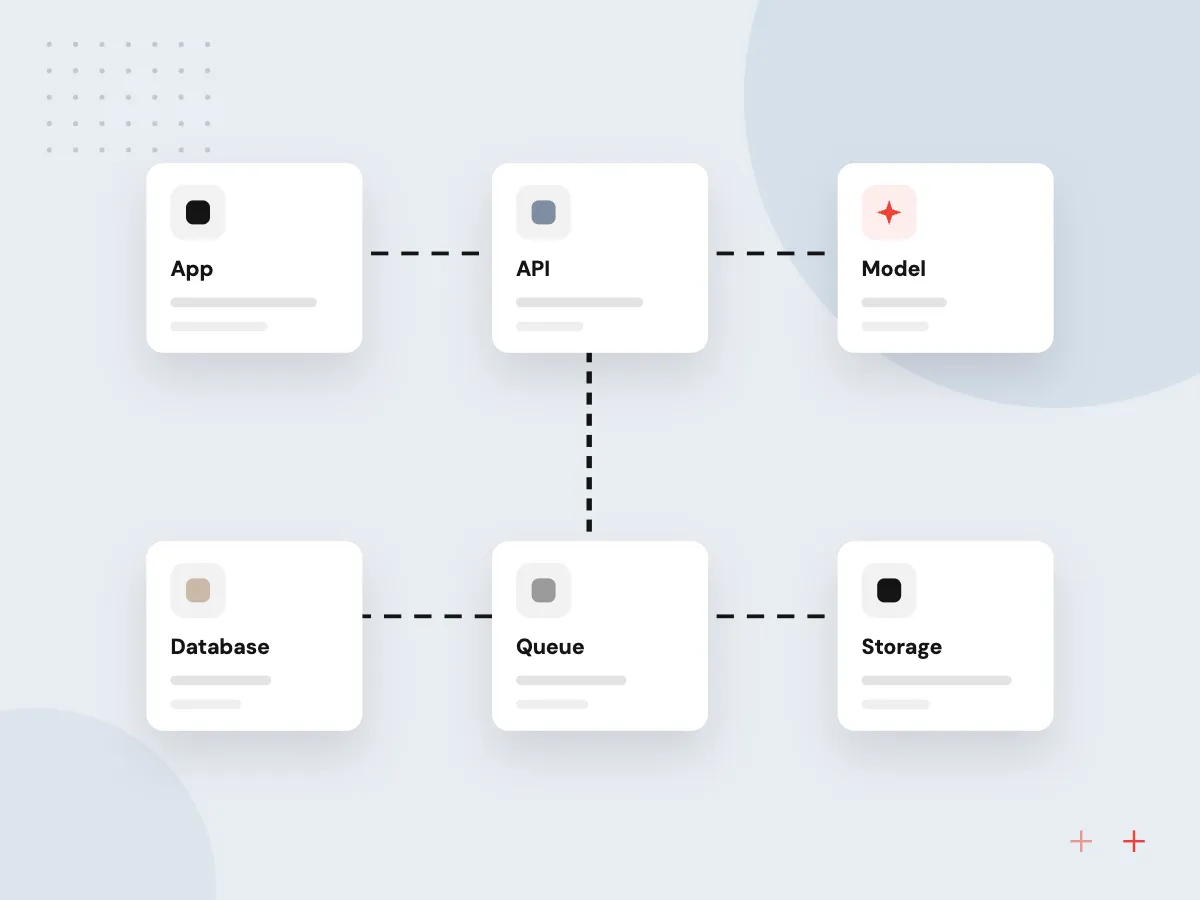
We install n8n on your cloud with Docker, a Postgres database, backups and HTTPS, following the n8n hosting documentation, or set up n8n Cloud if you would rather not host it. For heavier loads we configure queue mode with separate workers so long runs do not block new ones.
Workflows follow our AI workflow automation practice: map one process, then automate it. AI steps use the models and prompts covered under AI integration services, and agents that plan several steps follow our agentic AI development methods.
How an n8n workflow runs in production
One trigger, many steps, every run logged
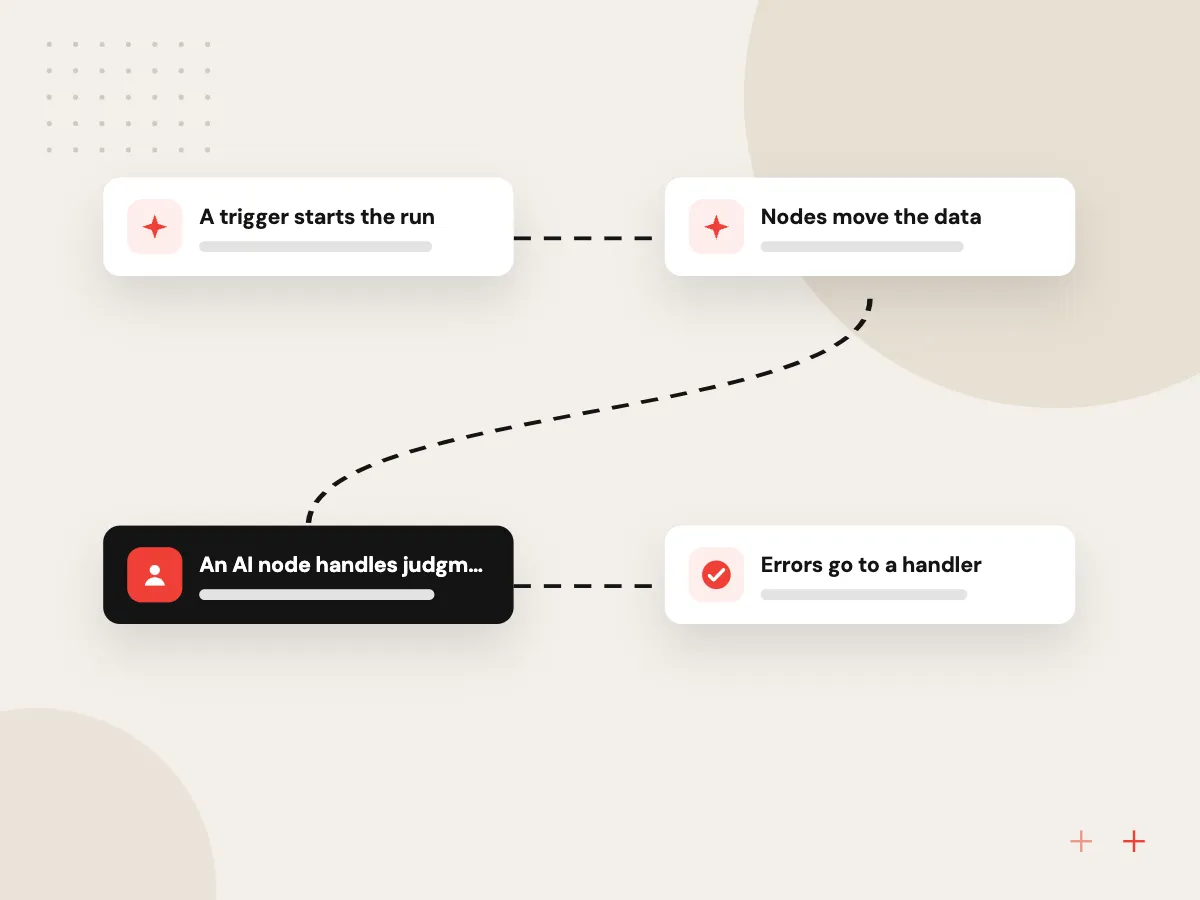
- 01 A trigger starts the run A webhook, schedule, form or new email starts the workflow.
- 02 Nodes move the data Built-in nodes and HTTP requests read and write your business systems.
- 03 An AI node handles judgment An AI agent classifies, extracts or drafts, using only the tools it is given.
- 04 Errors go to a handler Failed runs trigger an error workflow that alerts a person with details.
Self-hosted n8n keeps data and credentials on infrastructure you control; n8n Cloud trades that for less upkeep.
n8n workflows and AI agents we build
n8n fits teams that like visual workflows but also need code, self-hosting or AI steps under their own control.
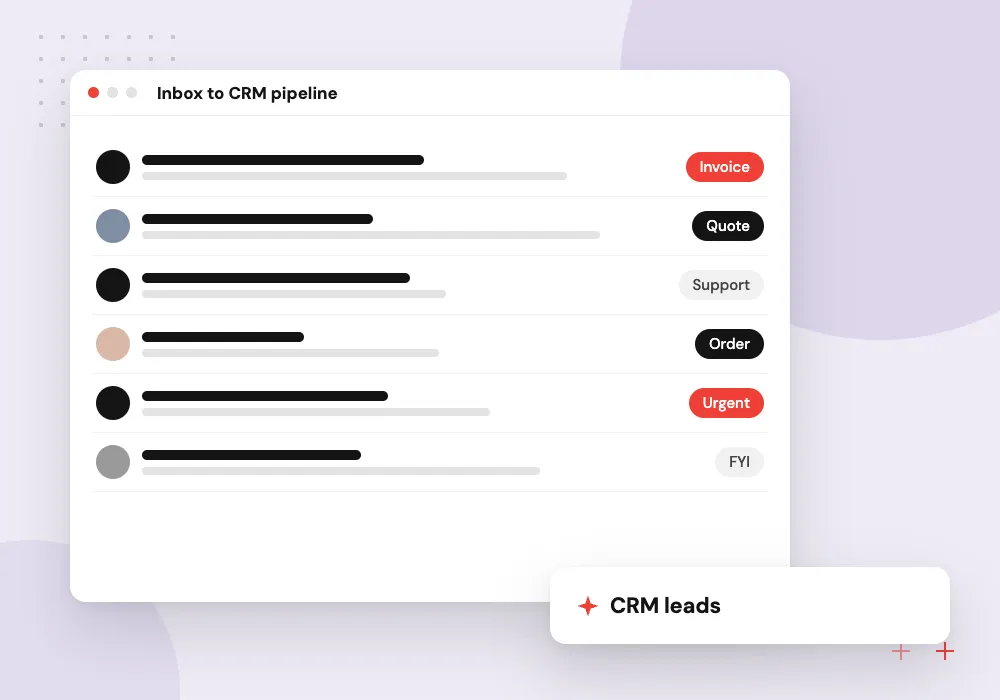
Inbox to CRM pipeline
New inquiries from email and web forms are read by an AI step, matched to existing contacts and created as leads with a summary.
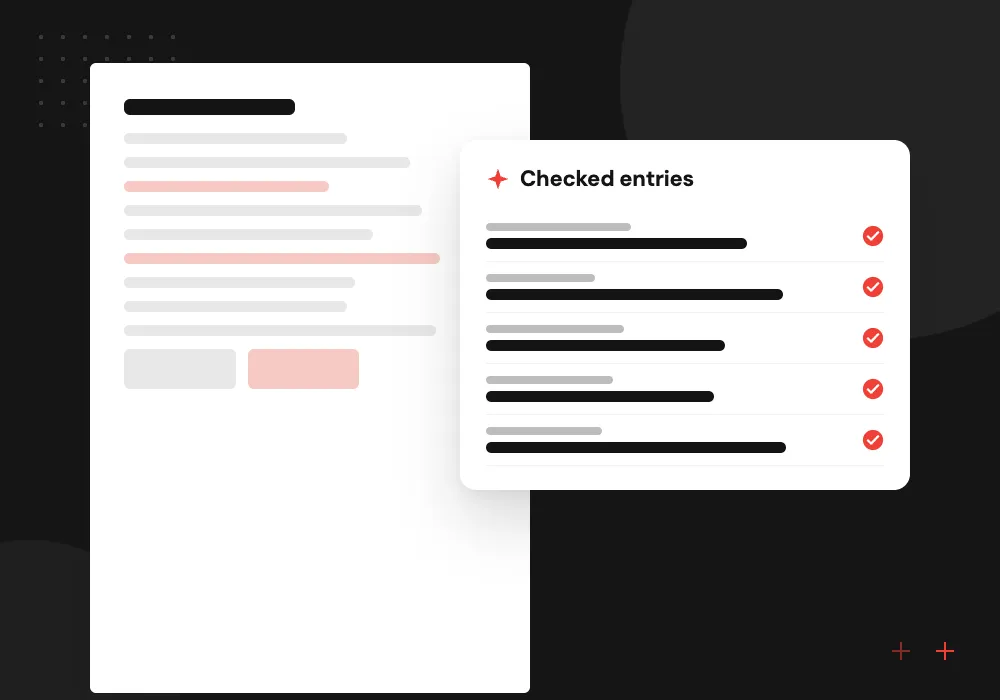
Document extraction flow
Invoices and order forms arriving by email are parsed, checked against your rules and sent to accounting or the ERP for approval.
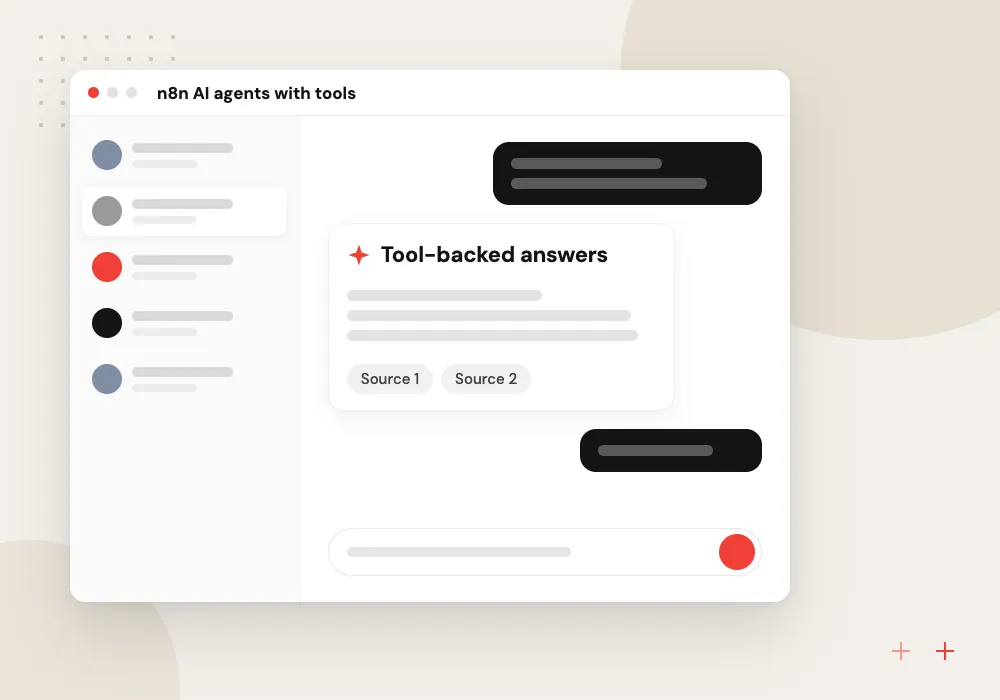
n8n AI agents with tools
An agent answers internal requests by calling approved tools, such as a database query or ticket lookup, and asks a person before risky steps.
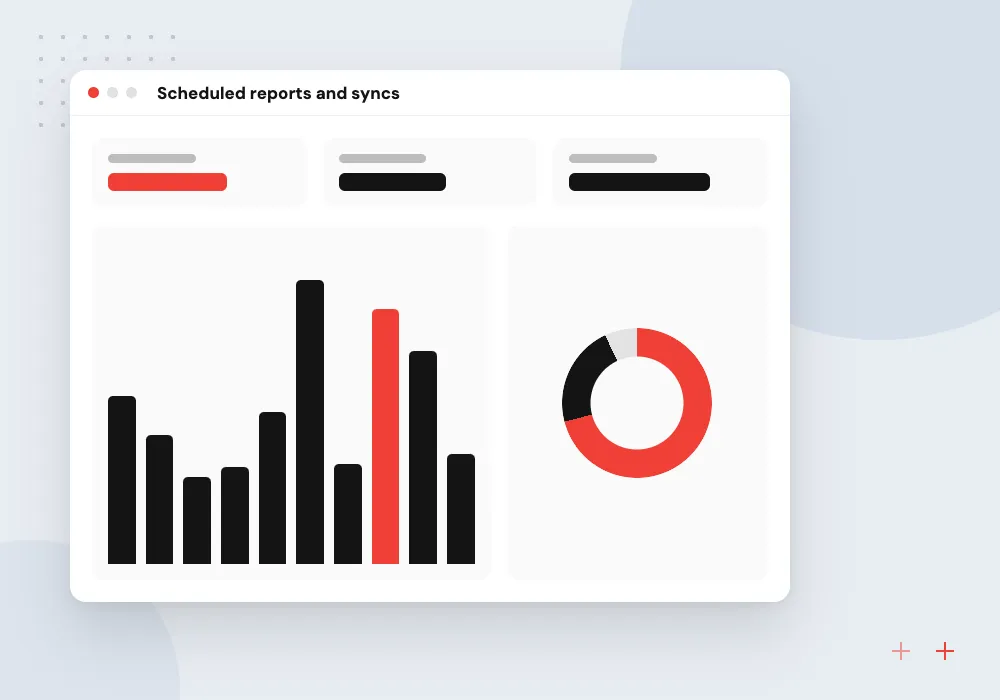
Scheduled reports and syncs
Nightly jobs pull data from your store, ad accounts and finance tools into one database and post a short summary to the team.
Self-hosted n8n set up properly
A self-hosted instance is only as good as its setup. We deploy n8n with Postgres, encrypted credentials, HTTPS, backups and user roles, turn on queue mode when volume calls for it, and test each new n8n release on staging before it touches production workflows.
What we do
- Docker deployment on your cloud
- Postgres and scheduled backups
- Queue mode with workers
- SSO and roles where licensed
- Staged upgrade testing
AI steps with logs and limits
AI nodes get the same care as any other step. We give each agent a narrow set of tools, keep prompts in version control, set execution data retention to match your audit needs, and route uncertain or high-risk results to a person through a wait-for-approval step.
What we do
- Narrow tool list per agent
- Prompts under version control
- Execution retention you choose
- Approval before risky actions
- Error workflow with alerts

How we approach a project
When a system has no n8n node, we use HTTP requests or build a small API for it, the same work our API integration services team does daily. If you are weighing n8n against a fully coded integration, we lay out the trade-offs in hosting, upkeep and licensing.
n8n is fair-code licensed. The Community edition runs without a license key, while Business and Enterprise editions add features for larger teams, and we check what the license allows if you plan to offer workflows to your own customers.
How we work
- Credentials kept apart from workflows
- Every failure reaches a person
- Workflows your staff can read
Our Process
-

Map the process and systems
We list each step, the system it touches, the credentials needed and what should happen when a step fails.
-

Set up the instance
We deploy n8n with backups, HTTPS and user roles, or configure your n8n Cloud workspace, before any workflow is built.
-

Build with test data
Workflows run against test accounts and sample records, with pinned data so each node can be checked on its own.
-

Hand over with a runbook
Your team gets documentation, an error-handling guide and a walkthrough, and we can stay on for monitoring and changes.
Why Aranv for n8n
Workflows a person can follow
We name nodes clearly, add sticky notes for business rules and split long flows into sub-workflows, so your staff can see what happens and why.
Failures never go quiet
Every production workflow has an error workflow that alerts a named person with the failed step and its data, so problems are seen quickly.
Code where it helps
We use Code nodes or small external services for logic that would take dozens of visual nodes, keeping each workflow short and testable.
Your instance, your data
The server, database, credentials and workflow exports belong to you, and we document everything another developer would need to take over.
Planning n8n Automation Services?
Book a 30-minute conversation with the team that would build it.
n8n automation FAQs
-
How much do n8n automation services cost?
Cost depends on the number of workflows, how many systems need custom connections, whether AI steps are involved, and whether we host and monitor n8n for you. Any n8n license or cloud plan is billed separately by n8n. We estimate per workflow after mapping the processes with you.
-
Should we self-host n8n or use n8n Cloud?
Self-host when data must stay in your own cloud, when you need custom nodes or network access to internal systems, or when someone can own updates. n8n Cloud suits teams that want less upkeep and are comfortable with their data being processed in n8n’s hosted service.
-
What can n8n AI agents do?
An n8n AI agent uses a language model to decide which connected tools to call, such as a database query, a CRM lookup or a web request, and in what order. We limit each agent to the tools it needs and add an approval step before anything that sends, deletes or pays.
-
Do we need an n8n developer to maintain workflows?
A trained staff member can handle simple changes such as editing a message or adding a field. Code nodes, custom integrations, upgrades and queue mode are better left to an n8n developer, whom we can provide on a support plan, or we can train someone on your team.
-
How does n8n compare with Zapier or Make?
All three connect apps through visual workflows. n8n stands out when you want to self-host, write code inside workflows, run AI agents on models you choose, or control costs when runs are frequent. Zapier and Make can be simpler for small, standard app-to-app tasks.

Let’s talk about your next step
Contact Aranv to discuss your workflow, current tools, and goals. Meet with our team or send an inquiry.
Book a meeting with our team
Choose an available date and time for a 30-minute conversation about your project.
Tell us about your project
Share a few details so we can discuss a useful next step.
Prefer email? sales@aranv.com