


What Firebase development services include
Aranv provides Firebase development services for startups and small businesses building mobile and web apps: Firestore data models and security rules, Firebase Authentication, Cloud Functions, hosting and push messages, plus Gemini features through Firebase AI Logic, all in a project you own.
Firestore design decides whether a Firebase project stays cheap and fast. Because reads are billed per document, we shape collections so each screen loads with few reads, copy data where it saves queries, and avoid listeners that pull more than the user sees. The free quota covers 50,000 reads a day, which a careless design can burn through quickly.
Security rules are the access layer, since apps talk to Firestore and Cloud Storage directly. We write rules for each role, test them with the Firebase Local Emulator Suite in CI, and keep sensitive work such as payments in Cloud Functions. Push messages go through Firebase Cloud Messaging, and Crashlytics reports crashes from the field.
What a Firebase back end gives your app
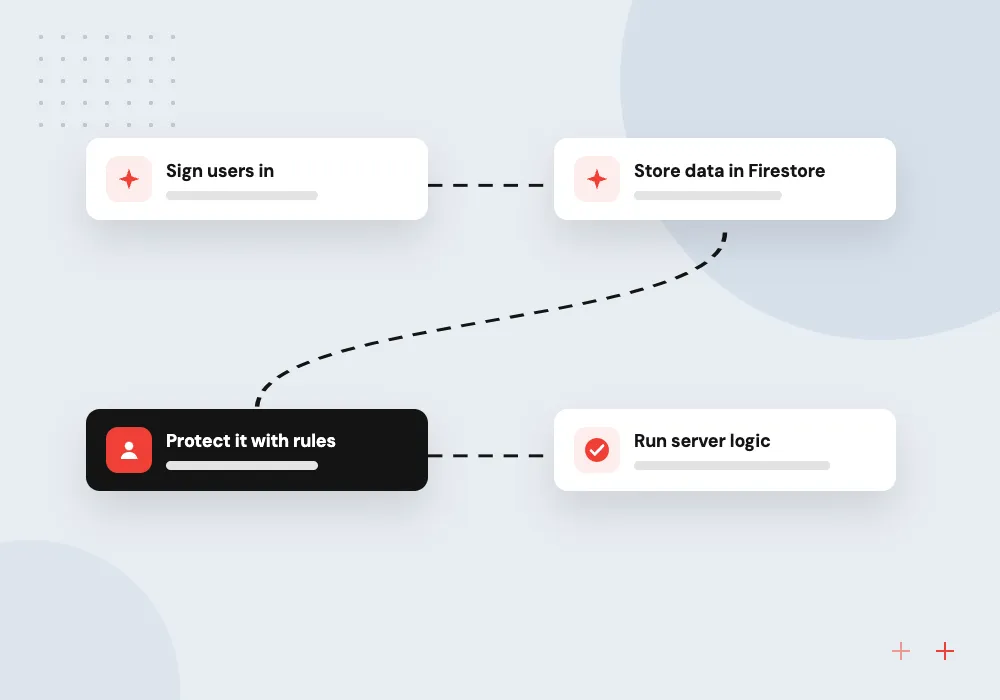
From sign-in to synced data
- 01 Sign users in Firebase Authentication handles email, phone, Google and Apple sign-in.
- 02 Store data in Firestore Documents sync to devices in real time and keep working offline.
- 03 Protect it with rules Security rules decide who may read and write each document.
- 04 Run server logic Cloud Functions react to data changes, payments and schedules.
Every Firebase project is also a Google Cloud project, so you can grow into other Google Cloud services.
Firebase app development we do
Firebase gives a mobile or web app sign-in, synced data and server logic without anyone running servers.
Firestore app back ends
Collections and documents designed around each screen, with real-time listeners for chat, orders or job status and offline support on phones.
Authentication and user roles
Sign-in by email, phone, Google or Apple, with custom claims for roles such as admin, staff and customer enforced in security rules.
Cloud Functions and integrations
Server code that takes payments, sends emails, syncs records to your CRM and runs nightly clean-up, triggered by data changes or a schedule.
Firebase AI Logic features
Gemini model calls from your app for summaries, chat and photo descriptions, with App Check helping block requests that do not come from your app.
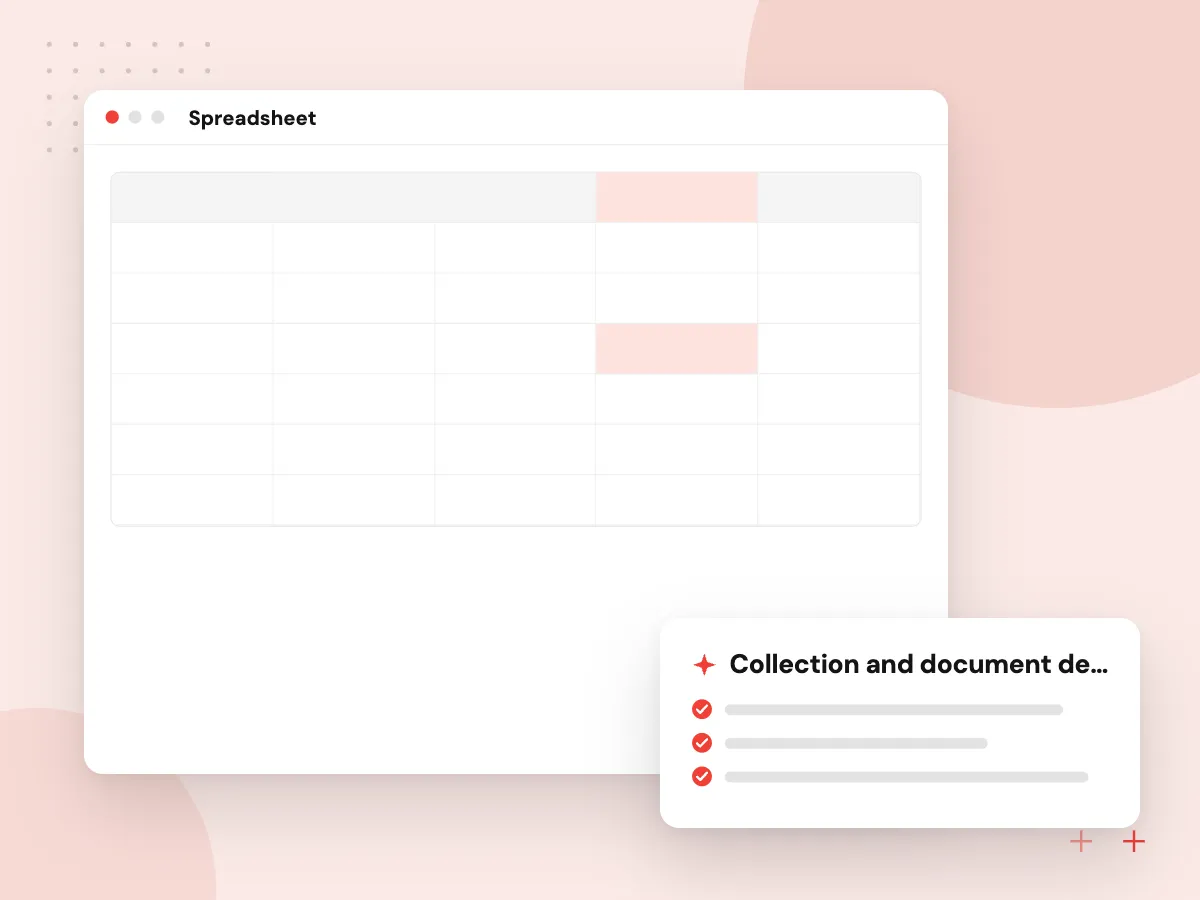
Firestore data models and security rules
We sketch every screen, list the reads and writes it needs, and design collections to match. Rules are written alongside the model, not after it, and tested in the Local Emulator Suite on each pull request. Composite indexes, document size limits and read costs are checked before launch, while changes are still cheap.
What we do
- Collection and document design
- Role-based security rules
- Emulator tests in CI
- Composite index planning
- Read cost estimate per screen
Gemini features with Firebase AI Logic
Firebase AI Logic lets a mobile or web app call Gemini models through Firebase SDKs instead of a custom server. We use it for features such as summarizing a user’s notes, drafting replies or describing a photo, add App Check and usage limits, and log prompts and outputs so you can review quality and cost.
What we do
- Use case and prompt design
- Firebase AI Logic SDK setup
- App Check and usage limits
- Output review and logging
- Fallback when the model is unavailable
How we approach a project
Firebase pairs well with Flutter app development and native mobile builds. When an app needs relational reporting or SQL, we compare it with Supabase development and can move data either way.
For AI, Firebase AI Logic lets the app call Gemini models through Firebase client SDKs, with App Check protecting the endpoint from unauthorized clients. Deeper model work follows our Gemini API integration practice.
Firebase runs on Google Cloud, so a project can grow into Cloud Run, BigQuery and the services on our Google Cloud development page. See the full technologies list for other back ends.
How we work
- Security rules written and tested first
- Data shaped for the app’s screens
- A clear exit if you outgrow Firebase
Our Process
-

Map screens and data
We list each screen, the data it shows, who may see it and how often it changes.
-

Design model and rules
Collections, indexes and security rules are drafted together and checked against each user role.
-

Build against the emulator
Features are built and tested locally in the Emulator Suite before they reach the shared project.
-

Launch and watch usage
Releases go to a staging project, then production, and we review reads, errors and crashes weekly at first.
Why Aranv for Firebase
Read costs designed in
We estimate document reads per screen and per active user before launch, so a growing user base does not bring an unexpected bill.
Rules tested like code
Security rules live in the repository and run against emulator tests on every change, because one loose rule can expose every record in a collection.
Mobile and back end together
The same team builds the Flutter, iOS, Android or web app and the Firebase back end, so data models and screens are designed side by side.
An exit path if needed
Business logic sits in Cloud Functions and data exports are kept clean, so moving part of the app to Postgres later is a project, not a rewrite.
Planning Firebase Development Services?
Book a 30-minute conversation with the team that would build it.
Firebase development FAQs
-
How much do Firebase development services cost?
The build depends on screens, user roles, integrations and AI features. Running costs depend on document reads and writes, storage and function runs; small apps may stay inside the free quota, while busy ones pay per use. We estimate both from your expected users.
-
Is Firestore a good database for our app?
Firestore suits apps with real-time updates, offline use on phones and data read screen by screen, such as chat, orders, bookings or job tracking. It is weaker at ad hoc reporting across many collections; for that we export to BigQuery or consider a SQL back end.
-
Firebase or Supabase: which should we choose?
Firebase brings mature mobile SDKs, offline sync, push messaging and Google Cloud underneath. Supabase brings a full Postgres database with SQL, joins and row-level security. Mobile-first apps with simple data relations lean to Firebase; relational data and reporting lean to Supabase.
-
Are Firebase apps secure?
They are as secure as their security rules. Because apps reach the database directly, rules must check who the user is and what they may touch in every collection. We write and test rules per role and keep sensitive logic on the server in Cloud Functions.
-
Who owns the Firebase project?
Your business does. We create the project under your Google account or organization, add our team with limited roles, and hand over billing, source code and configuration, so you keep control if you change developers.

Let’s talk about your next step
Contact Aranv to discuss your workflow, current tools, and goals. Meet with our team or send an inquiry.
Book a meeting with our team
Choose an available date and time for a 30-minute conversation about your project.
Tell us about your project
Share a few details so we can discuss a useful next step.
Prefer email? sales@aranv.com