


What Gemini API integration includes
Aranv provides Gemini API integration for US companies of modest size that want Google’s Gemini models inside their products and workflows: reading scans, photos, recorded calls and video, answering with Google Search grounding where that fits, and calling internal tools, through the Gemini API or your Google Cloud project.
Google offers Gemini in two places. The Gemini API, managed through Google AI Studio, is the quickest start and has SDKs for Python, JavaScript, Java and Go. Gemini Enterprise Agent Platform, the new name for what was Vertex AI, adds Google Cloud IAM, regional settings, private networking and cloud billing. We often prototype on the first and run production on the second for clients already on Google Cloud.
Terms differ by tier. Google’s Gemini API terms allow content sent to unpaid services to be used for product improvement and read by human reviewers, while paid services do not use prompts or responses that way. Business data goes through a paid tier from the first test.
Two routes to Gemini
Developer API or Google Cloud
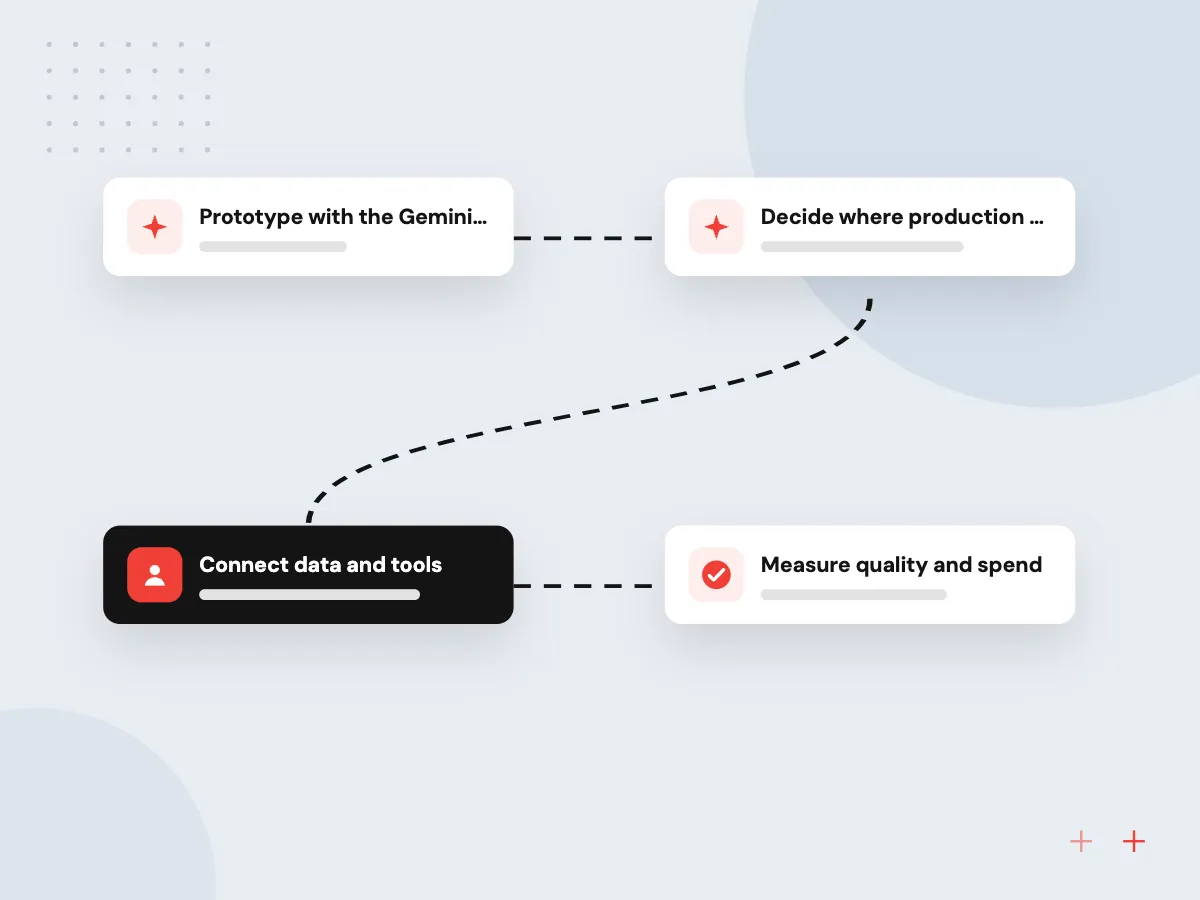
- 01 Prototype with the Gemini API An API key from Google AI Studio is enough to test prompts on sample files.
- 02 Decide where production runs Teams already on Google Cloud usually move to Gemini Enterprise Agent Platform for IAM and billing.
- 03 Connect data and tools Function calls reach your systems, while Cloud Storage or BigQuery supply the content.
- 04 Measure quality and spend Test sets, request logs and budget alerts run before and after launch.
In April 2026 Google moved Vertex AI features under the Gemini Enterprise Agent Platform name.
Google Gemini development for real workloads
Gemini is worth a close look when the input is more than text: scans, photos, recorded calls or video.
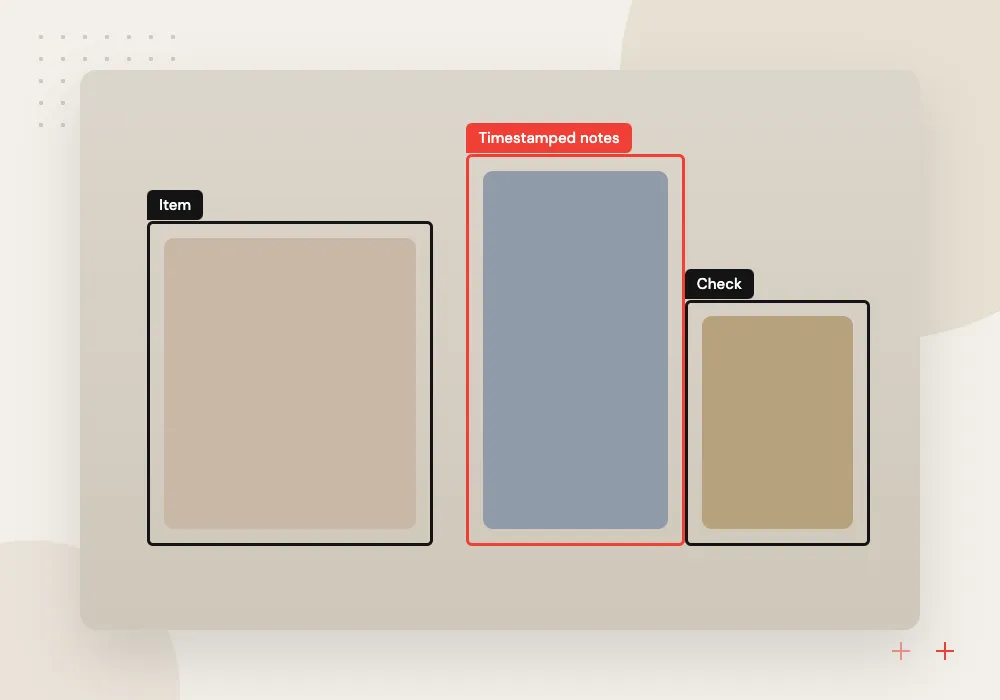
Video and call review
Recorded calls, site videos or training footage are summarized into notes, issues and timestamps your team can search and act on.
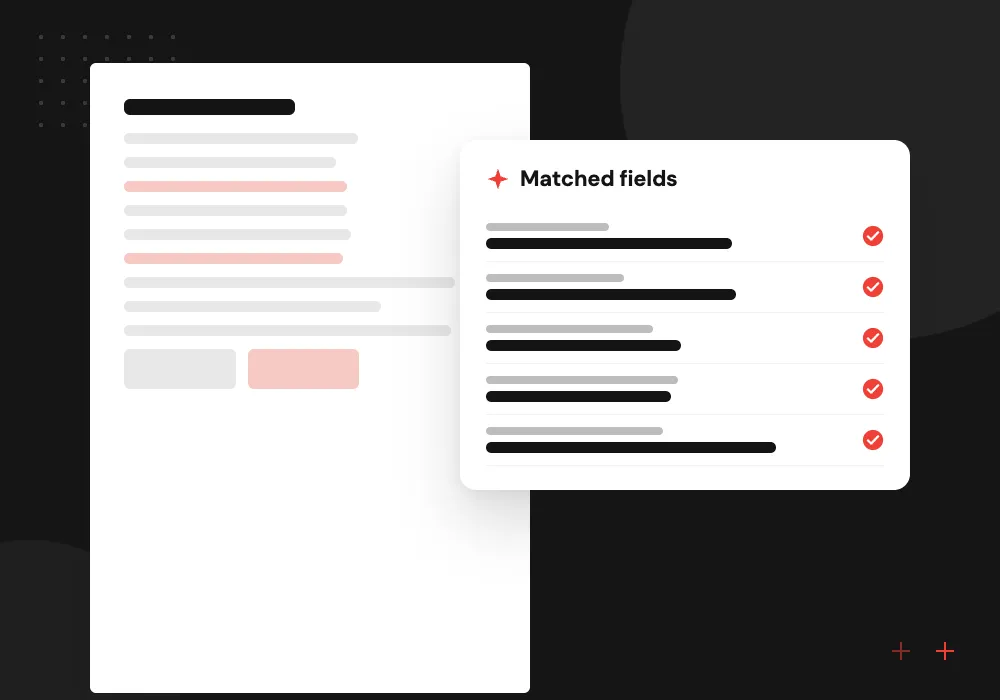
Scanned paperwork extraction
Invoices, delivery notes and handwritten forms are read into structured fields and matched against your purchase orders before anything posts.
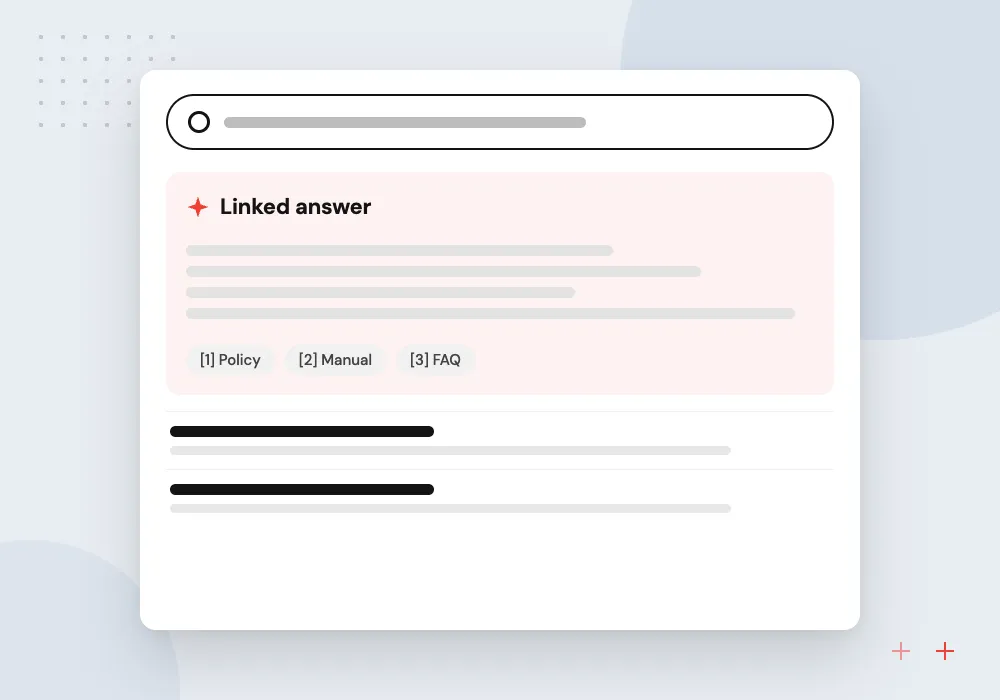
Grounded research answers
Staff ask questions that need current public information, and Gemini replies using Google Search grounding with links they can open and check.
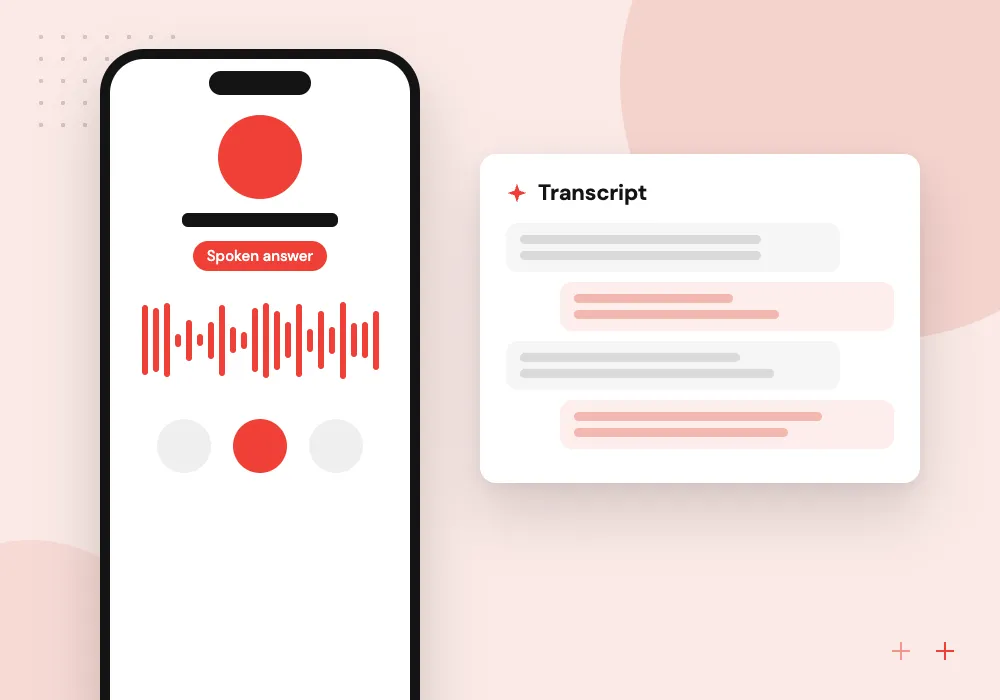
Real-time voice assistants
A spoken assistant in your app listens and replies as the person talks, and can pause to fetch data from your systems mid-conversation.
Gemini inside your Google Cloud project
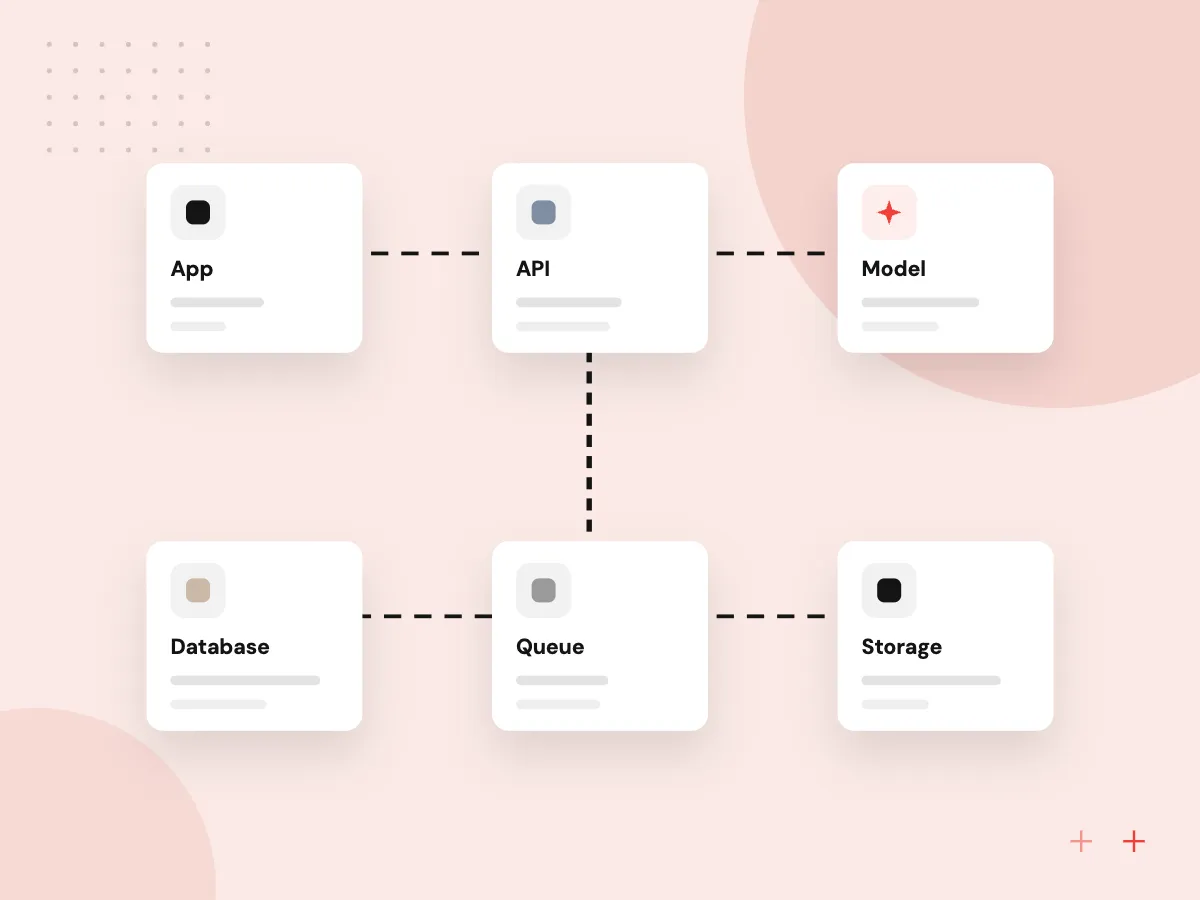
When production runs in your own project, access follows the same IAM roles, audit logs and billing as the rest of your stack. We set up service accounts, regions, quotas and private connectivity, then move prototype prompts across with tests to confirm nothing changed.
What we do
- Service accounts with narrow roles
- Region and quota settings
- Cloud audit logging
- Prompt move from AI Studio
- Budget alerts per project
Media pipelines with a review queue
Calls, videos and scans often arrive in bulk. We build queues that send each file to Gemini, store the structured result beside the original and route items that fail validation to a person before anything reaches your ERP or CRM.
What we do
- Upload and queue processing
- Schema-checked results
- Review queue for failed checks
- Original file kept with output
- Retention rules for media

How we approach a project
Gemini accepts text, images, audio, video and PDFs in one request, and its long context window suits large files. For collections too big for a single request, we add RAG and knowledge search backed by a vector database. Where images and video are central, our multimodal AI development page covers the wider design.
Around the model sits ordinary engineering: function calling to your APIs, schema-checked output, retries, logging and cost alerts. Projects that combine Gemini with OpenAI or Claude go through LLM integration, so each task uses the model that tests best.
How we work
- Pick the route before the build
- Mixed media in, structured data out
- Paid tiers for business data
Our Process
-

Sample the real inputs
We collect example files, recordings or images and note what each output must contain.
-

Choose the access route
The Gemini API or Agent Platform is picked based on your cloud setup, data rules and needed features.
-

Build, then score
Prompts, schemas and function calls are built and scored on the samples for accuracy and cost.
-

Launch with budgets set
Quotas, spend alerts and request logs are switched on before staff or customers use the feature.
Why Aranv for Gemini projects
Right route from day one
We choose between the Gemini API and Google Cloud early, based on your contracts, data rules and features, so the prototype is not rebuilt later.
Paid tiers for real files
Business files never go through unpaid quotas, where Google’s terms allow product improvement and human review of content.
Media handled with care
Recordings and images can hold personal details, so we agree what is stored, what is masked and how long originals are kept before processing starts.
Tested against alternatives
Gemini is compared with at least one other model on your inputs, so the final choice rests on measured results.
Planning Gemini API Integration?
Book a 30-minute conversation with the team that would build it.
Gemini API integration FAQs
-
What is the difference between the Gemini API and Vertex AI?
The Gemini API is Google’s developer service, set up through Google AI Studio with an API key. Vertex AI, now part of Gemini Enterprise Agent Platform, serves Gemini inside Google Cloud with IAM, regional settings, private networking and cloud billing. The models overlap; the controls and contracts differ.
-
Is our data used to train Gemini?
On paid tiers, Google’s Gemini API terms say prompts and responses are not used to improve its products. Unpaid use is different: content may feed product improvement and be read by human reviewers. We keep business data on paid tiers or Google Cloud from day one.
-
When is Gemini a better fit than OpenAI or Claude?
Test Gemini first when inputs include video, audio or many images, when answers should draw on Google Search, or when your company already runs on Google Cloud and Workspace. For text-only work, we compare it with other models on your examples before choosing.
-
Can Gemini work with data in BigQuery or Cloud Storage?
Yes, through function calls to Google’s APIs under a service account with narrow roles. The assistant can request an approved BigQuery query or read files from a set bucket, and we limit which datasets and folders it can reach.
-
What drives the running cost of a Gemini feature?
Model size, tokens per request, minutes of audio or video, how much context can be cached and whether jobs can run in batch. We estimate monthly usage from your sample inputs during the prototype and set budget alerts before launch.

Let’s talk about your next step
Contact Aranv to discuss your workflow, current tools, and goals. Meet with our team or send an inquiry.
Book a meeting with our team
Choose an available date and time for a 30-minute conversation about your project.
Tell us about your project
Share a few details so we can discuss a useful next step.
Prefer email? sales@aranv.com