


What AI copilot development includes
Aranv provides AI copilot development for software companies and for businesses that run their own internal tools. We build in-app AI assistants that understand the screen a user is on, answer from your data with permissions respected, draft text, and take actions only after the user confirms them.
A copilot is an assistant built into a specific product or internal tool, aware of where the user is and what they may do. It differs from a website chatbot, which answers visitors, and from Copilot Studio development, which builds on Microsoft’s own platform. The copilots on this page live inside software you own.
Underneath sit three parts: a language model, retrieval over your content through RAG and knowledge search, and tools that call your APIs. When the copilot must finish multi-step jobs on its own, the design moves toward AI agent development, with more checks to match.
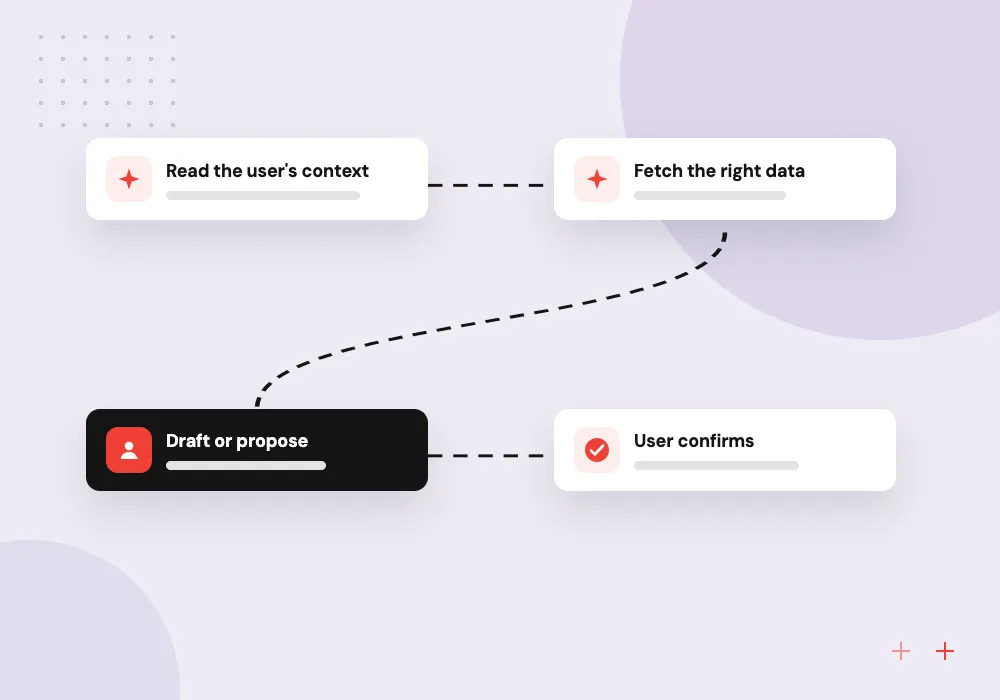
How an in-app copilot answers a request
Context, answer, confirm
- 01 Read the user’s context The copilot knows the page, the open record and what this user may see.
- 02 Fetch the right data It pulls records, help articles or policy text through your own APIs.
- 03 Draft or propose It writes a reply, fills a form or proposes an action, showing its sources.
- 04 User confirms Nothing is saved or sent until the user reviews and accepts it.
Copilots are designed around a handful of tasks users repeat, not an open chat box that tries to do everything.
In-app AI assistant features we build
A useful copilot shortens tasks people already do in your product, in the place where they already do them.
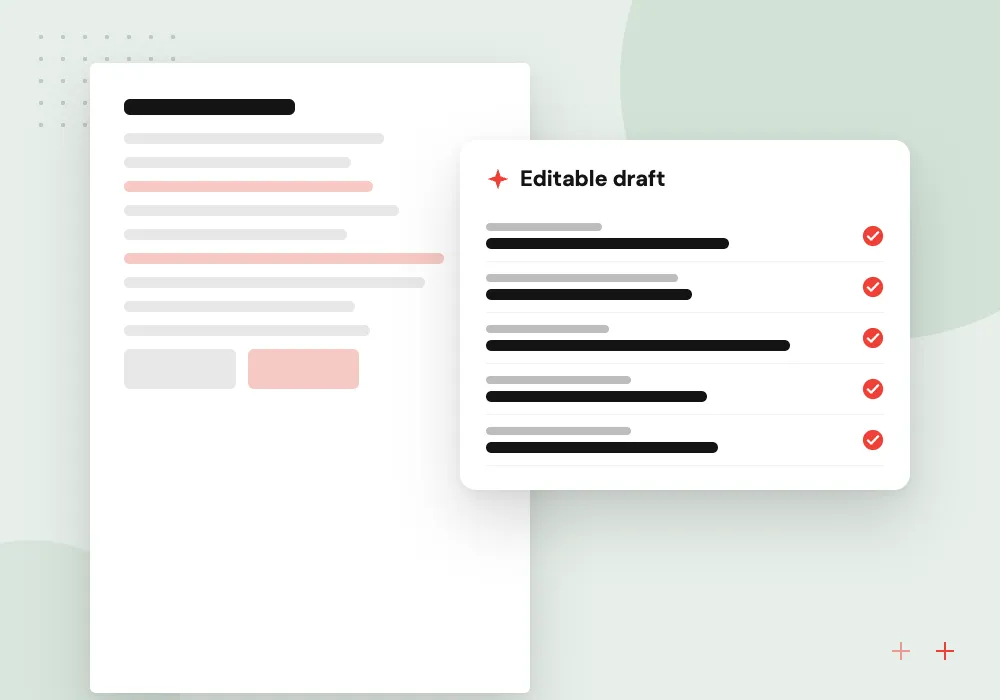
Drafting inside records
Replies, notes, descriptions and summaries drafted from the open record and its history, ready for the user to edit and send.
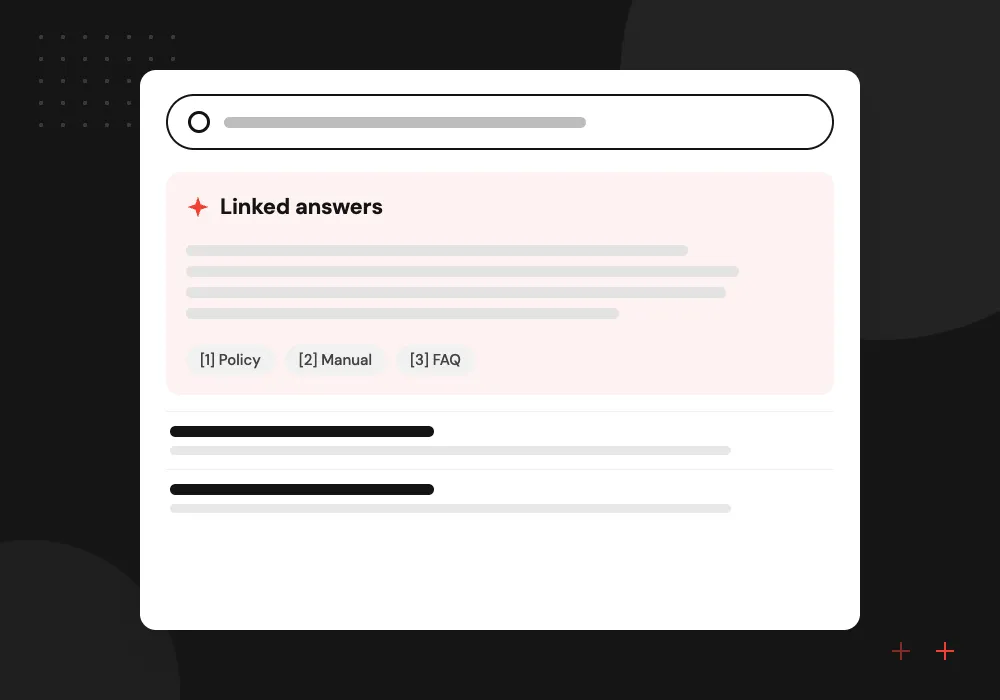
Ask your data
Users ask questions such as which orders are late this week and get an answer built from your database, with links to each record.
Guided actions
The copilot fills forms, prepares bulk updates or schedules follow-ups, then shows exactly what will change before the user confirms.
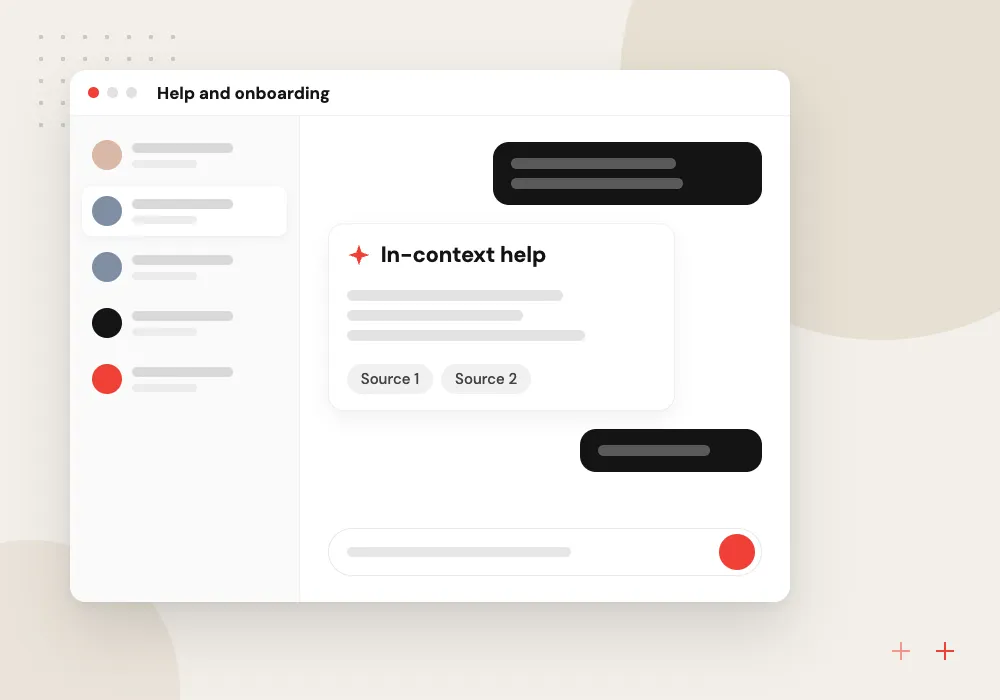
Help and onboarding
New users ask how to do something and get steps drawn from your help center, or the copilot opens the right screen for them.
Custom copilot architecture inside your product
We add a sidebar or command bar to your web or mobile app, backed by a service that calls a language model with tool definitions mapped to your own APIs. Each tool call runs as the signed-in user, so the copilot can never see or change more than that person could.
What we do
- Sidebar or command bar interface
- Tool definitions over your APIs
- Per-user permission checks
- Retrieval from help and records
- Streaming responses with sources
Security, evaluation and usage review
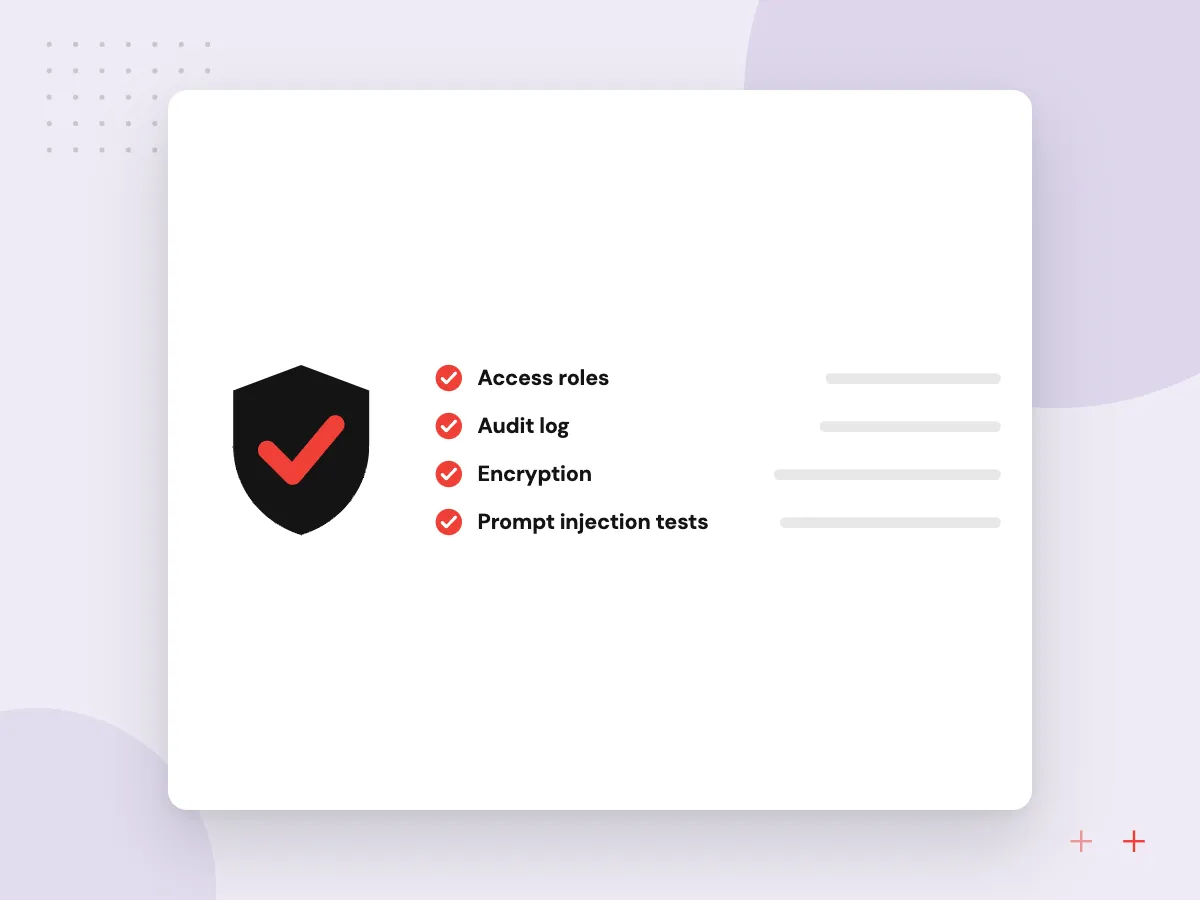
Copilots read untrusted text such as emails and customer notes, which can carry hidden instructions. We separate data from instructions, limit which tools each request can use, log every action, and run an evaluation set of real tasks before each release. Usage reports show which tasks people finish and where they give up.
What we do
- Prompt injection tests
- Tool allowlists per role
- Action logs with user and time
- Release-gating evaluation set
- Task completion and feedback reports

How we approach a project
Security work follows the OWASP guidance on prompt injection and related risks. Software vendors adding a copilot to a product they sell will find more on AI for SaaS companies.
Write down the three tasks your users repeat most often and bring that list along to a 30-minute conversation. We will say which one suits a copilot first and what data it needs. Bookings go through the contact page.
How we work
- Built around repeated user tasks
- Permissions enforced on every call
- Users confirm before changes
Our Process
-

Task shortlist
We study usage data and talk to users to pick two or three tasks a copilot can shorten noticeably.
-

Tools and permissions
Each task is mapped to the API calls it needs, and every call is checked against the user’s role.
-

Prototype in the product
A working sidebar on staging lets real users try the tasks while we log where answers fall short.
-

Staged rollout
The copilot reaches a small group first, with an evaluation set run before each wider release.
Why Aranv for copilots
Permissions are not optional
Every copilot call runs as the signed-in user and passes through your existing access checks, so the assistant cannot become a side door into restricted data.
Designed around real tasks
We pick tasks from usage data and user interviews, so the copilot shortens work people repeat daily instead of offering a blank chat box.
Previews before changes
Users see exactly which fields, records or messages an action will change and confirm it, and every approved action is logged.
Evaluated before release
A set of real tasks with expected results runs before each release, so a prompt or model change cannot quietly make answers worse.
Planning AI Copilot Development?
Book a 30-minute conversation with the team that would build it.
AI copilot FAQs
-
What is the difference between an AI copilot and a chatbot?
A chatbot usually sits on a website and answers general questions from visitors. A copilot sits inside a product or internal tool, knows which record or screen the user has open, and can act on their behalf within their permissions. The copilot is part of the software rather than a separate window.
-
Can a copilot take actions in our software?
Yes, through tools that call your existing APIs, such as creating a task or updating a field. We design each action so the user sees a preview of the change and confirms it, and we log who approved what and when.
-
How do you stop the copilot from showing data a user should not see?
Every data request runs with the signed-in user’s identity and passes through your normal permission checks. Retrieval indexes carry the same access rules, so documents a user cannot open in the app never reach the model on their behalf.
-
Which language model should our copilot use?
It depends on the tasks, data rules and budget. We test two or three models on your own task set and compare answer quality, speed and cost per request. Model calls go through one internal layer, so switching later does not mean rebuilding the copilot.
-
Should we build a custom copilot or use a platform’s built-in AI?
If your team works mainly in one vendor’s suite, its built-in assistant may be enough. A custom copilot makes sense when the work happens in software you own, when tasks depend on your own data and rules, or when you sell the product and the copilot is part of it.

Let’s talk about your next step
Contact Aranv to discuss your workflow, current tools, and goals. Meet with our team or send an inquiry.
Book a meeting with our team
Choose an available date and time for a 30-minute conversation about your project.
Tell us about your project
Share a few details so we can discuss a useful next step.
Prefer email? sales@aranv.com