


What Snowflake consulting covers
Aranv provides Snowflake consulting for companies whose reporting has outgrown spreadsheets or a single database: Snowflake implementation with roles, warehouses and credit limits set correctly, migration from SQL Server or Redshift, dbt models for reporting, and Cortex AI functions on data already in Snowflake.
Implementation starts with the account layout: databases for raw, modeled and shared data, roles mapped to jobs such as analyst or loader, and separate virtual warehouses so a heavy load job never slows a finance dashboard. Single sign-on, network policies and multi-factor authentication are configured before any data arrives.
Loading uses the simplest method for each source: managed connectors for SaaS apps, Snowpipe for files landing in cloud storage, and scheduled jobs for databases. Transformations live in dbt with tests and documentation, the same approach as our data engineering services.
A Snowflake setup that stays affordable
Account, data, models, controls
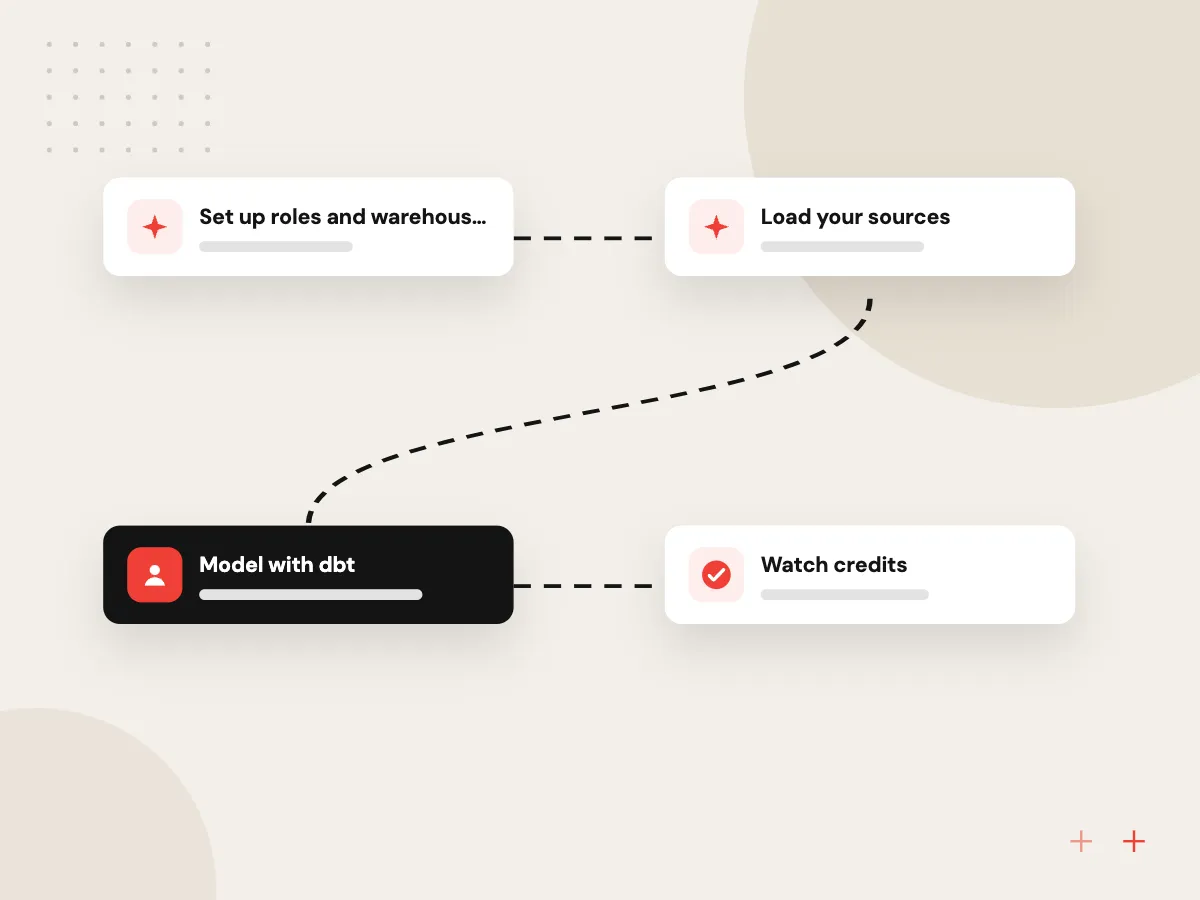
- 01 Set up roles and warehouses Separate warehouses for loading, reporting and data science, with auto-suspend on.
- 02 Load your sources Connectors, Snowpipe or COPY bring ERP, CRM and file data in.
- 03 Model with dbt Raw tables become tested, documented reporting tables.
- 04 Watch credits Resource monitors and usage reports flag spend before month end.
Compute is billed while warehouses run, so suspend settings matter from day one.
Snowflake implementation work we do
Snowflake fits when data from several systems needs one home, and when reporting queries would slow your live databases.
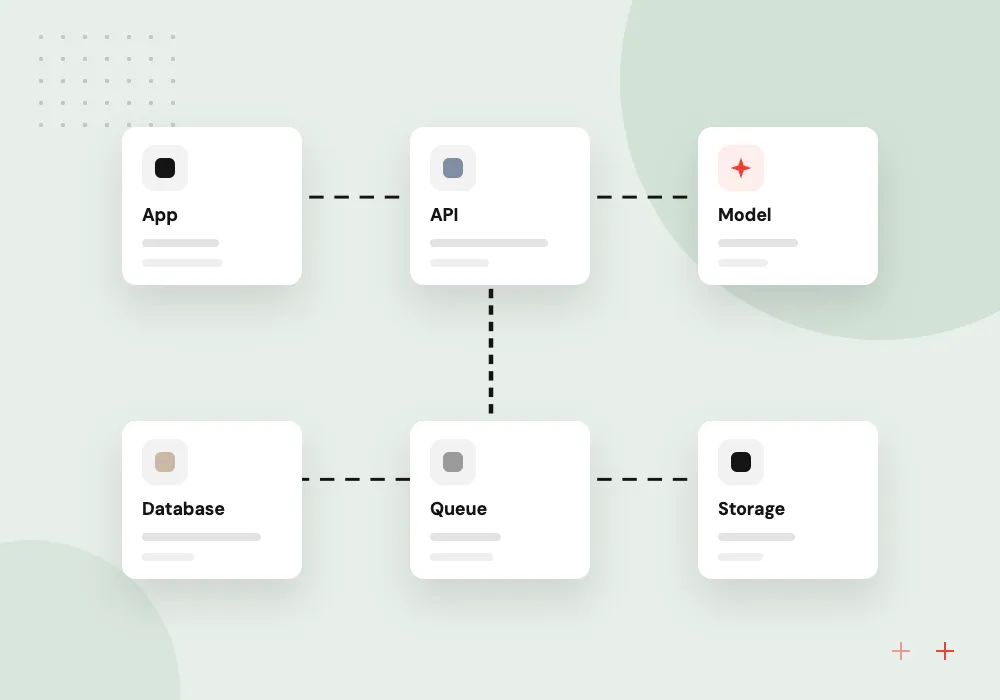
Snowflake implementation from scratch
Account setup with a role hierarchy, warehouses per workload, network policies, single sign-on and resource monitors, ready before the first data arrives.
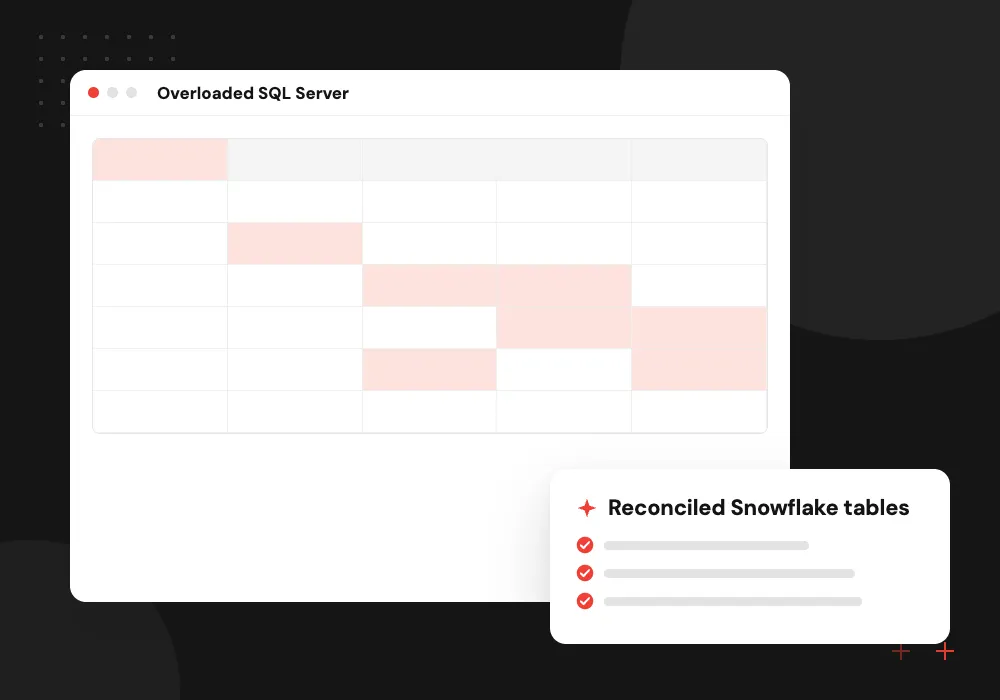
Snowflake migration projects
Reporting databases on SQL Server, Redshift or Postgres moved into Snowflake, with queries converted and totals reconciled against the old system.
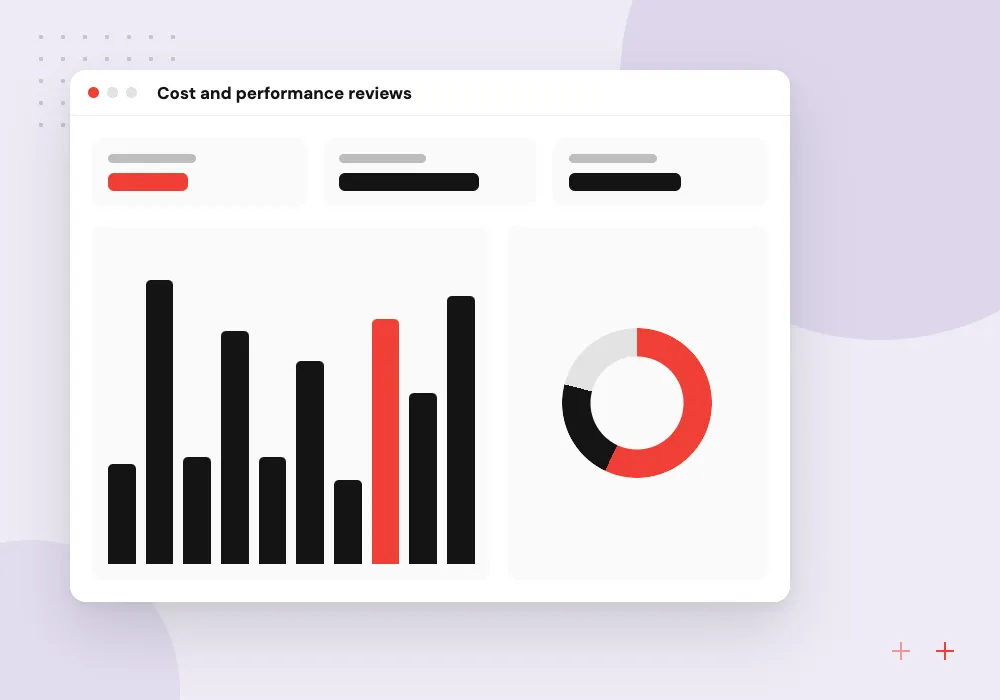
Cost and performance reviews
Warehouse sizes, auto-suspend times, clustering, query history and storage reviewed to cut credit use without slowing the reports people rely on.
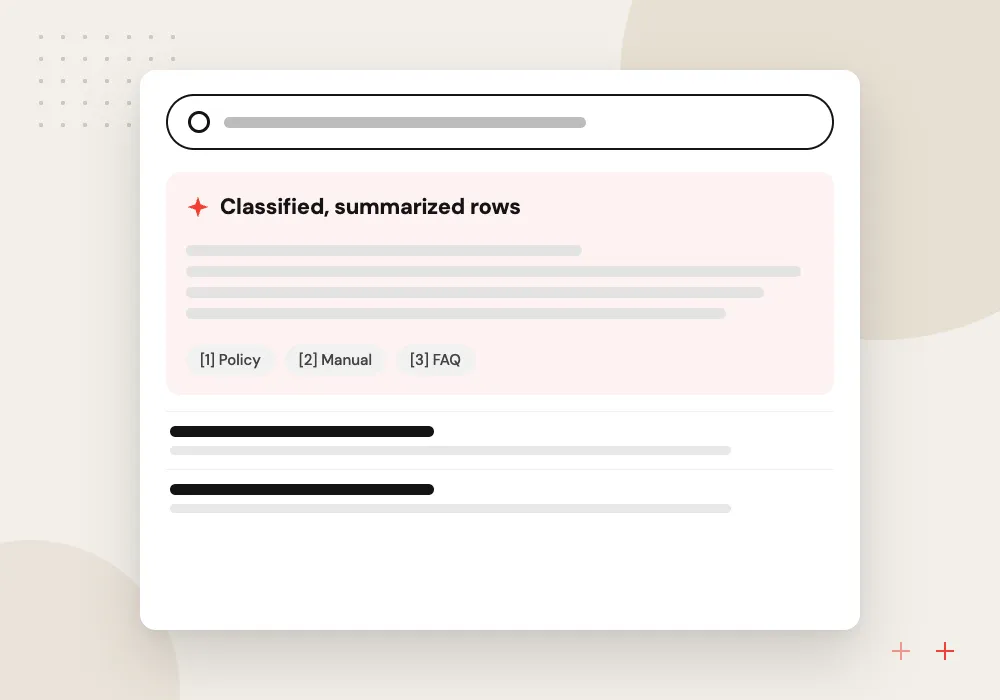
Cortex AI on your data
Summaries, classification and sentiment scores on text columns such as reviews or ticket notes, using Cortex AI Functions in SQL without moving data out of Snowflake.
Snowflake migration without a reporting gap
Reports keep running on the old system until the new one has proved itself. We move schemas and history, convert SQL and stored procedures, then run both systems side by side for an agreed period. Daily reconciliation compares row counts and key totals, and reports switch only after your finance or operations lead signs off.
What we do
- Schema and history transfer
- SQL and procedure conversion
- Parallel run with daily reconciliation
- Report repointing in BI tools
- Old system retired after sign-off
Cortex AI Functions on warehouse data
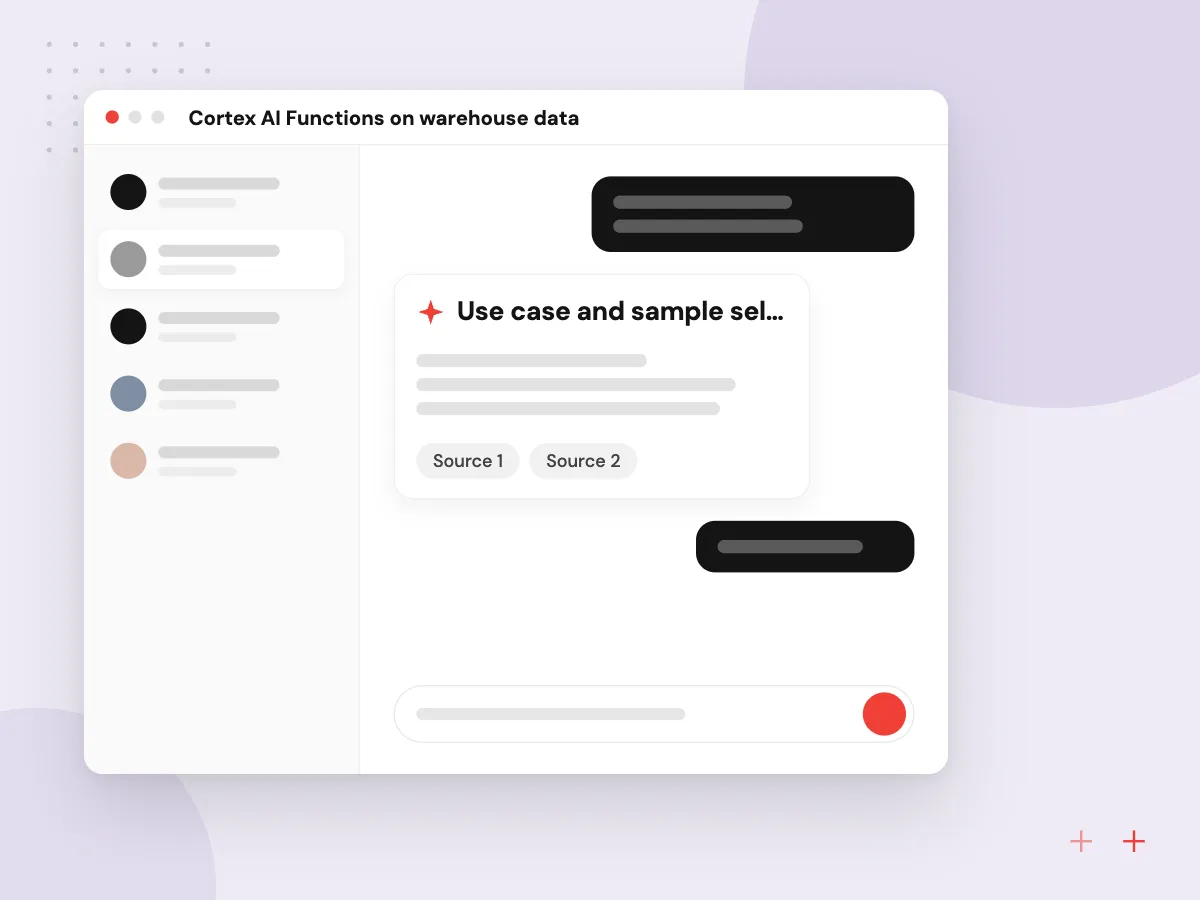
Text already in Snowflake, such as product reviews, support notes or survey answers, can be classified, summarized or scored for sentiment with Cortex AI Functions in plain SQL. We write and test those queries on a sample, store results in new columns, and track credit use so the AI work stays within budget.
What we do
- Use case and sample selection
- Cortex function queries in dbt
- Accuracy checks against labeled rows
- Results stored as new columns
- Credit tracking for AI queries

How we approach a project
Snowflake migration from SQL Server, Redshift or Postgres follows a set order: copy the schema, convert stored procedures and dialect differences, load history, run both systems in parallel and reconcile totals before reports switch. Time Travel helps here, since it lets you query or restore a table as it was before a bad load.
For AI, Snowflake Cortex offers AI Functions callable from SQL and Cortex Search for retrieval over text, so a first AI feature can run where the data already sits. When models must live outside Snowflake, our LLM integration and predictive analytics services teams connect them to the same tables.
Clean Snowflake tables feed dashboards through our business intelligence and Power BI consulting work, and Snowflake appears on our technologies page.
How we work
- Credits watched from the first day
- Roles granted by job, not person
- Models tested before dashboards use them
Our Process
-

Assess sources and reports
We list the systems, data volumes, reports and users in scope, and estimate monthly credits and storage.
-

Set up the account
Roles, warehouses, networking and monitors are created as code, then reviewed with your IT lead.
-

Load, model, reconcile
Sources are loaded, modeled in dbt and checked against current reports until the totals match.
-

Switch over and tune
Reports move to Snowflake; we then study query history and credit use and resize warehouses.
Why Aranv for Snowflake
Cost controls from day one
Resource monitors, auto-suspend settings and per-warehouse quotas are part of the first setup, so credit use is visible and limited before reporting grows.
Totals reconciled, not assumed
Every migrated table is checked against the old system by row counts and key financial totals, and differences are explained before anyone relies on the new reports.
Access by role and purpose
Roles follow jobs, sensitive columns get masking policies where your edition supports them, and access reviews stay simple because grants are kept in code.
One team from pipeline to dashboard
The people who load and model your data also build the reports and AI features on top, so definitions stay consistent from source to screen.
Planning Snowflake Consulting Services?
Book a 30-minute conversation with the team that would build it.
Snowflake consulting FAQs
-
How much does Snowflake consulting cost?
Consulting cost follows the number of sources, the amount of SQL to convert and the reports to rebuild. Snowflake’s own charges are separate and depend on compute credits, storage and edition. We estimate both, then set resource monitors so spending is checked against the plan.
-
Is Snowflake too much for a small business?
Not always. Compute is charged while warehouses run, so a small team with modest data can keep costs low with an extra-small warehouse and a short auto-suspend. If all your data lives in one database and reports are fast, you may not need a warehouse yet.
-
Snowflake or BigQuery: which should we choose?
Both are capable cloud warehouses. BigQuery suits teams already on Google Cloud and bills by data scanned or reserved capacity. Snowflake runs on AWS, Azure or Google Cloud and bills by warehouse run time and storage. Your cloud, team skills and query patterns usually decide.
-
What is Snowflake Time Travel and why does it matter?
Time Travel lets you query or restore data as it was at an earlier point, within a retention period. Standard Edition keeps 1 day; Enterprise Edition allows up to 90 days. It is handy for undoing a bad load or comparing data during a migration.
-
Can we use AI on data already in Snowflake?
Yes. Cortex AI Functions can summarize, classify or score text from SQL, and Cortex Search supports retrieval for assistants. We test results on labeled samples first and track the credits each AI query uses.

Let’s talk about your next step
Contact Aranv to discuss your workflow, current tools, and goals. Meet with our team or send an inquiry.
Book a meeting with our team
Choose an available date and time for a 30-minute conversation about your project.
Tell us about your project
Share a few details so we can discuss a useful next step.
Prefer email? sales@aranv.com