


What NestJS development includes
Aranv provides NestJS development for US businesses that want a Node.js back end with clear structure: modular REST and GraphQL APIs, queue workers and microservices in TypeScript, upgrades of older NestJS apps, and AI features that live inside the same codebase.
NestJS is a Node backend framework written in TypeScript, with modules, dependency injection, guards, pipes and interceptors that Angular and Java developers will recognize. It suits larger APIs with several developers and a long life. For a tiny webhook handler, plain Node.js or a single serverless function is lighter.
A typical NestJS API build covers module design, DTO validation with class-validator or a Standard Schema library such as Zod, sign-in through Passport or your identity provider, Prisma or TypeORM with migrations, Jest or Vitest tests, OpenAPI docs and a Docker image. Types shared with a React or Angular front end cut down on mismatched fields.
How a NestJS back end is organized
Modules that grow without tangling
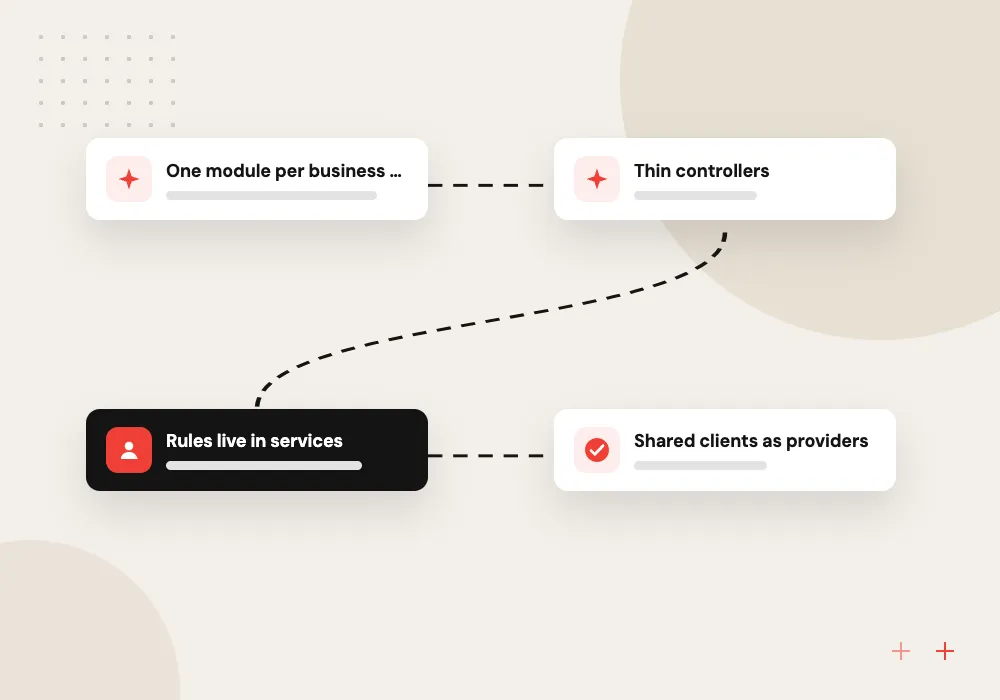
- 01 One module per business area Orders, billing and users each get their own module and boundary.
- 02 Thin controllers Routes validate input and hand the work to services.
- 03 Rules live in services Business logic sits in injectable classes that are easy to unit test.
- 04 Shared clients as providers Database, cache and AI clients are injected, not imported everywhere.
With this layout, a new developer finds code by business area rather than by file type.
What we build with NestJS
NestJS gives Node.js projects the structure that plain Express leaves to each team. We use it for back ends that several developers will work on for years.
NestJS API back ends
REST APIs with validated DTOs, role guards, Swagger docs and Prisma or TypeORM data access for web and mobile apps.
GraphQL servers
Code-first GraphQL schemas with resolvers, data loaders and subscriptions for front ends that need flexible queries.
Queue workers and microservices
BullMQ workers and NestJS microservices over Redis, NATS or Kafka for imports, emails and long-running jobs.
AI agents in TypeScript
An AI module that calls a language model, runs tool functions against your own services and records each step it took.
Bringing order to a growing Express app
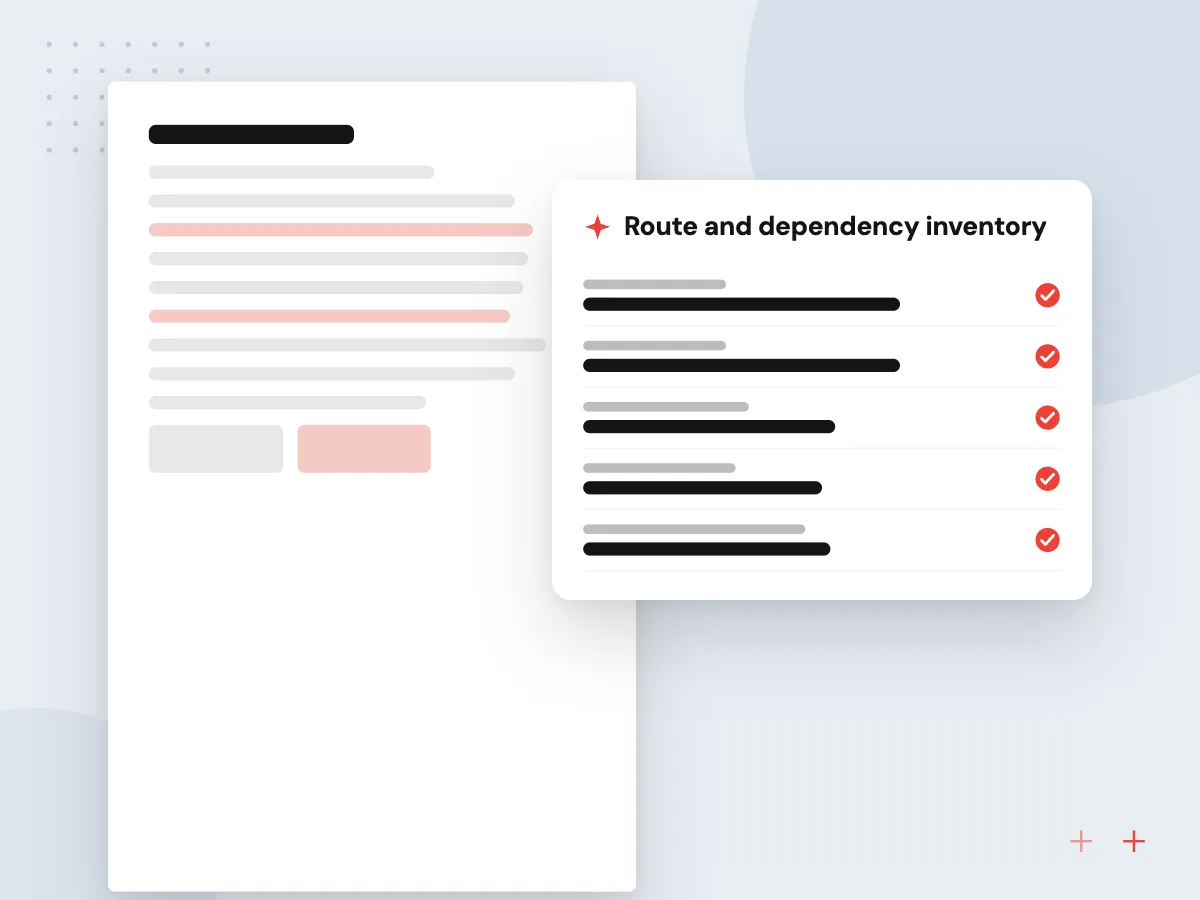
Many Node.js back ends start as a few Express routes and grow into hundreds, with business rules spread across handlers. We move them into NestJS gradually: the Nest app wraps the existing Express instance, new features land in modules, and old routes move over one business area at a time.
What we do
- Route and dependency inventory
- Module map by business area
- Shared validation and error format
- Old routes migrated in batches
- End-to-end tests per module
AI modules inside your NestJS API
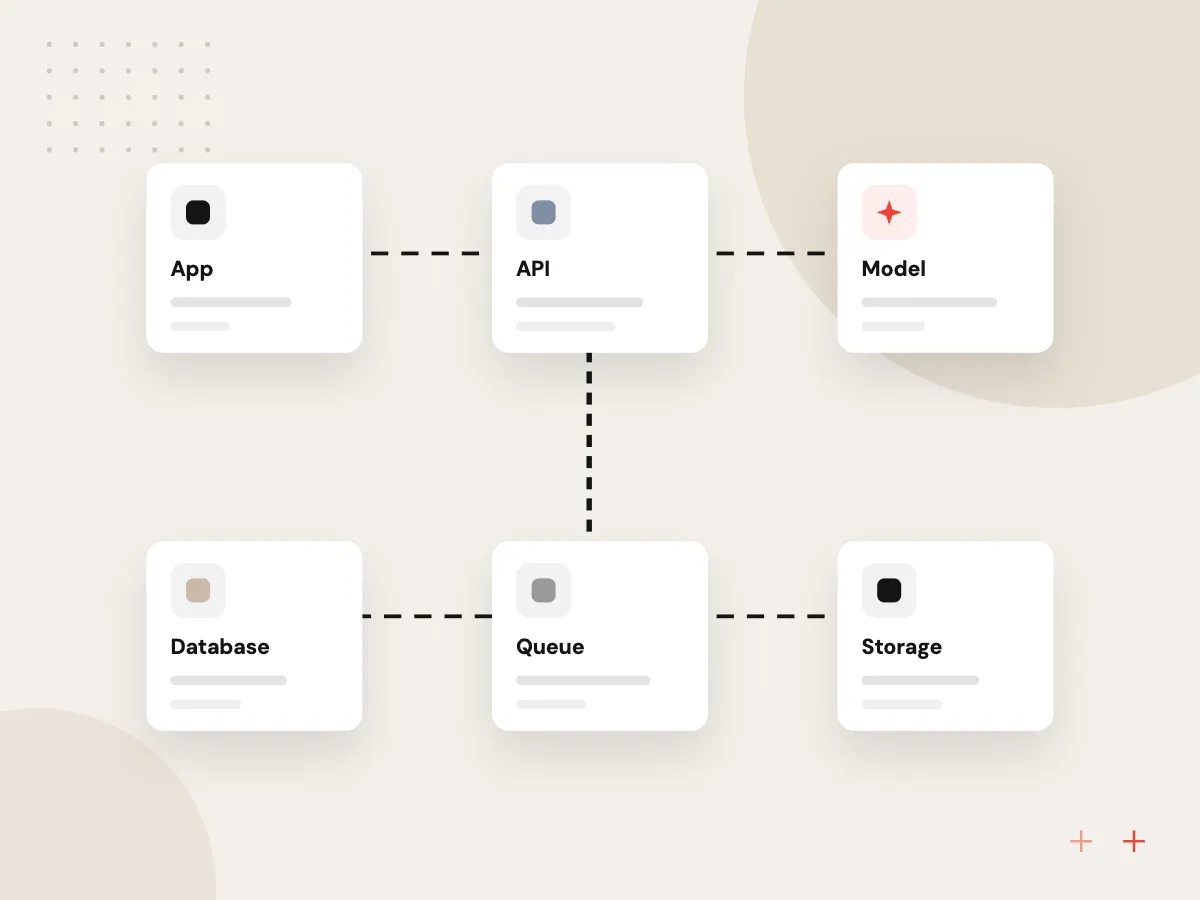
An AI feature does not need its own server. We add it as a NestJS module: an injectable model client, prompt templates in the repository, tool functions that call your existing services, and output checked against a schema. Guards, rate limits and logging apply exactly as they do on other routes.
What we do
- Injectable model provider client
- Tool calls into existing services
- Schema-checked structured output
- Streaming replies over SSE
- Cost and latency logs per route

How we approach a project
Upgrades. NestJS 12 ships its core packages as ESM, and its v12 release notes require Node.js v20.19+ or v22.12+. Apps on NestJS 8 to 10 often run an old Node.js release too, so we upgrade Node first, then NestJS one major version at a time, checking each step against the test suite.
When many clients need different data, see GraphQL development; when one API turns into several services, see microservices development. Everything else we build with is gathered on our technologies page.
How we work
- Modules match business areas
- Validation at every entry point
- One set of types, front to back
Our Process
-

Map domains to modules
We group features into business areas and decide which modules may call which before coding.
-

Set shared conventions
Lint rules, error format, logging, config and auth guards are set once so every module behaves alike.
-

Build module by module
Each sprint finishes a module with unit tests, end-to-end tests on a test database and updated API docs.
-

Release and observe
Containers go out with health checks, request tracing and alerts, and we review slow routes after launch.
Why Aranv for NestJS
Structure agreed before code
The module map and dependency rules are written down and enforced by lint rules, so the codebase keeps its shape as features pile up.
Types shared across the stack
DTOs and API types are shared with your front end, so a renamed field breaks the build rather than a customer’s screen.
Upgrades paced with Node.js
We plan NestJS upgrades around Node.js release dates, so the runtime and the framework reach supported versions together.
AI under the same rules
AI routes pass through the same guards, validation and logs as the rest of the API, which keeps reviews and audits simple.
Planning NestJS Development Services?
Book a 30-minute conversation with the team that would build it.
NestJS development FAQs
-
NestJS or Express: which should we use for a new API?
Use NestJS when the API will grow, several developers will work on it, or you want one structure across services. Express suits very small services where a framework’s conventions cost more than they save. NestJS runs on Express by default, so Express middleware still works.
-
Is NestJS a good fit for microservices?
Yes. It has built-in transports for Redis, NATS, Kafka, RabbitMQ, gRPC and others, plus one way to write message handlers. Whether to split into microservices at all is a separate question that depends on team size and release needs.
-
What changed in NestJS 12 and should we upgrade?
NestJS 12 ships its core packages as ESM, adds Standard Schema validation and requires Node.js v20.19+ or v22.12+. Existing CommonJS apps keep working. If you are on NestJS 10 or older, plan the move together with a Node.js upgrade.
-
Can we add AI features to a NestJS app?
Yes. We add an AI module with an injectable client for your model provider, prompt templates in version control, validated structured output and logging. Because it is a normal NestJS provider, the guards and permissions on AI routes are the same as on the rest of the API.
-
What will you need from our side?
Access to the current code if there is any, a list of the apps and partners that will call the API, the systems it connects to, and one person who can settle business rules when questions come up.

Let’s talk about your next step
Contact Aranv to discuss your workflow, current tools, and goals. Meet with our team or send an inquiry.
Book a meeting with our team
Choose an available date and time for a 30-minute conversation about your project.
Tell us about your project
Share a few details so we can discuss a useful next step.
Prefer email? sales@aranv.com