


What dealership software development covers
Aranv provides dealership software development for franchise and independent car dealers and dealer groups: a car dealer app for service booking and approvals, service lane tools, reconditioning and inventory tracking, BDC lead queues, multi-store reporting and AI for service calls, all connected to your DMS.
Dealers run on a DMS, a CRM, an inventory tool and OEM systems, each with its own logins. Access to DMS data usually goes through the vendor’s approved integration program, so we confirm that path before design. Groups that want their own customer records and sales workflows can read about custom CRM development.
Customer data at a dealership carries federal rules. The FTC says its Safeguards Rule covers most dealers who finance or lease vehicles, which means a written information security program, access controls, encryption, multi-factor sign-in and breach reporting. We build those controls into the software and agree them with the Qualified Individual who runs your program.
One customer across sales and service
Sales floor and service drive, linked
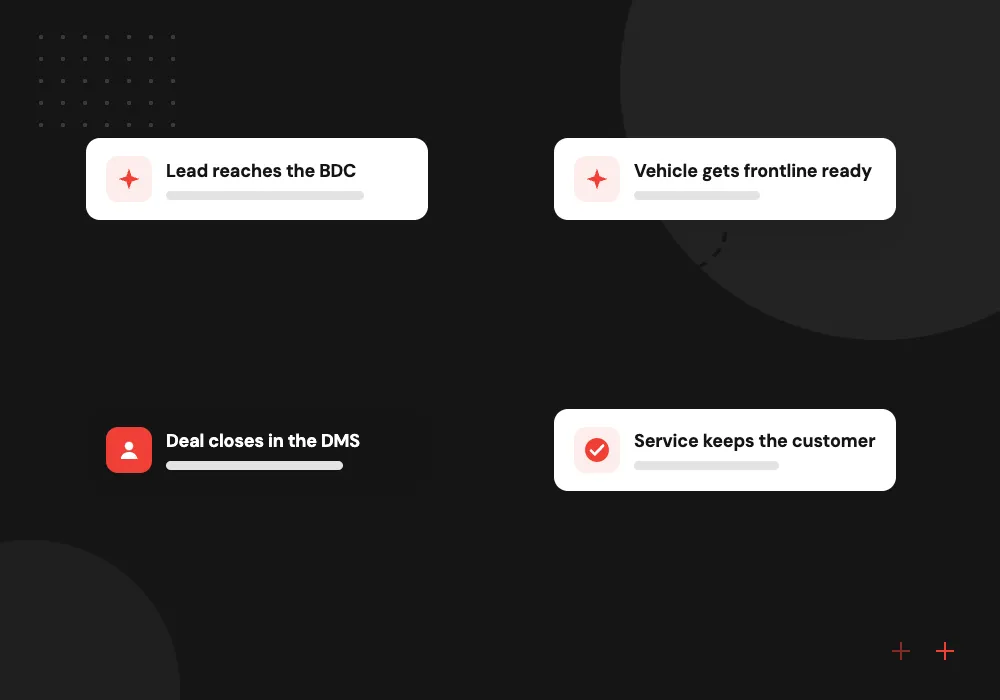
- 01 Lead reaches the BDC Website, OEM and marketplace leads land in one queue with a response timer.
- 02 Vehicle gets frontline ready The trade-in moves through inspection, repair, detail and photos on a tracked board.
- 03 Deal closes in the DMS The sale, trade and customer details are recorded in your dealer management system.
- 04 Service keeps the customer Reminders, bookings and estimate approvals arrive on the owner’s phone.
Your DMS stays the record for deals and repair orders; we read and write through its approved interfaces.
Automotive software for dealers
Dealership staff jump between the DMS, a CRM, OEM portals and group texts. These projects give each department one clear place to work.
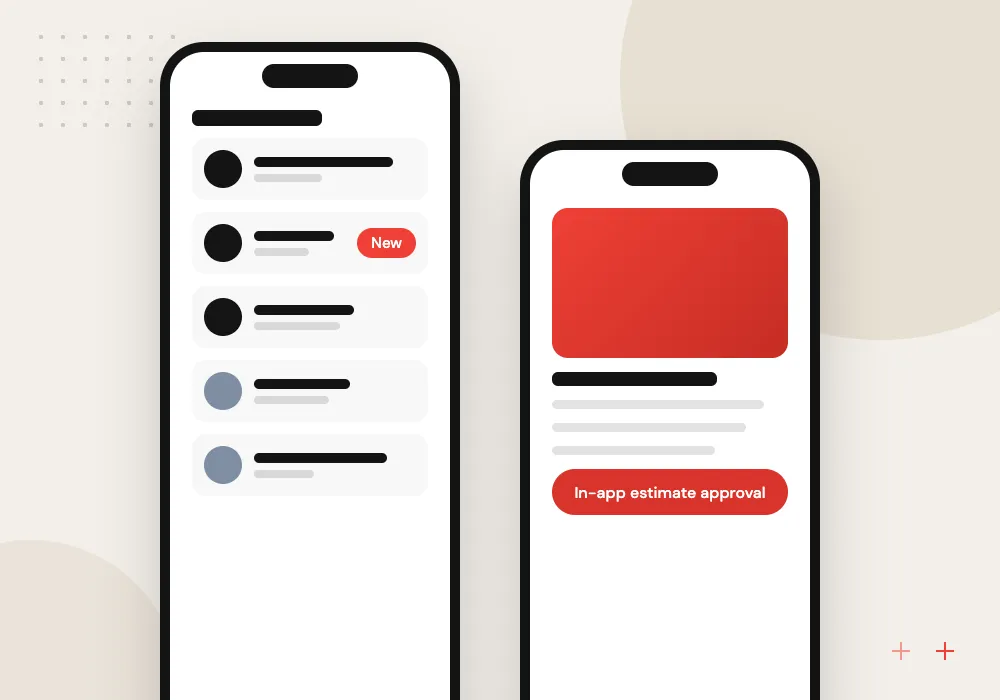
Car dealer app
Owners book service, approve repair estimates, pay and view vehicle history from their phone, tied to your service schedule and DMS.
Recon and inventory tracking
Each used vehicle’s path from trade-in through inspection, mechanical work, detail and photos, with days in recon visible to managers.
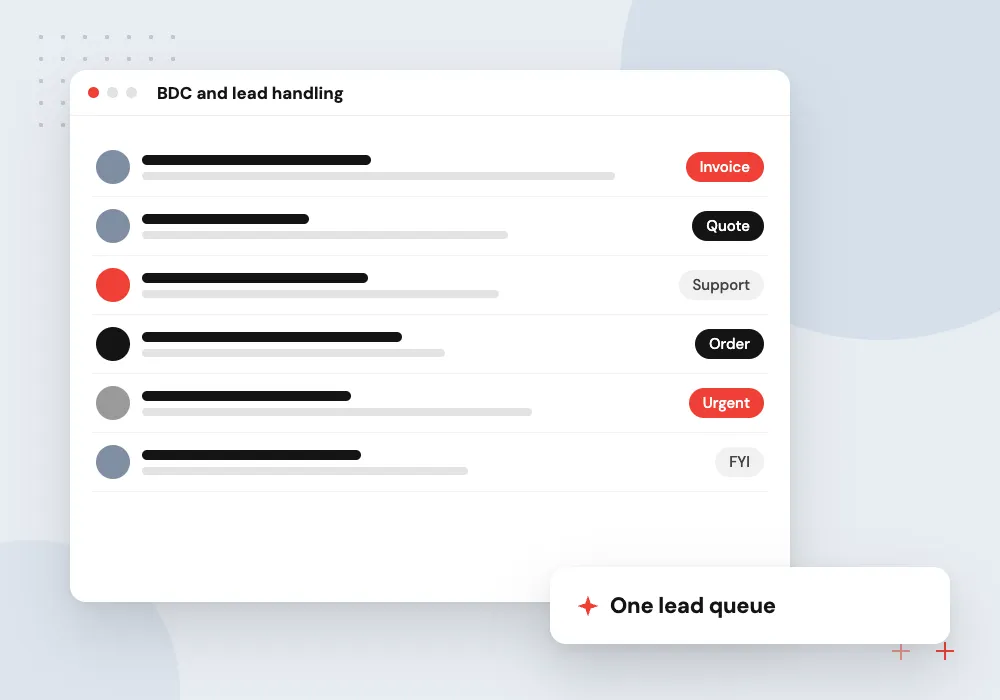
BDC and lead handling
Leads from your website, OEM programs and marketplaces routed to the right agent, with response timers and follow-up tasks in one queue.
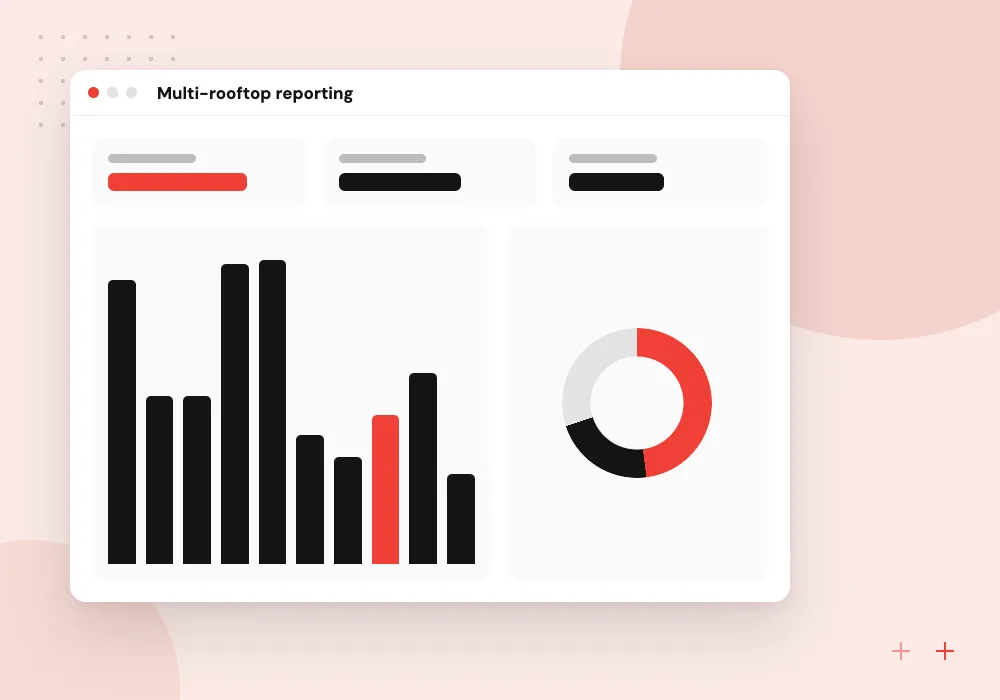
Multi-rooftop reporting
Unit sales, gross, service hours and parts figures from each store’s DMS combined in one dashboard for owners and general managers.
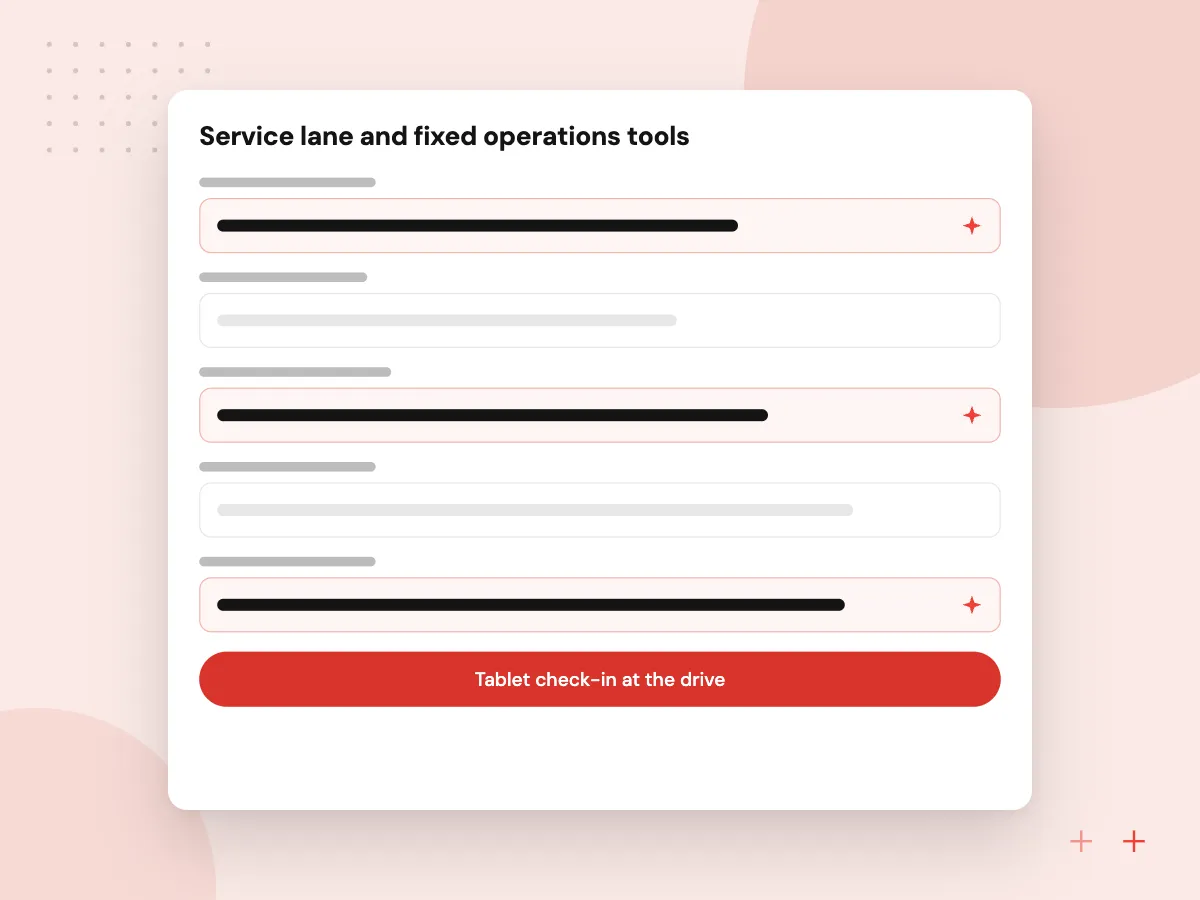
Service lane and fixed operations tools
Tablet check-in at the drive, multipoint inspections with photos and video, estimate approvals by text and parts lookups that write back to the repair order. Customers see why each item is recommended, and advisors keep every approval in the RO history instead of a phone log.
What we do
- Tablet check-in at the drive
- Photo and video inspections
- Text-to-approve estimates
- Open recall check at check-in
- Repair order write-back
AI for the sales desk and service drive
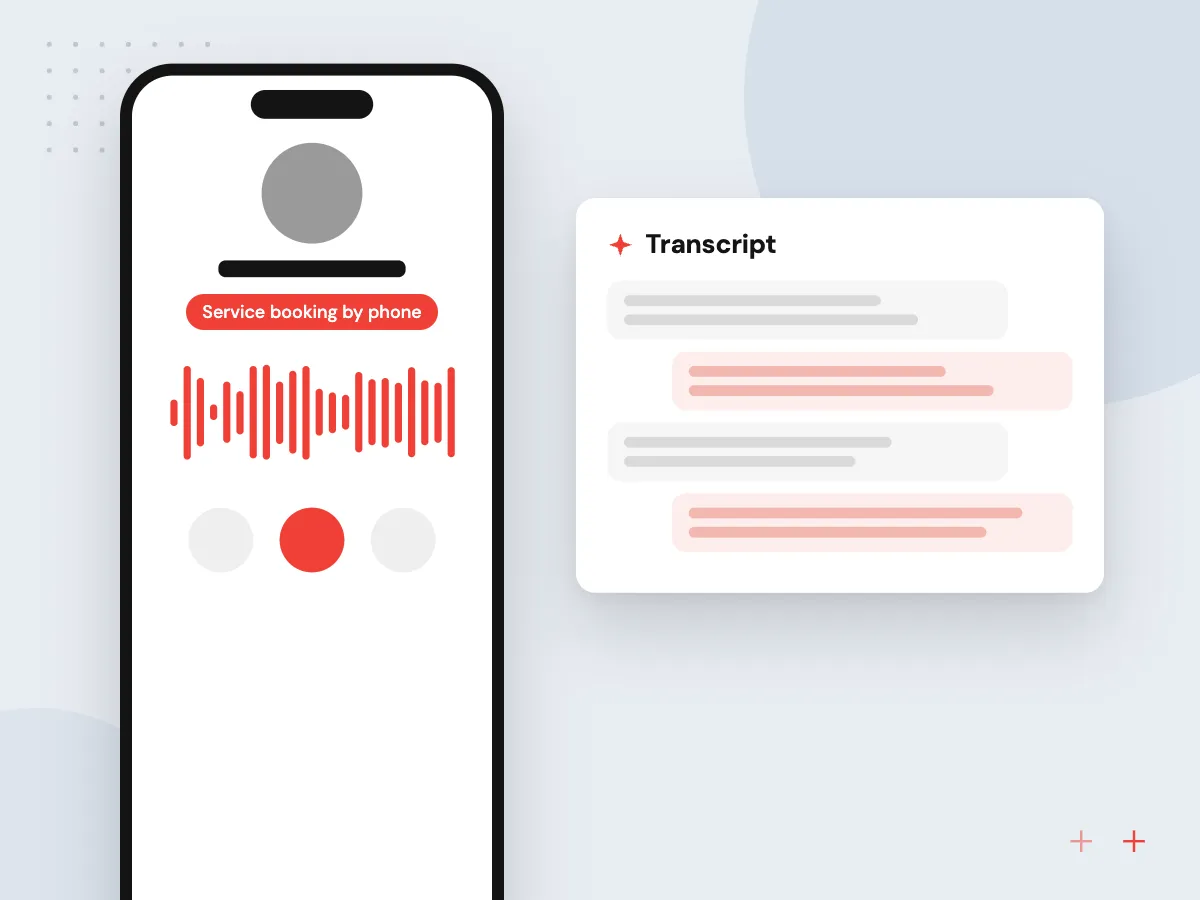
A voice or text assistant books service appointments and answers questions about hours, loaners and policies, then hands the call to an advisor when needed. Other tools draft replies to internet leads and turn technician notes into plain language. Managers approve templates, and no assistant quotes financing terms.
What we do
- Service booking by phone
- Lead reply drafts for the BDC
- Technician notes in plain language
- Vehicle description drafts
- Call summaries saved to the CRM

How we approach a project
Customer apps work best when they share data with the service schedule and inventory. The owner-facing phone app is built by our mobile app development specialists, and API integration links it with DMS, OEM and payment systems.
Our page on AI for car dealerships goes further into lead response, service calls and data rules, and AI appointment scheduling follows a booking from first call to confirmed slot. Other sectors sit on our industries hub. Dealer principals and fixed ops directors can request a 30-minute conversation via our booking page.
How we work
- Work with the DMS you have
- Sales and service share customers
- Safeguards controls from release one
Our Process
-

Walk a deal and a repair order
We follow one vehicle sale and one service visit from first contact to a closed deal or closed RO.
-

Confirm DMS and OEM access
We check integration programs, available data fields and any certification your DMS vendor or OEM requires.
-

Pilot in one store
One rooftop, often its service department, runs the release first while advisors and managers give feedback.
-

Expand across the group
Other stores follow with their own hours, pay plans and lead sources set as configuration, not code.
Why dealers work with Aranv
We work with your DMS
Features are planned around what your DMS integration program allows, so nothing promised in design is blocked later by missing access.
Variable and fixed ops together
We build for the sales floor and the service drive, because the same customer moves between them and their history should follow.
Security controls by default
Multi-factor sign-in, role-based access, encryption and audit logs ship in the first release, ready for your information security program.
Adding a rooftop is configuration
Stores, brands, hours and pay plans are settings, so bringing a newly acquired store onto the system is setup work, not a new project.
Planning Dealership Software Development?
Book a 30-minute conversation with the team that would build it.
Dealership software FAQs
-
How much does dealership software development cost?
Scope sets the budget: the number of rooftops and brands, which DMS and OEM systems must connect, whether owners need a native app, and how many departments use the tool. We give a phased estimate after discovery, often starting with one department in one store.
-
Can you integrate with our DMS?
In most cases, through the DMS vendor’s integration or partner program, or through an approved data provider. Access rules and fees vary by vendor, and some data can be read but not written. We confirm what your DMS allows before committing to features that depend on it.
-
Should we build our own car dealer app or rely on the OEM app?
OEM apps focus on the vehicle and the brand. A dealer app makes sense when you want your own service booking, loyalty offers, pickup and delivery or payments across every brand you sell. We check what your OEM programs already provide so nothing is duplicated.
-
Does the FTC Safeguards Rule apply to custom dealership software?
If your dealership finances or leases vehicles, the rule very likely applies, and it covers any system holding customer information, including custom apps. We design access control, multi-factor sign-in, encryption and logging to support your program, and your Qualified Individual confirms the details.
-
Can AI handle service calls for a dealership?
It can take routine calls: booking appointments, confirming hours and checking repair status from the DMS. Complaints, warranty disputes and anything unclear go to an advisor. Many dealers start with after-hours calls and overflow, then widen scope once advisors trust the transcripts.

Let’s talk about your next step
Contact Aranv to discuss your workflow, current tools, and goals. Meet with our team or send an inquiry.
Book a meeting with our team
Choose an available date and time for a 30-minute conversation about your project.
Tell us about your project
Share a few details so we can discuss a useful next step.
Prefer email? sales@aranv.com