


What MCP means for your business systems
Aranv’s plain answer to what is Model Context Protocol: MCP is an open standard for connecting AI applications, such as assistants and agents, to business tools and data. A company builds one MCP server for a system like its CRM, and every AI product that supports MCP can then use it within set permissions.
Before MCP, each AI product needed its own integration with each system, so the same CRM could be wired up three times for three tools. MCP standardizes that link: you describe a system’s actions and data once in a server, and assistants, agents and developer tools that speak the protocol can use it. Our MCP server development team builds those servers for internal and customer-facing systems.
The protocol itself is compact. Messages use JSON-RPC 2.0, and the official specification defines how clients discover a server’s tools, call them and receive results. Anthropic released MCP as an open standard in November 2024, and support has since spread to assistants, coding tools and agent platforms from several vendors.
How an MCP connection works
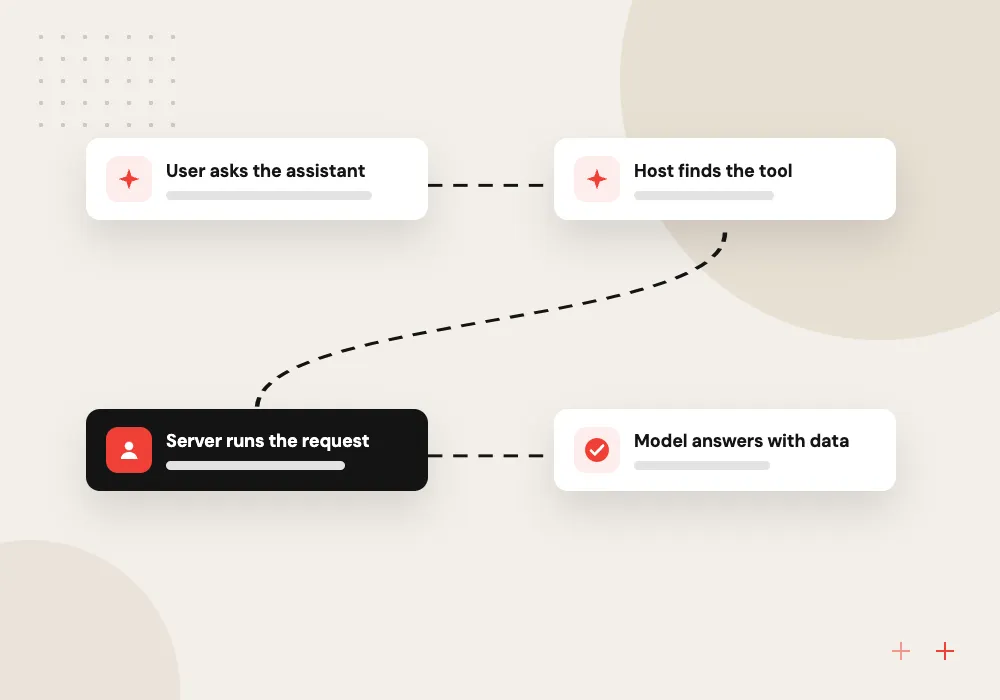
From a question to a tool call
- 01 User asks the assistant A sales manager asks for open deals above a set value this quarter.
- 02 Host finds the tool The AI app sees a CRM search tool listed by a connected MCP server.
- 03 Server runs the request The server checks the user’s rights and queries the CRM through its API.
- 04 Model answers with data Results return to the model, which writes the answer for the manager.
In a well-built setup the server holds the CRM credentials and decides what the AI may see or change.
MCP explained in four points
These are the parts of the protocol an owner or IT manager needs to understand before approving a connection.
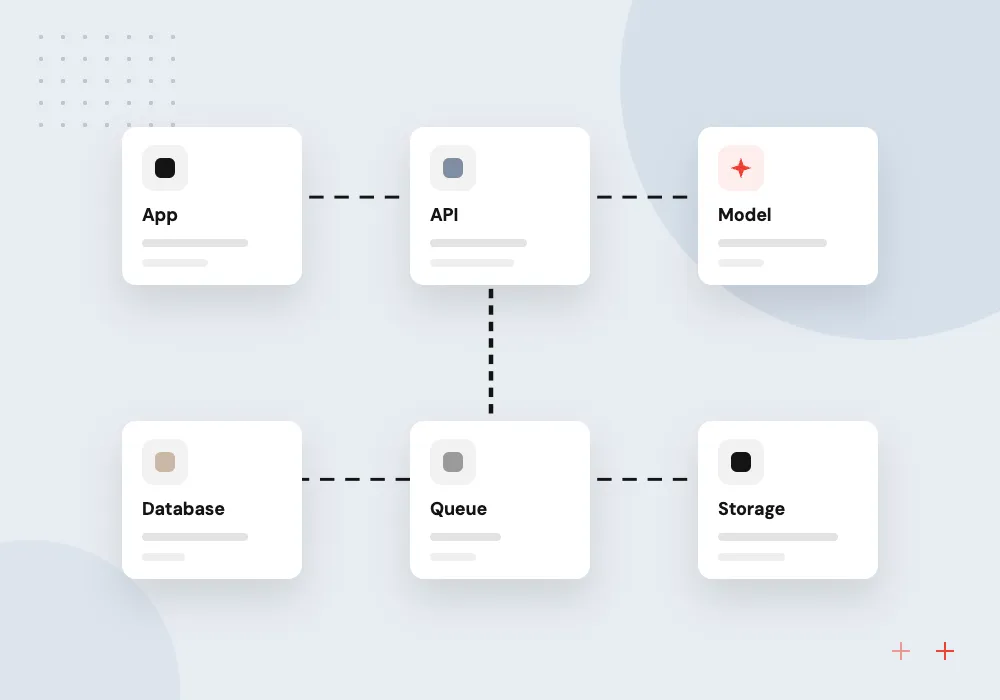
Hosts, clients and servers
The host is the AI app, such as a desktop assistant. A client inside it holds the connection. The server wraps one tool or data source.
Tools, resources and prompts
Servers can offer tools the model may run, resources such as files or records to read, and prompt templates that users choose from.
Local or remote servers
A local server runs on the user’s machine, started by the AI app. A remote server is reached over HTTP, so a whole team can share it.
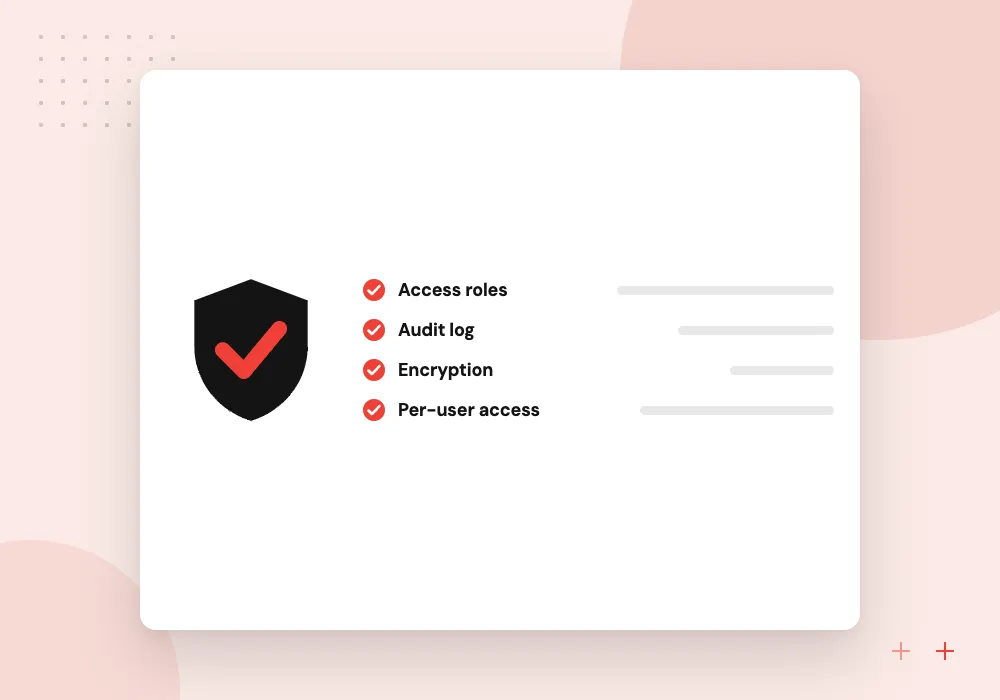
Consent and sign-in
The specification says hosts must get user consent before invoking a tool, and remote servers can use OAuth so each person signs in with their own account.
What an MCP server project includes
Building a server for one of your systems means choosing which actions to expose, describing each so the model uses it correctly, enforcing permissions and logging every call. We test it with the AI applications your team actually uses, because clients differ in which protocol features they support.
What we do
- Tool list agreed with the system owner
- Clear tool names and descriptions
- Per-user sign-in for remote use
- Call logs and rate limits
- Tests across your AI clients
Where MCP needs extra care
Text that comes back from a tool can carry instructions meant to steer the model, a problem known as prompt injection. A server from an unknown source can do more than it claims. Plan reviews, limits and logs before connecting anything that can change records or send messages.
What we do
- Review third-party servers before use
- Read-only access as the default
- Approval for writes and sends
- Treat tool output as untrusted
- Alerts on unusual call patterns

How we approach a project
MCP matters most when you plan to use more than one AI product, or when AI agents need several systems. One assistant talking to one system may not need it, and a direct API integration can be simpler. We recommend MCP when the same system will be reached by several AI tools or teams.
Security needs real attention. A tool exposed through MCP is an action a model can trigger, so the server should check who is asking, allow only agreed actions, log each call and treat text returned from outside sources as untrusted. AI governance consulting covers these controls.
How we work
- One connector, many AI tools
- Permissions enforced at the server
- Treat every tool as an action
Our Process
-

Pick one system
Choose a system staff ask about often, such as the CRM, the helpdesk or a document library.
-

List safe actions
Write down what the AI may read and what it may change, starting with read-only searches.
-

Install or build a server
Use the vendor’s official server if one exists and fits your rules; otherwise build your own.
-

Test with your AI apps
Connect it to the assistant your team uses, review the call logs and widen access in small steps.
How Aranv helps with MCP
We start with the system owner
The person who runs your CRM or ERP helps decide which actions the AI gets, so the server reflects real business rules.
Official servers first
If your vendor already publishes an MCP server that fits your access rules, we configure and test it instead of writing a new one.
Security checked before launch
We test servers for over-broad access, missing sign-in and prompt injection paths, and record each finding with the fix applied.
Documentation your team can use
Each server ships with a list of its tools, the permissions behind them and the steps to add or remove access later.
Ready to act on this guide?
Ask our team in a 30-minute conversation.
Or see how we build it: Explore all services
MCP questions from business owners
-
Is MCP only for Claude?
No. Anthropic introduced it, but it is an open protocol with a public specification, and assistants, coding tools and agent frameworks from other vendors support it too. A server can work with any client that implements the parts of the specification it relies on.
-
What is the difference between MCP and an API?
An API is how software talks to your system. MCP sits on top and describes the API’s actions in a form AI applications can discover and call. Most MCP servers call an existing API behind the scenes, so you still need a working API.
-
Is MCP secure?
The protocol sets consent and authorization rules, but security depends on how each server is built and configured. Give every server the narrowest access it needs, require sign-in for remote servers, log each tool call and review third-party servers before installing them, as you would any software.
-
Do we need to build our own MCP server?
Not always. Many software vendors publish official servers for their products. Build your own when none exists, when the official one exposes more than you want, or when you need custom permission rules or a link to an in-house system.
-
Does MCP replace RAG?
No, they solve different problems. RAG finds relevant passages in a document collection for the model to read. MCP gives the model a standard route to tools and data sources, and a document search exposed over MCP can itself be a RAG system.

Let’s talk about your next step
Contact Aranv to discuss your workflow, current tools, and goals. Meet with our team or send an inquiry.
Book a meeting with our team
Choose an available date and time for a 30-minute conversation about your project.
Tell us about your project
Share a few details so we can discuss a useful next step.
Prefer email? sales@aranv.com