


What AI data readiness involves
Aranv’s answer on how to prepare data for AI: prepare only what one task needs. List its sources, limit access to the right records, retire outdated and duplicate content, label a set of real examples with the correct outcome, and give one person the job of keeping that data current after launch.
Scope the data to the task. An assistant answering staff policy questions needs the handbook and its updates, not every file on the shared drive. Work through the data questions in the AI project readiness checklist, then list the sources the chosen task truly reads.
Permissions come before indexing. Once documents are loaded into a search index for RAG and knowledge search, the AI can surface anything in that index. Mirror your existing access rules, strip personal data the task does not need, and hold back confidential folders until controls exist. Joint AI data security guidance from CISA, the NSA and the FBI covers the risks in depth.
AI data readiness for a single task
From scattered files to usable data
- 01 Inventory the sources List every system, folder and spreadsheet the task reads, with an owner for each.
- 02 Control access Decide which records the AI may read and remove anything it should not see.
- 03 Clean and structure Retire old versions, merge duplicates and fix the fields the task depends on.
- 04 Label test examples Collect real cases with the correct answer so accuracy can be measured.
Clean the data that one task uses, not the whole company archive.
Data cleanup for AI: the four jobs
Getting data ready frequently takes longer than configuring the model. These four jobs make up most of that effort.
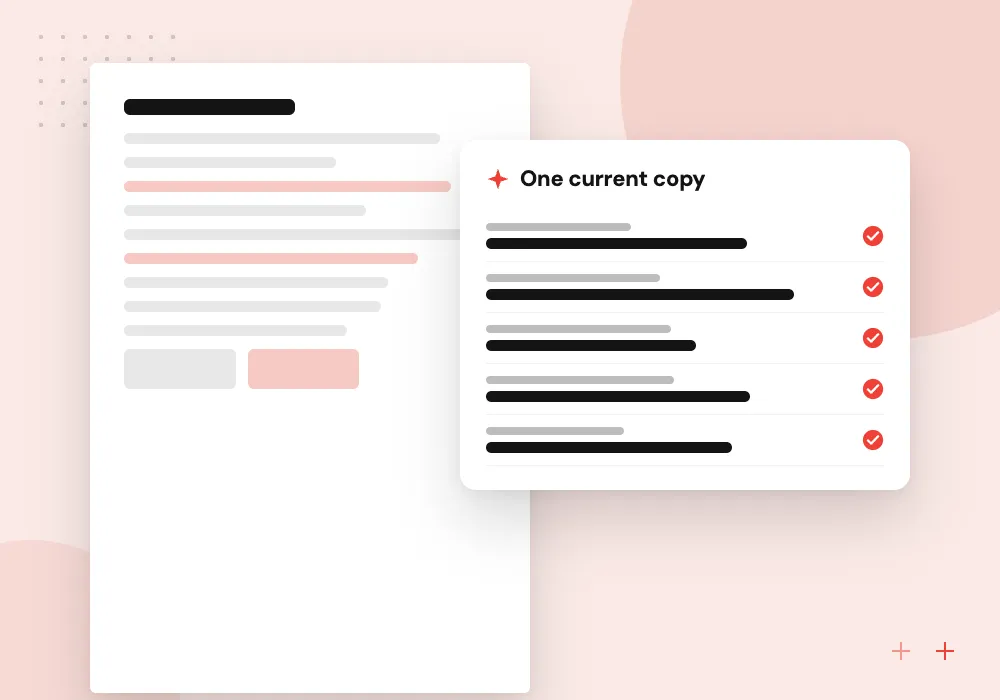
Documents and policies
Find the current version of each policy, price list or manual, archive the rest, and note who approves changes to it.
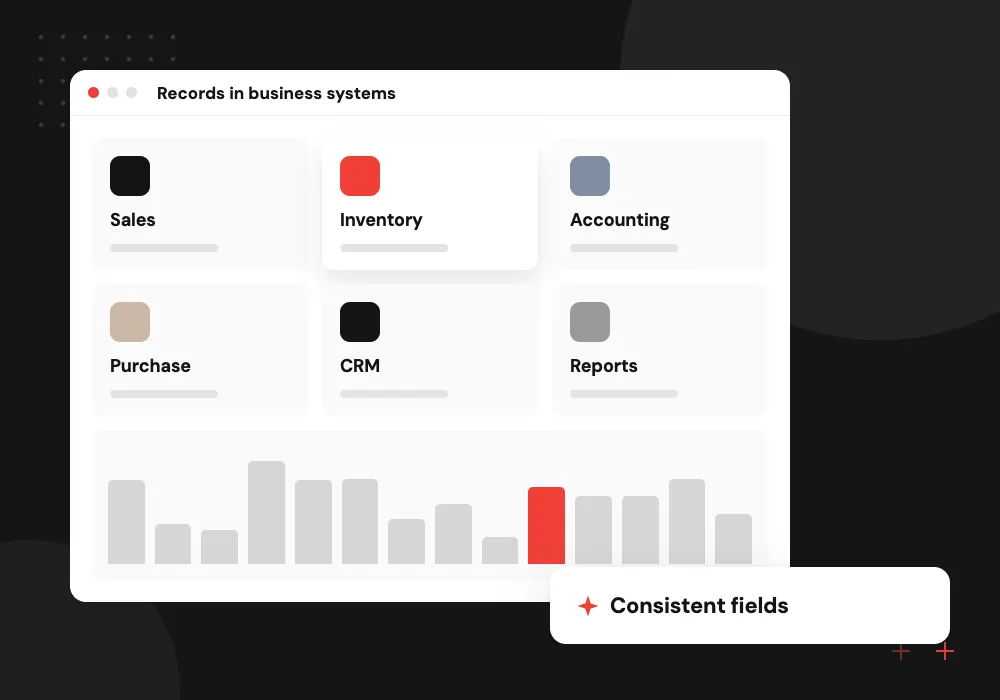
Records in business systems
Fill missing fields, merge duplicate customers and agree what each status code means before an AI reads CRM or ERP data.
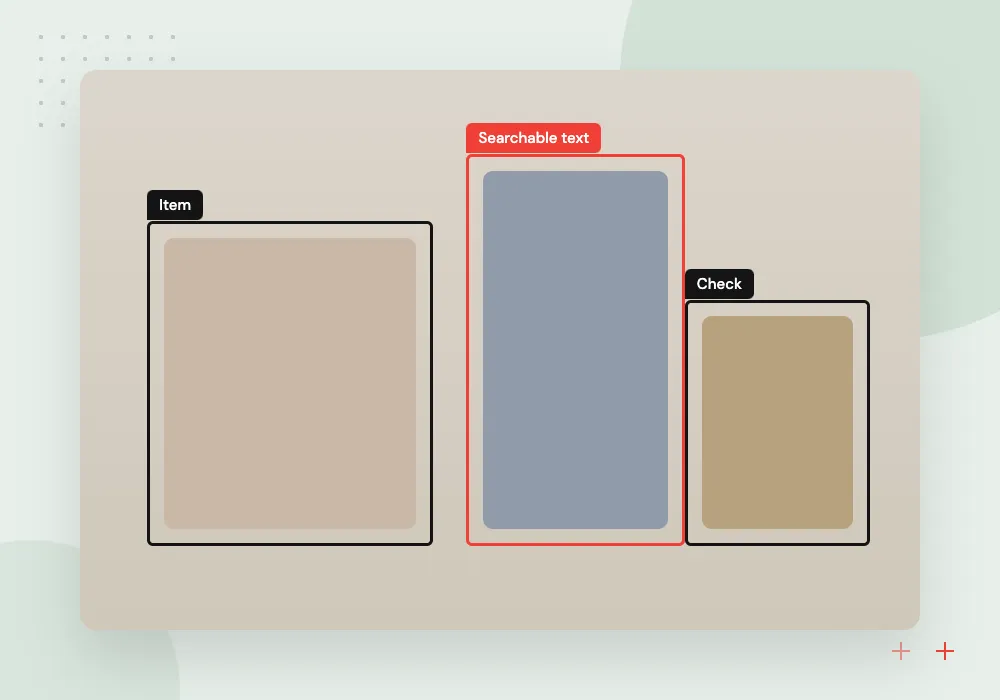
Scans and images
Run OCR on scanned forms and spot-check the text, since a poor scan feeds the model wrong numbers and names.
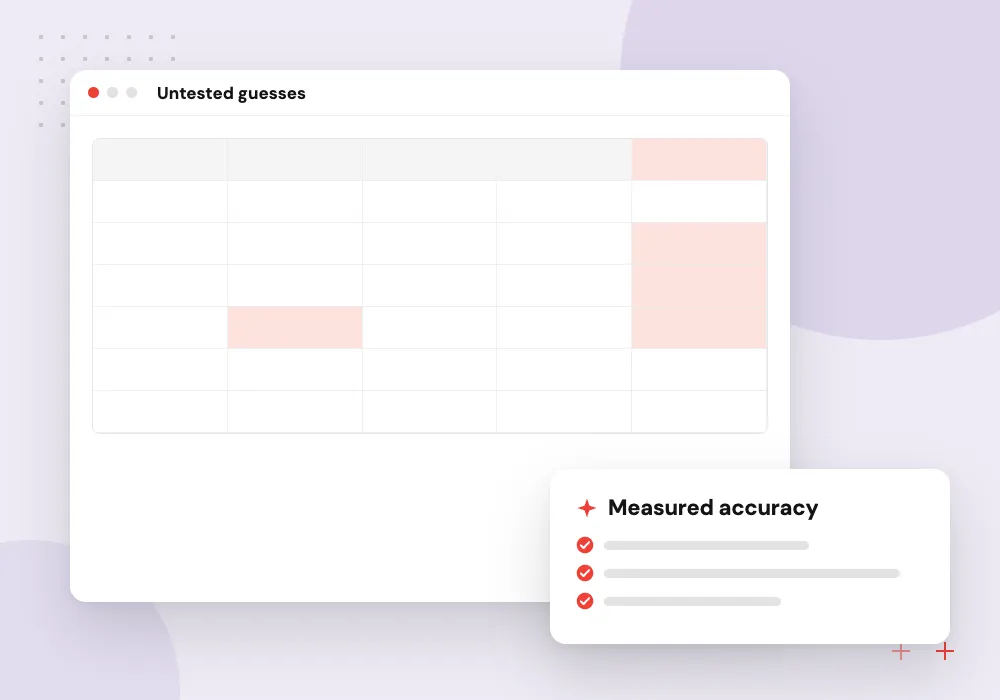
Labeled examples
Pull past cases with the outcome your team chose, such as the category, the extracted total or the reply sent, to test against.
Getting documents ready for AI search
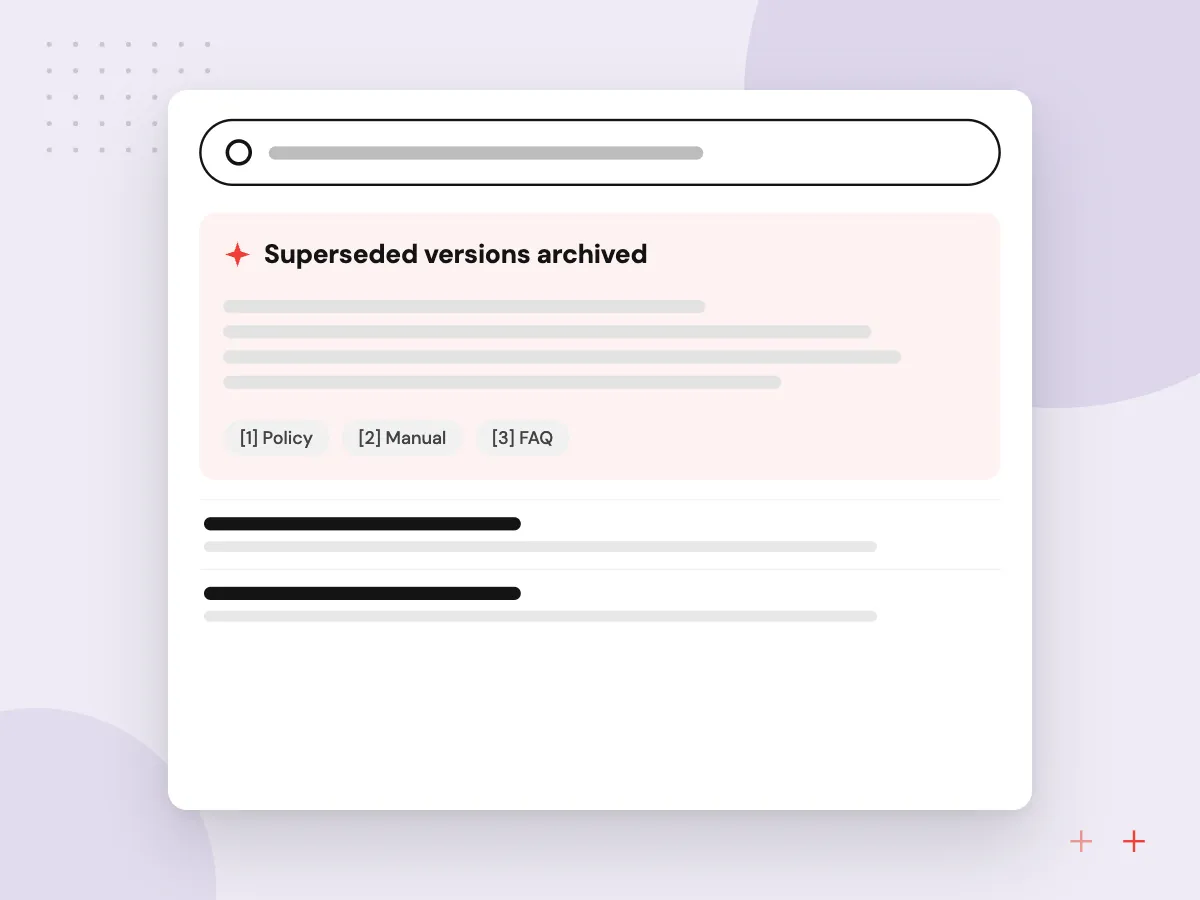
Answer quality in a document assistant depends on what it retrieves. We retire superseded versions, split long files at their headings, add the owner and effective date to each section, and test retrieval with real staff questions before any answers reach users.
What we do
- Superseded versions archived
- Sections split at headings
- Owner and effective date metadata
- Access tags carried from the source
- Retrieval tested on staff questions
Building an evaluation set from past work
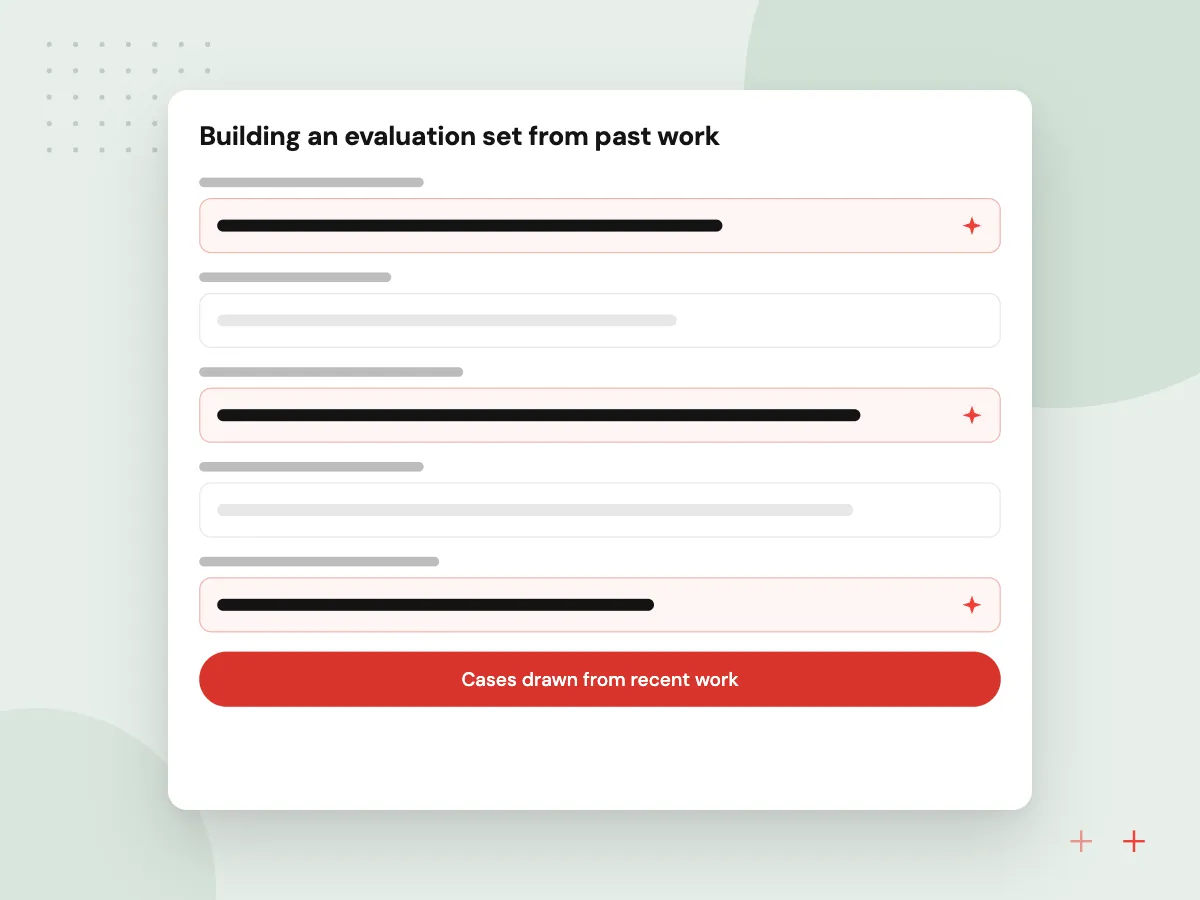
An evaluation set is a group of real past cases paired with the answer your team agrees is correct. It shows whether the AI is ready, and it catches regressions when prompts, data or models change. A useful set covers routine cases and the awkward exceptions.
What we do
- Cases drawn from recent work
- Correct outcome agreed by staff
- Edge cases and exceptions included
- Personal details masked
- Rerun after every change

How we approach a project
Structure what the model reads. Split long documents into sections with clear headings, attach dates and owners as metadata, and convert tables in scans into text that keeps rows and columns. For records in systems, agree definitions first; data engineering work such as pipelines and validation rules keeps the feed reliable.
Keep it current. Data that was clean at launch drifts as prices, staff and policies change. Assign an owner, schedule re-indexing and log which source each answer came from. Our AI data preparation team can take on clean-up and labeling, sized first in a 30-minute conversation about your files and folders, set up through the Contact page.
How we work
- Prepare for one task first
- Access rules before indexing
- Real examples with known answers
Our Process
-

Pick the task and its inputs
Write down the job and every document, table or system field it depends on.
-

Audit quality and access
Sample the data for gaps, duplicates and stale versions, and check who can see what today.
-

Clean, label and load
Fix what the audit found, label real examples with correct outcomes, and load the data with access rules attached.
-

Assign upkeep
Name an owner, set a refresh schedule and track which sources the AI relied on for each answer.
How Aranv handles your data
Only the data the task needs
We agree the list of sources with you before anything is copied, and confidential folders stay out unless the task requires them and controls are in place.
Access mirrors your systems
Where the AI reads documents, we carry over permissions from the source system so staff see only what they could already open.
Labels confirmed by your team
Your staff confirm the correct outcomes in the evaluation set, so accuracy is judged by the people who know the work.
Upkeep built in
We set up refresh jobs, source logging and a simple way for staff to flag a wrong answer, so data problems surface early.
Ready to act on this guide?
Ask our team in a 30-minute conversation.
Or see how we build it: Explore all services
Preparing data for AI: FAQs
-
Does our data need to be perfect before using AI?
No. It needs to be accurate for the one task you start with, reachable through an export or API, and limited to what that task should see. Fixing everything first delays the project without improving the pilot.
-
How much data do we need for an AI project?
It depends on the approach. A document assistant needs current versions of the documents it answers from. Testing any AI system needs real examples with known correct outcomes. Training a custom model needs far more labeled data, which is one reason most business projects start from existing models.
-
Should we remove personal information before using AI?
Remove or mask personal data the task does not need, and restrict the rest to the people and processes allowed to use it. Check your contracts and any privacy rules that apply, such as health or financial requirements, before data reaches an AI provider.
-
What format should documents be in for AI?
Text-based files with clear headings work best: Word documents, text PDFs, web pages or exports from a knowledge base. Scanned PDFs need OCR first, and spreadsheets need consistent column names and one header row.
-
Who should own data quality after launch?
The team whose work depends on the data, with one named person who approves changes to source documents and reviews answers that staff flag as wrong. Technical upkeep such as re-indexing can sit with IT or your development partner.

Let’s talk about your next step
Contact Aranv to discuss your workflow, current tools, and goals. Meet with our team or send an inquiry.
Book a meeting with our team
Choose an available date and time for a 30-minute conversation about your project.
Tell us about your project
Share a few details so we can discuss a useful next step.
Prefer email? sales@aranv.com