


Google Play submission and App Store steps
Aranv’s app store submission checklist in one line: before you submit, have developer accounts in your company’s name, a tested release build, accurate privacy answers, store listing assets, a working demo login for reviewers and, for new personal Google Play accounts, a finished closed test.
Google Play submission. Register the Play Console account as an organization where you can, complete verification and upload an Android App Bundle that targets the API level Google currently requires. New personal accounts must pass a closed test before production access, so build it into the schedule. Our Android app development team handles signing, tracks and rollouts.
App Store submission. Enroll in the Apple Developer Program under your company, build with the Xcode and SDK versions Apple currently requires, and send builds through TestFlight first. Then complete privacy details, age rating, export compliance and review notes in App Store Connect. See iOS app development for how we prepare builds.
The path from build to store listing
Four stages before an app goes live
- 01 Accounts and agreements Apple Developer Program and Play Console accounts owned by your company, not a contractor.
- 02 A release-ready build Signed build, current SDK targets, stable on real devices and tried by beta users.
- 03 Listing and privacy forms Screenshots, descriptions, age ratings, App Store privacy details and Google Play’s Data safety form.
- 04 Review and release Reviewer notes, a demo account, a phased rollout and a plan for first fixes.
Store rules change often, so read the current guidelines again before each submission.
App store review guidelines: four checks before you submit
These four checks catch common, avoidable problems before a reviewer does.
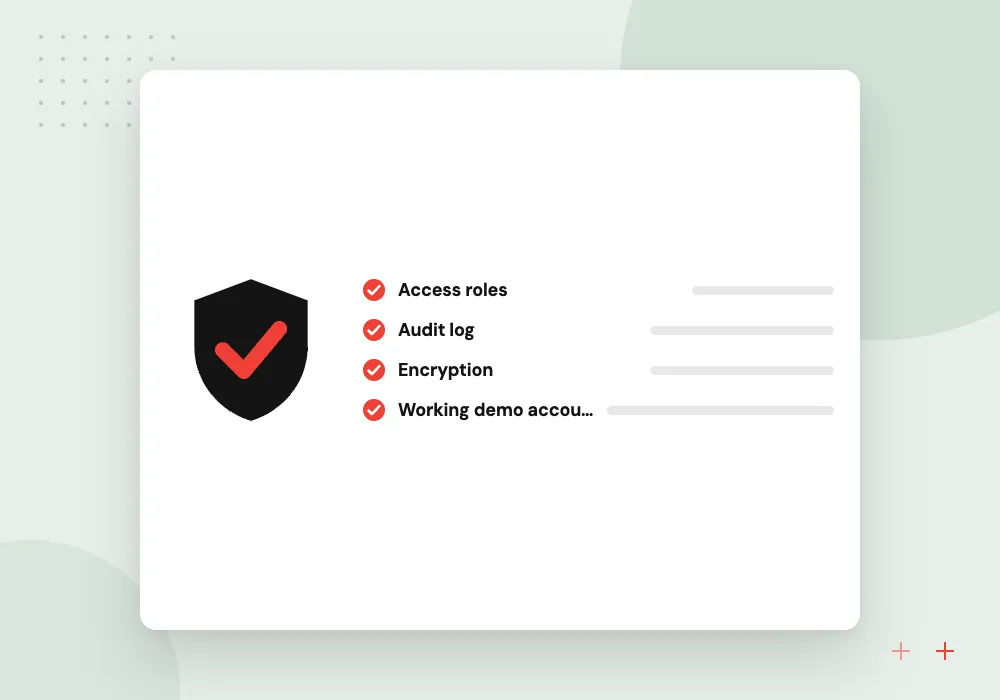
Reviewer access
If the app has a login, give reviewers a working demo account and keep the back end running, as Apple’s guideline 2.1 asks. Google Play also asks for access instructions.
Account deletion
Apple requires apps that support account creation to offer account deletion inside the app. Google Play has its own deletion requirements, declared in Play Console.
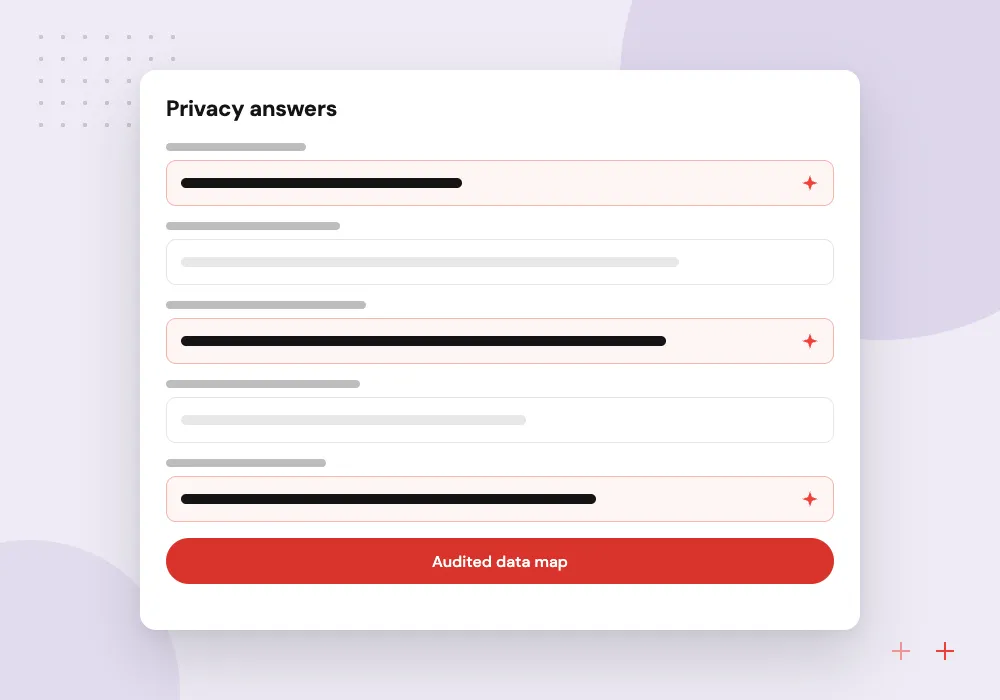
Privacy answers
App Store privacy details and Google Play’s Data safety form must match what the app, and every SDK inside it, actually collects and shares.
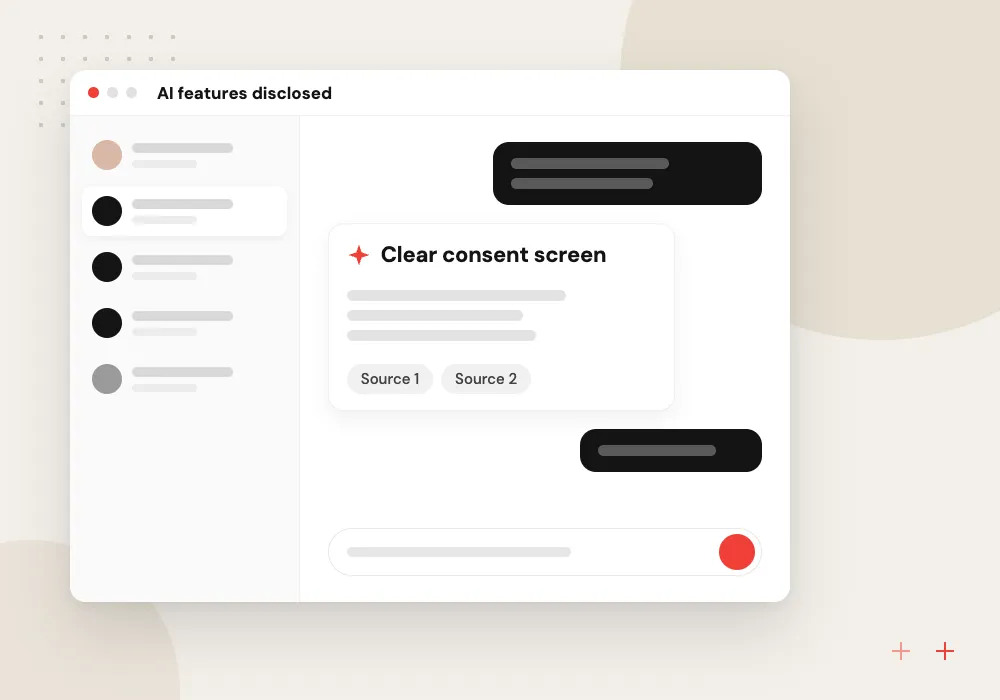
AI features disclosed
If the app sends personal data to an outside AI model, Apple expects clear disclosure and the user’s permission first. Design that consent screen before building the feature.
The Apple App Store checklist
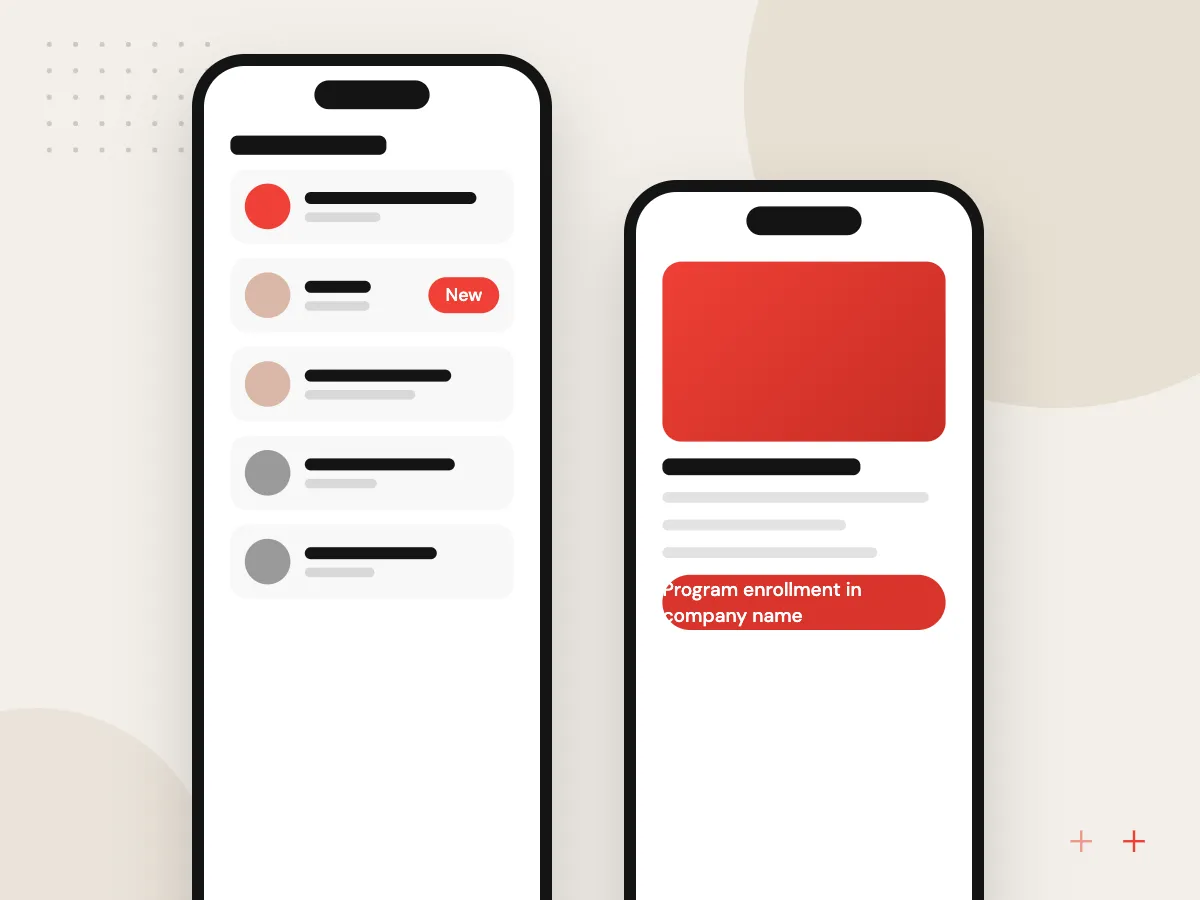
Apple’s App Review checks every submission against its guidelines. A final pass over the build, the App Store Connect record and the reviewer notes prevents most avoidable back-and-forth with reviewers.
What we do
- Program enrollment in company name
- Build from the required Xcode version
- TestFlight round with real users
- Privacy details and age rating
- Demo account and reviewer notes
- In-app account deletion
The Google Play checklist
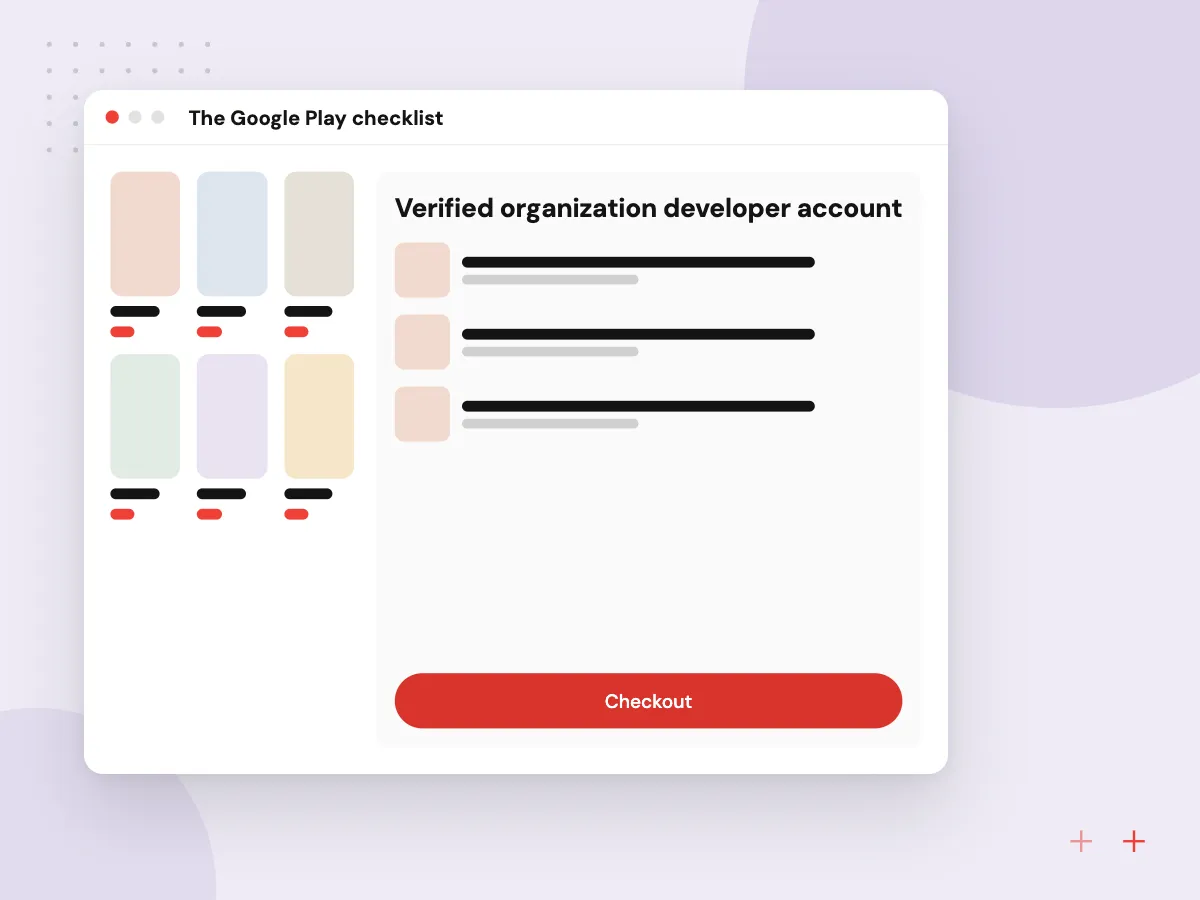
Much of the Google Play work happens in the App content section of Play Console, where you declare data use, ads, target audience and app access. New personal accounts face an extra testing step, so an organization account is usually the better route for a business.
What we do
- Verified organization developer account
- App Bundle with Play App Signing
- Current target API level
- Data safety form and privacy policy
- Content rating questionnaire
- Closed test where required

How we approach a project
Testing before review. Apple asks that apps be tested on-device for bugs and stability, so cover older and newer phones, slow networks and a first launch with no saved data. Our QA and software testing team runs these passes before every submission.
After approval. Release in stages, watch crash reports and reviews, and keep a fix ready. Our mobile app development team tracks new store requirements for the apps it supports.
How we work
- Company-owned accounts from day one
- Privacy answers from the real build
- Give reviewers a working login
Our Process
-

Set up company accounts
Enroll with Apple and Google under your business, with at least two admins on each.
-

Map data and permissions
List every data type the app and its SDKs collect, and why each permission is needed.
-

Run beta testing
Use TestFlight and a Play closed track with real users, including the 14-day Play test if it applies.
-

Submit with reviewer notes
Add a demo account, explain features that are not obvious and list any hardware needed.
How Aranv gets apps through review
Submission prep in the plan
Store accounts, privacy answers, listing assets and reviewer notes are scheduled tasks in our app projects, not work left for launch week.
An SDK and data audit
We list every SDK in the build and what it collects, so App Store privacy details and the Data safety form match the real app.
Accounts stay yours
We recommend publishing under your company’s developer accounts, with signing keys, billing and admin access held by people on your side.
Rejections handled calmly
When a reviewer raises an issue, we read the cited guideline, fix or explain, and reply through the review channel with clear evidence.
Ready to act on this guide?
Ask our team in a 30-minute conversation.
Or see how we build it: Explore all services
App store submission FAQs
-
How long does app store review take?
It varies, and neither store promises a fixed time. Plan several days for a first submission and longer for sensitive categories. New personal Google Play accounts must also finish a closed test of at least 14 days before applying for production access.
-
Why do apps get rejected from the App Store?
Common reasons are crashes, a login reviewers cannot get past, missing account deletion, privacy answers that do not match the app, unclear in-app purchase handling and apps that are little more than a website. Checking the guidelines against your app first catches many of these.
-
Do we need an organization or personal Google Play developer account?
Use an organization account for a business app. It shows your company as the developer, and the closed testing rule applies to personal accounts created after November 13, 2023. Organization accounts need business details, such as a D-U-N-S number, during verification.
-
Who should own the developer accounts?
Your company should. If a contractor publishes under their own account, moving the app later is slow and depends on their cooperation. We recommend publishing under your accounts with your development partner added as users, so you keep control of the listing, signing and reviews.
-
What store listing assets do we need?
Plan an app icon, screenshots for the device sizes you support, a short and full description, a privacy policy URL, a support contact and age rating answers. Google Play also needs a feature graphic. Descriptions should match what the app really does.
-
Does an AI feature change the submission?
It can. Apple expects disclosure and permission before personal data reaches a third-party AI service, and Google Play has rules for apps that generate content with AI. Describe the feature in your reviewer notes and show the consent flow.

Let’s talk about your next step
Contact Aranv to discuss your workflow, current tools, and goals. Meet with our team or send an inquiry.
Book a meeting with our team
Choose an available date and time for a 30-minute conversation about your project.
Tell us about your project
Share a few details so we can discuss a useful next step.
Prefer email? sales@aranv.com