


Prompt injection prevention and other controls
Aranv’s AI agent security checklist: give each agent the narrowest access its task needs, treat every document, email and web page it reads as untrusted input, require human approval for actions that move money or change records, validate outputs before use, log every tool call, and test against prompt injection before launch.
Why agents need extra care. A chatbot that only answers questions can say something wrong. An agent with tools can also send email, update records or call other systems, so a misled agent causes real changes. Our guide to AI agents vs chatbots explains the difference.
Prompt injection. Instructions hidden in a web page, a PDF or an incoming email can redirect a model that reads them. The OWASP entry on prompt injection describes the forms it takes. Filters help, but the dependable control is restricting what the agent can do after it has read untrusted content.
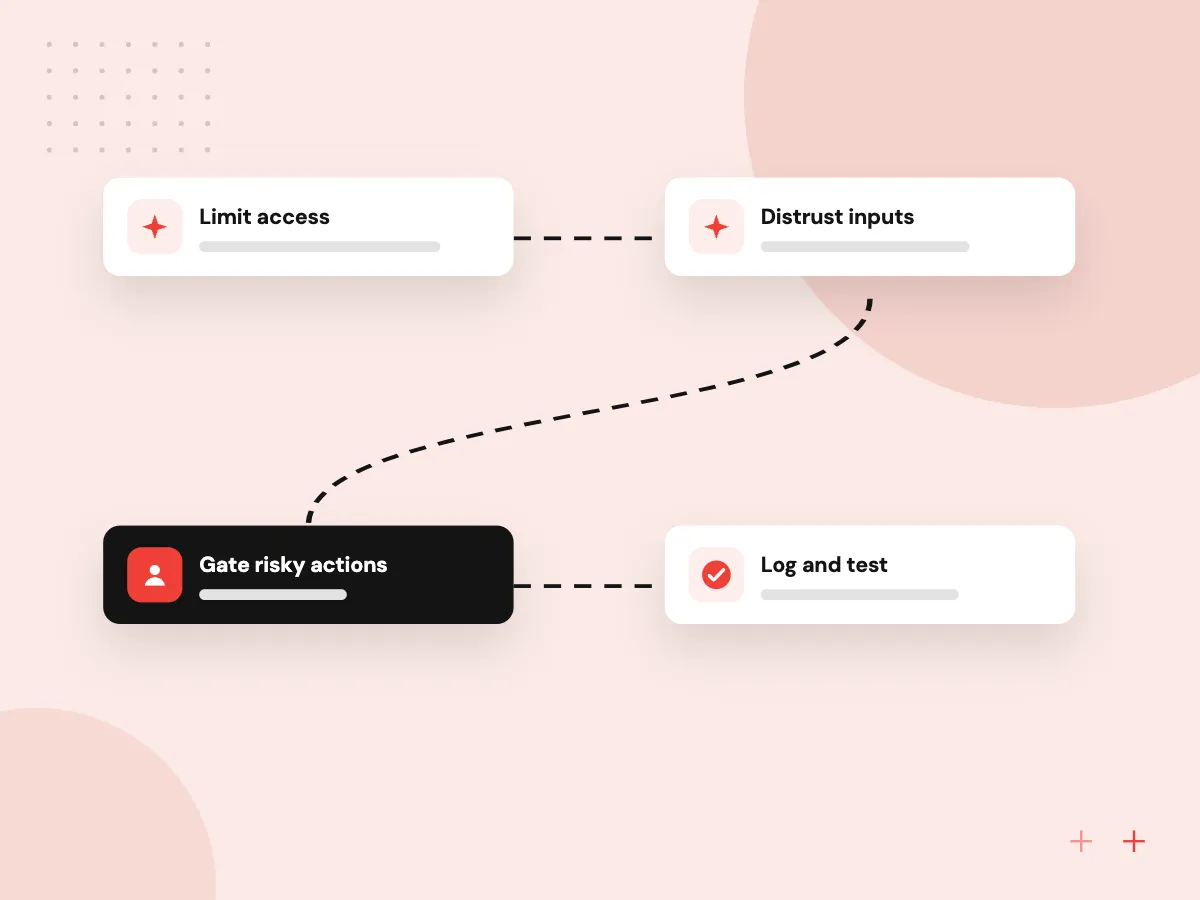
Layers of AI agent security
Contain what the agent can do
- 01 Limit access Separate credentials per agent, scoped to the records and actions its task needs.
- 02 Distrust inputs Treat retrieved text, emails and uploads as data, never as instructions.
- 03 Gate risky actions Payments, deletions and outbound messages wait for a person to approve them.
- 04 Log and test Record every tool call and run attack tests before each release.
No single defense stops prompt injection, so limit the damage an agent can do if it is misled.
LLM security checklist: four areas
Each area covers a different way an agent can be misused. Check all four before an agent touches live systems.
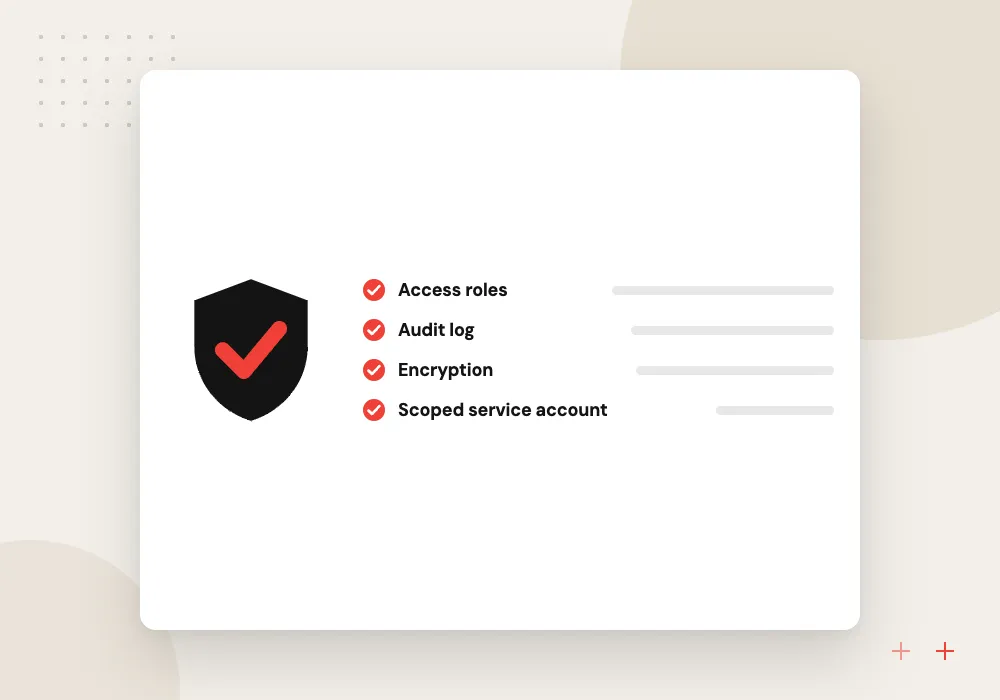
Identity and permissions
A separate service account per agent, read-only where possible, with keys held in a secrets store rather than in prompts or code.
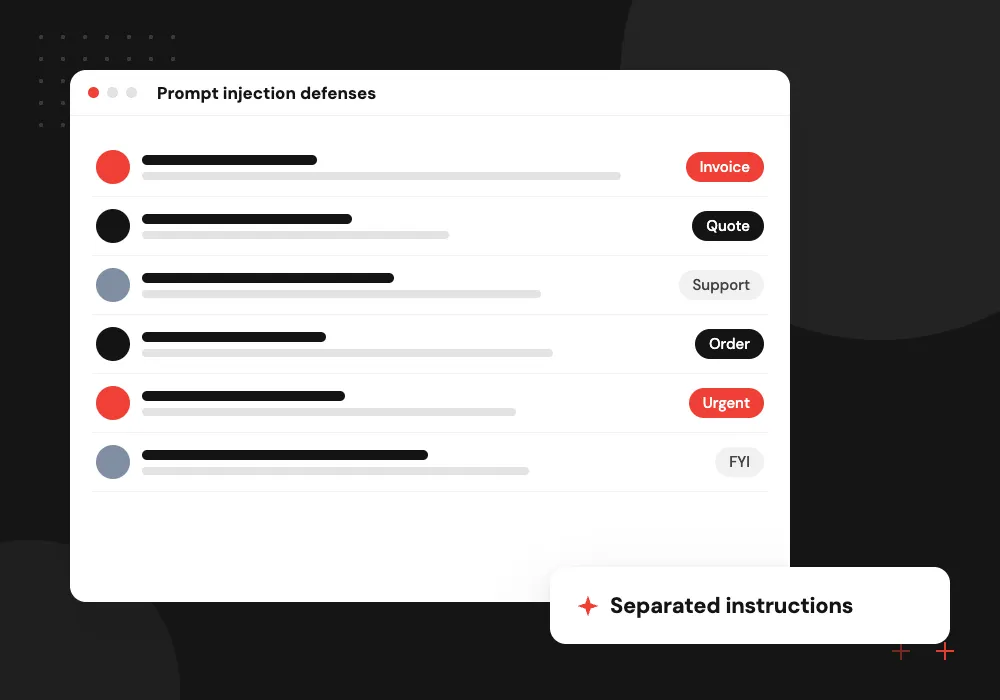
Prompt injection defenses
Keep instructions apart from retrieved content, strip hidden text from inputs, and restrict which tools can run after the agent reads outside content.
Output handling
Validate anything the model produces before it reaches a database, a browser or a command line, exactly as you would treat user input.
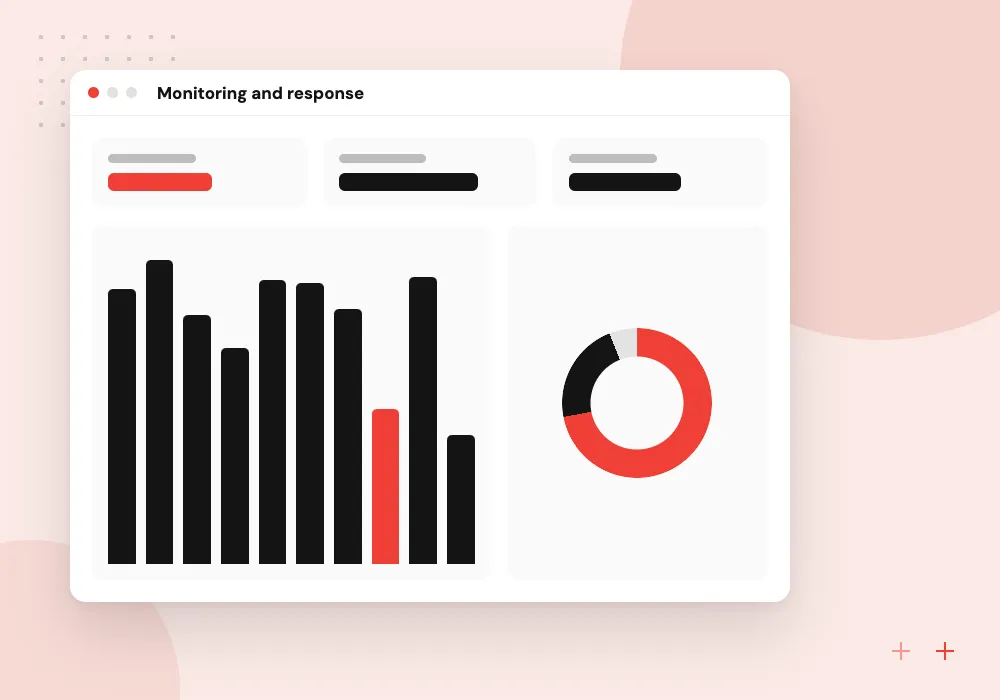
Monitoring and response
Log prompts, tool calls and results, alert on unusual actions, and keep a switch that pauses the agent within minutes.
Approval gates for high-risk actions
Decide in advance which actions an agent may take alone and which wait for a person. Payments, refunds, deletions, permission changes and messages to many recipients belong in the second group. The approver should see what the agent wants to do and why, then accept or reject it.
What we do
- Actions sorted by risk
- Approval screen showing agent reasoning
- Caps on amounts and recipients
- Timeouts that default to no
- Approvals written to the log
Testing an agent like an attacker
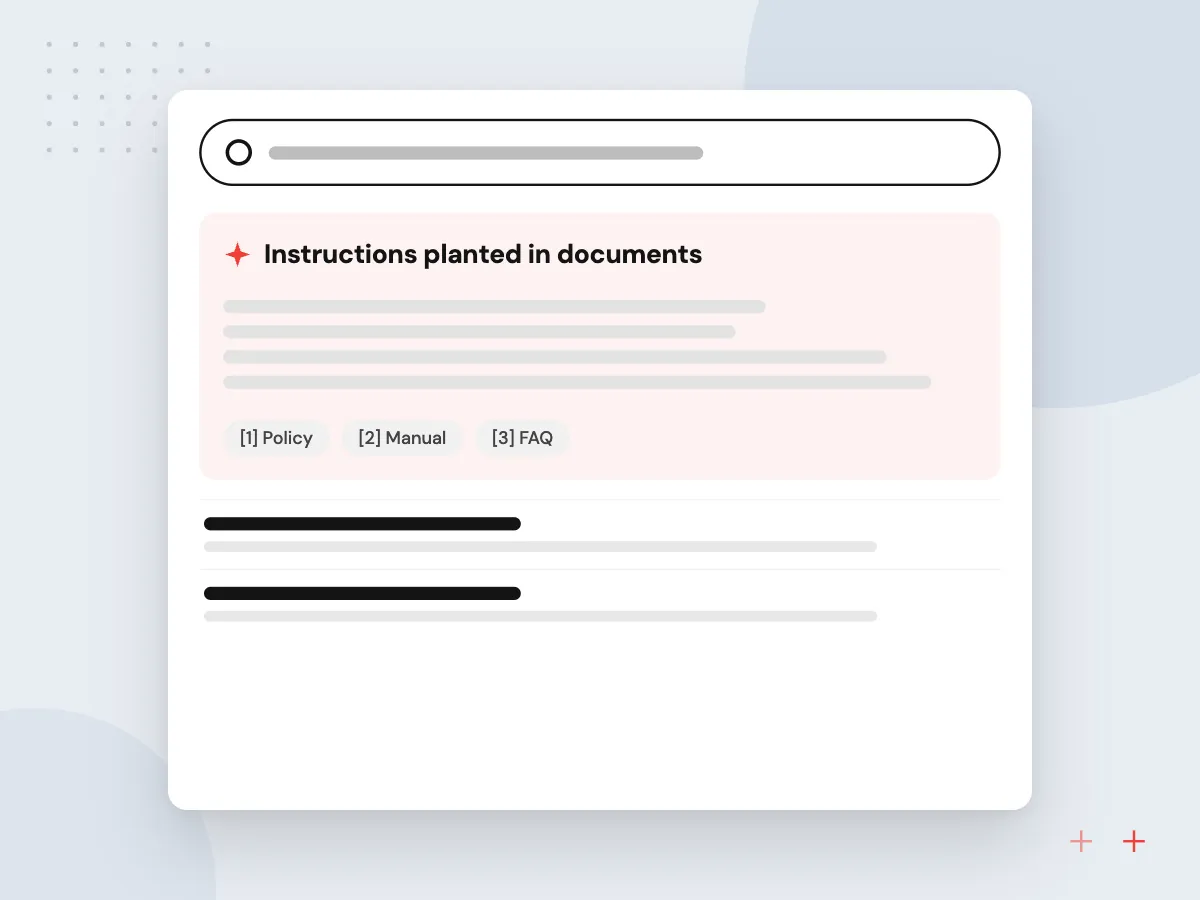
Before launch, try hard to make the agent misbehave. Plant instructions in documents it will read, ask it to reveal its system prompt or other users’ data, and push its tools past their intended use. Keep each attack as a repeatable test for later releases.
What we do
- Instructions planted in documents
- Prompt extraction and data leak attempts
- Tool misuse and over-reach cases
- Repeatable attack test suite
- Findings tracked until fixed

How we approach a project
Tools and connections. Every tool an agent can call, including tools exposed through an MCP server, needs its own permissions, input validation and rate limits. Review third-party tools and plugins the way you would review any software supplier.
Test before and after launch. Run attack scenarios against the agent before release and again after changes; AI red teaming does this systematically. Our AI agent development team builds these controls in from the first sprint, and policy questions belong with AI governance. If an agent of yours is already live, a 30-minute conversation about its tools and permissions is one request away on the Contact page.
How we work
- Least privilege for every tool
- Approval before irreversible actions
- Assume inputs may be hostile
Our Process
-

Map tools and data
List every system the agent touches, what it can read, what it can change and whose behalf it acts on.
-

Cut permissions down
Remove access the task does not need and add approval steps in front of irreversible actions.
-

Attack it in testing
Try injected instructions, data leaks and tool misuse, then fix whatever gets through.
-

Monitor in production
Review logs, alert on unusual tool use and retest whenever prompts, tools or models change.
How Aranv secures agents
Permissions designed first
We list each tool and the access it needs before writing prompts, and each agent runs under a dedicated service account scoped as tightly as the task allows.
Approval steps in the workflow
Actions that move money, change records or contact customers go to a named person, who sees the proposed action before it runs.
Attack tests in every release
Injection and leak tests sit in the same suite as accuracy tests, so they run again whenever prompts, tools or models change.
Logs your team can read
Every tool call, result and approval is recorded in a form your IT staff can search, kept for a retention period you choose.
Ready to act on this guide?
Ask our team in a 30-minute conversation.
Or see how we build it: Explore all services
AI agent security FAQs
-
What is the biggest security risk with AI agents?
Prompt injection combined with broad permissions. If an agent reads untrusted content and can also take actions, hidden instructions in that content may trigger those actions. Narrow permissions and approval steps limit the damage.
-
How do you prevent prompt injection?
No method prevents it completely. Keep system instructions separate from retrieved content, limit the tools available after reading outside data, validate outputs, require approval for sensitive actions, and test with injection attempts on a regular schedule.
-
Should an AI agent have admin access?
No. Give it its own account with the minimum permissions its task needs, separate from any person’s login, so you can restrict, monitor or revoke it without affecting anyone else.
-
What should we log for an AI agent?
The request, the model’s plan and tool calls, the data each tool returned, the final output and any human approval. Protect those logs, since they may contain sensitive data, and set a retention period.
-
How often should AI agents be security tested?
Before launch and after every meaningful change to prompts, tools, permissions or the underlying model, plus a periodic review of logs for behavior nobody expected.

Let’s talk about your next step
Contact Aranv to discuss your workflow, current tools, and goals. Meet with our team or send an inquiry.
Book a meeting with our team
Choose an available date and time for a 30-minute conversation about your project.
Tell us about your project
Share a few details so we can discuss a useful next step.
Prefer email? sales@aranv.com