


What AI meeting summaries include
Aranv builds AI meeting summaries for companies that need more than a generic recap: transcripts from Zoom, Microsoft Teams or Google Meet become decisions, owners and due dates, filed against the right client or project and sent to your CRM, project tool or shared drive.
Zoom, Microsoft Teams and Google Meet each let authorized apps read recordings or transcripts, with permissions an admin usually has to approve. We connect to the platform you use, collect transcripts as meetings end and keep them in your storage. If the platform’s built-in assistant already covers your needs, we will say so; custom work earns its cost when notes must reach other systems or follow your templates.
Summarizing and extracting are part of our LLM integration services. Searching months of meetings uses the retrieval approach on our RAG development page, and where only recordings exist, transcription follows our speech-to-text development work.
From recorded meeting to tracked follow-up
One meeting, filed and followed up
- 01 Pick up the transcript When the meeting ends, its transcript and attendee list arrive from Zoom, Teams or Meet.
- 02 Match the meeting type A sales call, client review or internal stand-up each get their own summary template.
- 03 Extract decisions and actions The model lists decisions, owners and due dates, each linked to the line it came from.
- 04 File and assign The organizer approves the summary; tasks go to the project tool and notes to the record.
Meetings marked private, such as HR or legal discussions, are skipped before any transcript is processed.
Where meeting transcription AI saves time
The value is in what happens after the call, when notes need to reach the systems people actually work in.
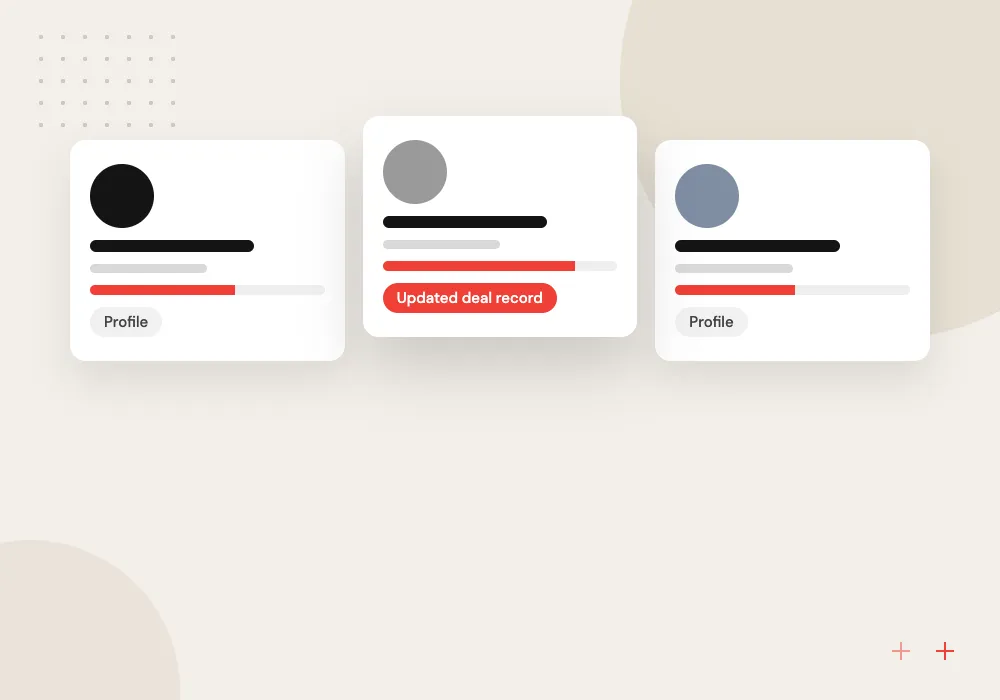
Sales call notes to CRM
Budget, timeline, decision makers and objections from discovery calls are written to the deal record, ready for the next conversation with that buyer.
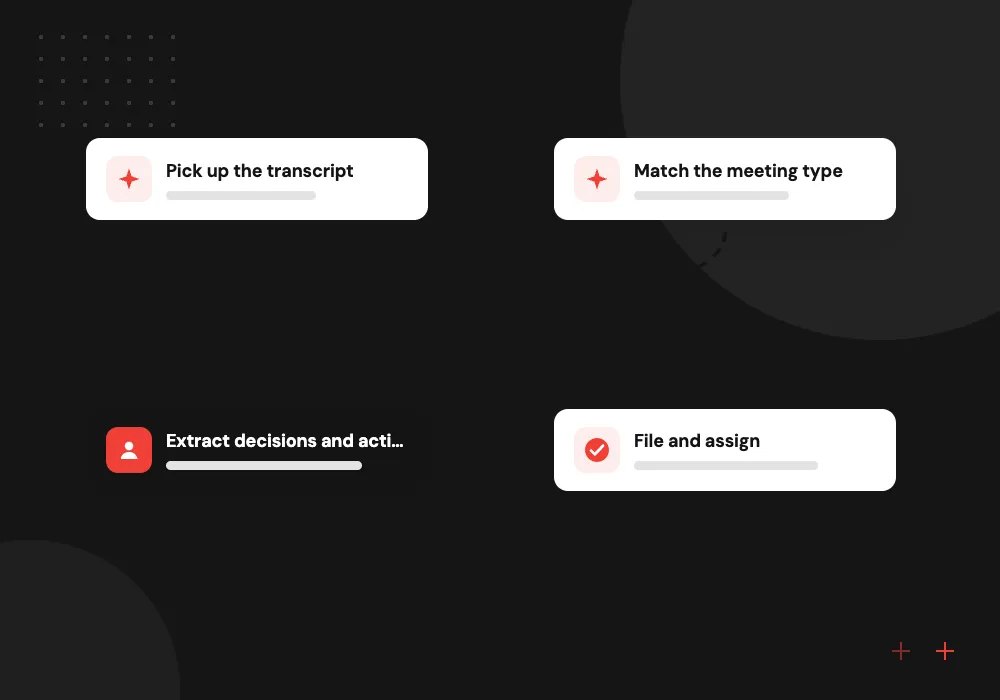
Action item extraction
Tasks agreed in the meeting become tasks in Asana, Jira or Microsoft Planner, each with an owner and a due date attached.
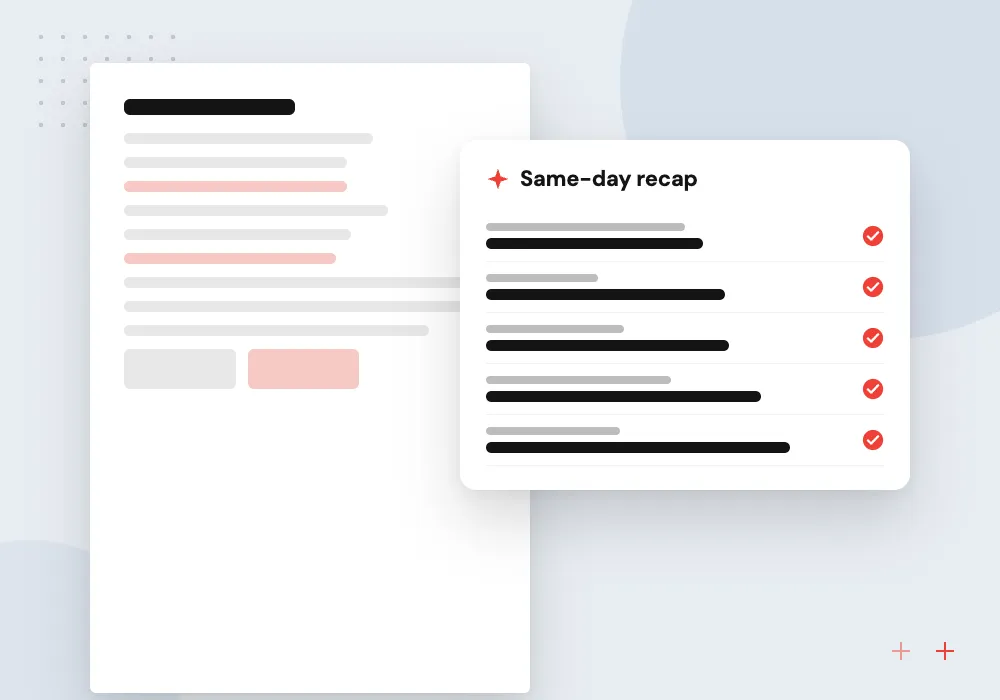
Client status recaps
Account managers get a draft recap email for the client after each review meeting, written in your house style and checked before sending.
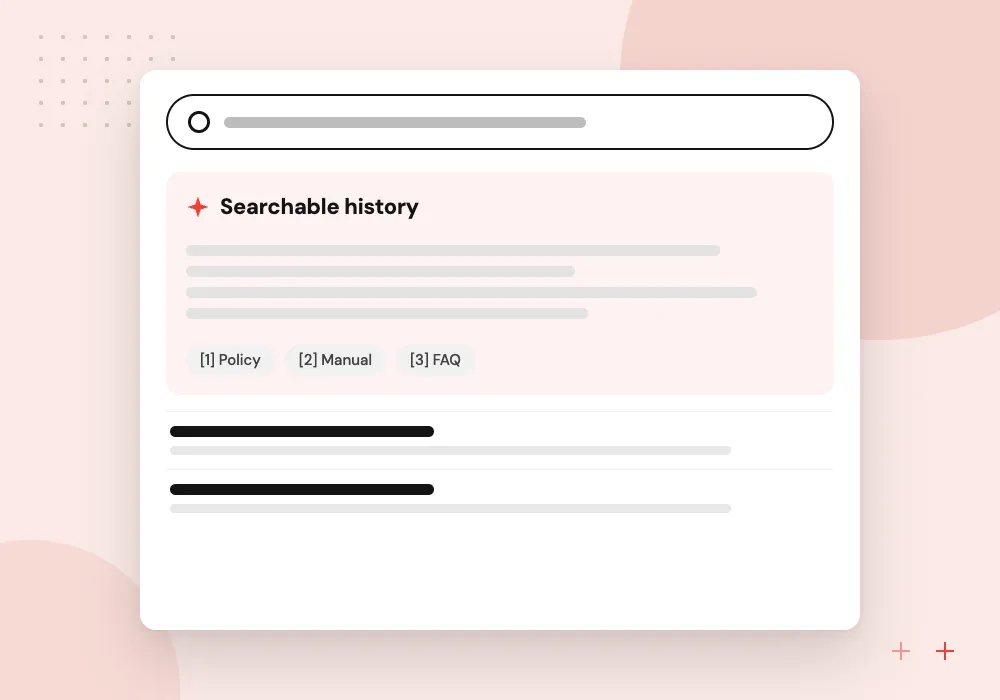
Searchable meeting history
Ask what was agreed with a client last quarter and get the answer with links to the meetings and transcript lines it came from.
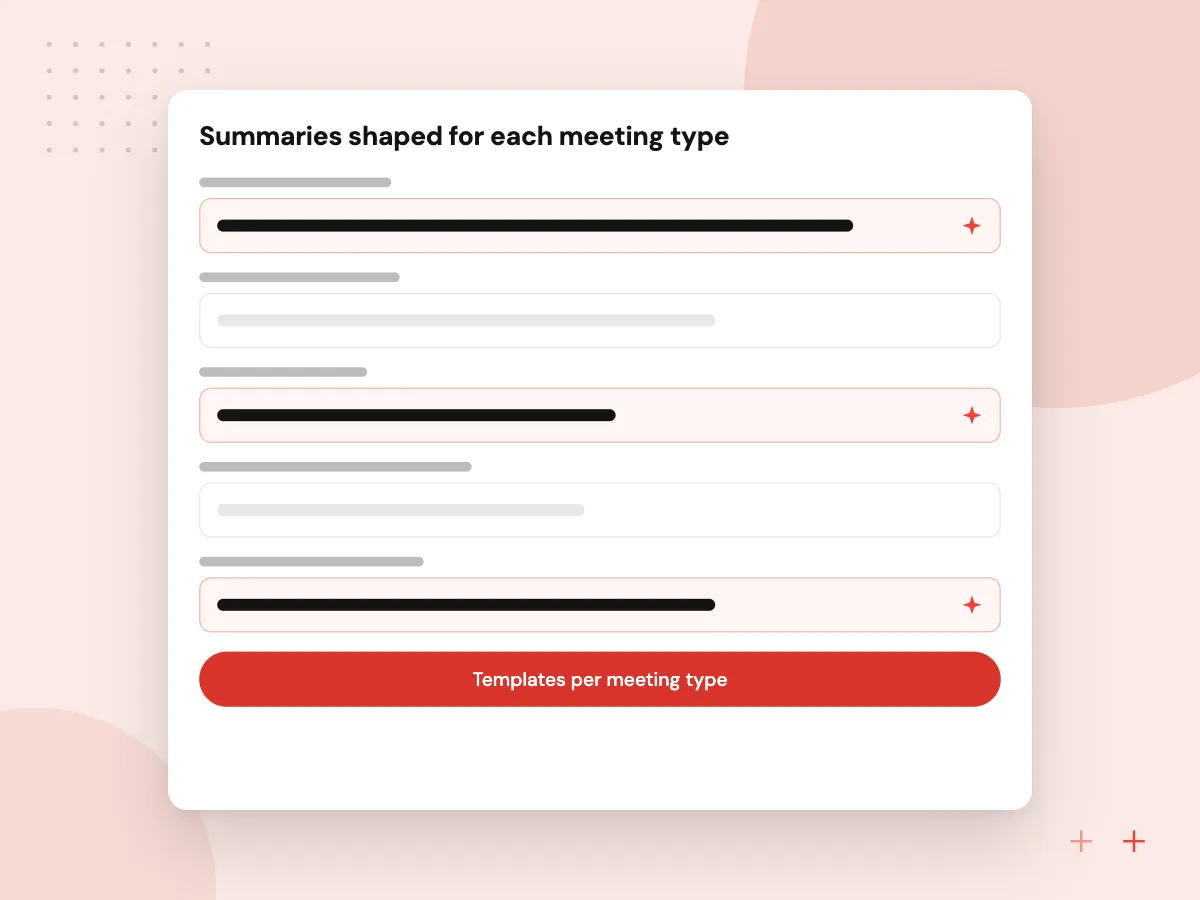
Summaries shaped for each meeting type
A board meeting, a sales discovery call and a weekly stand-up need different notes. We write a template for each meeting type you run: decisions and votes for boards, budget and next step for sales, blockers for stand-ups. The invite or meeting title tells the system which template applies.
What we do
- Templates per meeting type
- Field extraction into CRM records
- Decisions linked to source lines
- Draft client recap emails
- House style and terminology list
Consent, privacy and retention
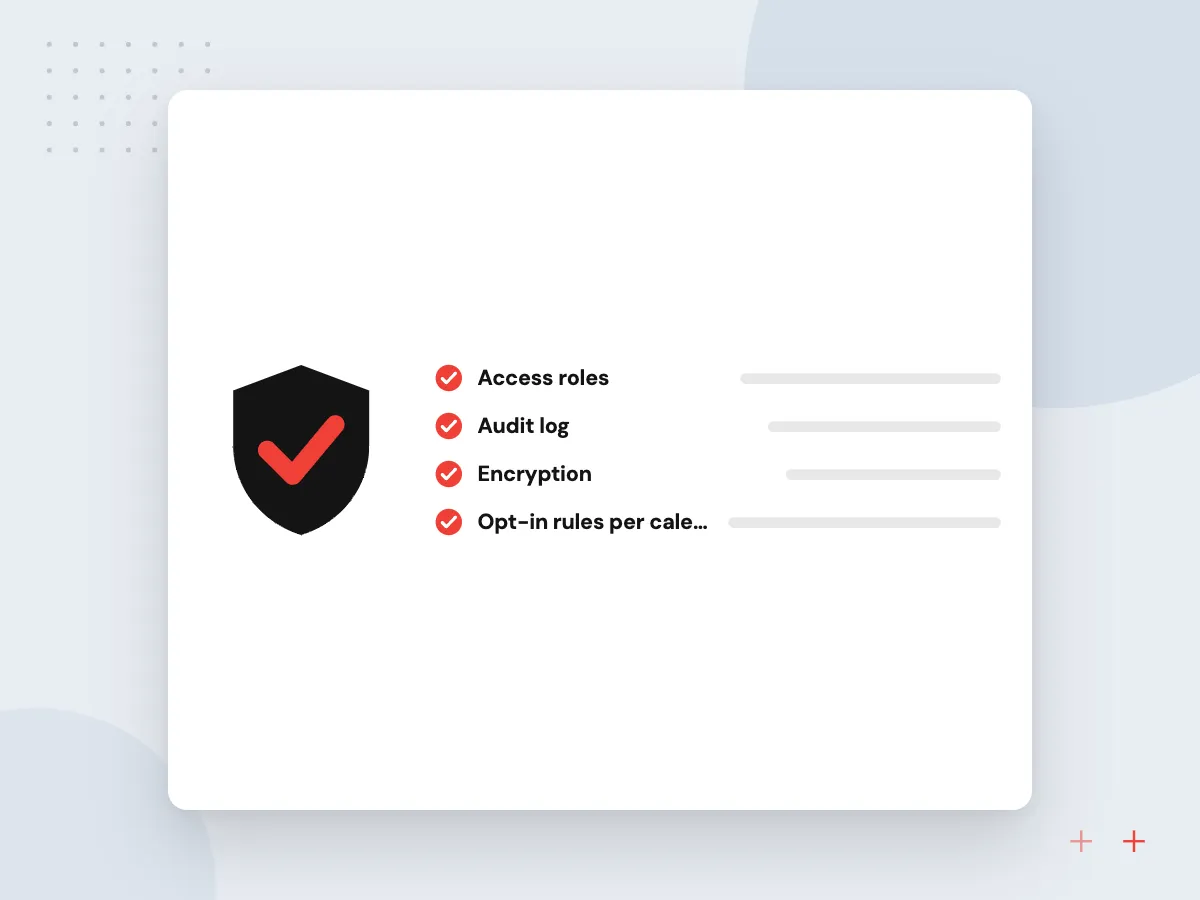
Recording a meeting comes with legal and social rules. We set which meetings are processed, how attendees are told, who can read transcripts and how long they are kept. Meetings tagged as HR, legal or personal are skipped entirely, and transcripts can be deleted once a summary is approved.
What we do
- Opt-in rules per calendar or tag
- Attendee notice in invites
- Role-based transcript access
- Deletion after approval if wanted
- Log of who viewed what

How we approach a project
Teams that live in chat can review and approve summaries in a channel through a Microsoft Teams bot or a Slack app. Consultancies, agencies and other firms where client meetings drive billable work are a common fit; see AI for professional services firms.
Gather two or three examples of notes you wish you had after a meeting, then pick a slot for a 30-minute conversation with us through the contact page.
How we work
- A summary template per meeting type
- Organizer approves before tasks go out
- Private meetings excluded by rule
Our Process
-

Choose meetings and templates
We list the meeting types worth summarizing, agree a template for each and name the meetings that are never processed.
-

Connect the platform
With your admin’s approval we link Zoom, Teams or Meet and test transcript pickup on internal meetings first.
-

Review drafts with organizers
For the first weeks organizers edit each draft, and we compare their edits with the drafts to adjust templates.
-

Turn on task and CRM sync
Once drafts need few edits, approved action items flow to the project tool and extracted fields to the CRM.
Why Aranv for meeting notes
Templates from your meetings
We base each template on notes your best organizers already write, so summaries read like your team wrote them and carry the fields you use.
Every point linked to a line
Decisions and tasks link back to the transcript line they came from, so anyone in doubt can check what was actually said.
Privacy rules set first
Which meetings are processed, who sees transcripts and how long they are kept are decided before connection, not after the first awkward summary.
Connects to your task tools
Approved actions land in Asana, Jira, Planner or your CRM as ordinary tasks, so follow-up happens in the tools people already check.
Planning AI Meeting Notes and Summaries?
Book a 30-minute conversation with the team that would build it.
AI meeting summaries FAQs
-
Why not just use the AI notes built into Zoom, Teams or Meet?
If those notes cover your needs, use them. Custom work makes sense when summaries must follow your templates, update a CRM or project tool, combine several meetings into one account history, or stay in your own storage under your own retention rules.
-
How accurate is meeting transcription AI with several speakers?
Accuracy drops with crosstalk, weak microphones and heavy jargon. Meetings where each person joins from their own device are easier to label by speaker than one microphone in a conference room. We add a glossary of client and product names, and organizers approve each summary before it is shared.
-
How does action item extraction decide who owns a task?
It looks for explicit commitments, such as a named person agreeing to do something by a date, and links each one to the transcript line. Vague items with no clear owner are listed separately for the organizer to assign rather than guessed.
-
Do attendees need to agree to being recorded?
Rules depend on where attendees are, and some states require everyone’s consent to record. We recommend a notice in the invite and at the start of the meeting, with wording your legal advisor approves. Summaries can also be limited to meetings where the organizer opts in.
-
Where are transcripts stored and who can read them?
In storage you control, usually your own cloud account or the meeting platform’s storage, with access limited to attendees and named roles. You choose how long transcripts are kept, and they can be deleted once the summary is approved.

Let’s talk about your next step
Contact Aranv to discuss your workflow, current tools, and goals. Meet with our team or send an inquiry.
Book a meeting with our team
Choose an available date and time for a 30-minute conversation about your project.
Tell us about your project
Share a few details so we can discuss a useful next step.
Prefer email? sales@aranv.com