


What an AI IT help desk includes
Aranv builds an AI IT help desk for companies with a small IT team or an outside IT provider: employees ask for help in Teams, Slack or a portal, the assistant resolves password resets, access requests and how-to questions through approved actions, and everything else becomes a complete ticket.
The assistant connects to your identity provider, such as Microsoft Entra ID, Okta or Google Workspace, to your device management tool and to your ticketing system. Employees reach it in chat, a portal or email. IT keeps its queues; the assistant adds tickets with better detail and closes the ones it resolved.
Microsoft 365 companies usually get it as a Microsoft Teams bot, and Slack-first teams as a Slack AI bot. Actions follow the patterns of our AI agent development work: a fixed list of tools, permission checks and a log for every call.
How the AI IT help desk handles a request
Resolve it or file it properly
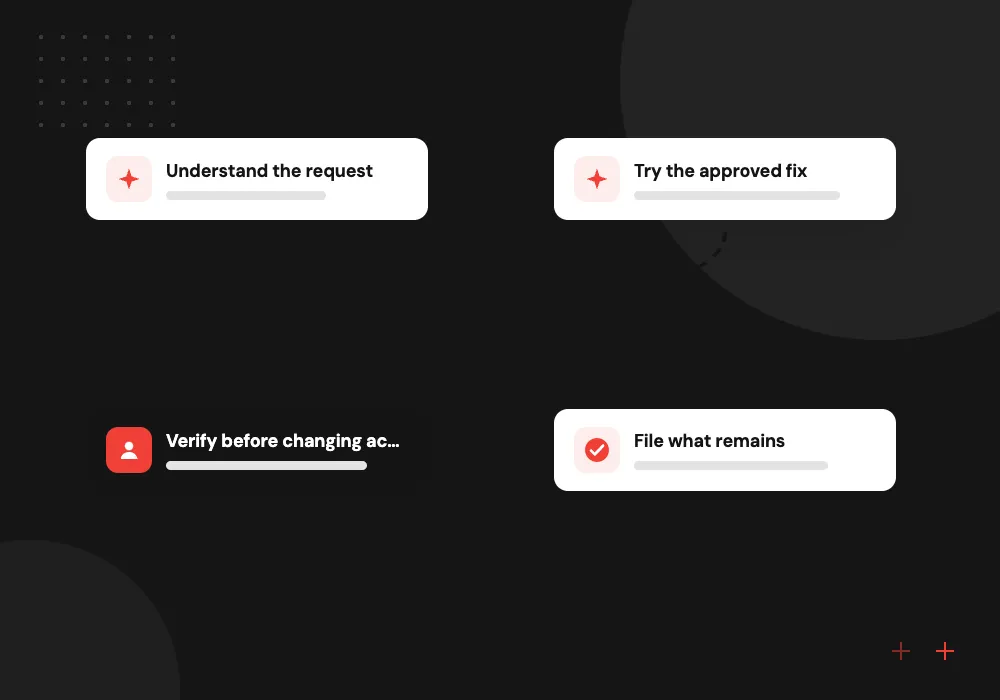
- 01 Understand the request The assistant identifies the employee, their device and the kind of problem from the message.
- 02 Try the approved fix How-to answers come from your IT articles; known fixes run as approved, logged actions.
- 03 Verify before changing access Resets and access changes need a fresh sign-in check or a manager’s approval first.
- 04 File what remains Anything else becomes a ticket with device details, steps tried and screenshots attached.
The assistant never asks for a password and cannot take admin actions outside its approved list.
IT service desk automation for everyday requests
Many IT requests repeat every week. These four kinds are where an assistant earns its place.
Password reset bot
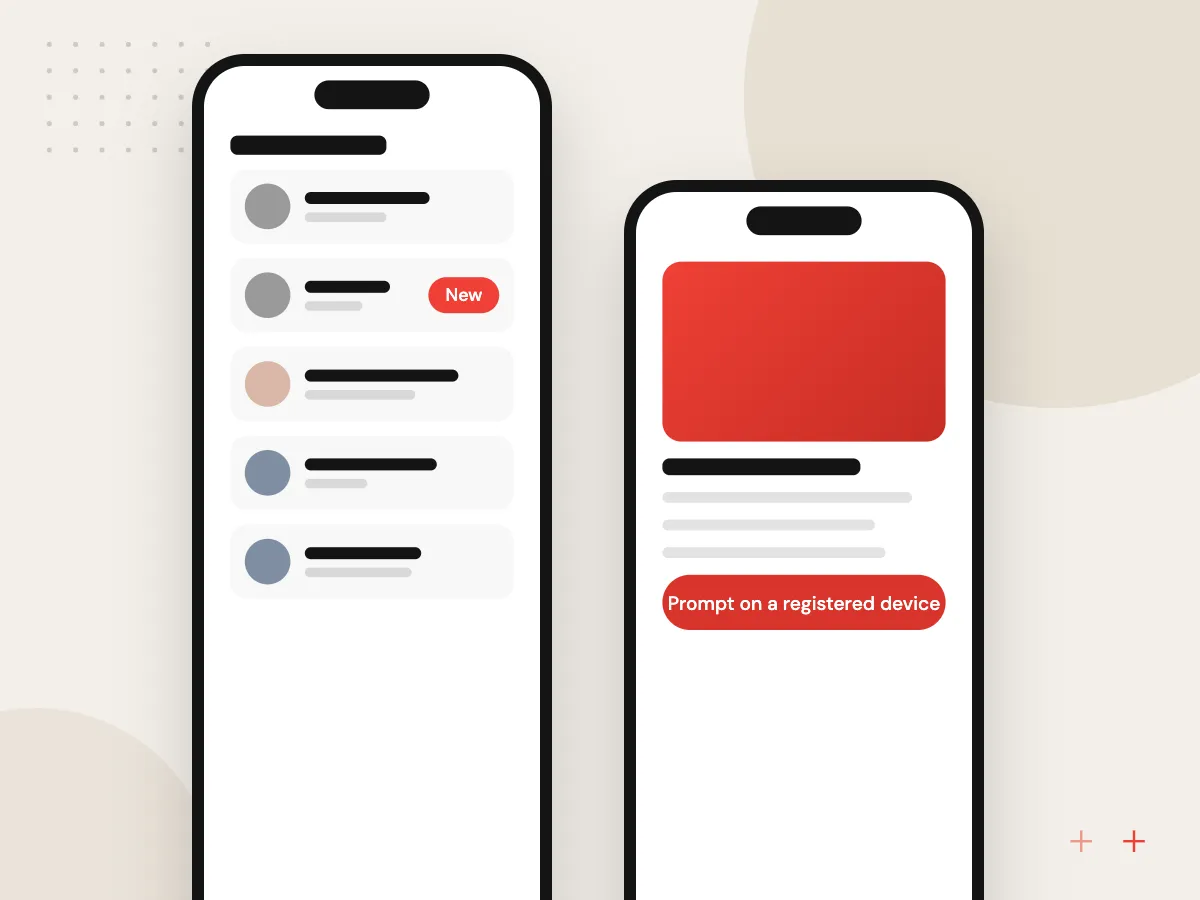
Locked-out staff confirm a sign-in prompt on a registered device, then get their account released or a reset link, without waiting for someone in IT.
Access requests
Requests for apps, shared drives or groups go to the right manager for approval, and the assistant applies the change once it is approved.
How-to answers
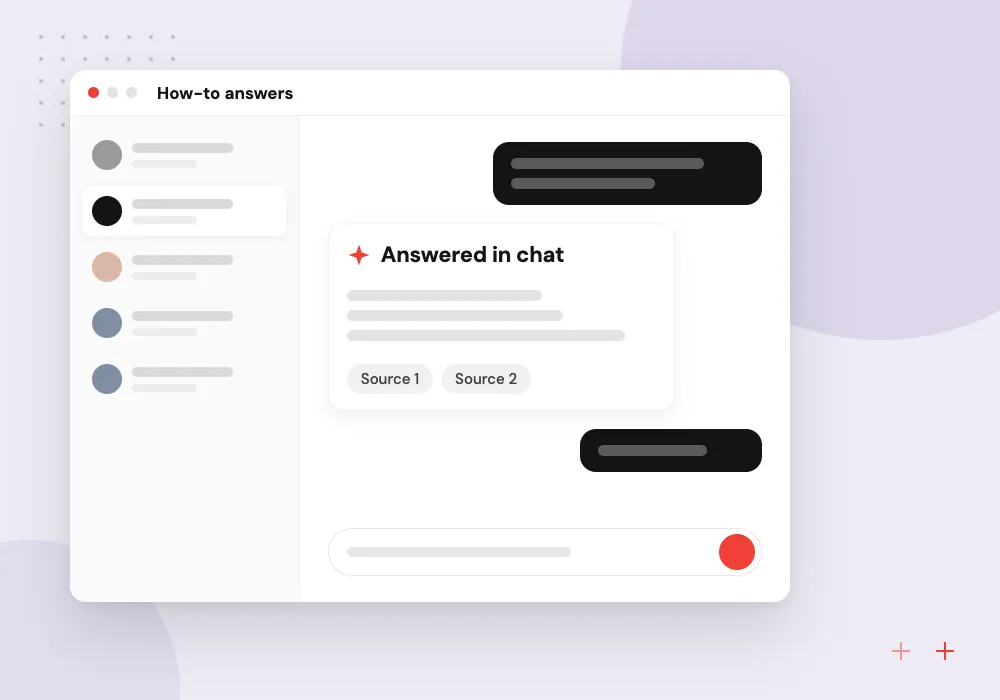
VPN setup, printer mapping, email on a new phone and similar questions answered from your IT articles, with screenshots where they help.
Better tickets
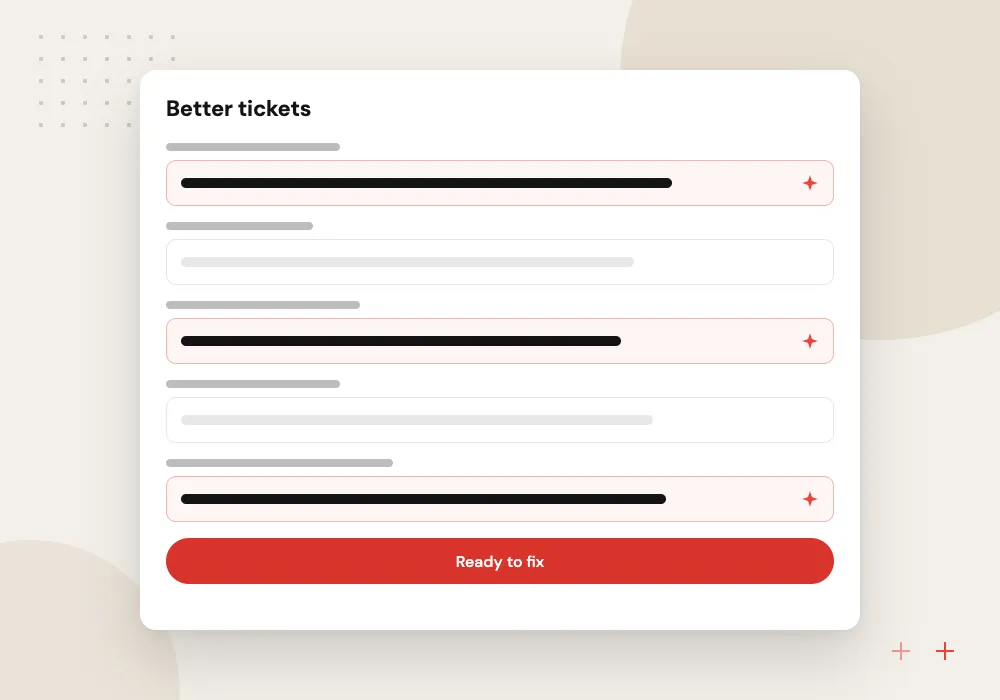
When a person is needed, the ticket arrives with the device, the error message, the steps already tried and how many people are affected.
Safe self-service resets and lockout fixes
Password resets are a common target for social engineering, so the reset flow never relies on security questions. The employee confirms a sign-in prompt on a device already registered to them, and the assistant hands off to your identity provider’s own reset flow. Repeated failed attempts alert IT.
What we do
- Prompt on a registered device
- Identity provider’s own reset flow
- No passwords typed into chat
- Alerts on repeated failures
- Full log for audits
Action catalog and permissions
Every action the assistant can take is listed in a catalog your IT lead approves: clear an account lockout, add a user to a group, reassign a license, restart a stuck sync. Each action runs under a narrowly scoped service account, needs the approval you set and writes a record to the ticket.
What we do
- Approved action catalog
- Narrowly scoped service accounts
- Approval rule per action
- Ticket record of every change
- Off switch for each action

How we approach a project
Incoming requests are sorted the way our AI ticket routing page describes, and new hire accounts tie into AI employee onboarding. For IT providers that serve several companies, each company’s articles, data and permissions are kept apart.
Current NIST guidance in SP 800-63B-4 drops forced periodic password changes, and we shape the reset flow to your own security policy. A good first step is a 30-minute conversation about your most common tickets, which your IT lead can request on our contact page.
How we work
- Approved actions only, all logged
- Identity checked before any reset
- Complete tickets for real problems
Our Process
-

Rank ticket types
We review recent tickets with your IT lead and pick the frequent, low-risk requests to automate first.
-

Approve the action list
IT signs off each action, its approval rule and the scoped account it runs under before anything is built.
-

Pilot with IT staff
Your IT team uses the assistant first and tries hard to break the reset and access flows.
-

Open to employees
We release to one department, then all staff, reviewing resolved and escalated requests each week.
Why Aranv for IT help desks
Reset design starts with security
Resets and lockout fixes rely on your identity provider’s controls and registered devices, never on questions an attacker could research or a password typed into chat.
A short, approved action list
The assistant can do only what your IT lead signed off, under accounts with the narrowest permissions that work, and each action can be switched off alone.
Your ticket system stays central
Resolved and escalated requests both live in your current ticketing tool, so metrics, audits and provider contracts keep working as they do today.
Articles written from tickets
Where IT documentation is thin, we draft how-to articles from resolved tickets for your team to approve, which also improves the assistant’s answers.
Planning AI IT Help Desk?
Book a 30-minute conversation with the team that would build it.
AI IT help desk FAQs
-
Is a password reset bot safe?
It can be, if the bot never handles the password itself. Our design verifies the employee with a sign-in prompt on a registered device, then hands off to your identity provider’s own reset or lockout recovery flow. Every attempt is logged, and repeated failures alert IT.
-
What IT requests can an AI help desk resolve on its own?
Typical ones are account lockouts, self-service password resets, app and group access after approval, license assignment and how-to questions. Hardware faults, security incidents, sign-in method changes and admin-level work stay with your IT staff.
-
Does it replace our ticketing system?
No. It works with Jira Service Management, Freshservice, ServiceNow, Zendesk or whatever you use now. Requests it resolves are logged and closed there, and the rest are created there with full details, so IT reporting stays in one place.
-
Can our outside IT provider use it for our company?
Yes. The assistant can file tickets into your provider’s system and run only the actions your provider approves for your company. Access and data stay separate from any other company the provider supports.
-
What do you need from our IT team to start?
An export of recent tickets, admin access to set up scoped service accounts, your IT how-to articles, even rough ones, and an IT lead who can approve the action list. Where articles are missing, we draft them from ticket history.

Let’s talk about your next step
Contact Aranv to discuss your workflow, current tools, and goals. Meet with our team or send an inquiry.
Book a meeting with our team
Choose an available date and time for a 30-minute conversation about your project.
Tell us about your project
Share a few details so we can discuss a useful next step.
Prefer email? sales@aranv.com