


What AI inventory management involves
Aranv builds AI inventory management for distributors, retailers and manufacturers: models that set reorder points, safety stock and order quantities for each SKU and location from forecast demand, actual supplier lead times and your service targets, then draft purchase orders and transfers for a buyer to approve in your ERP.
Inventory optimization is the step after the forecast: deciding how much to hold, where, and when to reorder. Most ERPs support min-max or reorder point rules, but the values are entered once and seldom revisited. AI inventory management recalculates them from current demand and lead-time data, item by item, and shows why each one moved.
The inputs are on-hand and on-order quantities, open sales orders, purchase orders with receipt dates, minimum order quantities, case packs and storage limits, plus a forecast. If you do not have one yet, we build a demand forecast first. When stock records still live in spreadsheets, purpose-built inventory management software may need to come before any model.
From static min-max settings to living reorder points
How replenishment gets recalculated
- 01 Read stock and orders On-hand, on-order, open sales orders and the demand forecast for each SKU and site.
- 02 Measure supplier lead times Receipt dates from past purchase orders show how long each supplier really takes.
- 03 Calculate reorder points Demand over the lead time plus safety stock sized for the service target.
- 04 Draft orders for approval Suggested POs and transfers respect pack sizes and minimums, then wait for a buyer.
Reorder points are refreshed on a schedule you choose, usually weekly, and every change is logged.
Inventory optimization work we take on
The goal is the right stock in the right building: fewer stockouts on key items and less cash tied up in the rest.
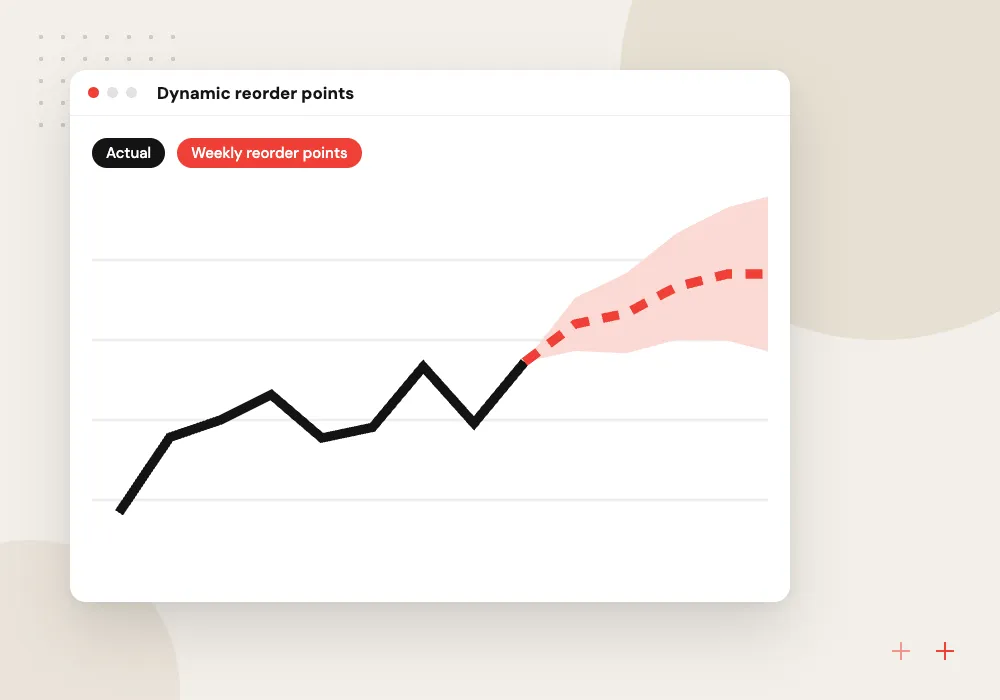
Dynamic reorder points
Reorder points and safety stock recalculated per SKU and site from forecast demand, lead-time spread and the service level set for that item class.
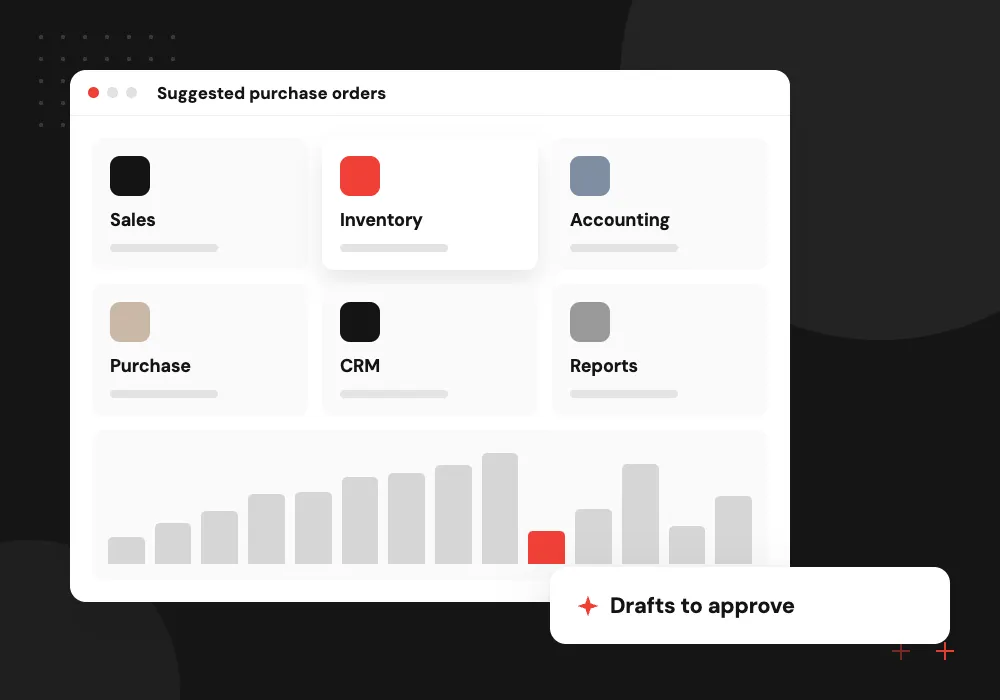
Suggested purchase orders
Draft orders grouped by supplier that respect minimum order quantities, case packs and freight breaks, ready for a buyer to check and release.
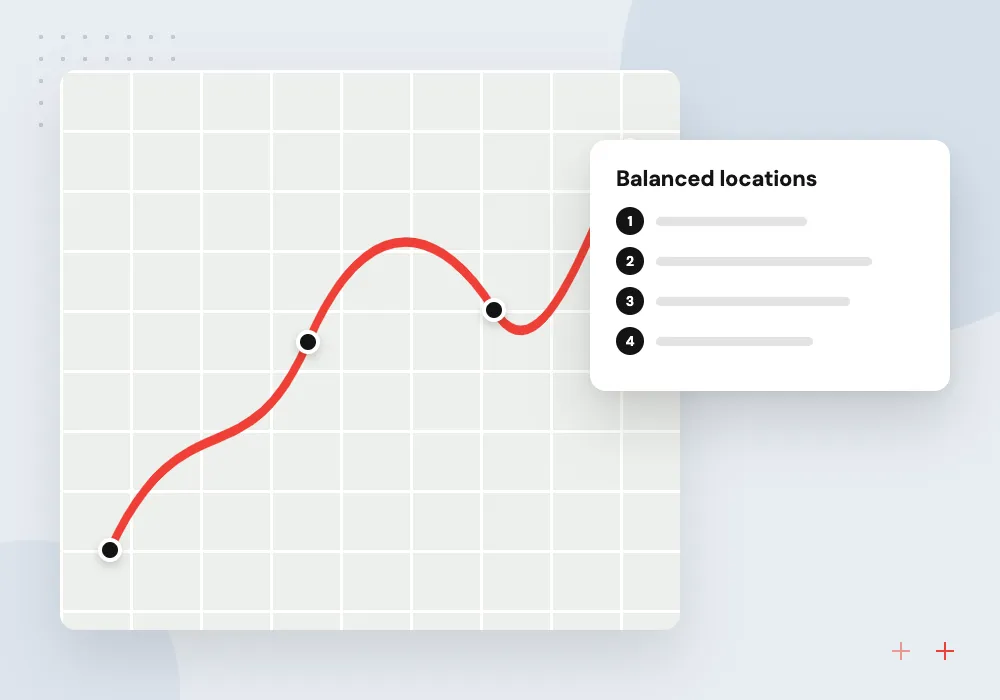
Transfers between sites
Suggestions to move stock from a warehouse with surplus to one about to run short, weighed against the cost and wait of a new order.
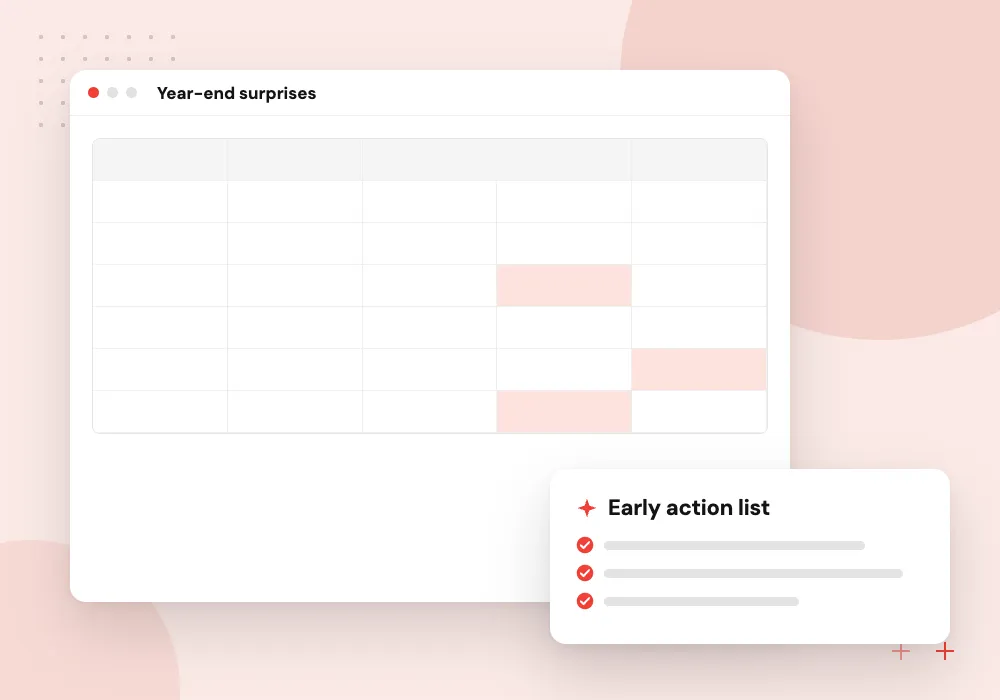
Slow and dead stock
Items with many months of cover listed with age, carrying cost and expiry dates, so managers choose returns, bundles or markdowns early.
Lead-time prediction for each supplier
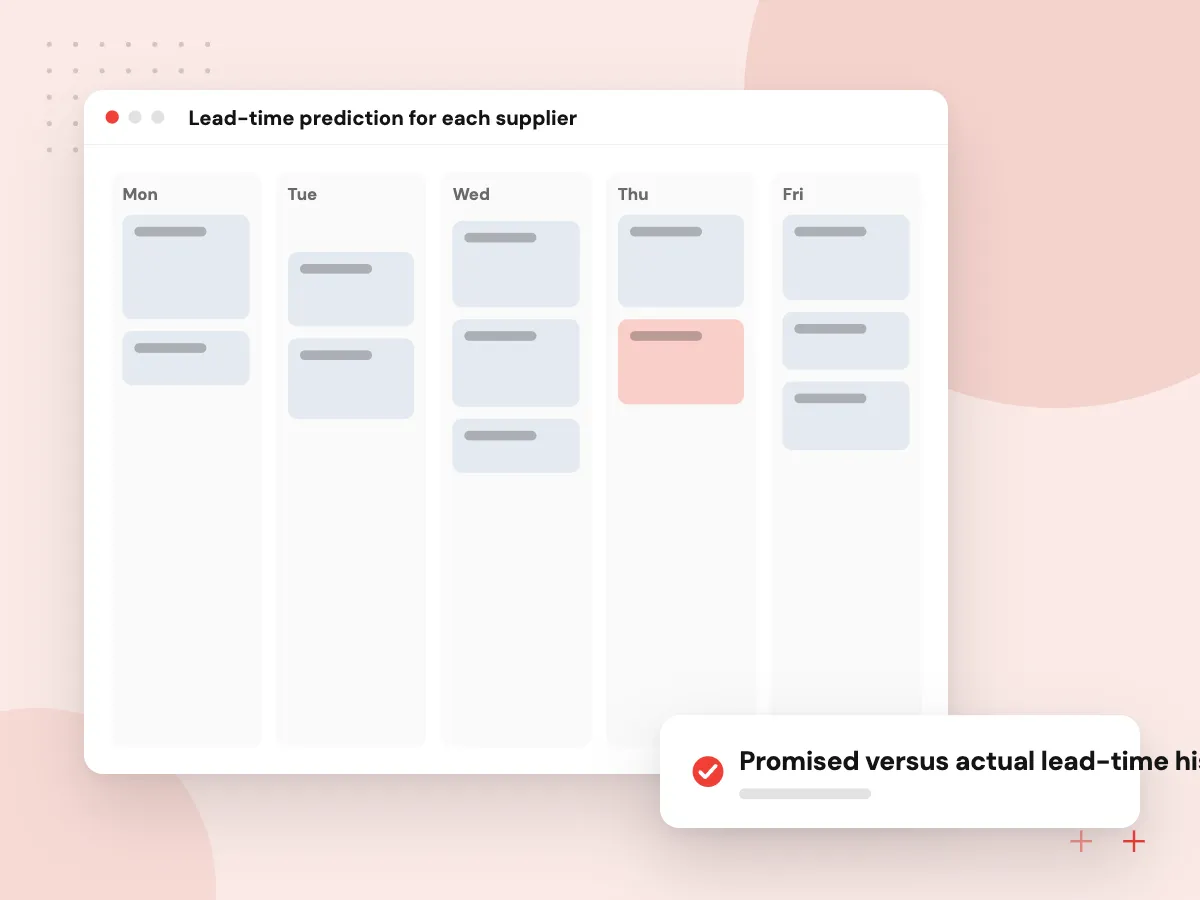
Promised and actual lead times rarely match. We train a model on your purchase orders, from order date to receipt, by supplier, item and season, so safety stock covers the delays you really see. Buyers are warned when an open order looks likely to arrive late.
What we do
- Promised versus actual lead-time history
- Late-arrival risk on open POs
- Supplier reliability scores
- Seasonal lead-time patterns
- Warnings in the buyer’s queue
Service levels set by item class
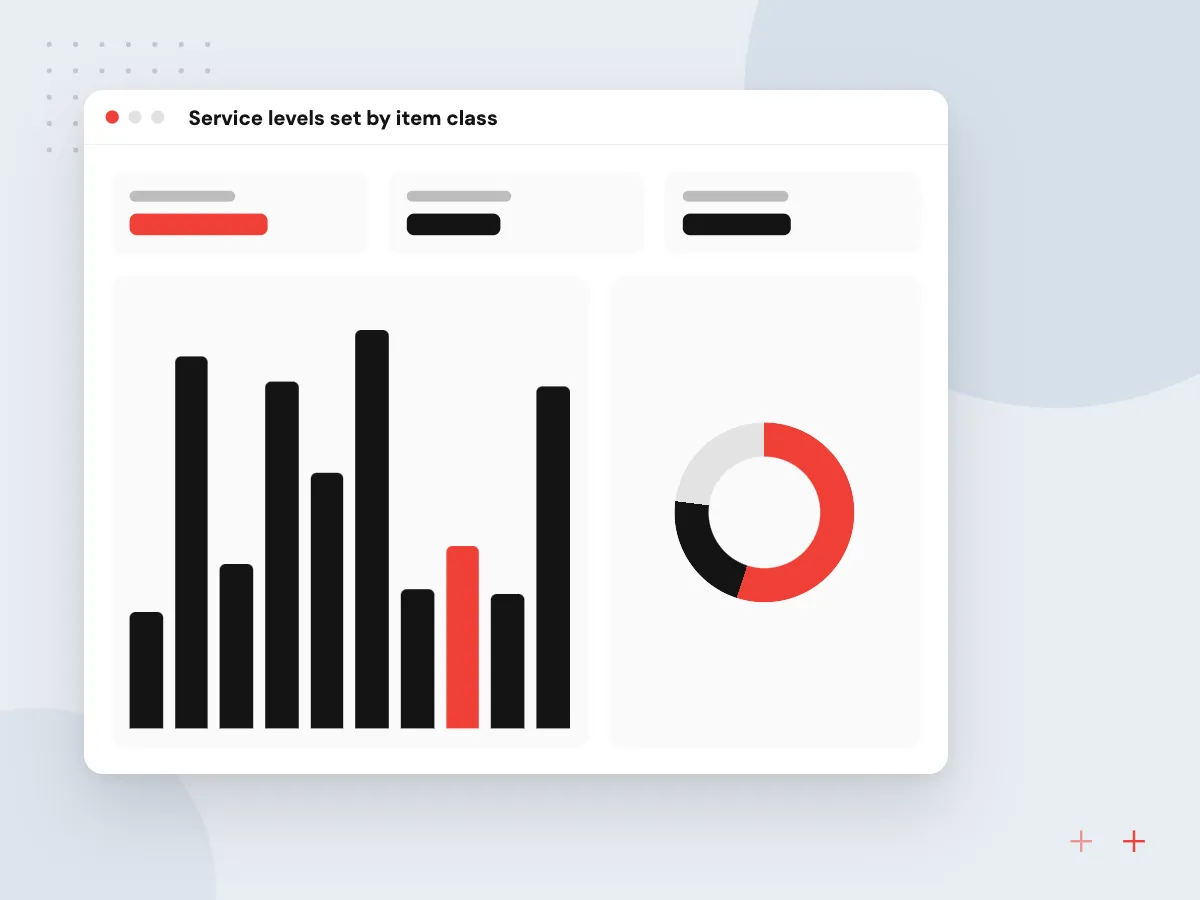
Not every item deserves the same safety stock. We help you group SKUs by value, margin and the cost of running out, then set a target fill rate for each group. The calculations follow those targets, and any change to them goes through a named owner.
What we do
- ABC and XYZ classification
- Target fill rate per class
- Carrying cost inputs
- What-if view of stock investment
- Change log for policy edits

How we approach a project
Suggestions land where buyers work: draft purchase orders in Odoo, NetSuite or Business Central, a transfer list for the warehouse team, or an exceptions report. Orders above a value limit need sign-off. Odoo users get the numbers in the replenishment screen itself, through our Odoo AI integration.
Distributors and manufacturers with many SKUs and long supplier lead times gain the most from this; see wholesale distribution and AI for manufacturers. A 30-minute conversation, arranged on our contact page, is enough to judge whether your stock and PO data can support it.
How we work
- Safety stock sized from real delays
- Service targets set per item class
- A buyer releases every order
Our Process
-

Map how buyers reorder
We sit with buyers to see how orders are built today, which suppliers matter most and where stockouts hurt customers.
-

Measure real lead times
From your purchase order and receipt history we work out how long each supplier actually takes and how much that varies.
-

Replay past months
Proposed reorder points are run against history to show the stock value and stockouts they would have produced.
-

Roll out by supplier
New settings go live for a few suppliers first, then widen as buyers come to trust the drafts.
Why Aranv for inventory optimization
Lead times from your receipts
Safety stock is sized from the gap between promised and actual delivery dates in your own purchase history, not from the lead time printed on a supplier’s price list.
Drafts first, automation later
Draft orders respect pack sizes, minimums and freight breaks, and nothing goes to a supplier until a named buyer releases it or a rule you agreed allows it.
Every number explained
Each reorder point shows the demand, lead time and service target behind it, so a buyer can see why it rose before acting on it.
Inside the ERP you run
We write to the replenishment fields your ERP already uses, so purchasing and warehouse staff keep their screens, reports and habits.
Planning AI Inventory Optimization?
Book a 30-minute conversation with the team that would build it.
AI inventory management FAQs
-
How is AI inventory management different from min-max rules in our ERP?
Min-max rules use fixed numbers someone entered, often years ago. AI inventory management keeps the same rule types but recalculates the values on a schedule from current demand, lead-time variation and service targets. Your ERP still places the orders.
-
How does reorder point AI calculate when to order?
It adds expected demand over the supplier’s lead time to a safety stock sized for how much both demand and lead time vary. Items with a higher service target get more safety stock. Each reorder point shows its inputs, so a buyer can see why it changed.
-
Will the system place purchase orders automatically?
Only if you choose that. We recommend starting with drafts that a buyer reviews and releases. Once the drafts prove reliable for a supplier group, low-value repeat orders can go out under rules you agree, with larger ones still needing approval.
-
Which ERP and warehouse systems does it work with?
Any system with an API or a dependable export. Odoo, NetSuite and Microsoft Dynamics 365 Business Central all provide web APIs we can connect to. Older or custom systems can use a scheduled file exchange instead.
-
When will we know whether inventory optimization is working?
It depends on how often you reorder. We track fill rate, stockout days and stock value for the items on new settings against those still on old settings, and review the comparison with you after several replenishment cycles.

Let’s talk about your next step
Contact Aranv to discuss your workflow, current tools, and goals. Meet with our team or send an inquiry.
Book a meeting with our team
Choose an available date and time for a 30-minute conversation about your project.
Tell us about your project
Share a few details so we can discuss a useful next step.
Prefer email? sales@aranv.com