


What MCP server development includes
Aranv provides MCP server development for American businesses with lean IT teams whose staff want AI assistants and agents to work with in-house systems. We build Model Context Protocol servers that expose your CRM, ERP, databases and internal APIs as clearly described tools, secured with OAuth sign-in, scoped permissions and audit logs.
The Model Context Protocol is an open standard that lets AI apps reach outside tools and business data. Anthropic first released it, and it is now a project of the Linux Foundation’s Agentic AI Foundation. A server offers tools the model can call, resources it can read and prompt templates users can pick. Our guide to the Model Context Protocol explains the basics for non-developers.
We build local servers that run over stdio for desktop and developer tools, and remote servers over Streamable HTTP for whole teams. Remote servers follow the specification’s authorization rules, based on OAuth 2.1, so each request carries a token tied to a real user. The protocol keeps changing; its 2026-07-28 revision removed protocol-level sessions, and we keep servers and SDKs current.
How an MCP server links AI apps to your systems
Host, client, server, system
- 01 The AI app is the host Claude, ChatGPT, Copilot Studio or your own agent runs an MCP client.
- 02 Your server lists its tools It describes each tool, resource and prompt with a name, schema and plain description.
- 03 The user signs in Remote servers use OAuth, so each call acts with that user’s permissions.
- 04 Calls reach your system The server validates input, calls your API or database and logs the result.
One MCP server can serve several AI apps, so each connector is built only once.
MCP integration for business systems
An MCP server is worth building when people want to reach the same system from several AI tools.
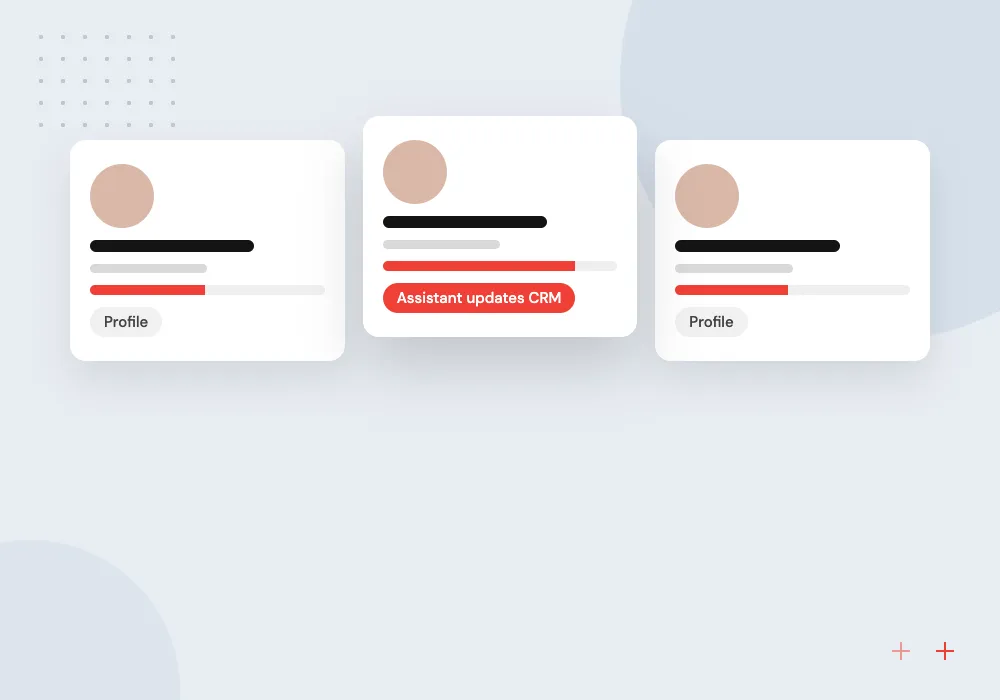
CRM and pipeline tools
Sales staff ask their AI assistant to find accounts, log calls or move deal stages, and the server applies their CRM permissions.
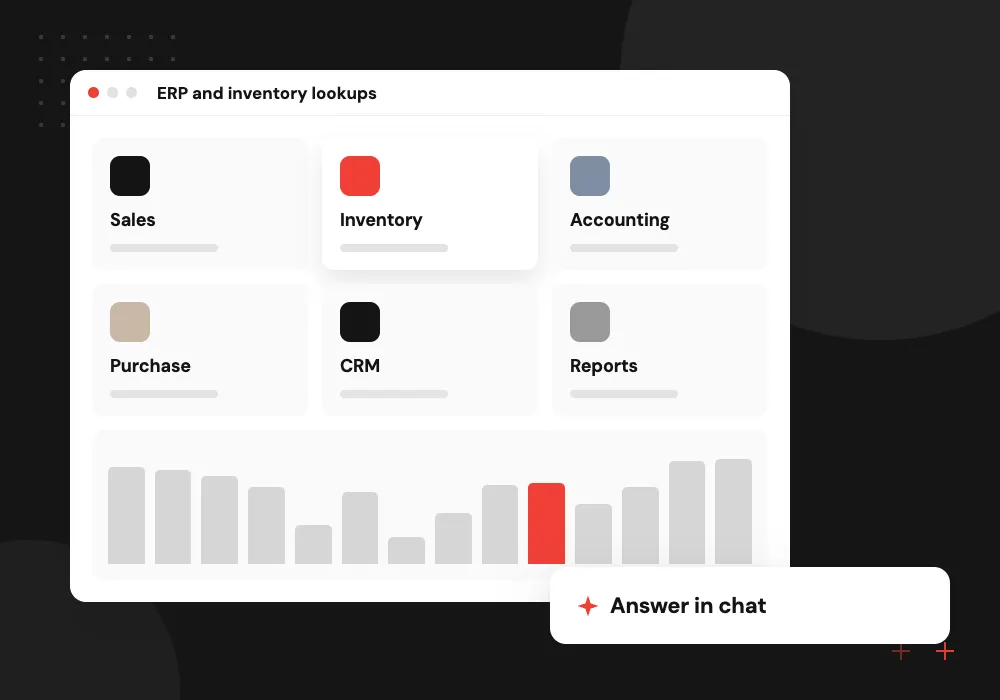
ERP and inventory lookups
Stock levels, order status and price lists from your ERP become read-only tools that any approved assistant can query.
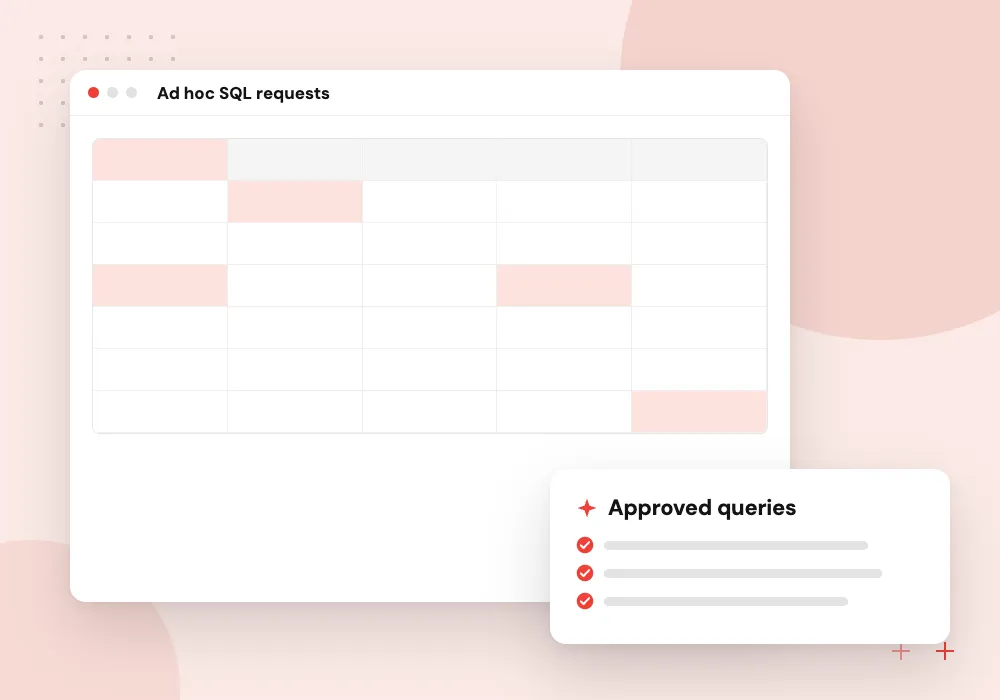
Database query servers
Analysts get a server that runs approved, parameterized queries against a reporting database instead of having open SQL access.
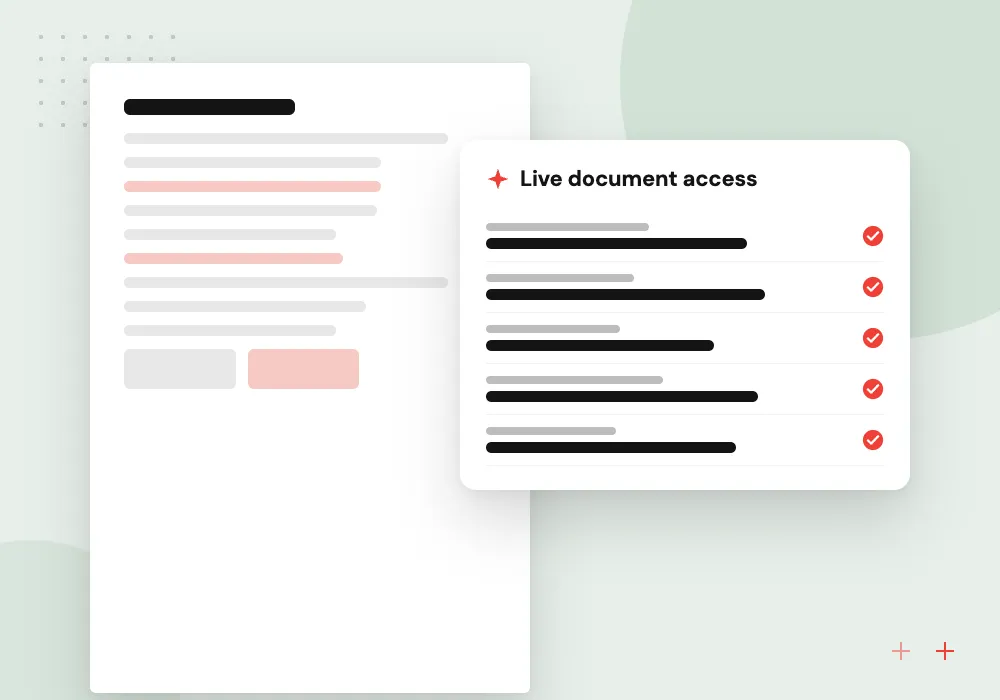
Document and wiki access
Policies, runbooks and project files are offered as searchable resources, so assistants quote current documents instead of stale copies.
Remote servers with OAuth sign-in
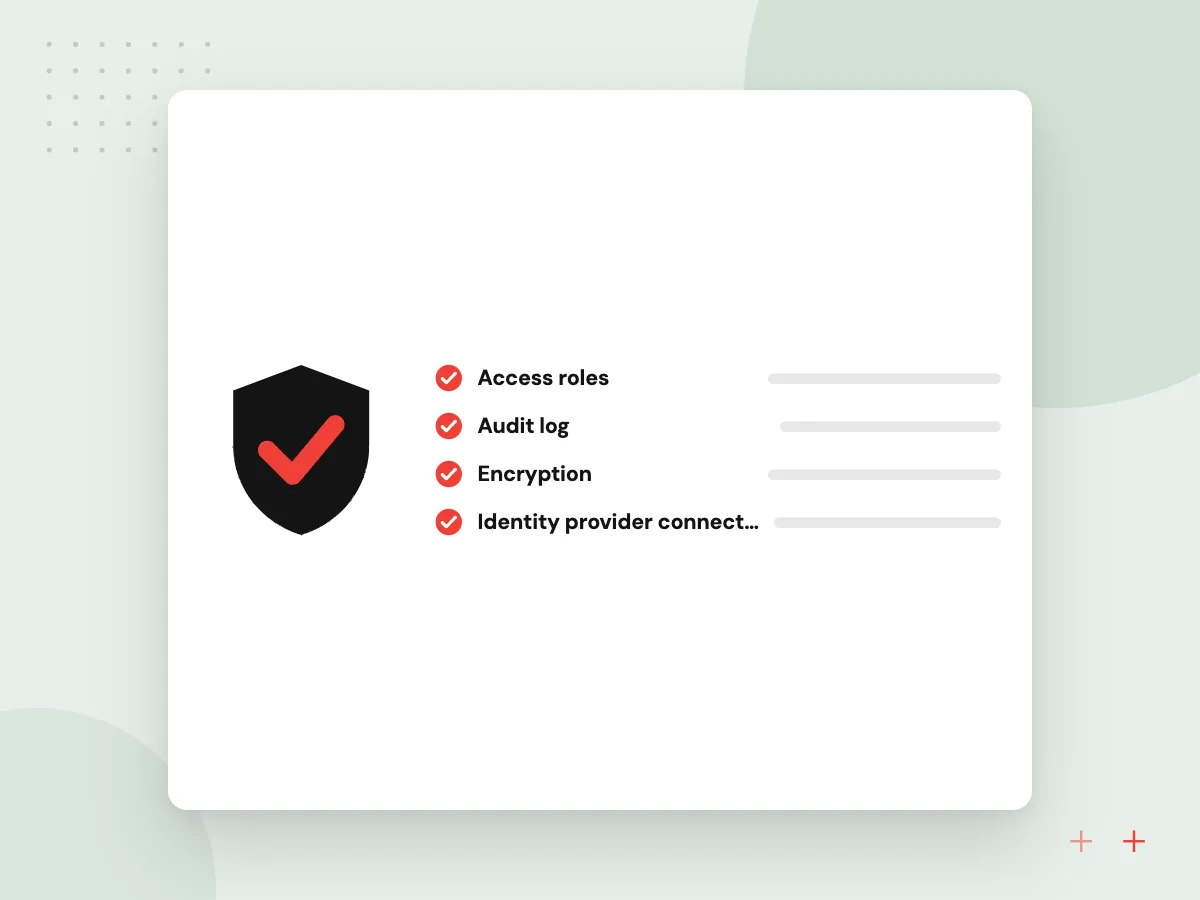
For teams, a hosted server lets everyone connect from their own AI app. We connect it to your identity provider, publish the metadata clients need to find it, issue scoped tokens per user and reject tokens that were issued for other services.
What we do
- Identity provider connection
- Protected resource metadata
- Scoped tokens per user
- Audience check on every token
- Rate limits per user
Tool design, testing and audit
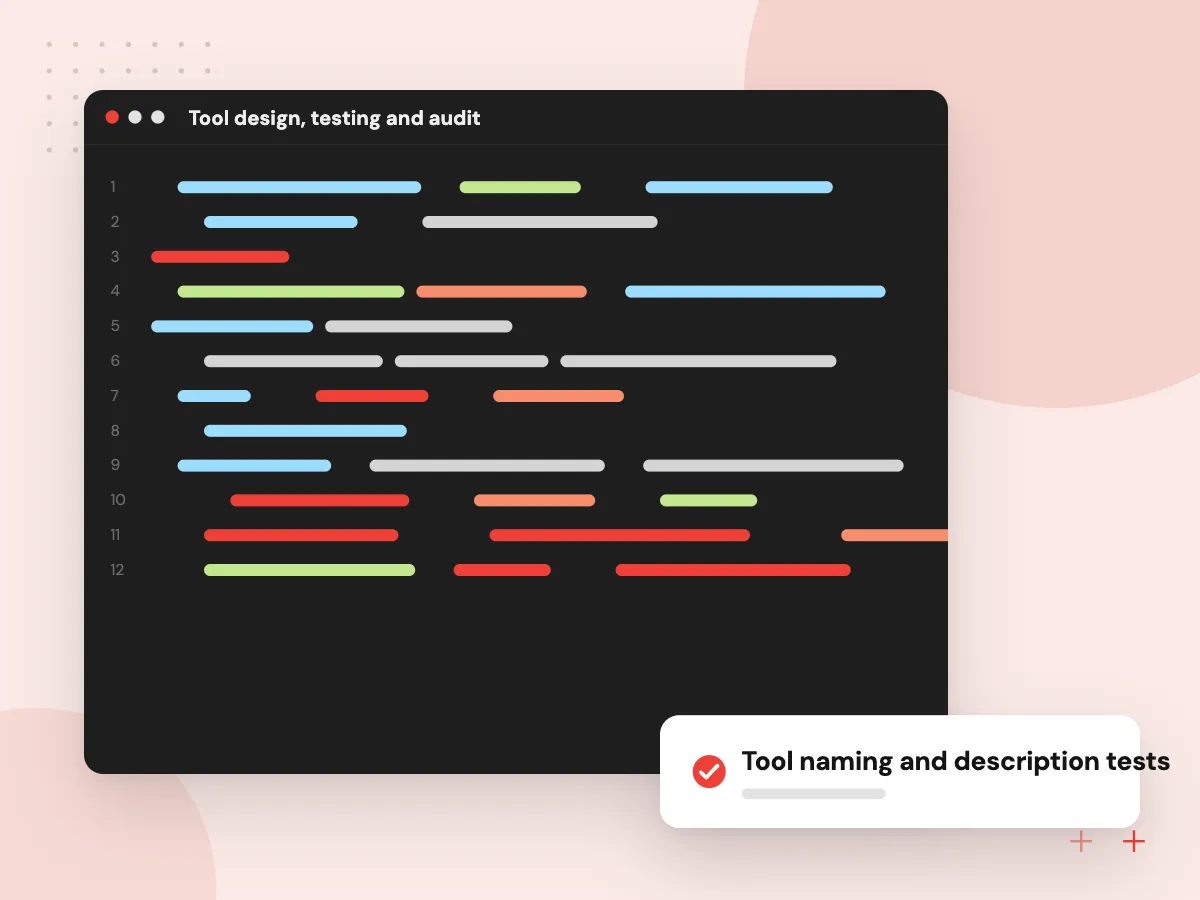
Models pick tools from their names and descriptions, so wording changes behavior. We test descriptions against real requests, check that the assistant chooses the right tool and record every call with user, inputs and result for audit and tuning.
What we do
- Tool naming and description tests
- Strict input schemas
- Confirmation for write actions
- Call log with user and inputs
- Regression tests per client

How we approach a project
Tool design matters more than code volume. Each tool gets a narrow purpose, a strict input schema, a clear description and safe defaults, and write actions can require confirmation in the client. Content returned from other systems is treated as untrusted to limit prompt injection, and our AI agent security checklist lists the controls we apply.
MCP servers often sit on APIs we build or extend through API development and integration. They give agents from our AI agent development work, and assistants your staff already use, one shared and governed way into your systems.
How we work
- Few tools, clearly described
- User-level permissions on every call
- A log line for every action
Our Process
-

List the jobs, not endpoints
We start from tasks people want an assistant to do and design a small set of tools around them.
-

Define tools and scopes
Schemas, descriptions, OAuth scopes and confirmation rules are written down and reviewed with system owners.
-

Test in real clients
The server is checked with the MCP Inspector and the AI apps your staff use, failure cases included.
-

Deploy with monitoring
It runs in your cloud with logging, rate limits, alerts and a simple process for adding tools.
Why Aranv for MCP servers
Built on your real APIs
We also build and repair the APIs underneath, so the server is not held back by gaps in older systems.
Security reviewed per tool
Every tool is checked for what it can read or change, who may call it and what happens if a model misuses it.
Kept current with the spec
MCP revisions arrive regularly. We track them, update SDKs and test with your clients before upgrading production servers.
Not tied to one AI vendor
A single server works with Claude, ChatGPT, Copilot Studio and your own agents, so switching assistants does not mean rebuilding connectors.
Planning MCP Server Development?
Book a 30-minute conversation with the team that would build it.
MCP server FAQs
-
What is an MCP server?
An MCP server is a small service that exposes a system, such as your CRM or a database, to AI applications through the Model Context Protocol. It lists the actions and data it offers, checks each request and returns results in a standard format any compatible AI client can use.
-
Which AI tools can use our MCP server?
Any application with an MCP client. That includes Claude, ChatGPT in supported modes, Microsoft Copilot Studio, many coding tools and agents you build yourself. Support for optional features varies, so we test against the specific clients your teams use.
-
Is it safe to connect AI assistants to our systems through MCP?
It can be, with the right controls. OAuth makes each call run with one user’s permissions, tools stay narrow, changes need confirmation, inputs are validated and every call is logged. The protocol leaves enforcement to whoever builds the server, so these controls are part of our build.
-
Should we build an MCP server or a direct API integration?
Build an MCP server when several AI apps or agents need the same system, or when staff should use AI tools they already have. A direct integration is simpler when only one application will ever call the system.
-
How much work is an MCP server?
A read-only server over one well-documented API is a modest project. Effort grows with the number of tools, write actions, sign-in requirements and systems that lack good APIs. Once the tool list is agreed with you, we give a written estimate.

Let’s talk about your next step
Contact Aranv to discuss your workflow, current tools, and goals. Meet with our team or send an inquiry.
Book a meeting with our team
Choose an available date and time for a 30-minute conversation about your project.
Tell us about your project
Share a few details so we can discuss a useful next step.
Prefer email? sales@aranv.com