


What inventory management software development includes
Aranv provides inventory management software development for distributors, retailers and manufacturers that cannot trust their stock numbers: custom inventory systems with barcode scanning, multi-location and lot tracking, reorder rules, warehouse picking apps and sync with your online store, ERP and accounting package.
Inventory software tracks what you own, where it is and what is already promised to customers. Packaged tools cover simple cases well. Custom development fits when you run several warehouses and vans, sell through many channels, handle lots and expiry dates, assemble kits, or need allocation rules no package supports. We build these systems as part of our custom software development work.
If purchasing, production and finance also need to live in one place, inventory becomes the first module of a custom ERP, or of an Odoo setup when its standard inventory app fits. Distributors can read more on our wholesale distribution page.
How stock data becomes reliable
Scan once, trust the count
- 01 Walk the warehouse We follow goods from the receiving dock to shelf, pick, pack and shipping.
- 02 Fix the item master SKUs, units of measure, barcodes and locations are cleaned before any code.
- 03 Build scanning workflows Receiving, put-away, picking and counts done on handheld scanners or phones.
- 04 Sync every channel Store, marketplace, ERP and accounting see the same available quantity.
A clean item list and location scheme do more for accuracy than any single feature.
Custom inventory systems we build
Stock problems usually show up as overselling online, rush purchase orders or a year-end count that never matches.
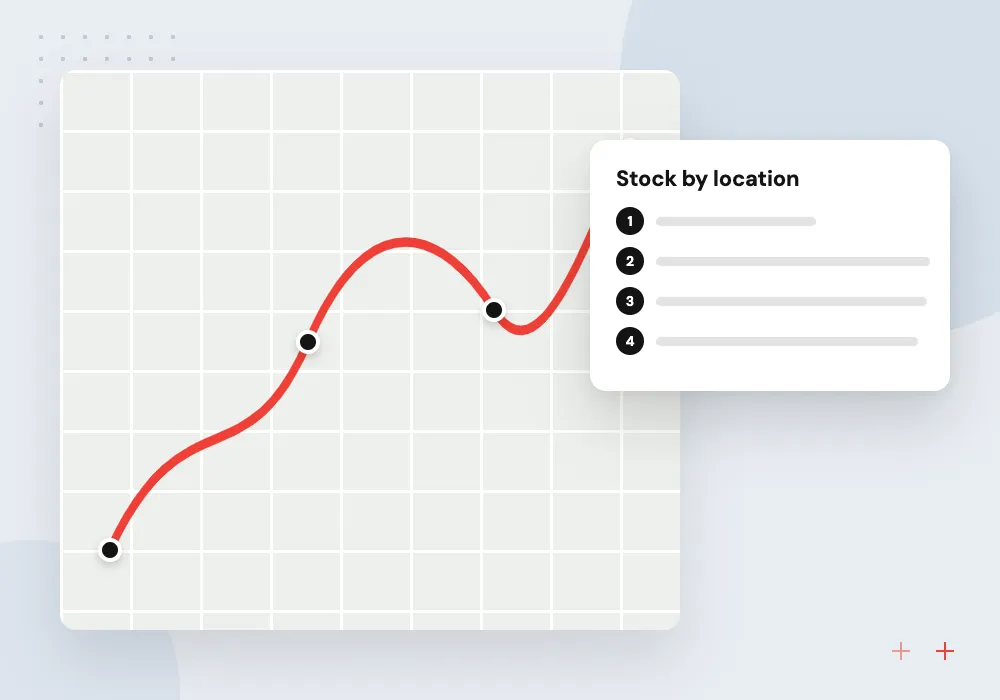
Multi-location stock control
Stock by warehouse, store, van and bin, with transfers, reservations and an available-to-sell figure that accounts for open orders.
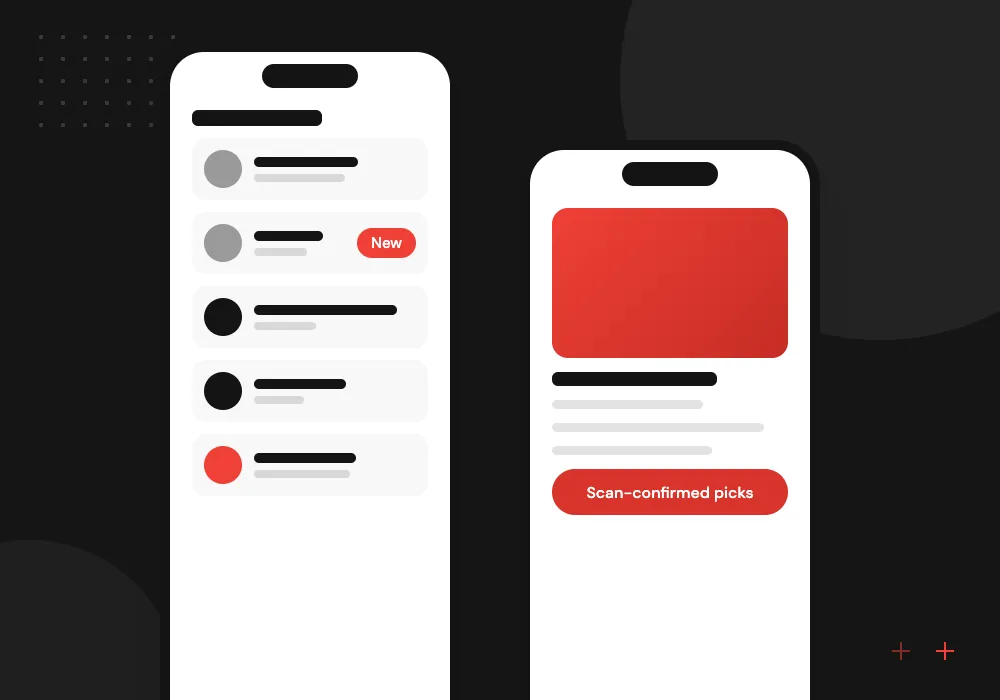
Warehouse software for picking
Handheld apps that guide pickers by route, confirm each item by scan, and print packing slips and shipping labels at the pack station.
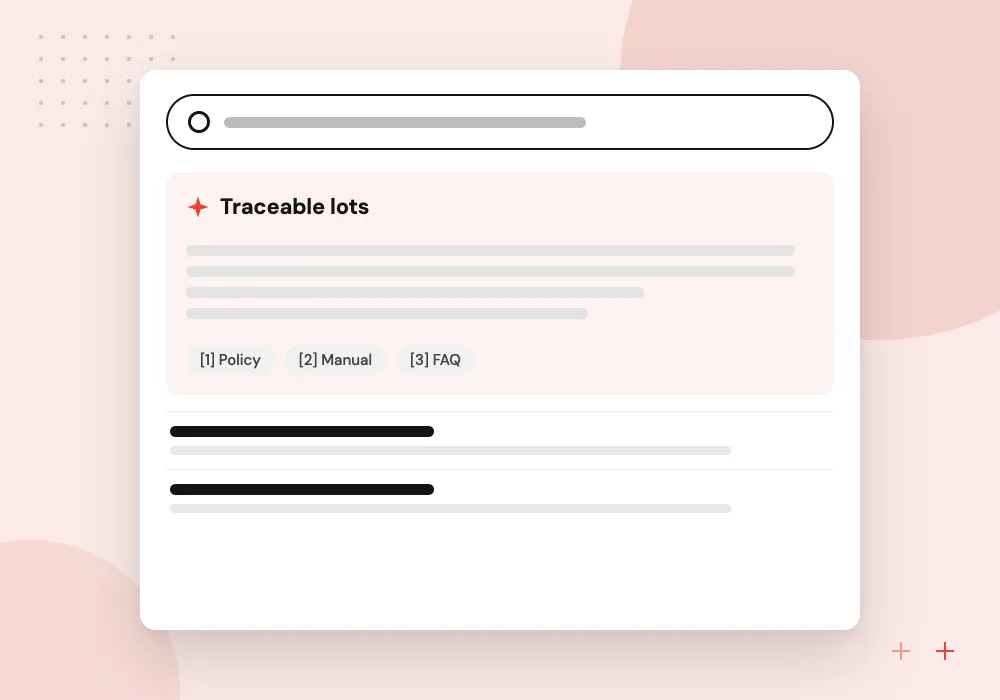
Lot, serial and expiry
Lot and serial numbers captured at receiving, first-expiry-first-out picking, and quick lookup of every customer who received a recalled batch.
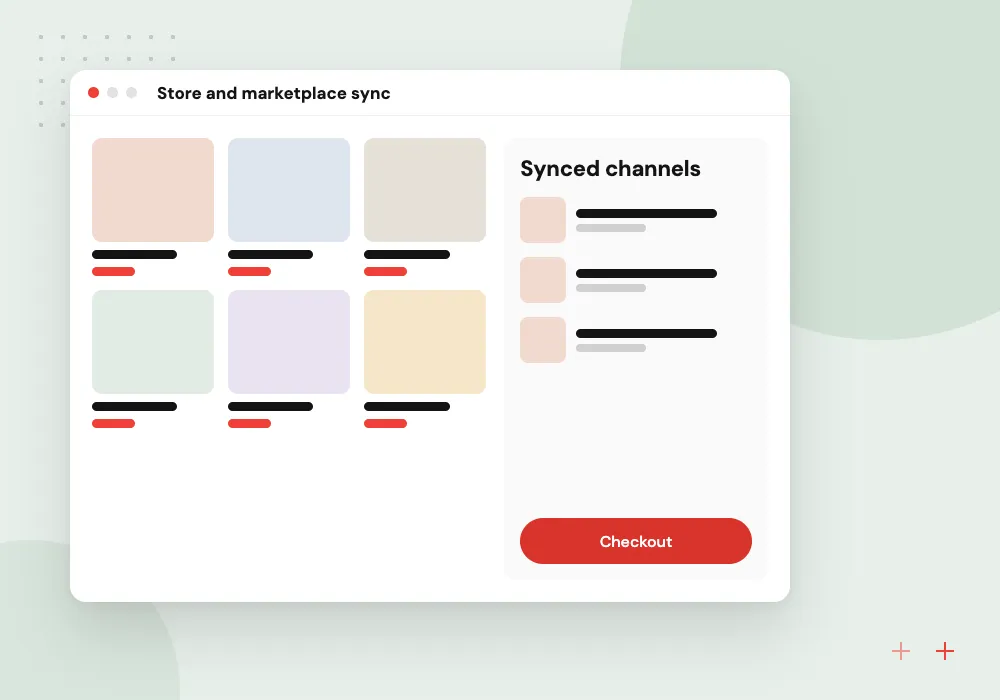
Store and marketplace sync
Available quantities pushed to Shopify, Amazon and your B2B portal as stock changes, so a sale in one channel reduces stock in all of them.
Barcodes, labels and handheld scanners
Accuracy starts with scanning. We work with the GTIN and UPC codes already on your products, create internal labels for items and bins that lack them, and build apps for rugged Android scanners or ordinary phones. Each scan updates stock as it happens, and the app queues scans when Wi-Fi drops in a far aisle.
What we do
- Barcode and QR label design
- Thermal printer integration
- Rugged scanner and phone apps
- Offline scans that sync later
- Cycle counts by zone or item class
AI for stock planning and paperwork
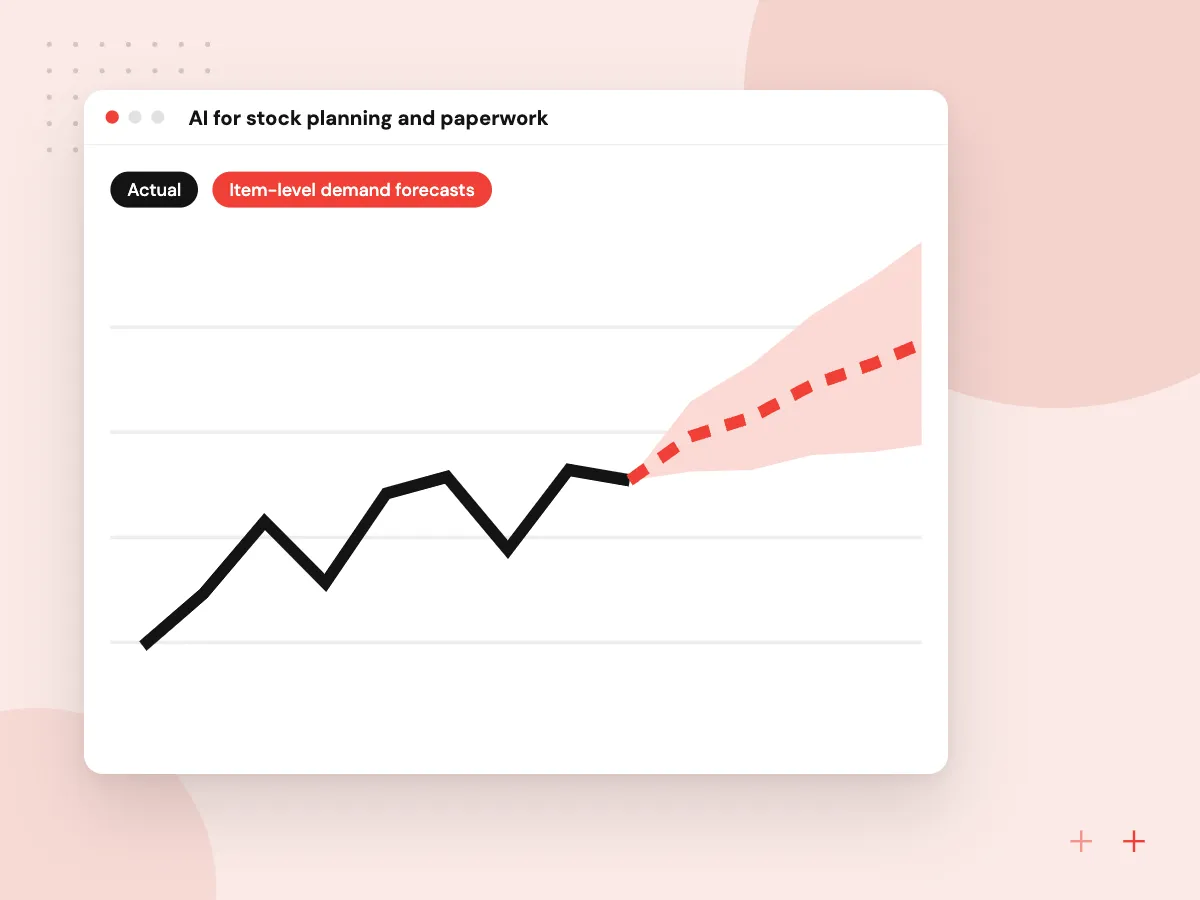
Once movements are scanned, the history is good enough for AI to help. We build demand forecasts that suggest reorder points per item and location, read supplier packing lists into draft receipts, and flag counts that differ from expected levels. Buyers and warehouse leads approve every suggestion before it changes stock or orders.
What we do
- Item-level demand forecasts
- Suggested reorder points
- Packing lists read into receipts
- Alerts for unusual adjustments
- Stock questions in plain English

How we approach a project
Product identifiers follow the GS1 standards behind retail barcodes, explained on the GS1 US page about Global Trade Item Numbers. We store them as text with their check digits, alongside your internal SKUs and supplier part numbers, so leading zeros are never lost.
Online stores connect through Shopify and marketplace APIs, and the forecasting above is covered in depth on our AI demand forecasting page.
How we work
- Every movement scanned, not typed
- One available quantity everywhere
- Counts that fit the working day
Our Process
-

Floor walk and data review
We observe each stock movement and test a sample of your item and location data.
-

Item master and location plan
SKUs, units, barcodes and bin names are agreed and cleaned before development starts.
-

Pilot in one building
Scanning workflows go live in one warehouse or store while other sites keep their current process.
-

Full count and switchover
A wall-to-wall count sets opening stock, then every site moves to the new system.
Why Aranv for inventory systems
We start on the warehouse floor
Requirements come from watching receiving, picking and counting, so the software follows how goods actually move rather than how a process chart says they should.
Hardware tested with you
We try scanners, label printers and mobile devices in your building before you buy in volume, including cold rooms, mezzanines and yard areas.
Accounting kept in step
Receipts, adjustments and cost of goods post to QuickBooks, Xero or your ERP, so the stock value finance reports matches the warehouse.
Room to grow into an ERP
If purchasing, production or finance later join the system, the inventory data model is designed to extend rather than be replaced.
Planning Inventory Management Software Development?
Book a 30-minute conversation with the team that would build it.
Inventory software FAQs
-
When does a business need custom inventory software?
When packaged tools force workarounds: stock in many locations or vans, lots and expiry dates, kits and assemblies, several sales channels, or allocation rules that no product supports. If a standard tool or your ERP’s inventory app already handles your case, configuring it costs less.
-
Can the system work with our existing barcode scanners?
Usually. Most current scanners either act as a keyboard or run Android, and both work with the web and mobile apps we build. Older devices on retired operating systems may need replacing. We test your hardware during discovery before recommending any purchases.
-
How does inventory sync with Shopify or Amazon?
Through each platform’s API. When stock changes in the warehouse, the system recalculates the available quantity and pushes it to every channel, and new orders flow back to reserve stock. Each sync is logged, and staff are alerted when a channel rejects an update.
-
How do you move our stock data into a new system?
We export items, locations and quantities from your current tools, clean duplicates and units of measure, and run trial imports. Opening quantities come from a full physical count or a verified report, agreed with your operations and finance leads.
-
What affects the cost of an inventory management system?
The number of locations and channels, scanning and label hardware, lot or serial tracking, links to accounting and ERP, and the state of your current item data. We estimate in phases after a floor walk, starting with the workflows that cause the most errors.

Let’s talk about your next step
Contact Aranv to discuss your workflow, current tools, and goals. Meet with our team or send an inquiry.
Book a meeting with our team
Choose an available date and time for a 30-minute conversation about your project.
Tell us about your project
Share a few details so we can discuss a useful next step.
Prefer email? sales@aranv.com