


What HubSpot AI integration includes
Aranv delivers HubSpot AI integration for US businesses that use HubSpot as their CRM. We add AI steps to HubSpot automation, such as scoring and routing leads, sorting tickets and summarizing calls, and build custom integrations that keep HubSpot in step with your ERP, billing and product data.
We work inside HubSpot where we can: workflows, custom properties, custom code actions and webhooks. When logic outgrows a workflow, we build a small service that connects through a private or OAuth app and HubSpot’s APIs, with retries and queues sized to its rate limits.
The AI steps follow our AI integration services methods, and lead work uses our AI lead qualification pattern. HubSpot’s built-in AI tools are worth trying first for simple drafting; we add custom steps where you need your own rules, data or model.
AI inside your HubSpot portal
From a new record to an enriched, routed one
- 01 A record enters HubSpot A form fill, email, chat or import creates a contact, deal or ticket.
- 02 A workflow calls the AI A custom code action or webhook sends selected properties to the model.
- 03 Results land in properties Scores, categories and summaries are written to properties with a reason.
- 04 Workflows act on them Owners are assigned, sequences start or tickets change queue based on results.
Writing AI results into named properties keeps them visible in reports, lists and saved views.
HubSpot AI and automation we build
Most HubSpot portals already hold the data; the slow part is reading it and deciding what to do next.
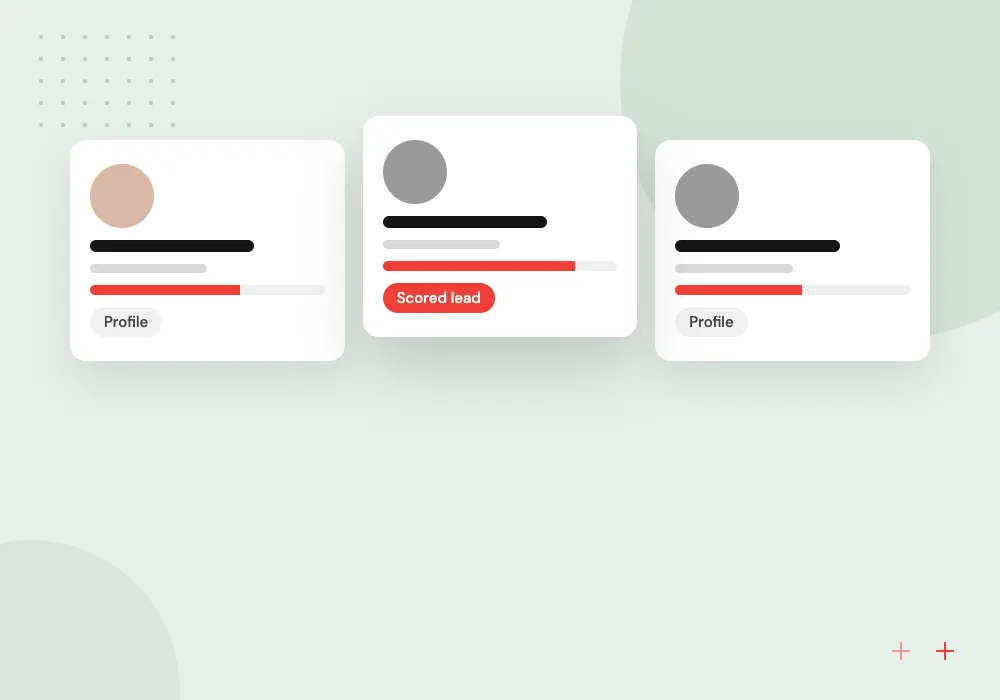
Lead scoring with reasons
Inbound leads are enriched, scored against your best-fit customer notes and assigned to an owner, with a one-line reason saved on the contact.
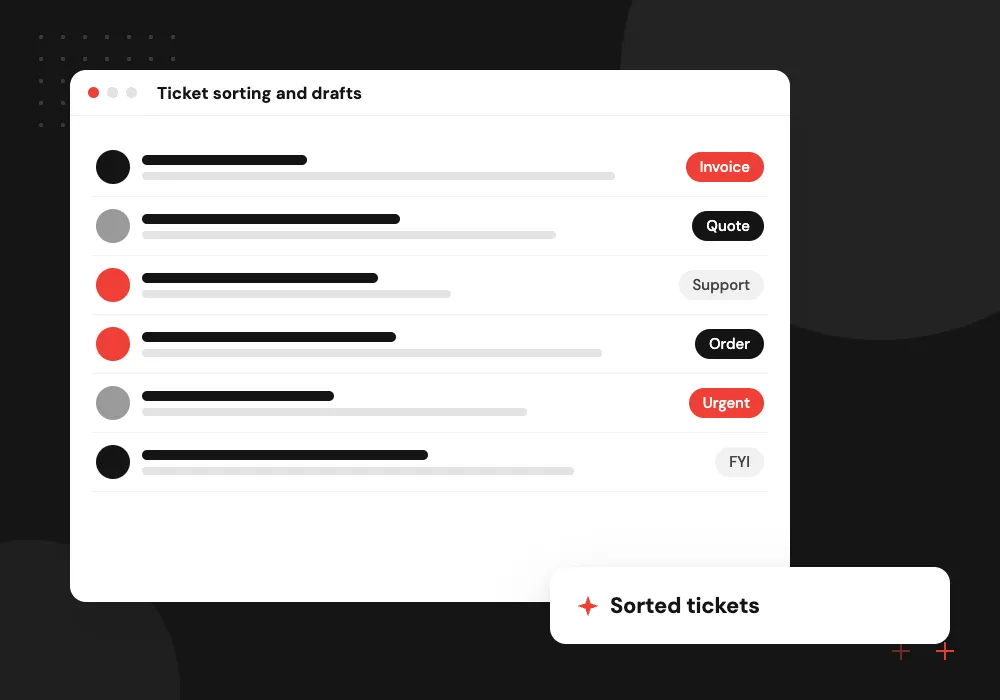
Ticket sorting and drafts
Incoming emails and chats become tickets with a category, priority and suggested reply, so the help desk starts from a draft.
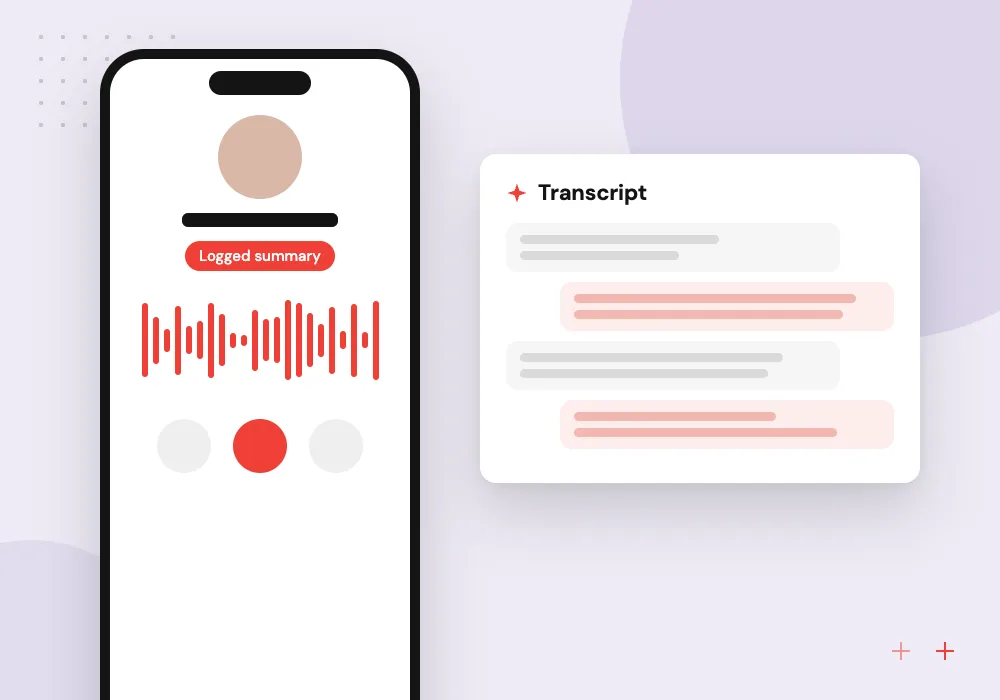
Call and meeting summaries
Notes or transcripts from sales calls are condensed into next steps, objections and dates, then logged on the deal timeline.
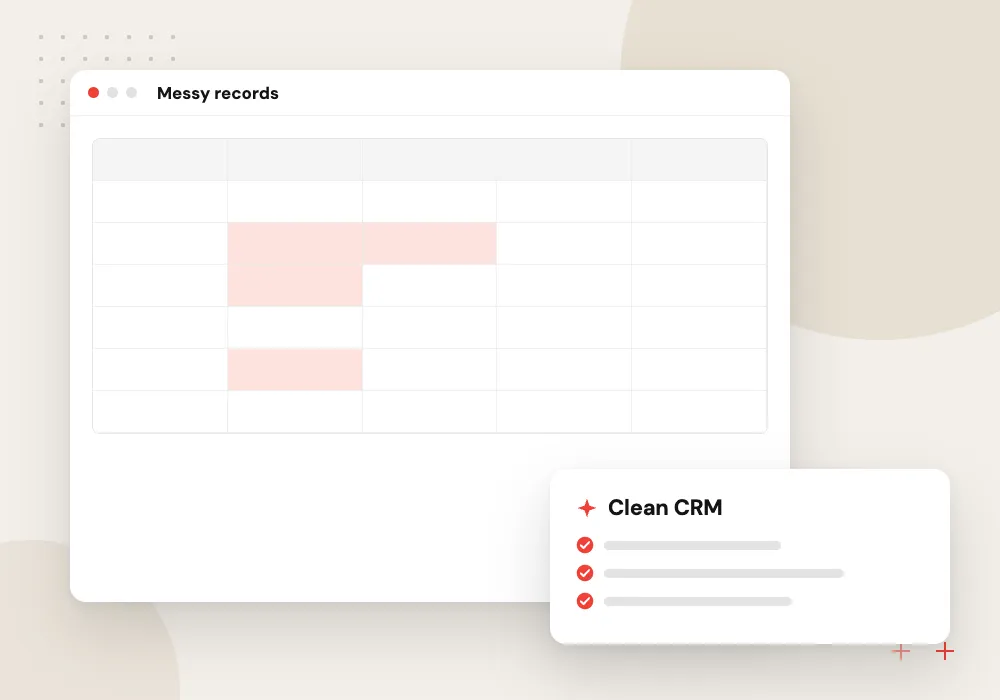
CRM data cleanup
Duplicate companies, messy job titles and missing industries are flagged or fixed in batches that a person approves before anything is merged.
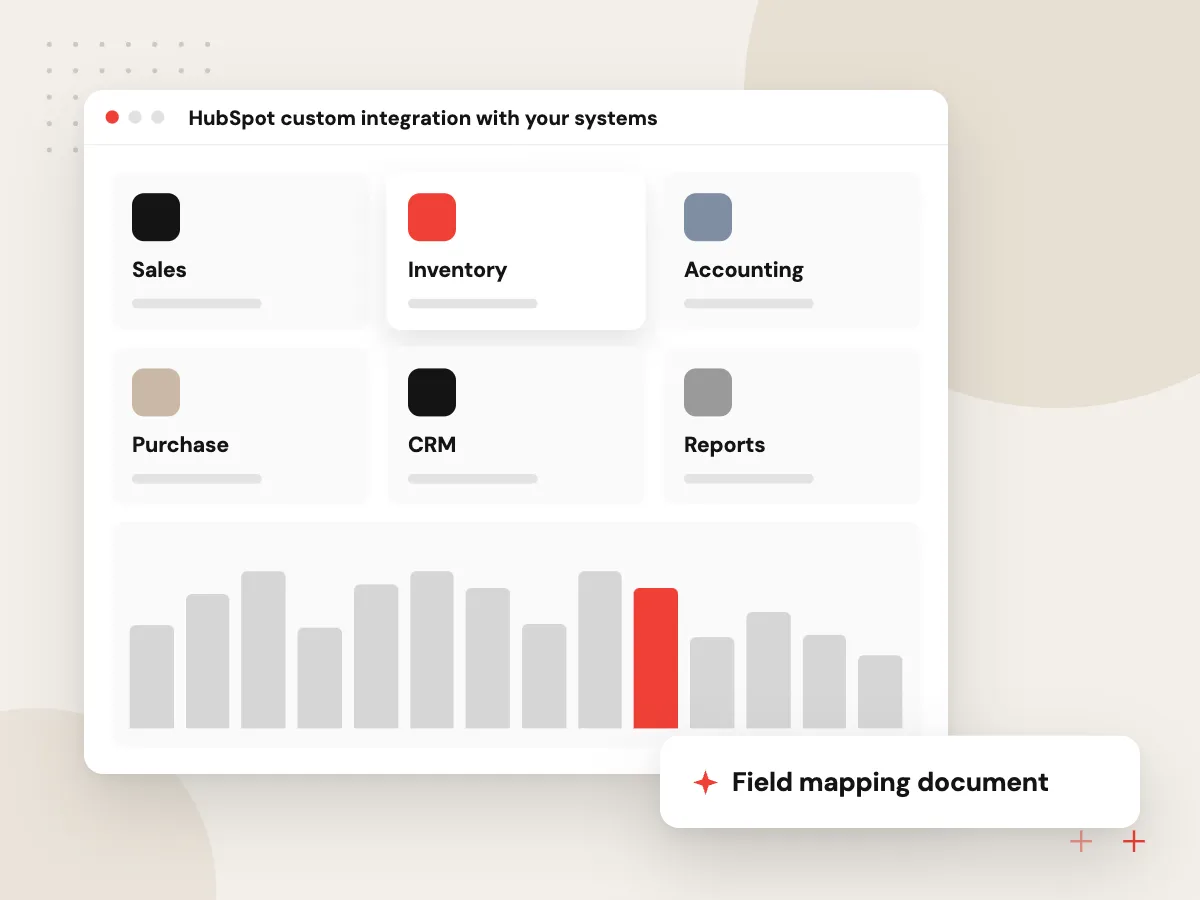
HubSpot custom integration with your systems
AI scores and summaries help more when HubSpot holds the full picture. We build syncs between HubSpot and your ERP, billing, product catalog or support tools, with field mapping agreed up front, clear rules on which system wins a conflict, and alerts when a sync fails.
What we do
- Field mapping document
- One-way or two-way sync
- Conflict rules per field
- Failed-sync alerts
- Backfill of historical records
Data rules and review of AI results
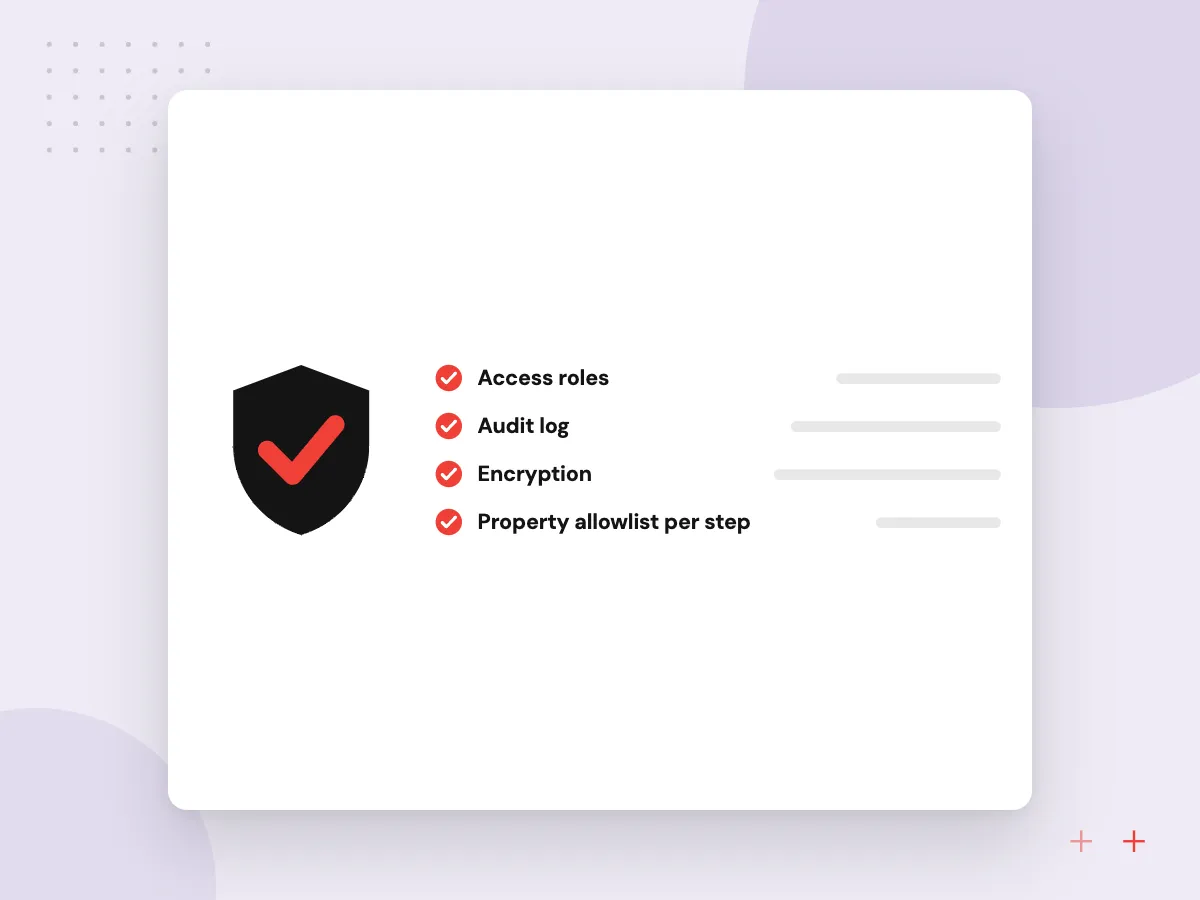
Before any AI step runs, we agree which properties it may read, what may be sent to a model and where results are stored. A sales or support lead checks a weekly sample of scores and categories, and prompts change only after a test run on saved records.
What we do
- Property allowlist per step
- Notes sent only when agreed
- Weekly sample check
- Saved test records
- Change log for prompts
How we approach a project
A HubSpot custom integration often matters as much as the AI. We sync deals, invoices and product data with ERPs, billing and accounting tools through API integration services, and for finance data that usually includes QuickBooks integration.
HubSpot’s API usage guidelines set request limits per app and per account. We batch reads and writes so the integration stays inside them during busy imports.
How we work
- Results stored as named properties
- Your property model stays tidy
- Rate limits respected from day one
Our Process
-

Audit the portal
We review properties, pipelines, workflows and existing integrations, and note duplicates or fields nobody uses.
-

Agree the property plan
New properties for scores, categories and summaries are named and documented before anything writes to them.
-

Build against a test account
AI steps and syncs run in a developer test account or sandbox, using exported sample records.
-

Switch on in stages
We enable one workflow at a time, watch error logs and results for a couple of weeks, then turn on the next.
Why Aranv for HubSpot
Properties planned, not piled up
We name and document every new property before it is created, so your portal stays usable for reporting long after the project ends.
Limits handled in the design
Batching, queues and backoff keep every integration inside HubSpot’s request limits, even during large imports, list rebuilds or month-end syncs.
AI with a visible reason
Scores and categories come with a short explanation stored on the record, so reps can see why a lead was routed to them.
Off switch for your admin
Each workflow and app can be paused from inside HubSpot, and the runbook explains how to do it without calling us.
Planning HubSpot AI Integration?
Book a 30-minute conversation with the team that would build it.
HubSpot AI FAQs
-
How much does HubSpot AI integration cost?
It depends on the number of workflows and AI steps, whether a custom integration with another system is needed, how much data cleanup comes first, and model usage at your volume. We review your portal and give a written estimate per stage, so you can start with one workflow.
-
Can HubSpot workflows call an AI model directly?
Yes, through custom code actions or webhooks in workflows, on subscriptions that include them. For heavier logic, a separate service receives the record, calls the model and writes results back through HubSpot’s APIs, which also makes testing and logging easier.
-
Should we use HubSpot’s built-in AI or a custom integration?
Try the built-in AI first for drafting emails, summaries and content inside HubSpot. A custom integration makes sense when scoring or routing must follow your own rules, use data from other systems, or run on a model and logging setup you control.
-
Will AI changes mess up our HubSpot data?
Not if the design keeps them contained. AI results go into new, clearly named properties instead of overwriting fields your team relies on, merges and bulk edits wait for approval, and every change is logged so it can be traced.
-
Who owns the HubSpot integration code?
Your company does. Private apps are created in your portal, the code and documentation live in your repository, and model and hosting accounts are registered to you. Your admin can switch off any workflow or app whenever needed.

Let’s talk about your next step
Contact Aranv to discuss your workflow, current tools, and goals. Meet with our team or send an inquiry.
Book a meeting with our team
Choose an available date and time for a 30-minute conversation about your project.
Tell us about your project
Share a few details so we can discuss a useful next step.
Prefer email? sales@aranv.com