


What Google Cloud development covers
Aranv offers Google Cloud development for small and growing US companies: containerized apps and APIs on Cloud Run, Cloud SQL and BigQuery for data, Pub/Sub for events, and Gemini model features through Google’s managed AI platform, all set up in projects your business owns.
We start with structure: one organization, separate projects for production and testing, billing budgets, and IAM roles granted to groups rather than individuals. GCP consulting on an existing setup reviews the same points, plus stray service account keys, public buckets and open firewall rules.
Cloud Run is our default host because it runs ordinary containers without a cluster. Its request timeout defaults to 5 minutes and can be raised to 60, which covers most API calls and report jobs; longer work moves to Cloud Run jobs or Pub/Sub workers. When an app outgrows that model, GKE and our Kubernetes consulting come in.
A typical Google Cloud setup
From container to reporting
- 01 Package the app Your code becomes a container image stored in Artifact Registry.
- 02 Run it on Cloud Run Instances scale with requests, down to zero when nobody is using it.
- 03 Store and stream data Cloud SQL holds app records while Pub/Sub carries events between services.
- 04 Analyze in BigQuery Operational data lands in BigQuery for reports, forecasts and AI work.
Projects, billing and IAM stay under your own Google Cloud organization.
What we build on Google Cloud
Google Cloud suits teams that want simple container hosting, already use Google Workspace, or plan serious analysis of their data.
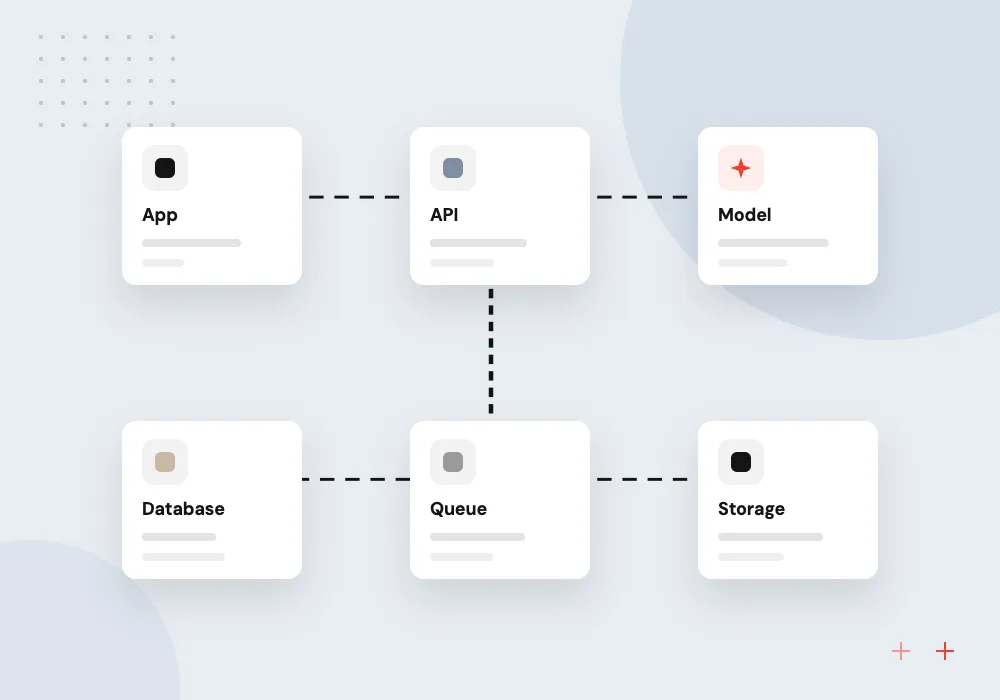
Cloud Run development
APIs, web apps and background workers packaged as containers on Cloud Run, scaling with traffic and costing little while idle, with no cluster to manage.
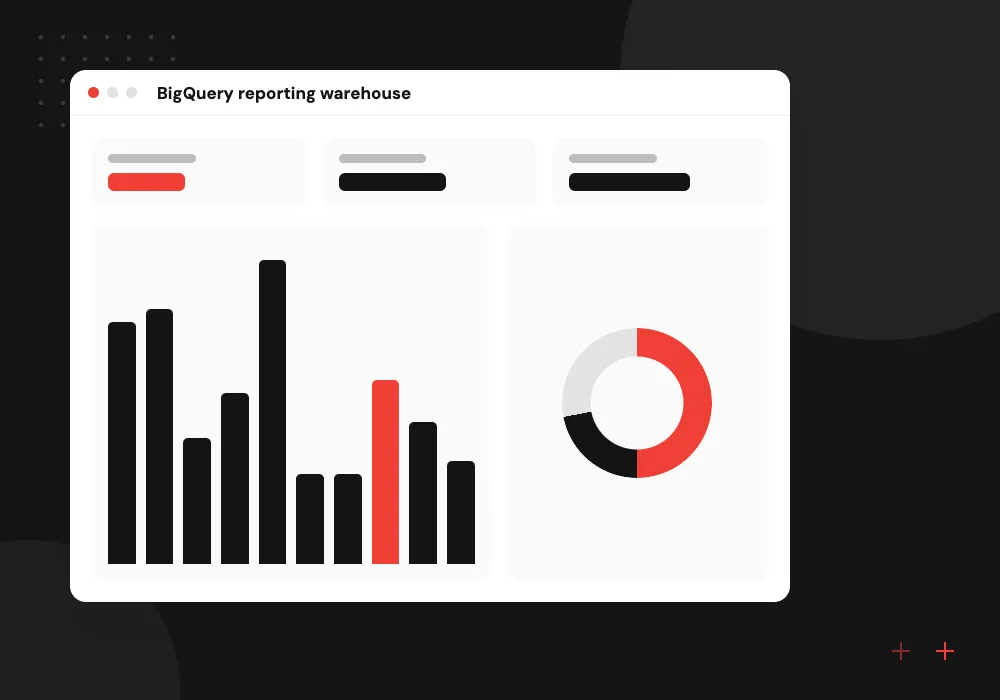
BigQuery reporting warehouse
Sales, stock and marketing data loaded into BigQuery on a schedule, modeled into clean tables and shown in Looker Studio or the BI tool you already use.
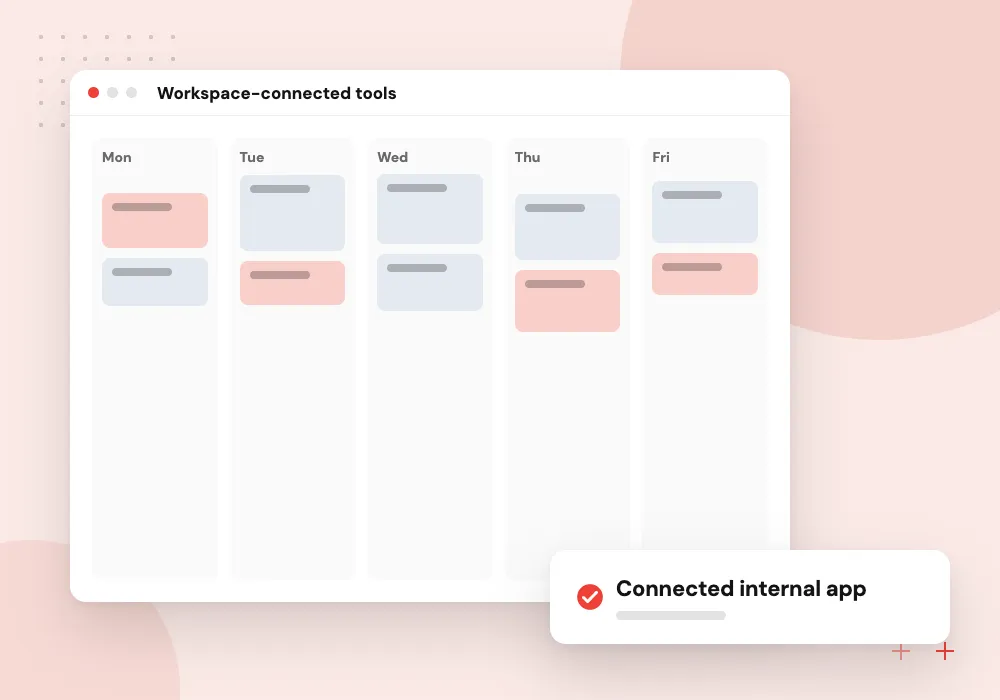
Workspace-connected tools
Internal apps that read Google Sheets, Drive files and Calendar through Workspace APIs, with staff signing in on their existing company Google accounts.
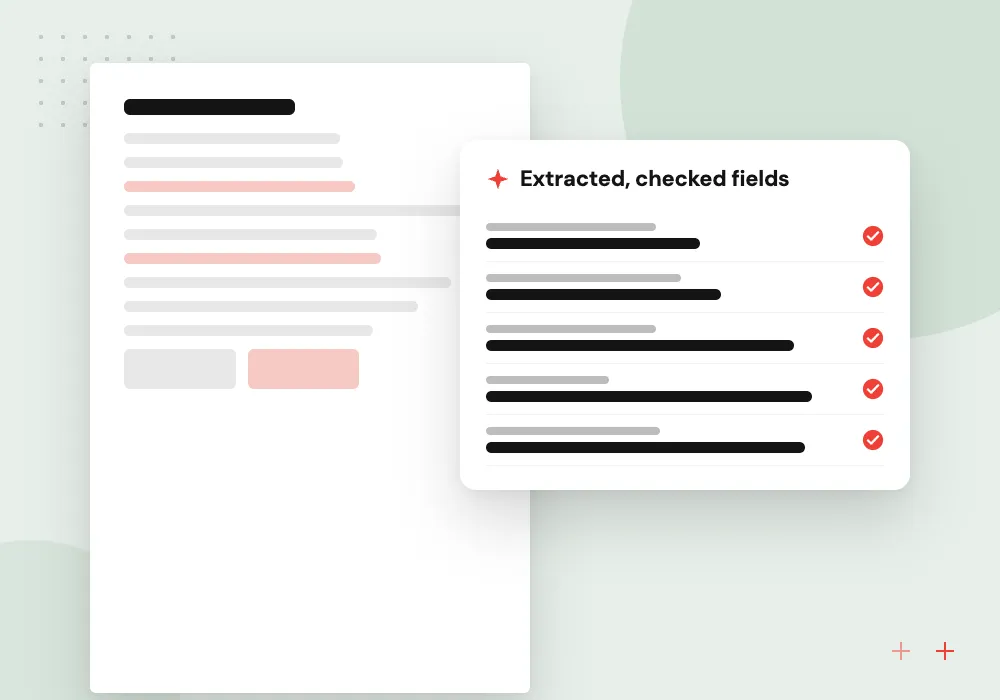
Gemini document features
Summaries, field extraction and question answering on your files using Gemini models on Google Cloud, with every request governed by IAM and recorded in Cloud Logging.
Cloud Run apps and APIs
We containerize the application, keep images in Artifact Registry and deploy each merge to Cloud Run through Cloud Build or GitHub Actions. Each service runs under its own service account, secrets come from Secret Manager, and traffic splitting lets a new revision take a small share of requests before it takes all of them.
What we do
- Dockerfile and image builds
- Revision deploys with traffic splitting
- Secret Manager for credentials
- Cloud SQL connection setup
- Cloud Run jobs for batch work
Gemini features on your BigQuery data
Once data sits in BigQuery, an AI feature is a smaller step. We build Gemini summaries of customer feedback, draft product descriptions and answer questions over your reports, storing each output next to its source rows so analysts can audit what the model produced.
What we do
- Use case and accuracy target agreed
- Prompt tests on sample rows
- Outputs written back to BigQuery
- Review queue for flagged results
- Monthly model and query cost report

How we approach a project
Data work centers on BigQuery. We load records from your ERP, store and ad platforms, model them into tables people can query, and connect dashboards. The same tables later feed forecasts and AI features; pipelines that span many systems are covered under data engineering services.
For AI, Gemini models are served through Gemini Enterprise Agent Platform, the Google Cloud service formerly called Vertex AI. We call them from Cloud Run with scoped service accounts, and our Gemini API integration page explains model choice, grounding and testing.
Google Cloud is part of our cloud computing services. Mobile teams often pair it with Firebase development, which shares the same projects and billing.
How we work
- Containers that can run anywhere
- Data ready for analysis from day one
- IAM roles scoped to each service
Our Process
-

Audit the current setup
We map existing projects, Workspace accounts, data sources and costs, and note what must keep running.
-

Design services and data flow
One document shows each Cloud Run service, database, topic and BigQuery dataset, with a monthly estimate.
-

Build and deploy by pipeline
Every merge builds a container, runs tests and deploys a new revision to the test project first.
-

Shift traffic and review
New revisions take traffic in steps; after launch we go through latency, errors and spend with you.
Why Aranv for Google Cloud
Projects laid out once, properly
Folders, projects, budgets and IAM groups are set before the first service is deployed, so adding an app later does not mean untangling permissions.
No service account key files
Pipelines use workload identity federation and services use attached accounts, so no long-lived JSON keys sit in repositories or on laptops.
Data modeled for later questions
BigQuery tables are partitioned, documented and named in plain terms, so analysts, dashboards and AI features all read the same definitions.
Costs you can trace
Labels on every resource, billing export to BigQuery and budget alerts show which app or team each line of the invoice belongs to.
Planning Google Cloud Development Services?
Book a 30-minute conversation with the team that would build it.
Google Cloud development FAQs
-
How much does Google Cloud development cost?
The build follows the number of services, integrations and data sources involved. Running cost depends on traffic, data stored and how much data BigQuery queries scan. We estimate both after discovery and set budget alerts so spending stays visible each month.
-
What is Cloud Run development and when does it fit?
Cloud Run development means packaging an app as a container and letting Google run it, adding instances as traffic grows and removing them when idle. It fits APIs, web apps and workers with uneven traffic. Apps with many tightly linked services or special networking may suit GKE better.
-
What does GCP consulting look at first?
Access and spending. We check who holds owner rights, whether service account keys are in circulation, which buckets are public, how budgets are set and which resources run without a clear purpose, then send a written list of fixes ranked by risk.
-
Is Google Cloud a good fit if we use Google Workspace?
Often, yes. Staff can reach internal apps with their existing Google accounts, and apps can read Sheets, Drive and Calendar through Workspace APIs. Workspace and Google Cloud are billed separately, and AWS or Azure can also host apps for Workspace users.
-
Can you move our app from another cloud to Google Cloud?
Yes. Containerized apps usually move to Cloud Run with small changes, and databases move to Cloud SQL through Database Migration Service or a dump and restore, rehearsed on a copy first. The order of moves keeps the app running throughout.

Let’s talk about your next step
Contact Aranv to discuss your workflow, current tools, and goals. Meet with our team or send an inquiry.
Book a meeting with our team
Choose an available date and time for a 30-minute conversation about your project.
Tell us about your project
Share a few details so we can discuss a useful next step.
Prefer email? sales@aranv.com