


What document management system development includes
Aranv provides document management system development for US businesses that have outgrown shared drives: a custom DMS with filing that follows your clients and jobs, version control, approval workflows, retention rules, full-text search and AI that reads, sorts and files incoming documents.
A custom DMS makes sense when packaged tools do not match how your files are organized, when documents must move through approval steps tied to other systems, or when per-user fees grow faster than the team. We build it as custom software on storage you control, with a metadata index that makes search and reporting work.
Retention periods come from law, contracts and your own policy. The IRS record-keeping guidance, for example, asks employers to hold payroll tax files for four years or longer, while contracts and project files follow other schedules. We encode the schedule you and your advisers set, apply it by document type and log every deletion. Law and accounting firms will find more on our legal software development page.
From shared drives to managed documents
A document’s life in the system
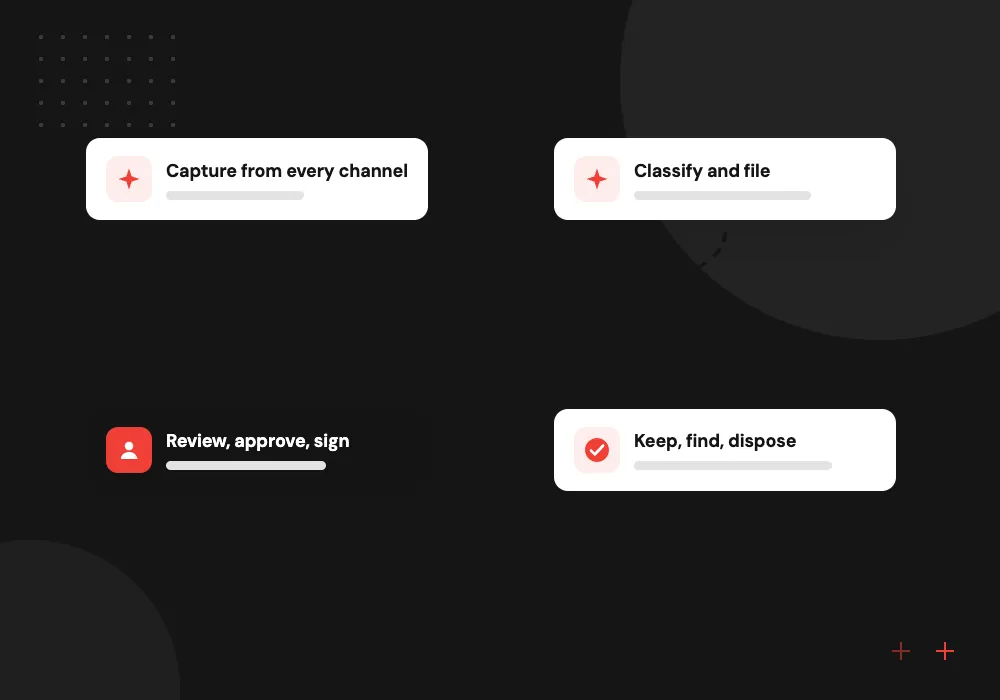
- 01 Capture from every channel Uploads, email, scans and portal files arrive in one intake queue.
- 02 Classify and file Each document gets a type, owner, client or job, and a retention rule.
- 03 Review, approve, sign Workflows route drafts for review, approval and e-signature with version history.
- 04 Keep, find, dispose Search finds any version, and retention rules flag records due for deletion.
Permissions follow the client or job, so a new team member sees the files for their work and nothing else.
Custom DMS and document workflow software we build
Most document problems are not storage problems. They are about finding, approving and keeping the right file for the right length of time.
Client and job files
Every contract, drawing, invoice and email attachment filed under the right client or job, with permissions that follow the team working on it.
Approval workflows
Policies, quotes, change orders or HR documents routed to reviewers in order, with comments, deadlines, version comparison and an audit trail of each decision.
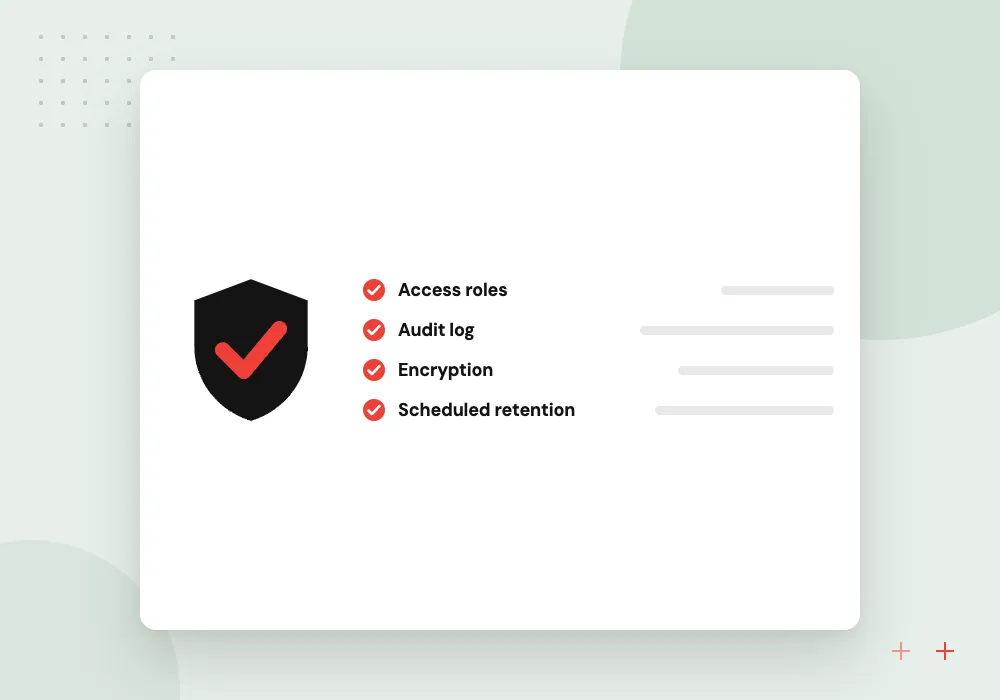
Retention and records
Rules keep tax, HR and project records for as long as required, place legal holds, and list expired files for an approved deletion.
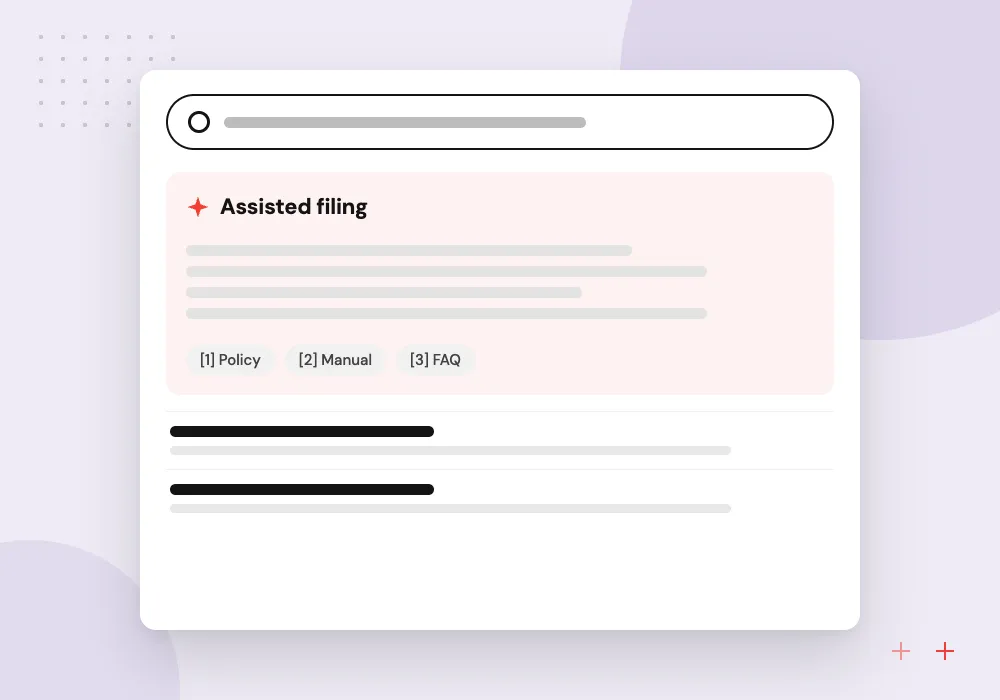
AI filing and search
AI reads incoming documents, suggests type, client and key dates, and lets staff ask questions across files in plain English, with links to the exact pages.
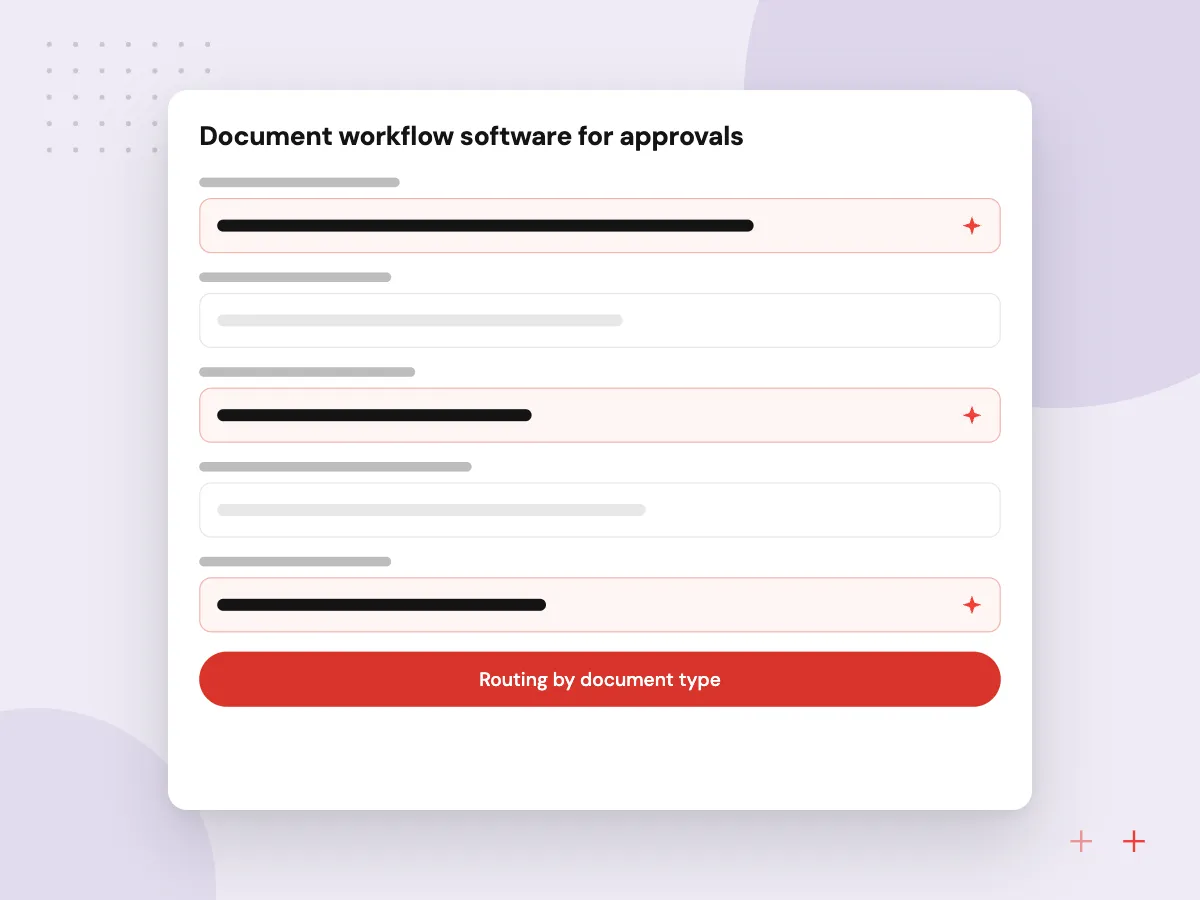
Document workflow software for approvals
Many documents need several people before they count: a quote approved by a manager, a policy reviewed by legal, a change order signed by a client. We build workflows that route each draft in order, show who is holding it, compare versions, and finish with e-signature and a locked final copy.
What we do
- Routing by document type
- Version compare and comments
- Deadlines and reminders
- E-signature integration
- Locked final copies with audit trail
AI that reads, files and answers
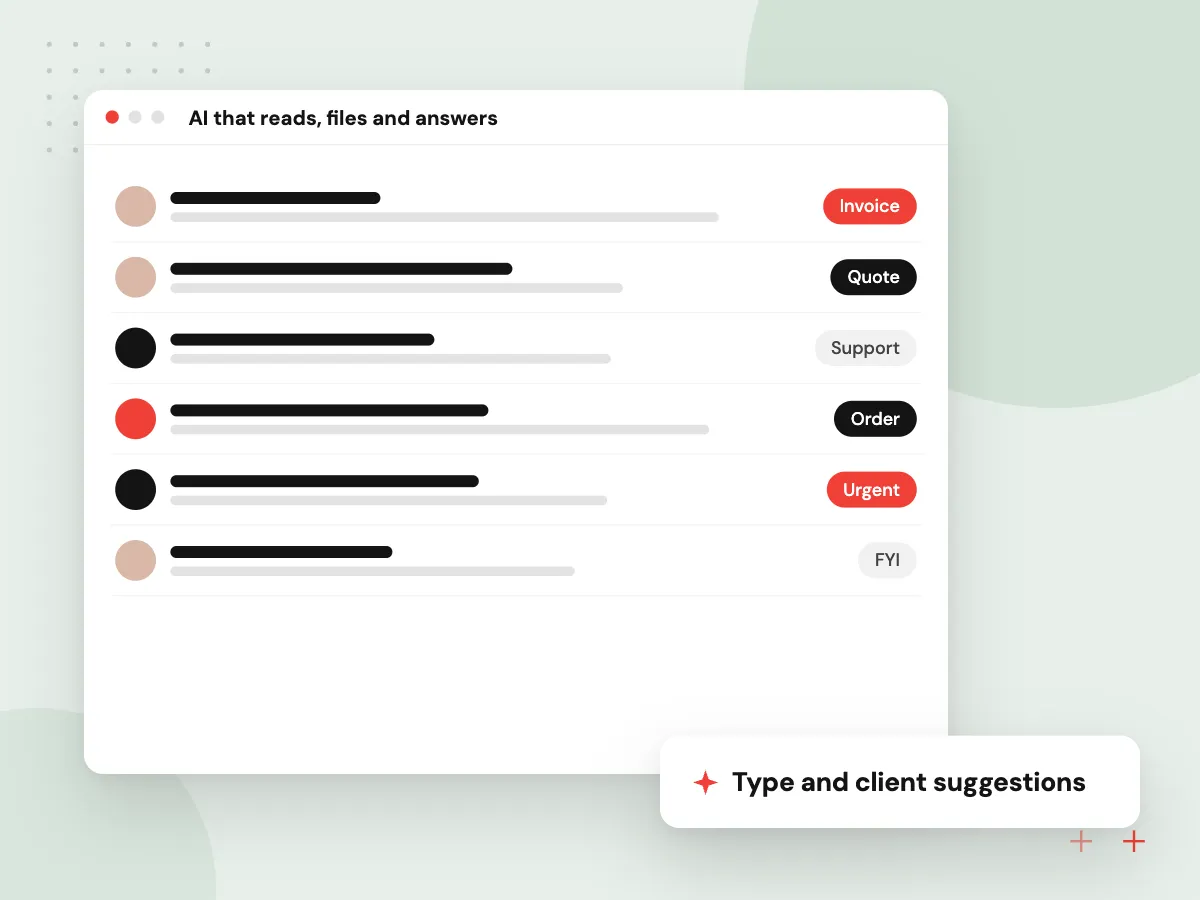
AI takes over the dull part of document handling. It reads each incoming file, suggests the document type, client, job and key dates, and fills metadata for a person to confirm. Staff can then ask questions such as which contracts renew next quarter and get answers that link to the source pages.
What we do
- Type and client suggestions
- Key dates and parties extracted
- Confidence scores for review
- Questions across many files
- Links to source pages

How we approach a project
Intake is where AI earns its place. Our AI document processing work extracts fields from invoices, contracts and forms, and AI document classification sorts mixed uploads into the right type and folder. Scanned paper goes through OCR first, so older records become searchable.
Clients often need to send and receive files too. A customer portal can sit on top of the DMS, so clients upload straight into the right job and download signed copies without email attachments.
How we work
- One home for every document
- Retention rules applied by type
- Search that finds the right version
Our Process
-

Inventory the file sprawl
We sample your shared drives and inboxes, list document types, and measure how many versions and duplicates each has.
-

Design the filing model
Document types, metadata fields, folder rules, permissions and retention periods are agreed with the people who own each record type.
-

Build workflows and migrate
Approval flows and search are built, then existing files move in batches with metadata filled in by rules and AI.
-

Switch teams over
Departments move one at a time, old drives become read-only, and search terms guide improvements to filing.
Why Aranv for document systems
Filing designed with your staff
Document types and folder rules are built with the people who file and find documents every day, so the structure matches how they search.
Migration with checks
Files move in batches with counts, checksums and sample reviews, so nothing goes missing and staff can trust the new system from the first day.
Retention you can explain
Every deletion follows a recorded rule and an approval, which gives you an answer when an auditor or opposing counsel asks what happened to a file.
AI with a human check
AI suggestions for type, client and dates carry a confidence score, and low-confidence files wait for a person instead of being filed blindly.
Planning Document Management System Development?
Book a 30-minute conversation with the team that would build it.
Document management questions
-
What does custom document management software cost?
It depends on the number of document types and workflows, how many files need migrating and how messy they are, links to your CRM, ERP or email, AI features and e-signature. A phased estimate lets one department’s documents move first while others follow.
-
Should we use SharePoint or build a custom DMS?
SharePoint or a similar product works well when your team already uses Microsoft 365 and needs standard libraries, versions and permissions. A custom DMS suits filing rules tied to jobs or clients, approvals linked to other systems, client upload portals, or AI intake that packaged tools handle poorly.
-
Can you migrate our existing shared drive files?
Yes. Files are copied in batches, original dates and authors are kept where possible, exact duplicates are removed, and metadata is filled from folder names, contents and AI suggestions. Staff review a sample from each batch before it is marked done.
-
How do retention rules work in a DMS?
Each document type gets a retention period and a trigger, such as a contract ending or an employee leaving. The system counts from that trigger, blocks early deletion, pauses for legal holds, and lists expired records for an authorized person to approve.
-
Can AI find information inside our documents?
Yes. Documents are indexed for full-text and meaning-based search, and an AI assistant answers questions from them with links to the exact page. It only searches files the user has permission to open.

Let’s talk about your next step
Contact Aranv to discuss your workflow, current tools, and goals. Meet with our team or send an inquiry.
Book a meeting with our team
Choose an available date and time for a 30-minute conversation about your project.
Tell us about your project
Share a few details so we can discuss a useful next step.
Prefer email? sales@aranv.com