


What Docker consulting includes
Aranv offers Docker consulting for development teams that want predictable builds and releases. We package existing applications into lean, secure container images, set up Docker Compose so every developer runs the same stack, build images in CI, and help you choose where the containers should run in production.
Most work starts with an app already in production on a server set up by hand years ago. We record its runtime, packages, environment settings, file storage and scheduled jobs, then write a Dockerfile that reproduces it. Multi-stage builds keep compilers and test tools out of the final image, and the app runs as a non-root user.
The CI pipeline builds each image, tags it with its commit, scans it and pushes it to a private registry such as Amazon ECR, Azure Container Registry or Google Artifact Registry. Base images are refreshed on a schedule, as part of the release automation in our DevOps services.
What containerizing an app involves
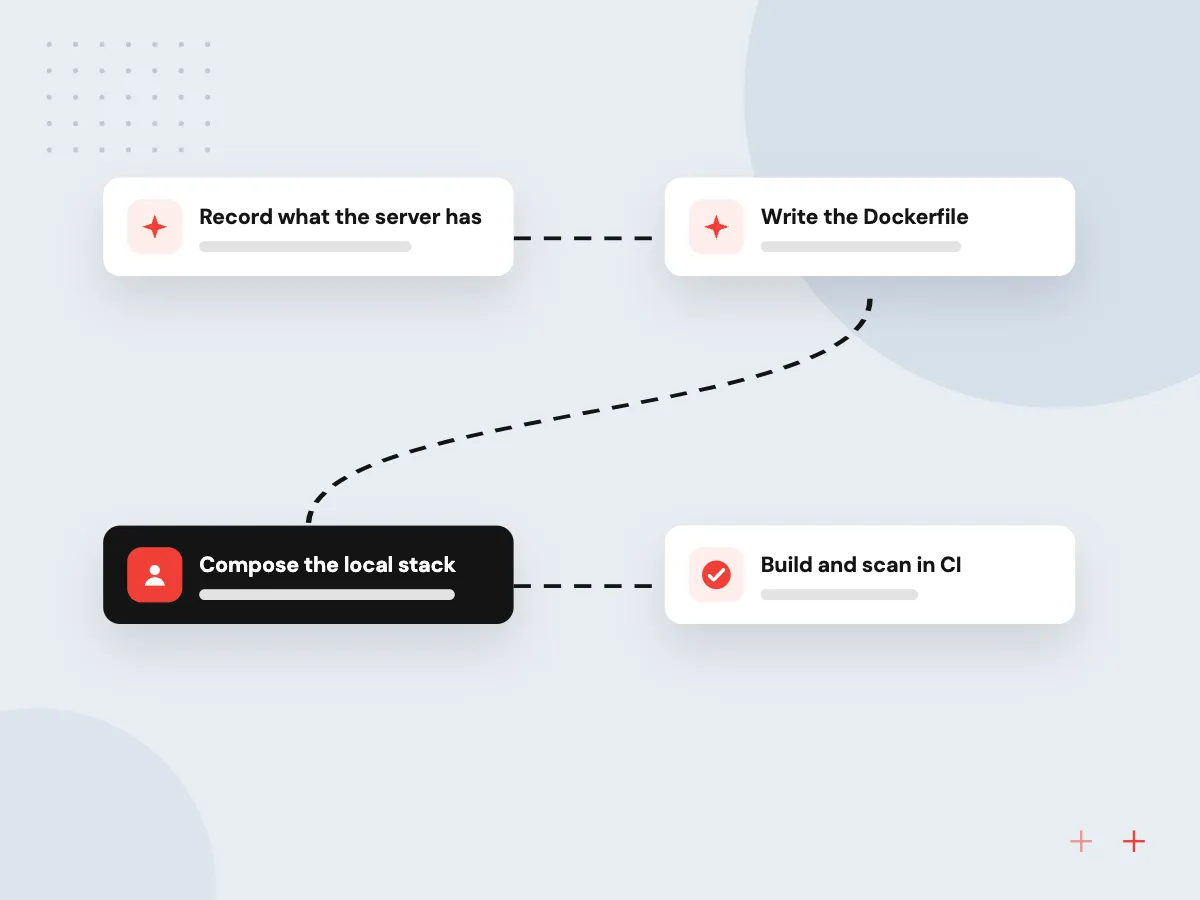
From a hand-built server to an image
- 01 Record what the server has Runtime versions, system packages, config files and cron jobs are written down.
- 02 Write the Dockerfile A multi-stage build produces a small image holding only what runs.
- 03 Compose the local stack App, database, cache and queue start together with one command.
- 04 Build and scan in CI Every merge builds a tagged image and checks it for known vulnerabilities.
The same image runs on a laptop, a test server and in production.
Containerization services we provide
Docker is often the first step toward calmer releases, and it pays off even before any move to a new host.
Containerize an existing app
A PHP, Python, Node.js or .NET app living on one hand-configured server becomes a Docker image that can be rebuilt and redeployed whenever needed.
Docker Compose for developers
New developers clone the repository and start the app, database and supporting services with one command, on the same versions as production.
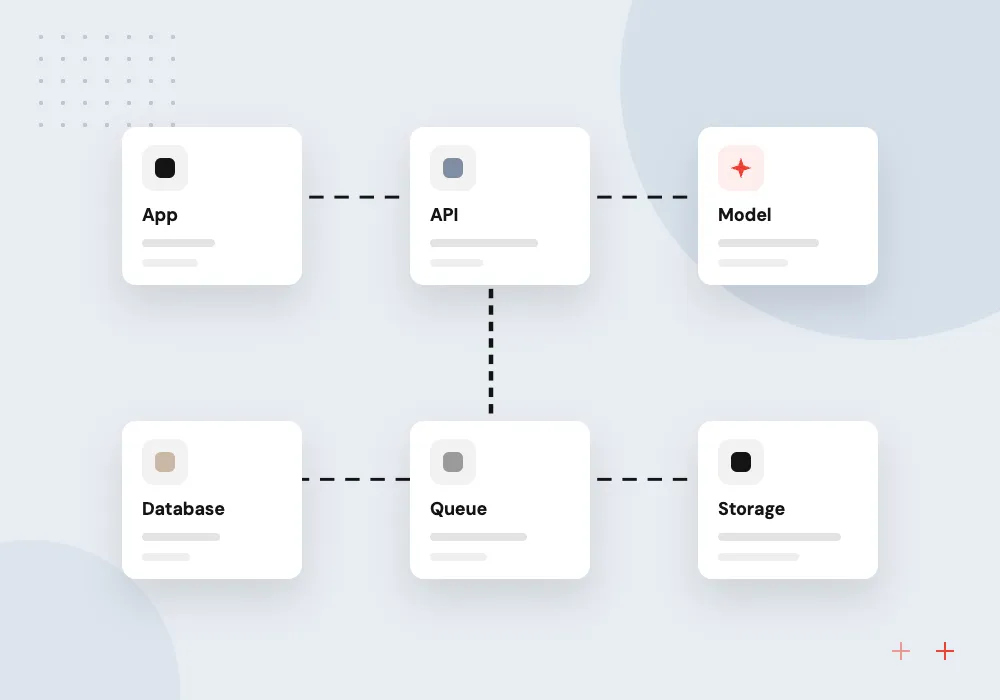
Docker migration to the cloud
Containerized apps moved to ECS, Azure Container Apps, Cloud Run or a single Docker host, picked by traffic and budget, with the old server kept until sign-off.
Containers for AI services
Model-calling services, document parsers and local open-weight models packaged as containers, so AI features ship and roll back like every other part of the app.
Lean, secure images for production
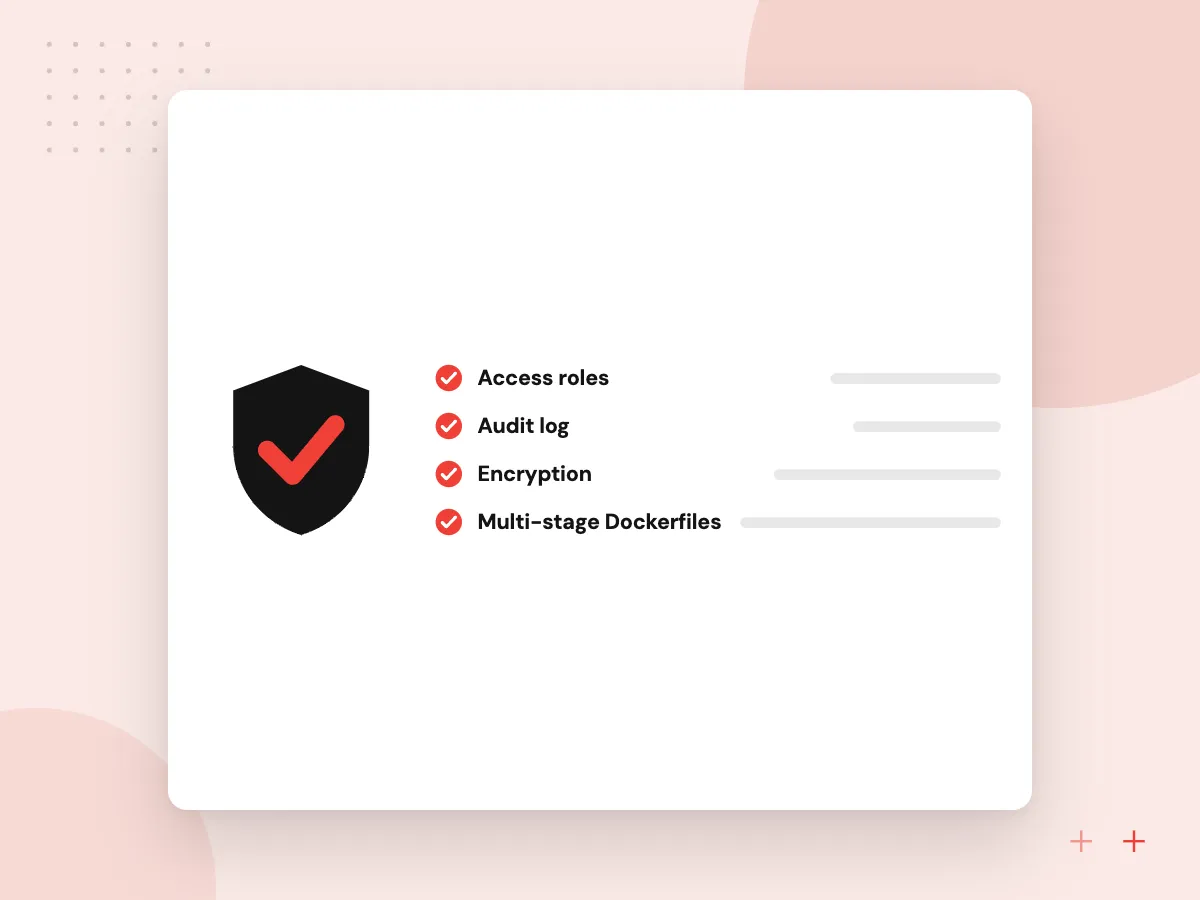
Smaller images build faster, pull faster and carry fewer packages that could hold vulnerabilities. We choose slim base images, split build and runtime stages, pin versions, drop root privileges and add health checks, then set up automatic rebuilds whenever a base image gets a security patch.
What we do
- Multi-stage Dockerfiles
- Pinned base image versions
- Non-root users and read-only filesystems
- Image scanning in CI
- Scheduled base image rebuilds
Packaging AI features as containers
An AI feature often starts as a script on someone’s laptop. We turn it into a service with a clear API, pinned libraries and model settings held in config, packaged as an image. It can then run beside your app, scale on a container service and roll back if a new prompt or model does worse.
What we do
- API wrapper around the AI script
- Pinned Python and model libraries
- Config for model and prompt versions
- Test set run on each build
- Rollback to the previous image

How we approach a project
Production does not have to mean Kubernetes. For most small businesses Cloud Run, ECS on Fargate or Azure Container Apps run containers with less upkeep; with many services across teams, our Kubernetes consulting covers the cluster route. Moves off old hosts follow our cloud migration plan.
Check licensing early. Docker’s Desktop license terms make Docker Desktop free for small businesses under set size and revenue limits, while larger organizations need a paid subscription. Docker Engine on Linux servers is open source.
For AI work, containers pin model libraries, Python versions and system packages together, which matters when a library update changes results. Our LLMOps services build on that for prompt versions and evaluation runs, and all of this sits within our cloud computing services.
How we work
- One image from laptop to production
- Small images with nothing extra inside
- Settings from the environment, not baked in
Our Process
-

Inventory the running app
We log in to the current host and record runtime versions, services, storage, ports and scheduled tasks.
-

Build and test the image
The Dockerfile and Compose file are written, and the app’s own tests run inside the container.
-

Wire it into CI
Pipelines build, tag, scan and push images, then deploy to a test environment on each merge.
-

Cut over in production
The container takes traffic beside the old server; once checks pass, the old host is retired.
Why Aranv for Docker work
We read the old server first
Before writing a Dockerfile we check what the current machine actually runs, including forgotten cron jobs and config files, so nothing breaks quietly after the move.
Development matches production
The Compose file and the production image share a base and versions, which removes the bugs that only appear after deployment.
Secrets stay out of images
Passwords and API keys come from the runtime environment or a secret store, never from the Dockerfile or image layers, and we check old images for leaks.
The simplest host that works
We match the runtime to your traffic and team, from a single Docker host to a managed service or a cluster, with the monthly cost of each laid out.
Planning Docker Consulting Services?
Book a 30-minute conversation with the team that would build it.
Docker consulting FAQs
-
What does Docker consulting cost?
The scope sets it: how many apps need containerizing, how unusual their setup is and where they will run. One web app with a database is a small job; a group of services with file storage and scheduled tasks takes longer. We estimate after looking at the current hosts.
-
Do we need to pay for Docker?
That depends on company size and use. Docker Desktop is free for small businesses within Docker’s limits, personal use, education and non-commercial open source, and larger companies need a paid plan. Running containers on Linux servers with Docker Engine needs no Docker subscription.
-
What is the difference between Docker and Kubernetes?
Docker builds and runs containers. Kubernetes schedules many containers across many machines, restarting and scaling them. You can use Docker images without Kubernetes, and most small businesses should, running them on a managed container service instead.
-
Can every application be containerized?
Most web apps, APIs and background workers can. Desktop software, apps tied to Windows-only components and systems that need special hardware are harder or not worth it. We say so after the inventory, before any build work starts.
-
Will Docker slow our application down?
Not in a way users notice, as a rule. Containers share the host’s kernel instead of running a full virtual machine, so overhead is small. Slowdowns after a move usually trace to resource limits set too low or poorly configured storage, which we test before cutover.

Let’s talk about your next step
Contact Aranv to discuss your workflow, current tools, and goals. Meet with our team or send an inquiry.
Book a meeting with our team
Choose an available date and time for a 30-minute conversation about your project.
Tell us about your project
Share a few details so we can discuss a useful next step.
Prefer email? sales@aranv.com