


What Django development services include
Aranv provides Django development services to small and midsize US businesses: customer portals and back-office web apps built on Django’s admin and ORM, APIs with Django REST Framework, upgrades of older Django projects to supported releases, and AI features that work on your own records.
Django ships with accounts, permissions, an admin site, an ORM with migrations, forms and defenses against common web attacks. That makes it a strong base for python web development where the data model is large and many staff roles need different views. For a small API with no admin, FastAPI development is often lighter.
A typical build covers models and migrations, the admin, templates or a React front end, Django REST Framework endpoints, Celery workers for slow tasks, PostgreSQL, pytest suites and container deployment. Our Python development page covers the data pipelines and scripts that often run next to a Django app.
How a Django app takes shape
From data model to working admin
- 01 Model the business records Customers, orders and documents become Django models with clear relations.
- 02 Open the admin early Staff try real data in Django’s admin before custom screens exist.
- 03 Add portal pages and APIs Customer screens and REST endpoints sit on the same models.
- 04 Move slow work to jobs Imports, emails and reports run outside the web request.
Since the admin comes with the models, gaps in the data design show up in the first weeks, not at launch.
What we build with Django
Django does best when an application is mostly records to create, search, approve and report on. These are the projects we take on most.
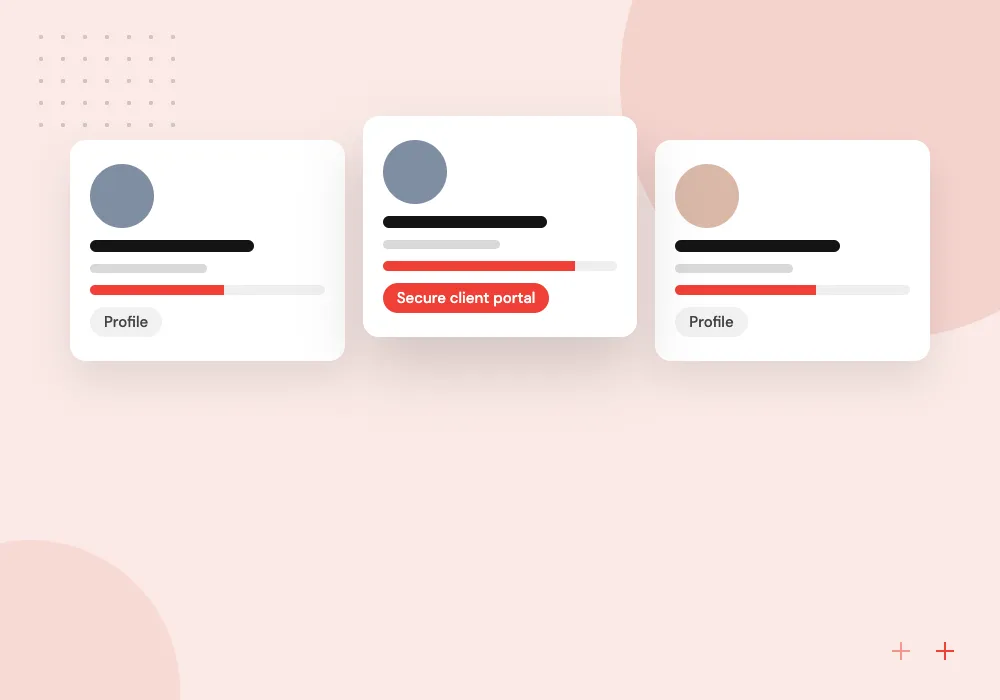
Customer and partner portals
Sign-in, document upload, order history and messages for your clients, with permissions per company and per role.
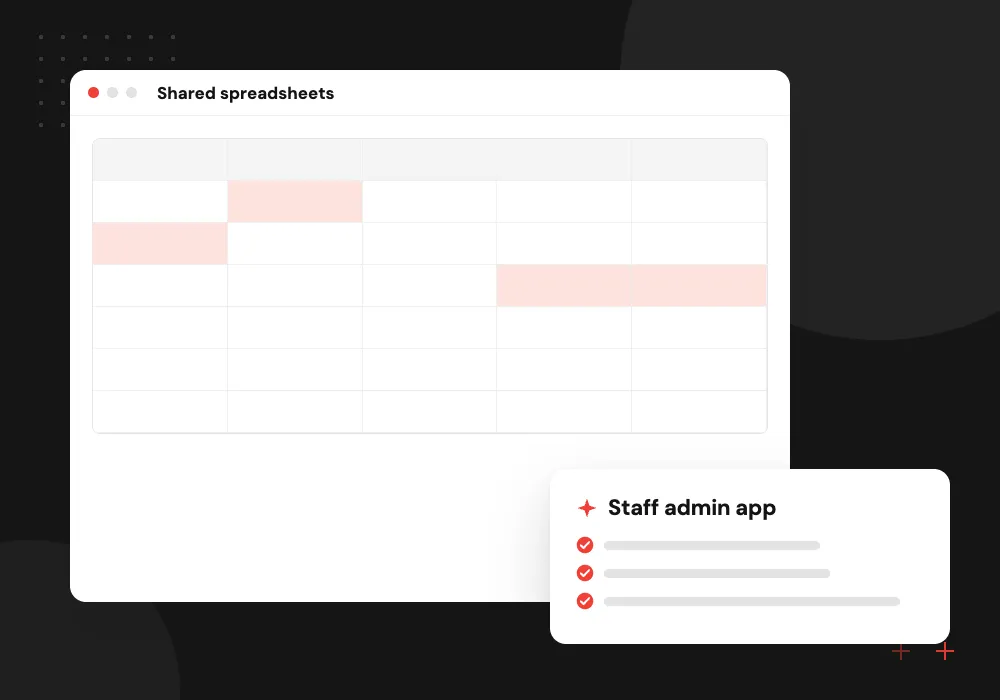
Back-office web apps
Django’s admin shaped into a daily tool for staff, with approvals, bulk edits, CSV exports and a history of every change.
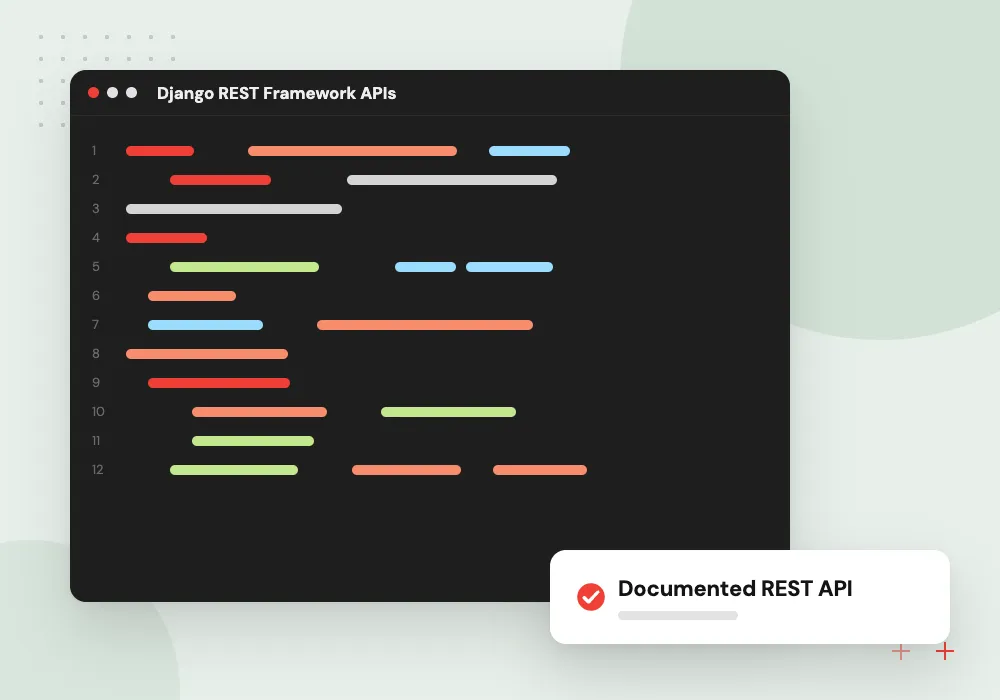
Django REST Framework APIs
Versioned endpoints with serializers, token or session auth and browsable docs for your mobile app, front end or partners.
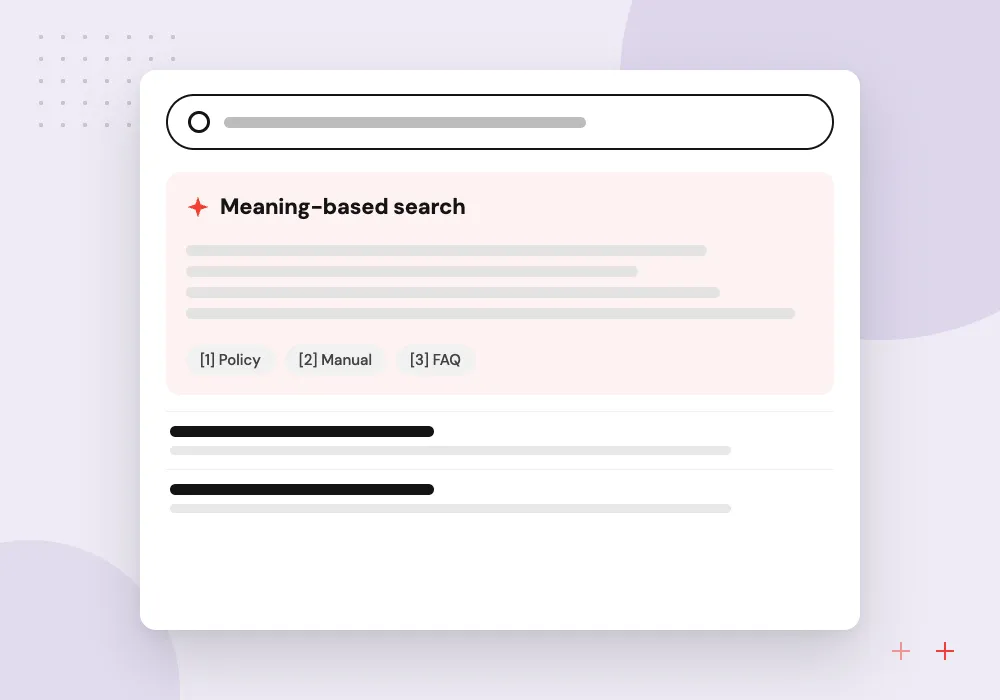
AI search and drafting
Meaning-based search over your Django data and files with pgvector, plus model-written reply drafts that staff edit before sending.
Turning the Django admin into a staff tool
The Django admin is often treated as a developer screen, but with some work it becomes the main tool for an office team. We add filters that match how staff search, bulk actions for routine changes, inline editing of related records and a change log, which can save building a separate back office.
What we do
- Custom list filters and search
- Bulk approve and export actions
- Inline related records
- Field permissions by role
- Change history per record
AI features on top of Django data
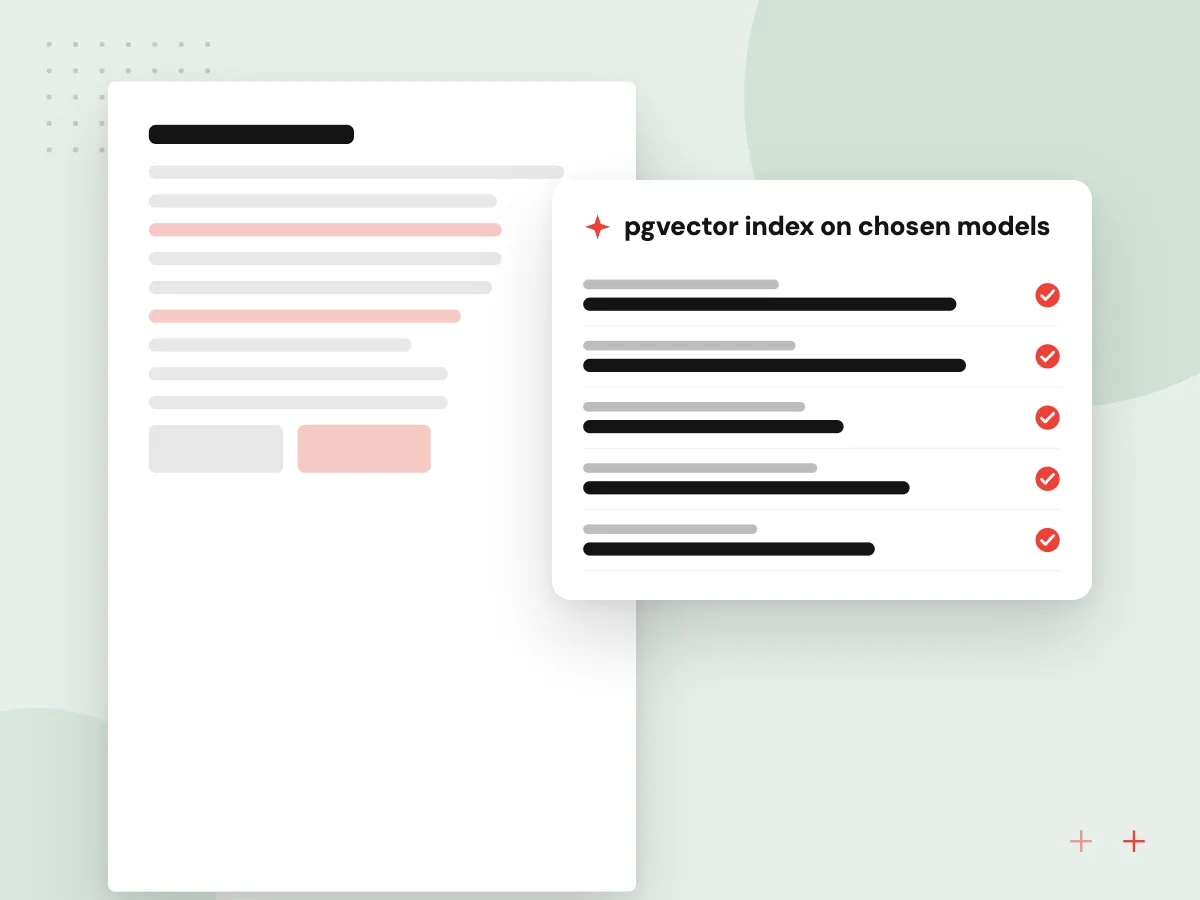
Your Django database already holds the records an AI feature needs. We index chosen tables and uploaded files as embeddings in PostgreSQL, filter matches by the user’s permissions, and pass only those records to a language model. Each answer links to its source records, so staff can check it.
What we do
- pgvector index on chosen models
- Permission filter before retrieval
- Celery tasks for document parsing
- Source links in every answer
- Review queue for generated drafts

How we approach a project
Upgrades. Each Django release has a fixed support window, listed on the project’s download page. Projects still on Django 3.2 or 4.2 no longer receive security fixes. We move up one release per step, fixing each deprecation warning the test run reports before taking the next.
Many Django projects are SaaS products or internal portals. For AI that answers questions from your documents, see RAG development; other frameworks we use are listed under all technologies.
How we work
- Django’s own features before add-ons
- Migrations reviewed like code
- Always on a supported release
Our Process
-

Data model workshop
We sketch the main records, how they relate and who may see each one, using your real forms and reports.
-

Admin-first prototype
Staff work with sample data in the Django admin, which exposes missing fields before screens are designed.
-

Screens, APIs and jobs
Portal pages, REST endpoints and Celery tasks arrive in sprints, each with tests and a staging release.
-

Launch and upgrade calendar
We deploy, set up error tracking and leave a dated plan for the next Django and Python upgrades.
Why Aranv for Django
Close to Django’s defaults
Fewer custom layers mean smaller upgrades. We use Django’s own features first and add a package only when it is well maintained and clearly needed.
Careful with migrations
Each schema change is reviewed, tested on a copy of production data and shipped with a rollback step, so your records stay consistent.
Upgrades on a calendar
We plan Django and Python upgrades against the published support dates, which turns them into small yearly tasks instead of rushed rescues.
Permissions settled up front
Who may see which customer, file or field is agreed in the first workshop, then enforced in views, APIs and AI search alike.
Planning Django Development Services?
Book a 30-minute conversation with the team that would build it.
Django development FAQs
-
Is Django good for building a customer portal?
Yes. Django includes accounts, permissions, forms and file handling, which form the core of most portals, so the budget goes into your screens and business rules. Object-level permissions, single sign-on and two-factor sign-in come from well-maintained add-on packages.
-
What is Django REST Framework and do we need it?
Django REST Framework is a long-established package for building REST APIs on top of Django models. You need it, or an alternative such as Django Ninja, when a mobile app, a JavaScript front end or a partner system must read and write your Django data.
-
Which Django version should we use?
The latest release or the current LTS. Django lists 5.2 LTS as supported until April 2028 and 6.1 until December 2027. Django 4.2 LTS reached the end of extended support in April 2026, so projects still on it should plan an upgrade now.
-
Can you add AI features to an existing Django app?
Yes. Common first steps are search over your records and files with pgvector in PostgreSQL, summaries of long case threads, and fields pulled from uploaded documents. We add them as separate services or Celery tasks, and staff review results before any record changes.
-
What drives the cost of a Django project?
The number of data models and user roles, the screens customers see, integrations, and data moved from old systems. Discovery ends with a written estimate broken into releases, so the first useful version can launch while later ones are planned.

Let’s talk about your next step
Contact Aranv to discuss your workflow, current tools, and goals. Meet with our team or send an inquiry.
Book a meeting with our team
Choose an available date and time for a 30-minute conversation about your project.
Tell us about your project
Share a few details so we can discuss a useful next step.
Prefer email? sales@aranv.com