


What computer vision development includes
Aranv provides computer vision development services for small and midsize American companies that need software to understand photos and camera feeds. We build image recognition and object detection models that count, check and sort what a camera sees, then pass each result to the system or person who acts on it.
Computer vision covers several jobs: classifying a whole image, boxing objects inside it, outlining regions pixel by pixel and tracking items across video. We pick the simplest one that answers your question. Reading text from scans is covered on our OCR development page.
Not every project needs a trained model. General models that accept images, described under multimodal AI development, can answer questions about a photo with no training. We start there when volumes are low and move to a trained detector when speed or cost per image matter more.
How a vision model learns your images
From camera frame to decision
- 01 Collect real images Photos from your site, line or phones, under the lighting staff actually work in.
- 02 Label what matters Your experts mark defects, items or regions so the model learns your definitions.
- 03 Train and test Models are scored on images held back from training, split by camera and shift.
- 04 Run where images arrive Results reach a dashboard, ERP record or alert, from a server or edge device.
Accuracy depends on camera position, lighting and labels, so we test on your images before anyone commits to a rollout.
Image recognition and object detection we build
Vision work fits jobs where staff spend hours looking at items, documents or scenes that a camera can capture.
Defect spotting on lines
A camera over the conveyor flags scratches, missing parts or wrong labels and holds the item for an inspector to confirm.
Counting and stock checks
Shelf, pallet or yard photos turned into counts by product, then compared with what the inventory system says should be there.
Photo intake for claims
Customer or field photos of damage sorted by type and severity, with blurry or incomplete uploads sent back for a retake.
Site and safety monitoring
Detection that notices missing hard hats, blocked exits or forklifts in walkways and posts a timestamped alert to the shift supervisor.
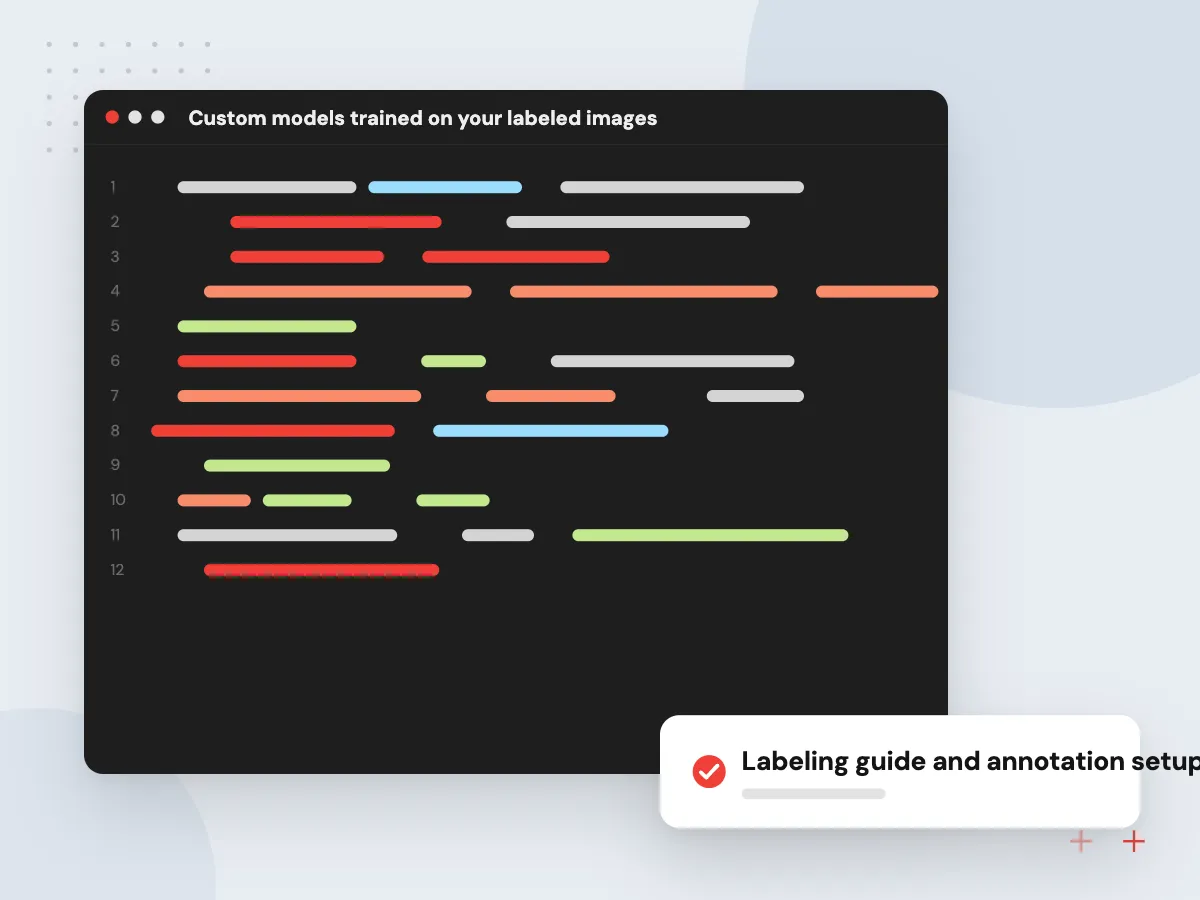
Custom models trained on your labeled images
Generic image APIs know cats and cars, not your part numbers or defect types. We set up a labeling workflow, train detection or classification models on your examples, and measure them on images the model never saw, broken down by camera, product and lighting condition.
What we do
- Labeling guide and annotation setup
- Object detection and classification models
- Per-category precision and recall report
- Confidence thresholds agreed with you
- Retraining set built from corrections
Image data, privacy and the review loop
Cameras capture people as well as products, so we agree up front what is recorded, how long frames are kept and who can see them. Results below the confidence threshold go to a reviewer, and every correction is saved to improve the next model version.
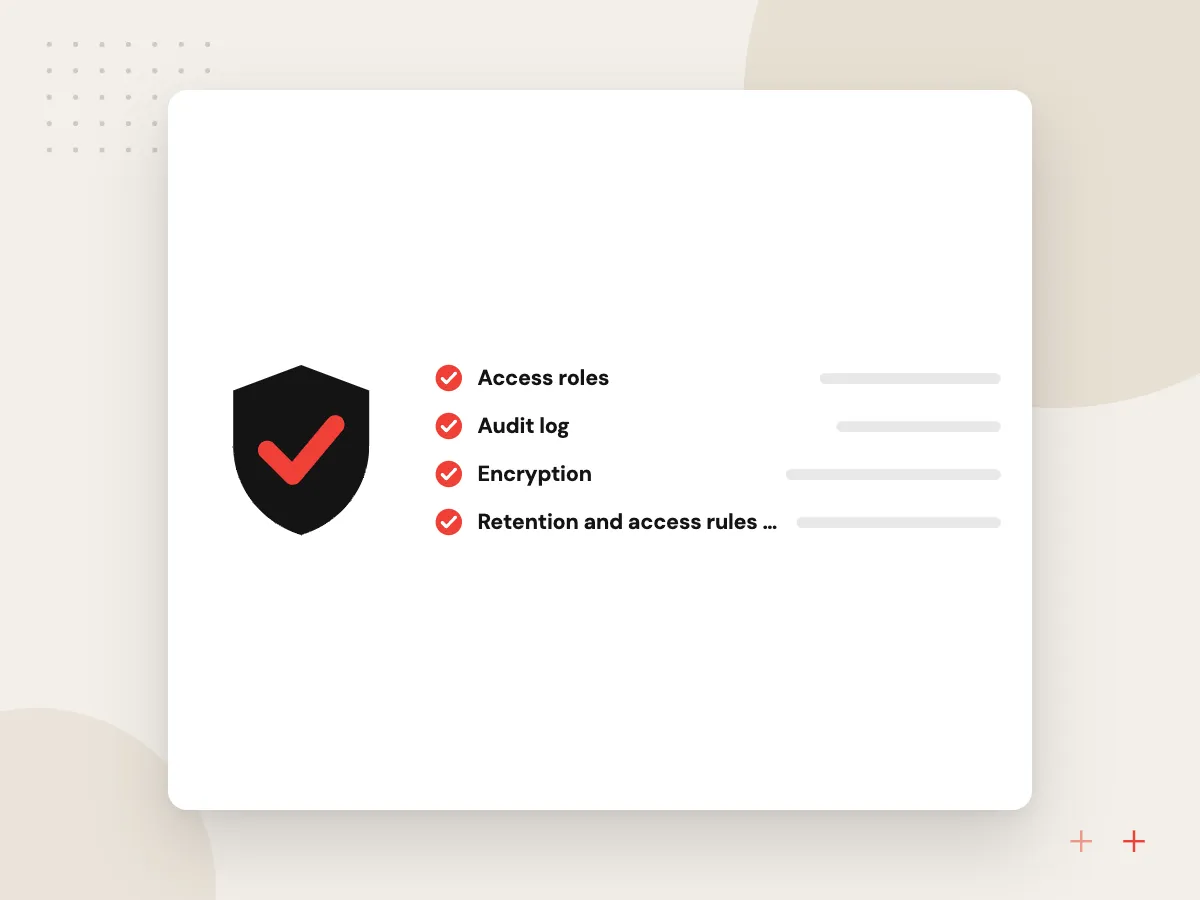
What we do
- Retention and access rules for footage
- Face and plate blurring where needed
- Reviewer queue for uncertain results
- Audit log of model decisions
- Drift checks after camera changes
How we approach a project
Deployment follows the images. A model can run in your cloud account, on a small computer beside the camera through edge AI development, or inside a phone app. Plant teams can see how inspection fits production on AI visual inspection and AI for manufacturers.
Wondering whether your images can support a model? Send a sample set and arrange a 30-minute conversation with our team on the contact page.
How we work
- Your images, your definitions
- Tested on held-back real footage
- People check low-confidence results
Our Process
-

Image audit on site
We review cameras, angles, lighting and a few hundred sample images to judge what a model can see.
-

Labeling and baseline
Your experts label a starter set from a written guide, and a pretrained model is scored first as the benchmark.
-

Train against hard cases
We train on your labels, study misses by product, camera and shift, and add images wherever the model is weak.
-

Shadow run, then go live
The model runs beside your inspectors for a set period and goes live only once both sides agree on thresholds.
Why Aranv for computer vision
We test on your footage
Before discussing accuracy, we run a baseline on your own images and show where it fails, so decisions rest on your conditions.
Inspectors stay in charge
Uncertain or high-stakes results go to a person, and their corrections become training data. The system supports the inspector’s judgment instead of overriding it.
Results land in your systems
Detections are written to your quality records, ERP or ticketing tool with the image attached, so nobody copies results from one screen to another.
You keep labels and models
Labeled datasets, model weights and training scripts are handed over with documentation, so retraining later does not depend on us.
Planning Computer Vision Development?
Book a 30-minute conversation with the team that would build it.
Computer vision FAQs
-
How many images do we need to train a computer vision model?
It depends on how many categories you need and how alike they look. A simple pass or fail check can start with a few hundred labeled images per category, while subtle defects need many more examples. Starting from a pretrained model lowers the count.
-
Can computer vision work with our existing security or production cameras?
Often, yes, if resolution, angle and frame rate show the detail you need. Counting and monitoring projects frequently reuse existing IP cameras. Fine defect inspection usually needs a fixed camera with controlled lighting, and the image audit tells you whether new hardware is worth buying.
-
Should we use a vision API or a custom object detection model?
Use a general vision API or multimodal model when volumes are modest and the objects are common, because nothing needs training. Choose custom object detection when you need your own categories, fast results on every frame, or a low cost per image at high volume. Some systems use both.
-
How accurate will image recognition be?
We do not promise a figure before testing, because accuracy depends on your images, lighting and labels. We report precision and recall for each category on held-back images, agree thresholds with you, and route low-confidence results to a person instead of guessing.
-
What about privacy when cameras record employees or customers?
Before the build we agree what the cameras record, how long footage is stored and who can view it. Blurring faces or plates, keeping only cropped regions and posting clear notice are common measures. Your legal adviser should confirm what state privacy and biometric laws require at your sites.

Let’s talk about your next step
Contact Aranv to discuss your workflow, current tools, and goals. Meet with our team or send an inquiry.
Book a meeting with our team
Choose an available date and time for a 30-minute conversation about your project.
Tell us about your project
Share a few details so we can discuss a useful next step.
Prefer email? sales@aranv.com