


What cloud cost optimization services include
Aranv provides cloud cost optimization services for US small and midsize businesses on AWS, Azure or Google Cloud. We find idle and oversized resources, set up tagging, budgets and commitment plans, and bring the cost of AI workloads such as model calls and GPUs under control, then hand over a plan your team can keep running.
A cost review comes first. We read your billing data, usage metrics and architecture, then return a ranked list of changes with the effort, risk and owner for each. Deleting a disk that no server uses takes minutes; moving a database to a smaller class needs a test window.
Native tools before new ones. AWS Cost Explorer and Compute Optimizer, Azure Cost Management and Advisor, and Google Cloud Recommender cover most needs, so we set those up before suggesting paid tools. The AWS Well-Architected cost optimization pillar is a useful checklist on any provider.
From a confusing bill to a cost plan
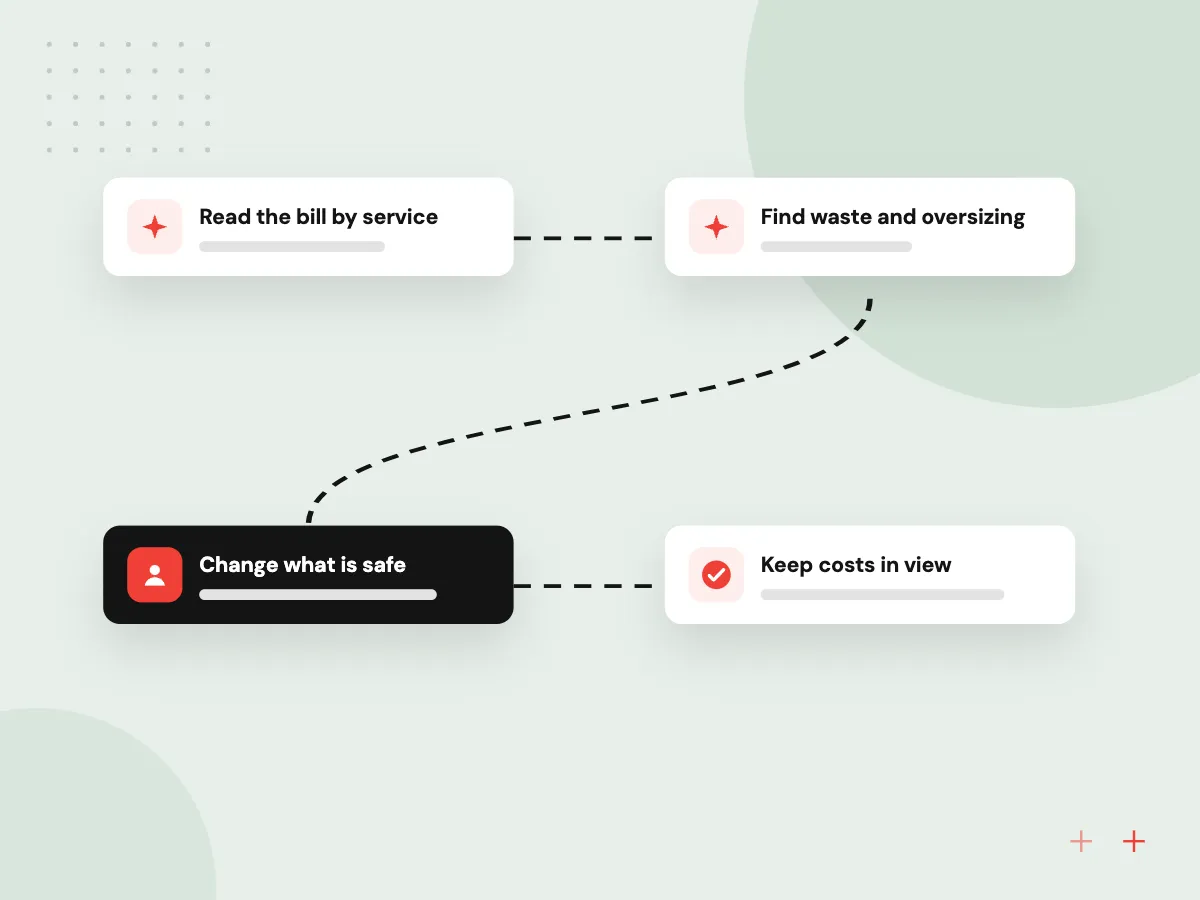
One cloud bill, taken apart
- 01 Read the bill by service We break last quarter’s charges down by account, service, region and team.
- 02 Find waste and oversizing Idle volumes, oversized instances and forgotten test environments are listed with owners.
- 03 Change what is safe Low-risk fixes go first, each with your approval and a rollback note.
- 04 Keep costs in view Tags, budgets and alerts show each team its spend before the invoice arrives.
We start with read-only access; nothing in your accounts changes until you sign off.
Where we look for cloud waste
Most overspend comes from a few patterns that build up while teams ship features and move on.
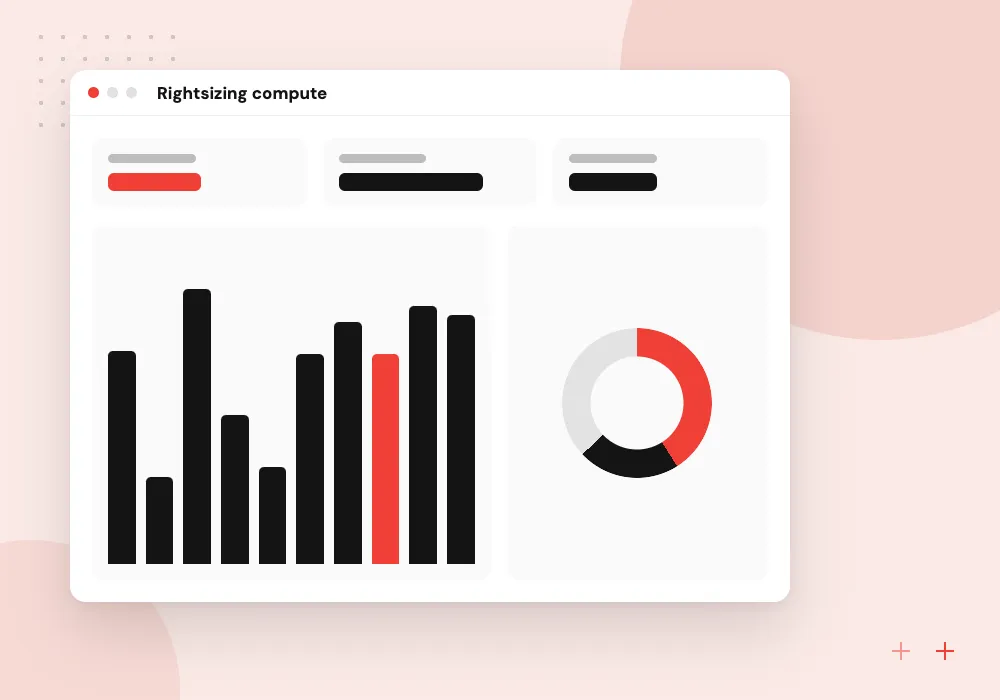
Rightsizing compute
Servers and databases sized for a launch-day peak often sit idle. We compare measured CPU and memory with what you pay for, then resize or schedule them.
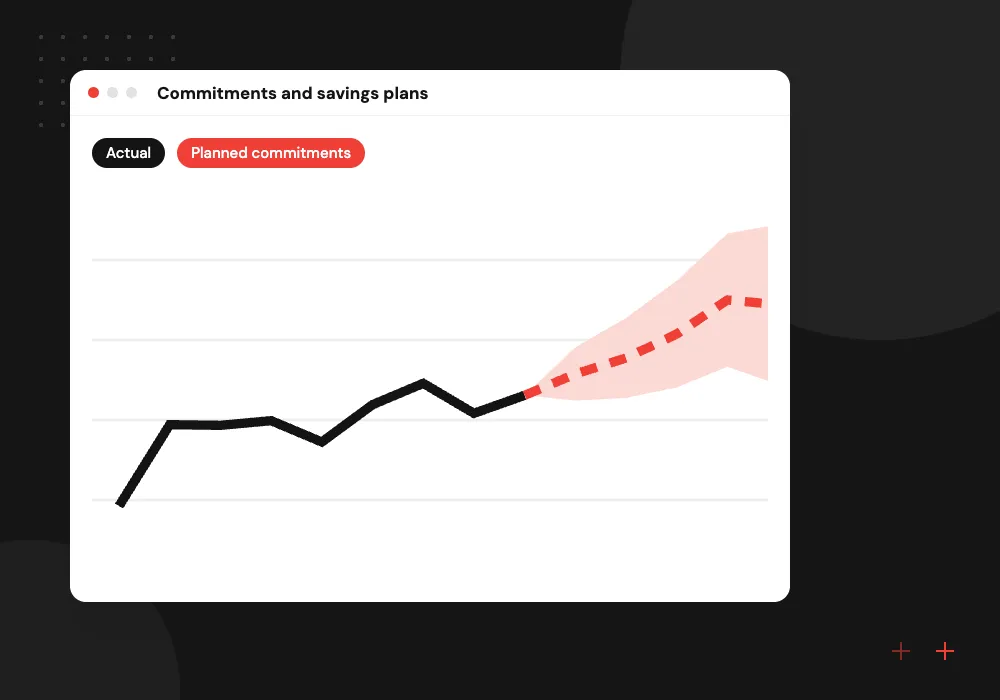
Commitments and savings plans
Steady workloads can move to Savings Plans, Azure reservations or Google Cloud committed use discounts, sized from your usage history so you do not overbuy.
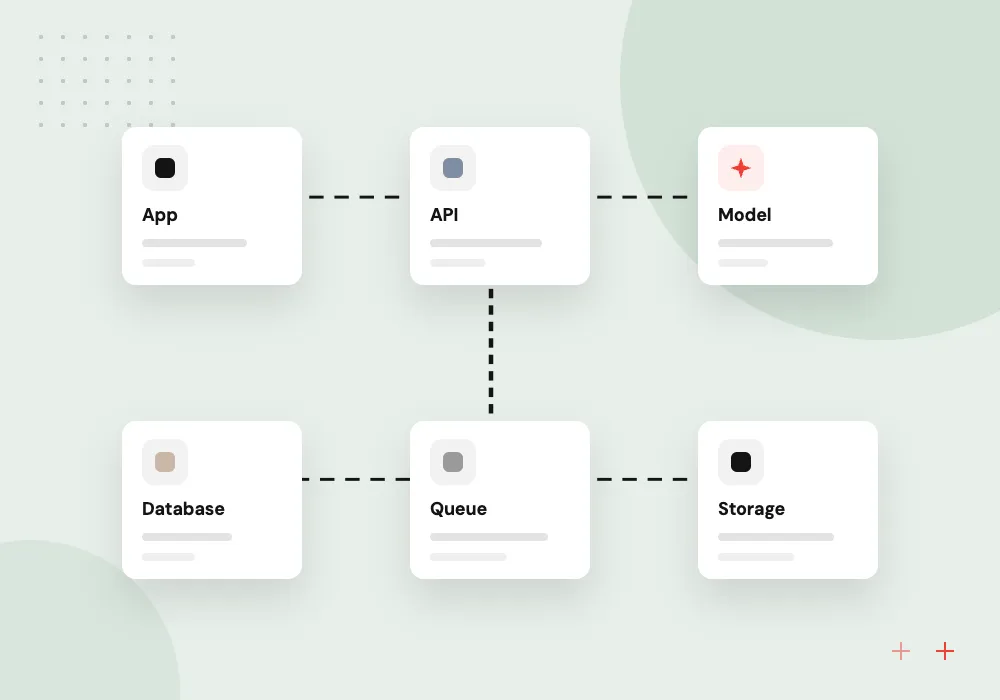
Storage and data transfer
Old snapshots, unattached volumes, verbose logs and cross-region transfer add up quietly. Lifecycle rules and better placement move, shrink or delete them on a schedule you approve.
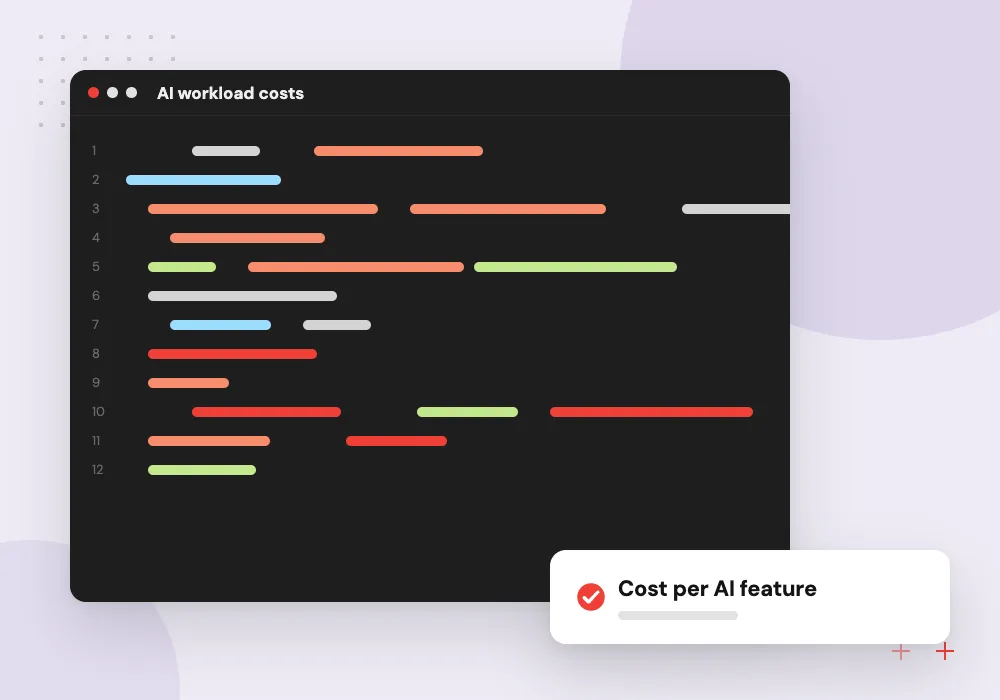
AI workload costs
Model API calls, GPU instances and vector databases can outgrow the rest of the bill. We track cost per feature and send simple requests to smaller models.
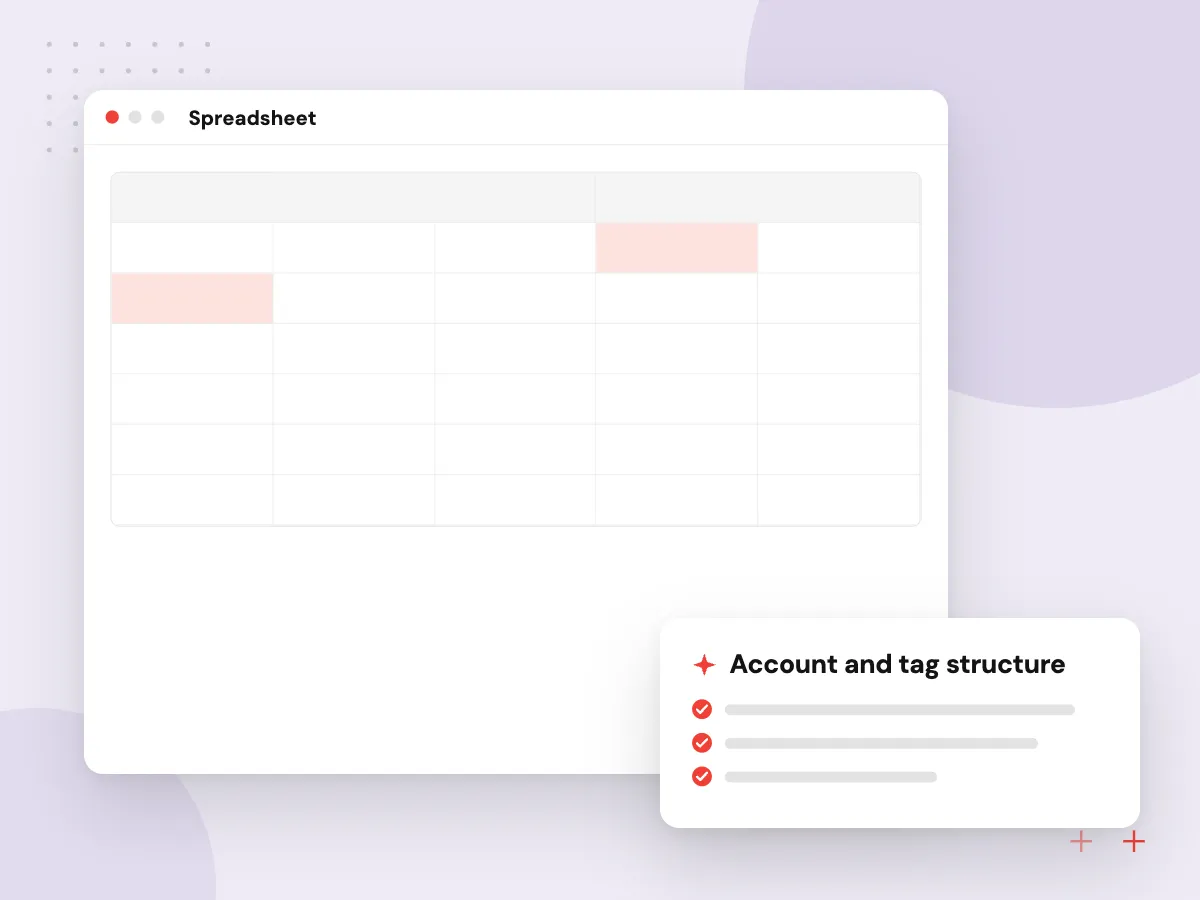
AWS cost optimization, account by account
Many small firms run AWS accounts that grew without a plan: one per project, a forgotten sandbox, a production account nobody tidies. We group them under AWS Organizations, activate cost allocation tags and work through rightsizing findings until every resource has an owner.
What we do
- Account and tag structure
- Rightsizing for EC2, RDS and Lambda
- Savings Plans sized from usage history
- S3 lifecycle and storage class rules
- Budgets and anomaly alerts per team
Keeping AI workload costs under control
AI features are billed differently from servers. Most model APIs charge per token for input and output, and GPU instances cost money whether or not they serve requests. We measure each feature’s cost per request, then tune prompts, caching and model choice while checking answer quality.
What we do
- Cost per request and per feature
- Caching for repeated questions
- Smaller models for simple tasks
- Idle GPU and endpoint shutdown
- Quality tests before and after

How we approach a project
Architecture changes when the numbers justify them. An always-on server might become a scheduled function, or two quiet clusters might become one. Our AWS development services team handles those rebuilds, and cloud migration covers moves between providers or out of a data center.
Keeping spend from creeping back. We add cost checks to release pipelines through our DevOps services, tag resources at creation and set budget alerts per team. The cloud computing services hub covers hosting and support, and a first 30-minute conversation about your bill is booked through our contact page.
How we work
- Measure before changing anything
- Performance checked after every change
- An owner named for every resource
Our Process
-

Read-only access and billing export
You grant a read-only role and enable a detailed billing export, so we see cost by resource, not monthly totals.
-

Ranked findings in writing
A list of changes sorted by effort and risk, naming the resource, its owner and a test for each.
-

Changes in agreed windows
Approved fixes go out in small batches at times you choose, followed by checks on errors and response times.
-

Monthly cost check-ins
We review new spend, unused commitments and fresh recommendations, then adjust budgets and alerts.
Why Aranv for cloud cost work
Read-only until you approve
The review runs on billing exports and read-only roles. Nothing changes in your accounts until you have seen the finding, its expected effect and the rollback step.
Engineers who build on these clouds
The people reviewing your bill also build applications on AWS, Azure and Google Cloud, so the advice reflects how your software behaves under load.
Performance checked after changes
After each resize we watch response times, error rates and queue depth, so a cheaper setup does not quietly become a slower one.
Your team keeps the setup
Tags, budgets, alerts and cost dashboards live in your own accounts with written notes, so finance and engineering keep using them after we finish.
Planning Cloud Cost Optimization?
Book a 30-minute conversation with the team that would build it.
Cloud cost optimization FAQs
-
How can we reduce AWS costs without slowing the application?
Remove what nobody uses first: idle instances, unattached EBS volumes, old snapshots and test environments running overnight. Then resize from measured CPU and memory, checking response times after each change. Buy Savings Plans last, so you never commit to spend you were about to remove.
-
What is the difference between cloud cost management and cost optimization?
Cost management is the reporting side: tags, budgets, alerts and spend per team. Optimization is acting on those reports by resizing, deleting, rescheduling or committing. You need both, since reports without an owner change nothing and a one-off cleanup drifts back.
-
How much can cloud cost optimization save us?
We cannot say before seeing your bill, and we do not quote a percentage in advance. It depends on idle capacity, how steady your usage is and earlier tuning. The review estimates the monthly effect of each finding from your own usage data.
-
Can you lower the cost of our AI features and model API calls?
Yes. We measure cost per request, then work on prompt length, output limits, caching, batching and routing simple tasks to smaller models. For self-hosted models we check GPU use and stop idle endpoints. Answer quality is tested on fixed examples before and after.
-
Do you work with Azure and Google Cloud, or only AWS?
All three. The method is the same: measure, remove waste, size commitments and keep spend visible. We use each provider’s own tools first, such as Azure Advisor and reservations or Google Cloud Recommender and committed use discounts.

Let’s talk about your next step
Contact Aranv to discuss your workflow, current tools, and goals. Meet with our team or send an inquiry.
Book a meeting with our team
Choose an available date and time for a 30-minute conversation about your project.
Tell us about your project
Share a few details so we can discuss a useful next step.
Prefer email? sales@aranv.com