


What Azure development services include
Aranv offers Azure development services to firms that already run on Microsoft 365, SQL Server or .NET: web apps on Azure App Service, APIs and Functions, Azure SQL databases and Azure OpenAI features, with staff signing in through Microsoft Entra ID.
Azure consulting starts with your Microsoft tenant. We check how Entra ID, subscriptions, resource groups and role assignments are laid out, because a messy tenant slows every later project. Then hosting is chosen per workload: App Service for web apps, Functions for event-driven code, Container Apps when the app already ships as a container.
Security uses what Microsoft already provides. Apps reach databases and storage through managed identities, secrets live in Key Vault, and private endpoints limit network access where the data calls for it. Infrastructure is written in Bicep or Terraform, with releases through GitHub Actions or Azure Pipelines, as in our DevOps services.
Building on the Microsoft cloud you already pay for
From Microsoft 365 to working Azure apps
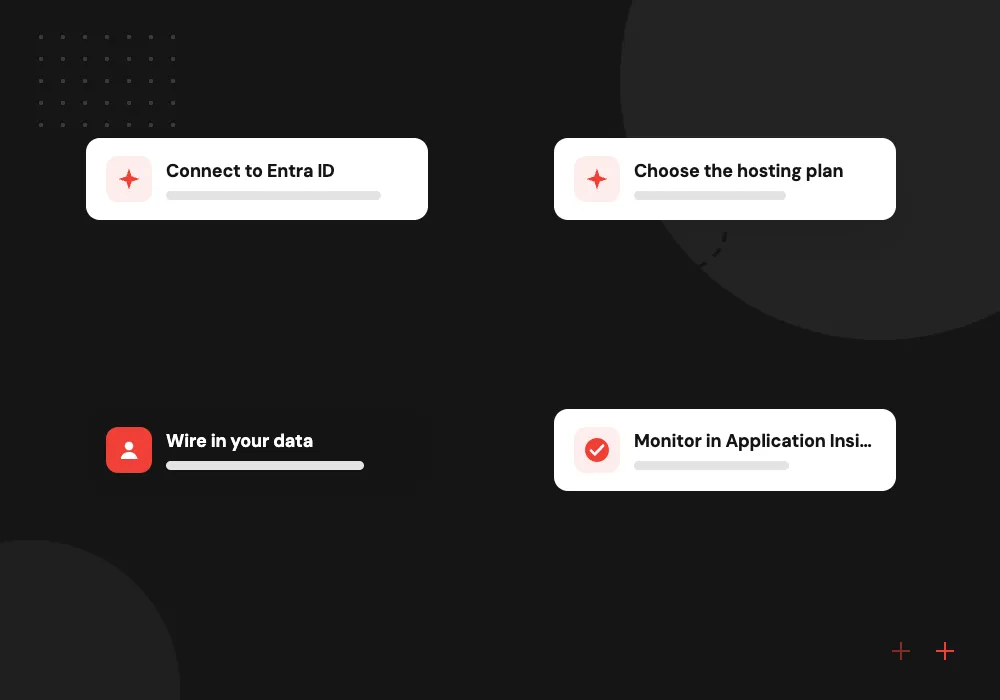
- 01 Connect to Entra ID Staff sign in with the Microsoft accounts they already use for email.
- 02 Choose the hosting plan App Service, Functions or Container Apps, picked by traffic pattern and budget.
- 03 Wire in your data Azure SQL, Blob Storage and SharePoint reached through managed identities.
- 04 Monitor in Application Insights Errors, slow requests and failing dependencies appear on one dashboard.
Resources sit in subscriptions and resource groups your business controls.
Azure apps and services we build
Azure tends to fit best when your company already pays for Microsoft licenses and staff work in Outlook, Teams and Excel.
Azure App Service web apps
Line-of-business apps and customer portals in .NET, Node.js or Python on App Service, with deployment slots for checking a release before it goes live.
Functions and Logic Apps
Scheduled imports, webhook handlers and approval flows on Azure Functions and Logic Apps, connected to Outlook, SharePoint and your line-of-business systems.
SQL Server to Azure SQL
On-premises SQL Server databases moved to Azure SQL Database or Managed Instance, with reports and apps repointed and tested against the new copy.
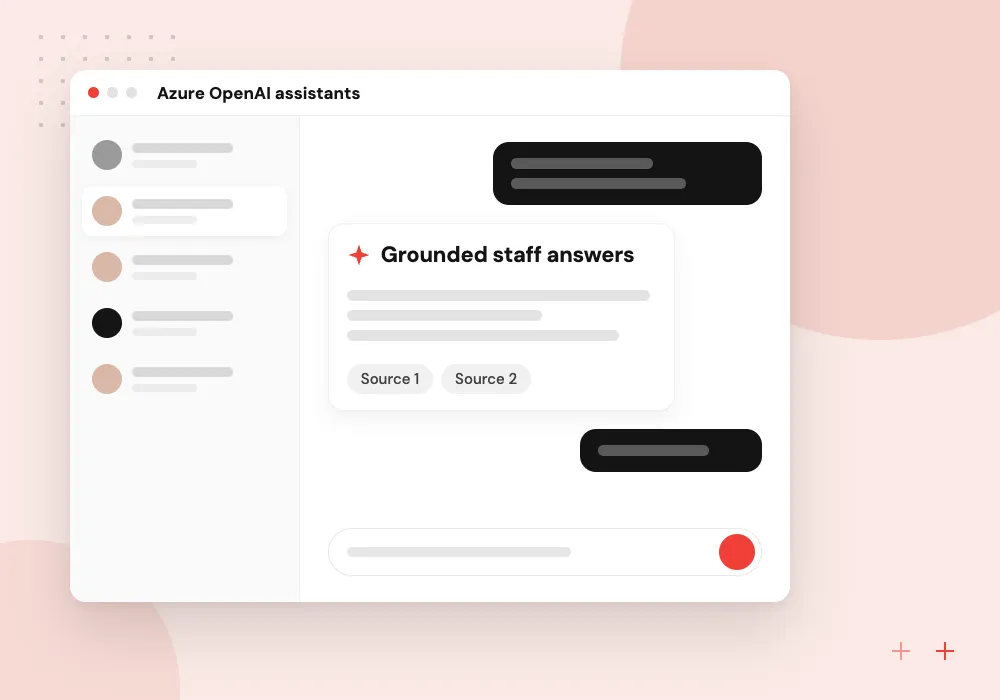
Azure OpenAI assistants
Internal assistants that answer from SharePoint files and policy documents, using Azure OpenAI models and Azure AI Search, with sign-in through Entra ID.
Azure App Service builds and upgrades
App Service runs most of the business web apps we put on Azure. We size the plan, add custom domains and certificates, staging slots, autoscale rules and backups, then connect the app to Azure SQL and Blob Storage through managed identities. Older sites on .NET Framework or retired runtimes move to current versions in steps.
What we do
- App Service plan sizing
- Staging slots and swap releases
- Custom domains and certificates
- Managed identity connections
- Runtime and framework upgrades
Azure OpenAI and AI Search for staff
An assistant in Teams or on your intranet that answers from policies, contracts and project files. Azure AI Search indexes the documents and applies permission filters, an Azure OpenAI model writes the reply, and each answer shows its source passages so staff can check before acting.
What we do
- Indexing from SharePoint and Blob Storage
- Permission-aware search filters
- Answers that cite source passages
- Teams or web chat front end
- Usage logs and cost alerts

How we approach a project
Upgrade work comes up often: function apps on old runtimes, apps on retiring hosting plans, and .NET Framework sites that need moving to current .NET. Long jobs need care too. Microsoft’s hosting comparison caps the response time of an HTTP-triggered function at 230 seconds, so AI document processing goes through a queue or Durable Functions.
For AI, Azure OpenAI models are deployed through Microsoft Foundry inside your subscription, and Azure AI Search handles retrieval over your files. Our Azure OpenAI development page covers that work in detail.
Azure projects belong to our cloud computing services. Servers still in your office usually start with cloud migration.
How we work
- One sign-in for staff and apps
- Managed identities instead of stored passwords
- Budgets and alerts set before launch
Our Process
-

Tenant and workload review
We read your subscription layout, Entra ID roles, current spend and the apps or databases in scope.
-

Agree architecture and budget
A short design names the Azure services, network rules, backup policy and expected monthly spend per environment.
-

Build and release in stages
Code and Bicep templates go through pull requests, and each feature lands in a staging slot for your review.
-

Go live and hand over
We switch traffic, watch Application Insights through the first weeks, then hand over runbooks and access.
Why Aranv for Azure projects
We work inside your tenant
Resources are created in your subscriptions under your Entra ID, and our engineers get scoped roles that your administrator can remove at any time.
Licenses you own are counted
Before you commit to a monthly spend, we check whether Windows Server or SQL Server licenses qualify for Azure Hybrid Benefit and whether reservations make sense.
Microsoft 365 data handled with care
When an app reads mailboxes, SharePoint or Teams through Microsoft Graph, we request the narrowest permissions it needs and document each one for your IT admin.
Monitoring switched on at launch
Application Insights and Azure Monitor alerts are live from the first release, so the team sees failed requests and slow queries as they happen.
Planning Azure Development Services?
Book a 30-minute conversation with the team that would build it.
Azure development FAQs
-
How much do Azure development services cost?
Two numbers matter: the build and the running cost. The build follows screens, integrations and data migration. Running cost follows the App Service plan, database tier and traffic. We price both after discovery and check whether licenses you own can lower the Azure bill.
-
What is Azure App Service and when should we use it?
Azure App Service is Microsoft’s managed hosting for web apps and APIs. It handles servers, patching, scaling and certificates, so your team deploys code instead of maintaining machines. It suits most business web apps; Container Apps or AKS fit better when you run many containerized services.
-
Is Azure a good choice if we already use Microsoft 365?
Usually. Staff sign in with existing Microsoft accounts, apps can read SharePoint and Outlook data through Microsoft Graph, and your IT admin manages access in one place. If your tools lean elsewhere, AWS or Google Cloud can be just as sound.
-
What does Azure consulting include for an existing setup?
We review subscriptions, role assignments, network exposure, backups, Defender for Cloud recommendations and spending, then give you a ranked list of fixes. Typical items are owner rights granted too widely, public storage containers and resources nobody uses any more.
-
Can you move our SQL Server database to Azure?
Yes. We assess compatibility, choose between Azure SQL Database, Managed Instance or SQL Server on a virtual machine, rehearse the move on a copy, and repoint reports and apps before the final cutover.

Let’s talk about your next step
Contact Aranv to discuss your workflow, current tools, and goals. Meet with our team or send an inquiry.
Book a meeting with our team
Choose an available date and time for a 30-minute conversation about your project.
Tell us about your project
Share a few details so we can discuss a useful next step.
Prefer email? sales@aranv.com