


What a web application project includes
Aranv is a web application development company for growing businesses. We build customer portals, internal tools, dashboards and quoting or booking systems that run in any browser, draw on your existing data and stay easy to change as your needs grow.
A web application runs in the browser and keeps its data on a server, so everyone works from the same records without installing anything. That suits portals and internal tools, often as the first part of a wider custom software development project.
Scope normally covers user research, interface design, front end and back end code, a database, sign-in with roles, integrations, automated tests, hosting and monitoring. We build interfaces with React and use Next.js where public pages must load quickly and be found in search. Behind them, Node.js is a common choice for the API layer, with Python or PHP when your team already maintains those.
What sits behind a business web app
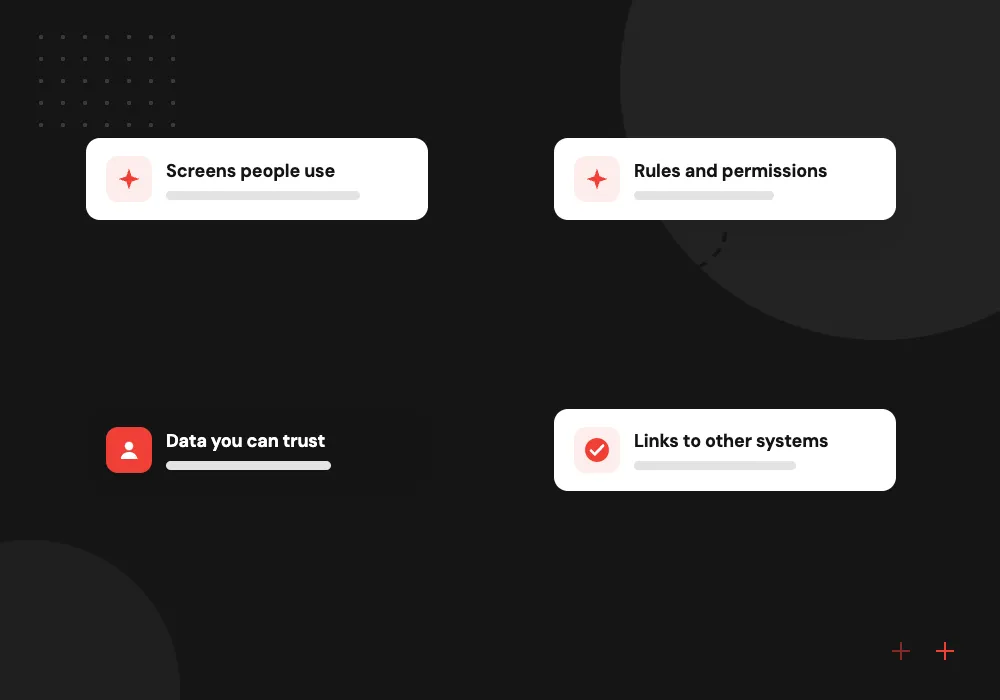
Four layers, one application
- 01 Screens people use Responsive pages for staff and customers, tested on phones, tablets and desktops.
- 02 Rules and permissions Server code decides who sees which records and what each role may change.
- 03 Data you can trust A relational database, often PostgreSQL, with backups and an audit trail.
- 04 Links to other systems APIs and webhooks keep the app in step with your CRM, ERP or accounting.
Hosting, sign-in and framework choices follow your IT setup and expected traffic.
Web app development services by use case
Web applications suit work that many people share across many devices, with nothing to install.
Customer portal development
Customers log in to track orders, pay invoices, upload files and follow the status of their requests.
Internal tools
Admin panels for approvals, scheduling, inventory or case handling that replace a tangle of spreadsheet tabs.
Dashboards and reports
Role-based views of sales, jobs or service levels, with filters, drill-downs and CSV export.
Quoting and booking
Online forms that price a job, check availability and pass confirmed work straight to your team.
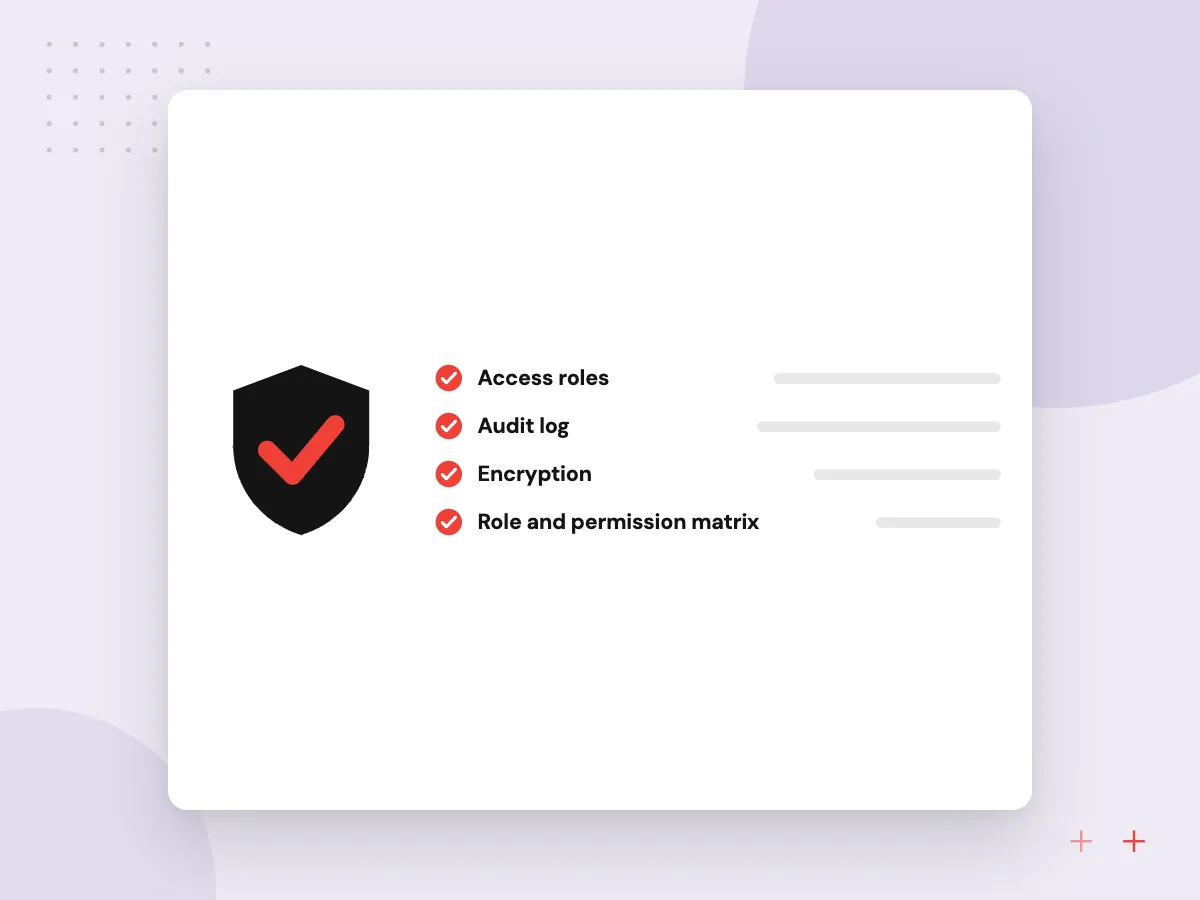
Roles, permissions and audit trails
In a shared web app, the hard questions are who may see and change what. We model roles and record-level permissions on the server, add single sign-on where your company uses it, and keep an audit trail of every edit and approval.
What we do
- Role and permission matrix
- Record-level access checks on the server
- Single sign-on with your identity provider
- Audit trail of edits and approvals
- Admin screen to manage users
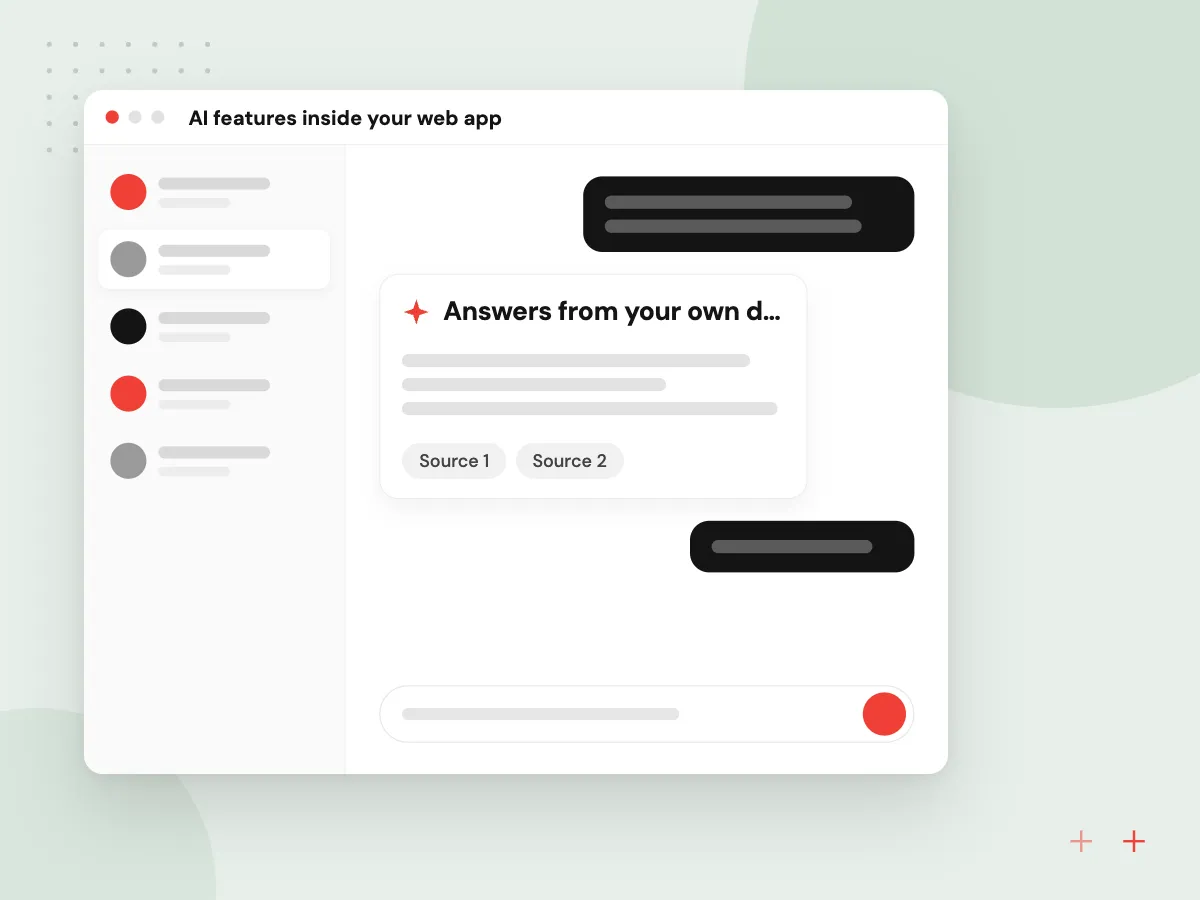
AI features inside your web app
AI helps most inside screens people already use. We add a search box that answers from your policies, a button that drafts a reply or summary for the user to edit, and document upload that fills form fields, each bound by the app’s access rules.
What we do
- Answers from your own documents
- Drafts users edit before saving
- Fields filled from uploaded files
- AI actions limited by user role
- Usage and cost logged per feature
How we approach a project
PostgreSQL is a frequent database pick for this kind of app. It handles relational records, reporting queries and JSON fields well, and it tops the database list in the Stack Overflow Developer Survey 2026, so people who can maintain it are easy to find.
Accessibility and speed belong in the definition of done. We test keyboard navigation, color contrast and screen reader labels, and check load times on mobile data, because field staff and customers rarely sit on office Wi-Fi.
Many web apps also need a phone experience, which a progressive web app adds with offline use and home-screen install. Wireframes and prototypes come from our UI and UX design work. To talk through a portal or tool, book a 30-minute call from the contact page.
How we work
- Works in any modern browser
- Clear roles and permissions
- Quick on slow connections
Our Process
-

Users and roles first
We list every type of user, what each one needs to do and which records they may see.
-

Data model and wireframes
Database tables and the main screens are designed together, so the reports you need are possible from the start.
-

Build on a staging site
Each feature lands on a staging copy your team can test with sample data before it reaches production.
-

Go live and monitor
We release behind sign-in, watch error logs and page speed, then tune whatever real use reveals.
Why Aranv for web applications
Roles defined before screens
We agree who sees which records at the start, so permissions belong to the data model rather than being patched in late.
Integrations treated as features
Each link to your CRM, ERP or payment provider gets its own tests and error alerts, and a sync that fails is retried, then flagged to a person.
Stack chosen for who maintains it
We pick frameworks your in-house developers or the wider hiring market know well, so the app is not tied to us.
Small releases, early feedback
Features ship in small releases, so users try each change early and any problem stays easy to find and reverse.
Planning Web Application Development?
Book a 30-minute conversation with the team that would build it.
Web application FAQs
-
What is the difference between a website and a web application?
A website mainly presents information, while a web application lets people sign in and do work: place orders, update records, approve requests or run reports. Web apps need user accounts, permissions and a database, so they take more planning and testing than a marketing site.
-
Should we build a web app or a mobile app first?
Start with a web app when users work at desks or on mixed devices, or when you want one version to maintain. Choose a native mobile app when the product depends on the camera, GPS, push alerts or offline use in the field. Many businesses launch on the web and add mobile later.
-
Which technology stack do you use for web apps?
We usually propose React or Next.js for the interface, Node.js, Python or PHP on the server, and PostgreSQL or MySQL for data. The final choice depends on your existing systems, your hosting and the skills of whoever maintains the app after launch.
-
Can a customer portal connect to our CRM or ERP?
Yes. A portal normally reads and writes through the CRM or ERP’s API, so customers see live orders, invoices or cases rather than a stale copy. Where no API exists, scheduled exports or a small middleware service can bridge the gap until the system is upgraded.
-
What drives the cost of a web application?
The number of user roles, screens and integrations, the complexity of business rules, data migration from older systems, and compliance needs such as audit trails. Discovery turns these into a written scope, and splitting the work into releases lets you spread the spend.
-
How do you keep a web app secure?
Permissions are checked on the server for every request, connections are encrypted, passwords are hashed or replaced by single sign-on, and dependencies are updated on a schedule. Before launch we review each role’s access rules and test for the common weaknesses OWASP lists.

Let’s talk about your next step
Contact Aranv to discuss your workflow, current tools, and goals. Meet with our team or send an inquiry.
Book a meeting with our team
Choose an available date and time for a 30-minute conversation about your project.
Tell us about your project
Share a few details so we can discuss a useful next step.
Prefer email? sales@aranv.com