


What legacy modernization involves
Aranv provides legacy application modernization for businesses running older .NET Framework, PHP or AngularJS systems. We assess what you have, agree with you whether to refactor, replatform or rebuild each part, and move the application to a supported stack in stages while it keeps serving users.
Old software becomes a business risk when its framework stops getting security fixes, when it only runs on aging servers, or when the last developer who understands it moves on. AngularJS support ended in January 2022, Microsoft retired .NET Framework 4.5.2, 4.6 and 4.6.1 in April 2022, and PHP 8.1 stopped receiving security fixes on December 31, 2025, according to the PHP end-of-life list.
Rewrite vs refactor is the first decision, and the answer often differs by module. Refactoring keeps business rules that already work and updates the code around them. A rewrite suits modules whose logic is small but whose technology is a dead end. Replatforming, such as a move to cloud hosting with few code changes, can buy time for either.
Modernizing one piece at a time
Replace the old system in slices
- 01 Inventory the old system List modules, integrations, data stores and the people who rely on each one.
- 02 Put a routing layer in front One entry point lets old and new parts run side by side.
- 03 Move one slice Rebuild or refactor a single module, compare it with the old output, then switch.
- 04 Retire what is replaced Remove dead code and servers once the new module runs cleanly in production.
Engineers often call this gradual approach the strangler fig pattern.
Software modernization services for common legacy stacks
Most systems we see were built well for their time and have since fallen behind on support or hiring.
.NET modernization
Web Forms and older .NET Framework apps moved to ASP.NET Core on current .NET, usually one project at a time.
AngularJS to Angular or React
Screens rebuilt in a supported framework, with old and new front ends running together during the move.
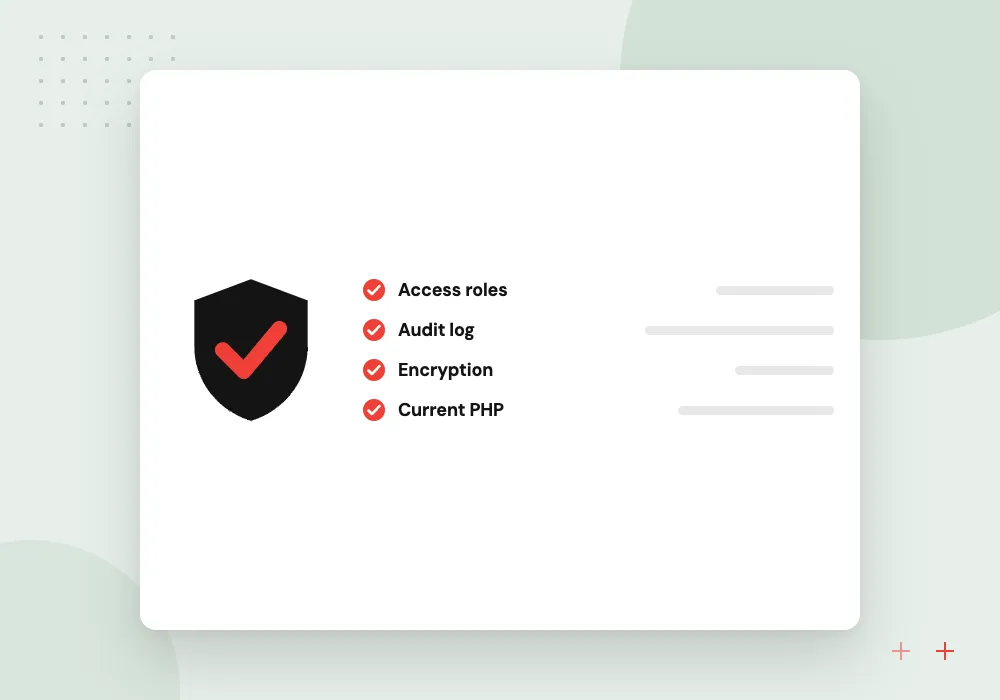
Older PHP upgrades
Code on unsupported PHP versions upgraded, refactored or moved to Laravel, with tests written before changes.
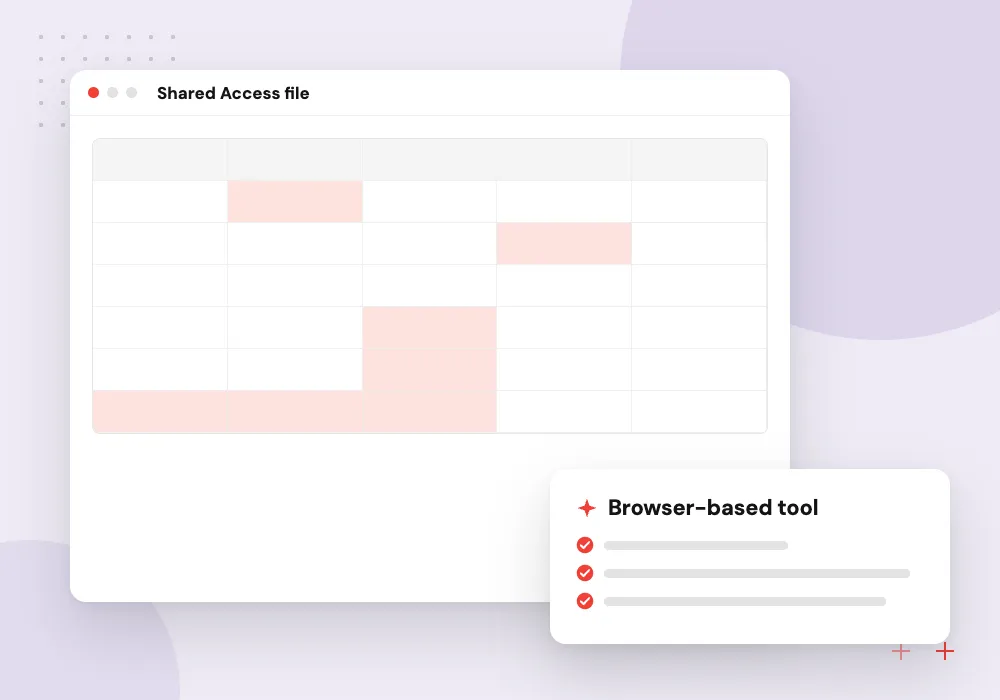
Desktop and Access tools
Windows desktop programs and Microsoft Access databases rebuilt as browser-based software staff can reach from anywhere.
Where AI helps a modernization
AI coding tools speed up the reading of an old codebase: summarizing what a module does, drafting test cases and suggesting how old syntax maps to new. We treat that output as a first draft an engineer checks. Once the system runs on a current stack, AI features such as document reading become practical.
What we do
- Module summaries drafted for review
- Test cases suggested from old code
- Engineer sign-off on every change
- Only tools you approve see code
- AI features planned for the new stack
Access databases and desktop tools
Some firms still run on a Microsoft Access file or a Windows program one person wrote years ago. We record the tables, forms and reports staff use, move the data into a server database, and rebuild the screens as a web app with sign-in and roles.
What we do
- Inventory of tables and reports
- Data moved to SQL Server or PostgreSQL
- Screens rebuilt as a web app
- User roles instead of a shared file
- Exports that match the old reports

How we approach a project
.NET modernization is a frequent case. Under Microsoft’s .NET support policy, .NET 8 and .NET 9 both reach end of support on November 10, 2026, and .NET 10 is the current long-term support release. Older .NET Framework apps take more work, because ASP.NET Core has no Web Forms, so those pages are rebuilt.
Front ends are often the most visible problem. AngularJS apps can move to current Angular or to React screen by screen, with both hosted in one shell until the last old view is gone.
Modernization is a branch of custom software development, and after the switch-over ongoing maintenance keeps the new stack current so the problem does not return. To talk through an aging system, request a 30-minute review call from the contact page.
How we work
- No big-bang cutovers
- Data reconciled at every step
- Users keep working throughout
Our Process
-

System assessment
Read the code, map integrations and data, and rate each module on risk, value and effort.
-

Modernization roadmap
Choose refactor, replatform or rebuild for each module and set the order of the moves.
-

Safety net first
Add tests and monitoring around today’s behavior so every change can be checked against it.
-

Migrate and retire
Move module by module, reconcile data after each switch and shut down whatever is no longer used.
Why Aranv for modernization
Side-by-side output checks
During each move, old and new modules run on the same inputs and we compare results, so differences are caught by us rather than by your customers.
Rules written down as found
Business rules uncovered in old code are documented as we go, leaving your team with notes the original system never had.
Targets you can hire for
We pick target frameworks partly on how easy it will be to find developers for them later, not only on what is newest.
Every phase stands alone
Each phase ends with something users can work in, so the program can pause between phases without leaving the system half-moved.
Planning Legacy Application Modernization?
Book a 30-minute conversation with the team that would build it.
Legacy modernization questions
-
Should we rewrite or refactor our legacy application?
Refactor when the business rules are sound and the main problem is the outdated technology around them. Rewrite when the code is so tangled that every change breaks something unrelated, or the platform has no upgrade path. Most systems end up with a mix, decided module by module.
-
Can our application stay live during modernization?
Usually, yes. Requests pass through a routing layer that sends each one to the old or the new module, so users keep working while parts are replaced. Cutovers happen one module at a time, outside busy hours, with a way back if something looks wrong.
-
How do you modernize a .NET Framework application?
We list the libraries and project types it uses, retarget shared class libraries to current .NET, then move the web layer to ASP.NET Core. MVC and Web API code usually ports with moderate changes; Web Forms screens have to be rebuilt.
-
What happens to our data during the move?
Data moves in planned steps using scripts that can be rerun. After each step we reconcile record counts and totals between old and new systems, and the old database stays read-only until you sign off.
-
How long does legacy application modernization take?
It depends on the size of the system, its test coverage and how many integrations it has. A small module may move in weeks; a full platform is a phased program over months, with each phase delivering something usable.
-
Is it safe to keep running AngularJS?
AngularJS reached end of support in January 2022, so it no longer gets official security or browser fixes. Keeping it behind a login lowers exposure but does not remove it. We usually suggest moving the most used and most exposed screens first.

Let’s talk about your next step
Contact Aranv to discuss your workflow, current tools, and goals. Meet with our team or send an inquiry.
Book a meeting with our team
Choose an available date and time for a 30-minute conversation about your project.
Tell us about your project
Share a few details so we can discuss a useful next step.
Prefer email? sales@aranv.com