


Replatforming SEO and the launch window
Aranv’s website migration SEO checklist in short: record what ranks today, map every old URL to its closest new page, set permanent 301 redirects, carry over content and metadata, test on a protected staging site, then watch Search Console closely after launch and keep redirects for at least a year.
Replatforming SEO. Moving to Shopify, WooCommerce or a new CMS often changes URL patterns, such as product and category paths, so the redirect map matters most there. Our Shopify development and WordPress development teams build redirects into the data import itself.
Staging and launch. Protect staging with a password rather than relying on robots.txt alone, and remove that protection and any noindex tags at launch. Submit new XML sitemaps, and for a domain change use the Change of Address tool in Search Console, as Google’s site move guide describes.
The four phases of a site move
Protecting rankings through a migration
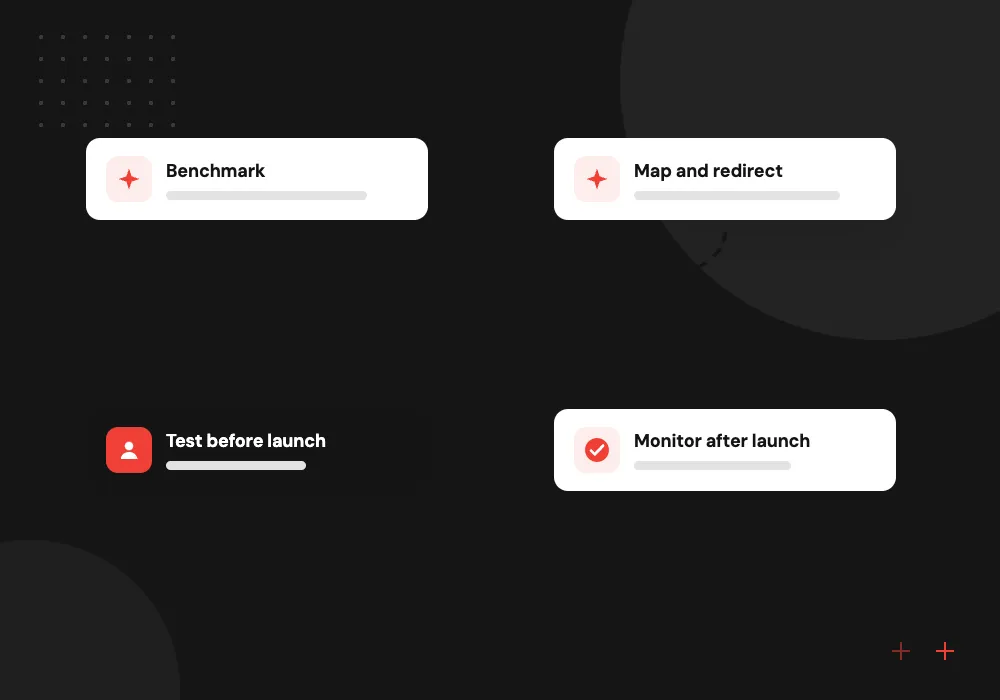
- 01 Benchmark Crawl the old site and export rankings, traffic and backlinks for every URL.
- 02 Map and redirect Match each old URL to one new URL and plan the 301 redirects.
- 03 Test before launch Check redirects, canonicals, robots rules and sitemaps on a protected staging site.
- 04 Monitor after launch Watch crawl errors, indexing and traffic daily through the first weeks.
Google says a move can take a few weeks or more to settle, so avoid launching in your busiest season.
Site migration SEO: four rules that protect traffic
Whether you are changing domain, platform or design, these four rules do most of the protecting.
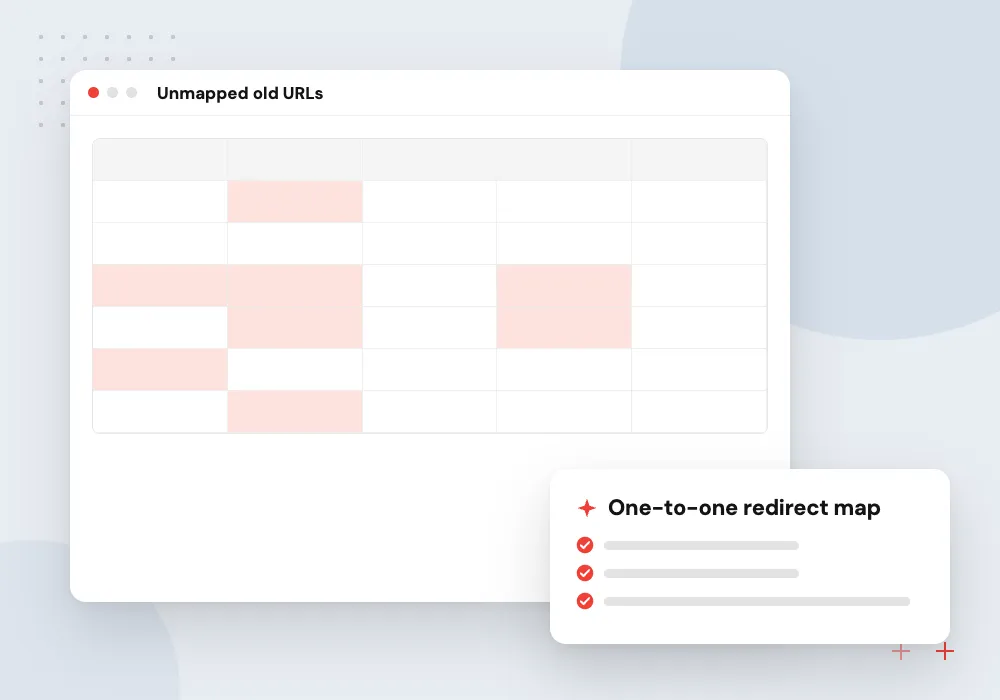
A complete URL map
Export every indexed URL, including product, category, blog and PDF pages, and give each one a single closest match on the new site.
Permanent server redirects
Use 301 or 308 redirects at the server or platform level, avoid chains of redirects, and never send every old page to the home page.
Content and metadata parity
Keep titles, headings, body copy, structured data and internal links on key pages unless a change is planned and measured.
AI-assisted URL matching
On large sites, AI can compare old and new page content and propose redirect matches. A person reviews every suggestion before it reaches the redirect file.
Building the redirect map
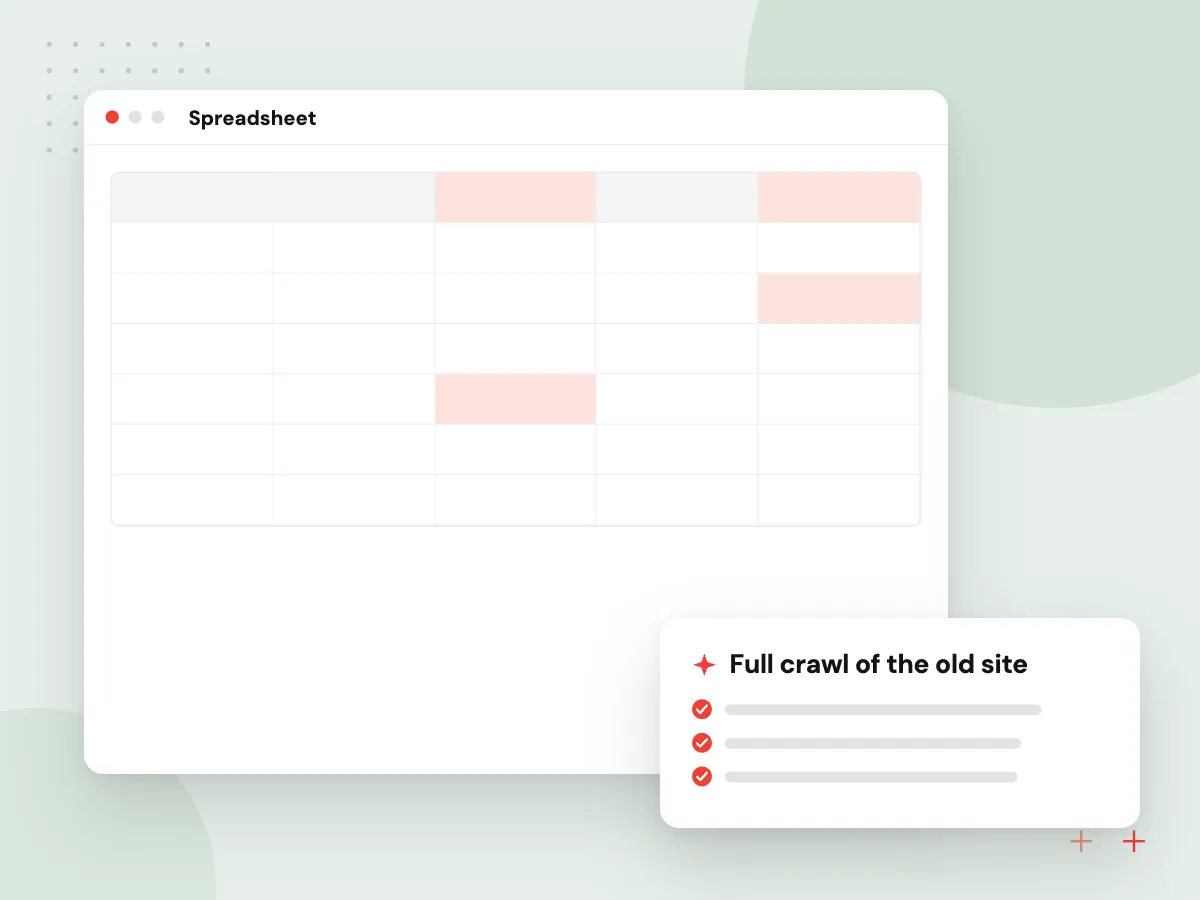
The redirect map is the center of any migration. We combine a crawl of the old site with Search Console and analytics exports so no ranking or linked page is missed, then match each one to its closest new page and test the whole map before launch.
What we do
- Full crawl of the old site
- Search Console and analytics exports
- Backlink targets included
- One-to-one matches, no home page dumps
- Redirect file tested on staging
The first 30 days after launch
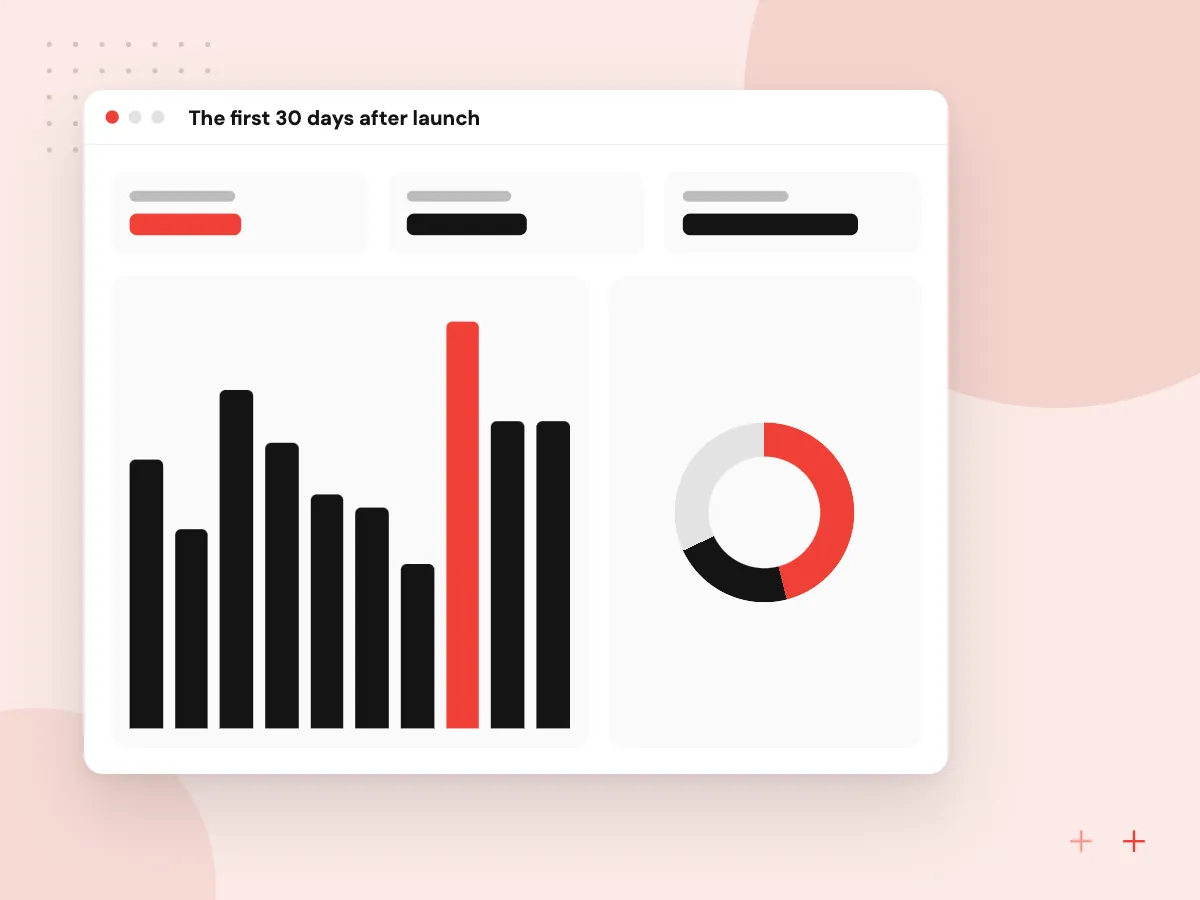
Launch is the midpoint of a migration, not the end. In the weeks after go-live we recrawl old URLs, read Search Console indexing and crawl reports, compare traffic per page with the benchmark and fix gaps before lost pages drop out of results.
What we do
- Daily redirect and 404 checks
- Indexing report review
- Traffic per page against benchmark
- Sitemaps resubmitted and checked
- Internal links moved to new URLs

How we approach a project
After launch. Crawl the old URL list against the live site, fix any 404s or chains, update links you control, such as social profiles and email footers, and compare traffic per page with the benchmark. Our SEO and digital marketing team can run these checks.
Related reading. If the move comes with a platform decision, see Shopify vs WooCommerce. Headless rebuilds, where the front end and the store separate, are covered under headless commerce development.
How we work
- One old URL, one new home
- Test redirects before launch day
- Keep redirects in place long-term
Our Process
-

Freeze and benchmark
Pause large content changes and save rankings, traffic and backlink data for each URL.
-

Build the redirect map
Pair each old URL with its new URL and have each section’s owner approve the pairs.
-

Rehearse on staging
Crawl staging with the old URL list and fix every chain, loop and 404 before launch.
-

Launch and watch
Go live early in the week, then check Search Console and analytics daily for a month.
How Aranv protects your rankings
SEO in the build plan
Redirects, metadata and structured data are tasks in the development plan from the start, not a checklist added in launch week.
Platform know-how
We build on Shopify, WooCommerce and WordPress, so we know how each one handles URL patterns, redirects and canonical tags.
People approve every match
AI may suggest URL matches on large sites, but your content owners and our team approve each pair before it goes live.
Monitoring after go-live
We watch crawl errors, indexing and traffic after launch and fix problems while they are still small and easy to trace.
Ready to act on this guide?
Ask our team in a 30-minute conversation.
Or see how we build it: Explore all services
Website migration SEO FAQs
-
Will a website migration hurt my SEO?
A short dip is common while search engines process new URLs, and careful planning usually keeps it small and temporary. Lasting losses mostly come from missing redirects, removed content or pages blocked by mistake, which this checklist is designed to catch.
-
How long should redirects stay in place after a migration?
Google’s guidance is to keep them for as long as possible, generally at least one year, and from a visitor’s point of view to consider keeping them indefinitely. Old links in emails, bookmarks and other websites keep sending people to those addresses.
-
How long does Google take to process a site move?
Google says a small to medium-sized site can take a few weeks for most pages to move, and larger sites take longer. Each URL moves on its own as Googlebot recrawls it, so traffic tends to return page by page.
-
Should we change design, platform and domain at the same time?
Avoid it if you can. Each change adds risk, and doing all three together makes it hard to tell what caused a drop. A safer order is platform first with URLs kept where possible, then design, then domain.
-
What is a redirect map?
A spreadsheet that lists every old URL next to the new URL it should point to, with the redirect type. It is built from a crawl of the old site plus analytics and Search Console exports, then checked by people who know the content.
-
Can AI help with a site migration?
Yes, with matching. On sites with thousands of URLs, AI can compare page titles and content to suggest the best new match for each old page and flag pages with no good match. A person still approves every pair before redirects go live.

Let’s talk about your next step
Contact Aranv to discuss your workflow, current tools, and goals. Meet with our team or send an inquiry.
Book a meeting with our team
Choose an available date and time for a 30-minute conversation about your project.
Tell us about your project
Share a few details so we can discuss a useful next step.
Prefer email? sales@aranv.com