


When to choose React, React Native or both
Aranv’s short answer on React vs React Native: React is a JavaScript library for building user interfaces, mostly for websites and web apps, while React Native uses React to build iOS and Android apps that render the phone’s own native components.
Choose React when people reach you through a browser: a customer portal, a booking flow, an admin dashboard or a site that must rank in search. A framework such as Next.js adds routing and server rendering, and our React development team builds and upgrades these apps.
Choose React Native when the product lives on a phone: push alerts, camera, location, offline use or an icon customers open every week. One codebase covers iOS and Android, with Swift or Kotlin modules for any gaps. We build and upgrade these apps through React Native app development.
Where the two meet and where they split
React and React Native side by side
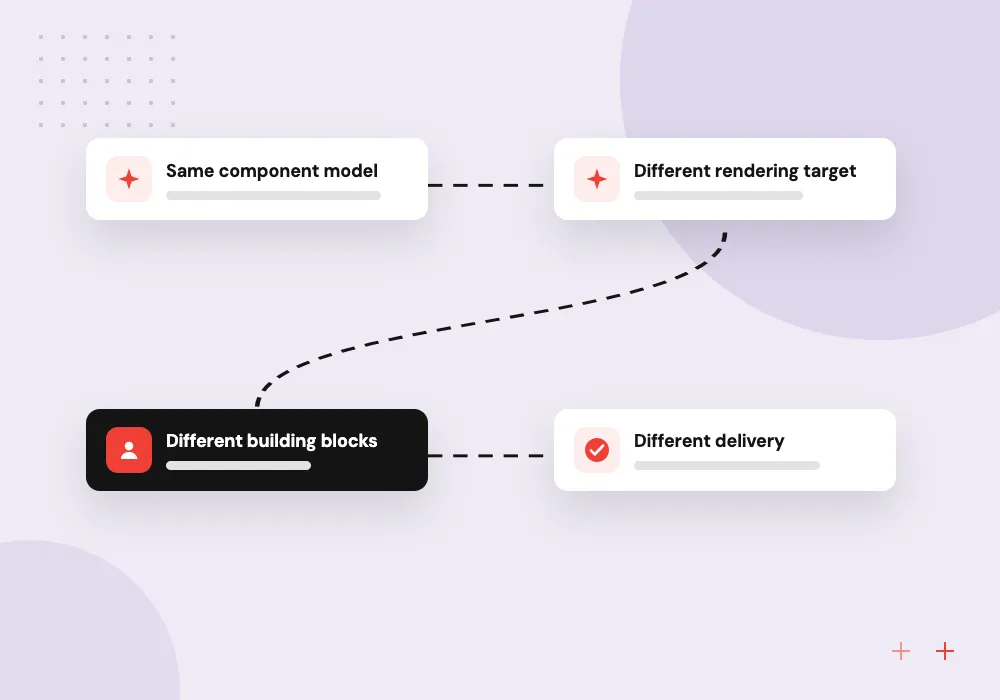
- 01 Same component model Both use components, JSX, props, state and hooks, in JavaScript or TypeScript.
- 02 Different rendering target React DOM renders HTML in the browser; React Native creates real iOS and Android views.
- 03 Different building blocks Web code uses div, p and CSS; mobile code uses View, Text and style objects.
- 04 Different delivery Web apps deploy to hosting or a CDN; mobile apps ship through the app stores.
Types, API calls and business rules can serve both apps; screens are usually built per platform.
The difference between React and React Native in four points
The code looks nearly the same. The gaps are in what each renders, how it is styled and how it ships.
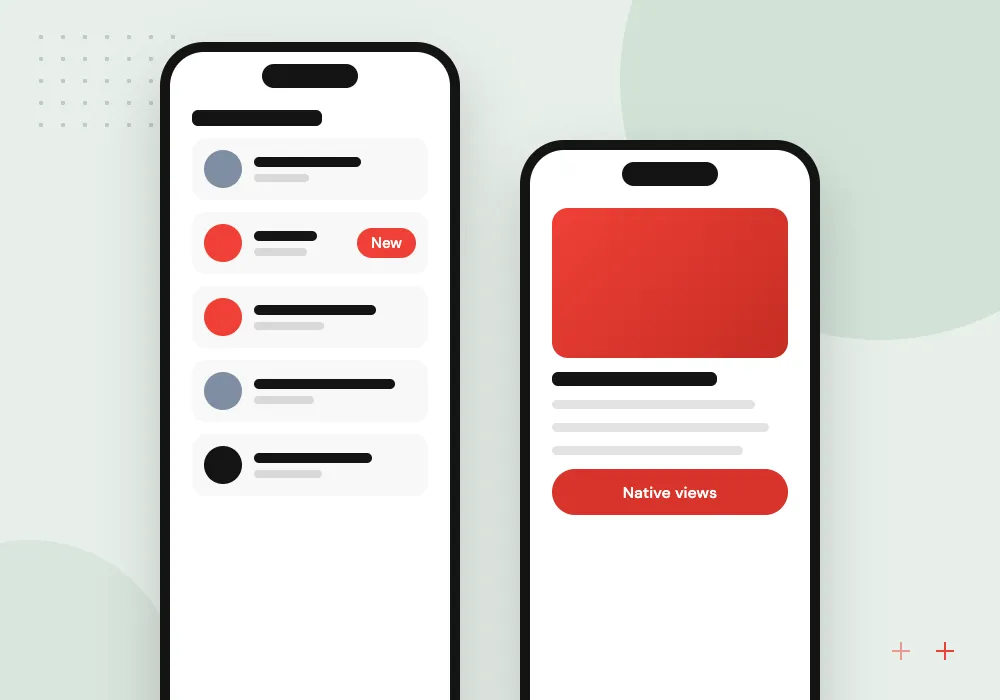
Rendering target
React, through React DOM, turns components into HTML in the browser. React Native turns the same kind of components into native iOS and Android views.

Styling and layout
Web projects style with CSS files or classes. React Native styles with JavaScript objects whose names mirror CSS in camelCase, with flexbox for layout.
Navigation and libraries
Web apps route by URL with React Router or Next.js. Mobile apps use navigators for stacks and tabs, and packages that touch the DOM will not run.
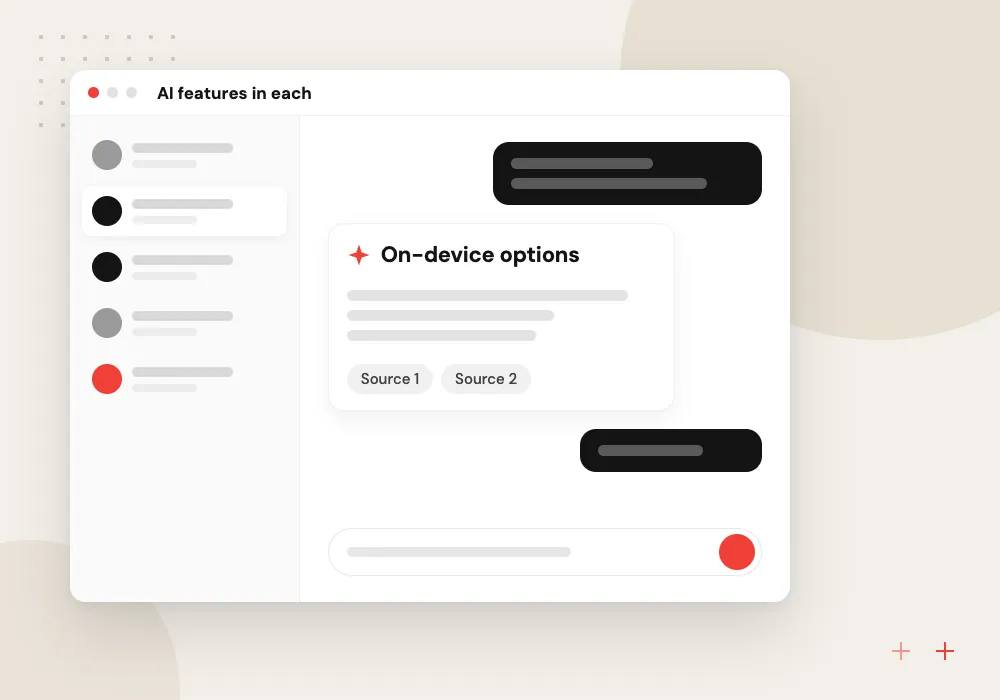
AI features in each
Both call models through your own back end. Web apps add chat or search panels; mobile apps can also run on-device models through native modules.
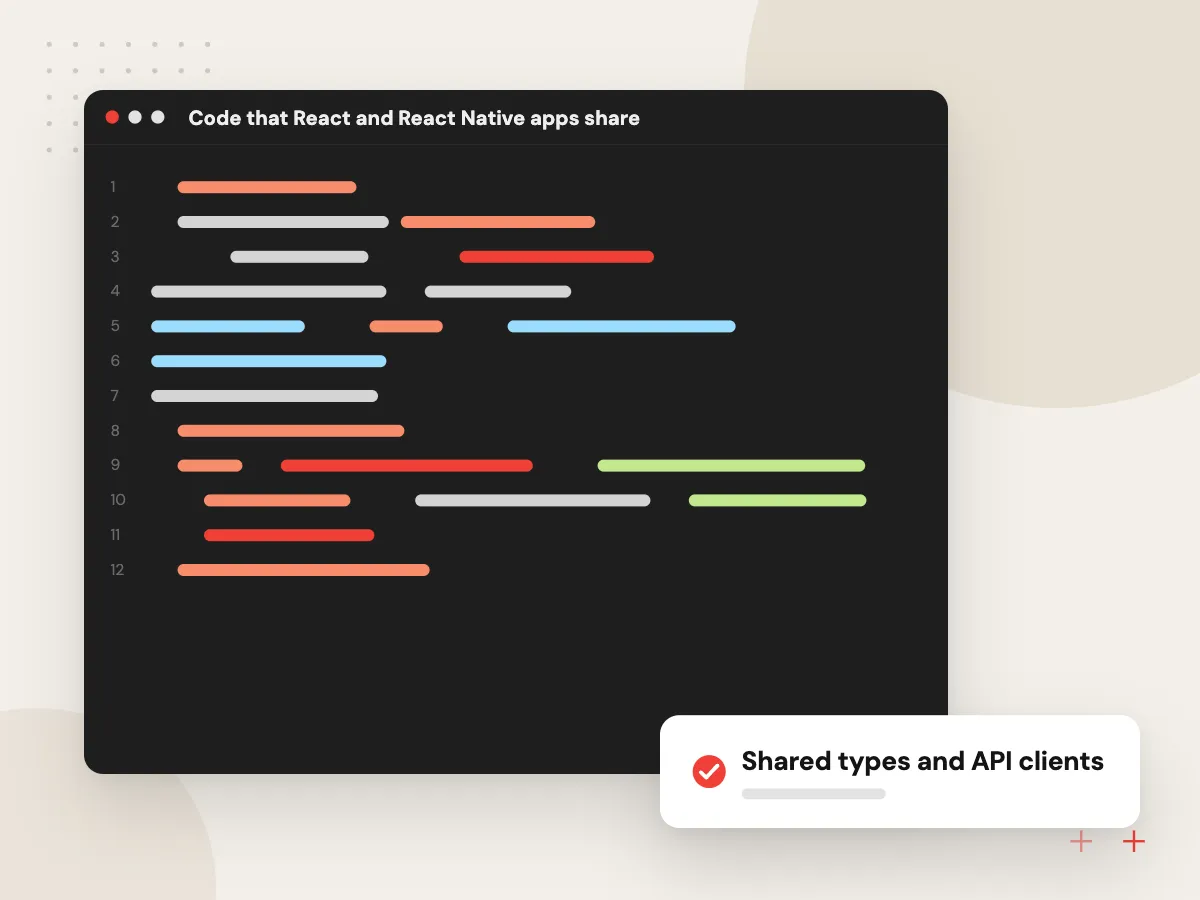
Code that React and React Native apps share
The layer under the screens travels well between a web app and a mobile app: TypeScript types, API calls, validation, formatting and data logic written as custom hooks. Screens usually do not, because web markup and native components differ, though Expo and React Native for Web can push sharing further.
What we do
- Shared types and API clients
- Custom hooks for data
- Validation and formatting rules
- One repository for both apps
- Per-platform files where screens differ
Testing and delivery: browser versus app stores
A React web release goes live once it passes its checks, and visitors get it on their next page load. A React Native release is a signed build sent through App Store Connect and Google Play, so it needs device testing, store listings and support for people on older versions.
What we do
- Jest unit and component tests
- Detox or Maestro device runs
- Browser tests for web flows
- Signed iOS and Android builds
- TestFlight betas before release

How we approach a project
Choose both when customers use a web account and a mobile app for the same service. Types, API calls and business rules sit in one shared package while each app keeps its own screens. Our mobile app development hub lists the rest of our mobile work.
Still weighing mobile options? The Flutter vs React Native guide compares two cross-platform frameworks, and the native vs cross-platform guide covers when Swift and Kotlin win. For a second opinion on your plans, our React team offers a 30-minute conversation; book it on the contact page.
How we work
- Start from where your users are
- Share logic, not every screen
- Plan web and mobile releases together
Our Process
-

List where users meet you
Note whether customers find you through search, an emailed link or an icon on their phone.
-

Mark the device features
Camera, location, push alerts, offline storage or Bluetooth all point toward a mobile app.
-

Map the shared layer
List the API calls, types and rules both apps would use, and plan one package for them.
-

Release one app first
Launch the app users need most, then build the second on the settled shared layer.
How Aranv helps you decide
We work on both sides
Our developers build React for browsers and React Native for phones, so we weigh the trade-offs against your screens, data and users.
A shared layer by design
When you need both apps, we set up one repository where types, API clients and business rules live once and each app imports them.
Store releases handled
We prepare signed builds, TestFlight betas and store listings, and version the API so people on older app releases keep working.
AI placed where it helps
If an assistant, smart search or document capture belongs in the product, we decide early whether it runs on your server or the device.
Ready to act on this guide?
Ask our team in a 30-minute conversation.
Or see how we build it: Explore all services
React vs React Native FAQs
-
What is the main difference between React and React Native?
React is a JavaScript library for user interfaces that, with React DOM, renders HTML in the browser. React Native applies the same component model to phones, creating real iOS and Android views. The code looks alike; the output, styling and delivery differ.
-
Can a React web app be turned into a React Native app?
Not by conversion. Screens must be rebuilt with native components such as View and Text, because HTML elements and CSS files do not exist in React Native. The logic underneath usually moves across: API calls, types, validation and custom hooks.
-
Can one codebase run on the web, iOS and Android?
Yes, with limits. Expo and React Native for Web let React Native components render in a browser, which suits app-like tools behind a login. A public site that depends on search traffic is often better served by a separate React app built with Next.js.
-
React JS vs React Native: which should a startup build first?
Build for the device your first customers use. A B2B tool used at a desk usually starts as a React web app; a consumer product used on the go often starts on React Native. Web releases skip store review, which helps while the product changes weekly.
-
Which is better for AI features, React or React Native?
Neither has an edge for cloud models: both send requests to your back end, which holds the API keys and calls the model. Web apps make it easy to add a chat panel or AI search. React Native can also run on-device models through native modules for offline or private features.

Let’s talk about your next step
Contact Aranv to discuss your workflow, current tools, and goals. Meet with our team or send an inquiry.
Book a meeting with our team
Choose an available date and time for a 30-minute conversation about your project.
Tell us about your project
Share a few details so we can discuss a useful next step.
Prefer email? sales@aranv.com