


Choosing between Odoo and NetSuite
Aranv’s answer on Odoo vs NetSuite: Odoo suits companies that want modular apps, a choice of hosting and deep customization in code, while NetSuite suits finance-led companies that want Oracle to run one cloud ERP with mature multi-subsidiary accounting and consolidation.
When Odoo fits. Distributors, manufacturers and service firms that want one system for sales, stock, production and accounting, the option to self-host and processes shaped in code often choose Odoo. Our Odoo implementation and Odoo customization teams handle setup and custom modules.
When NetSuite fits. Companies with several legal entities, currencies and a finance team that wants the vendor to run and upgrade the platform often lean to NetSuite. Anyone looking for a NetSuite alternative should first check that Odoo’s accounting and reporting cover every country and entity they operate.
Four ways the two ERPs differ
Odoo and NetSuite side by side
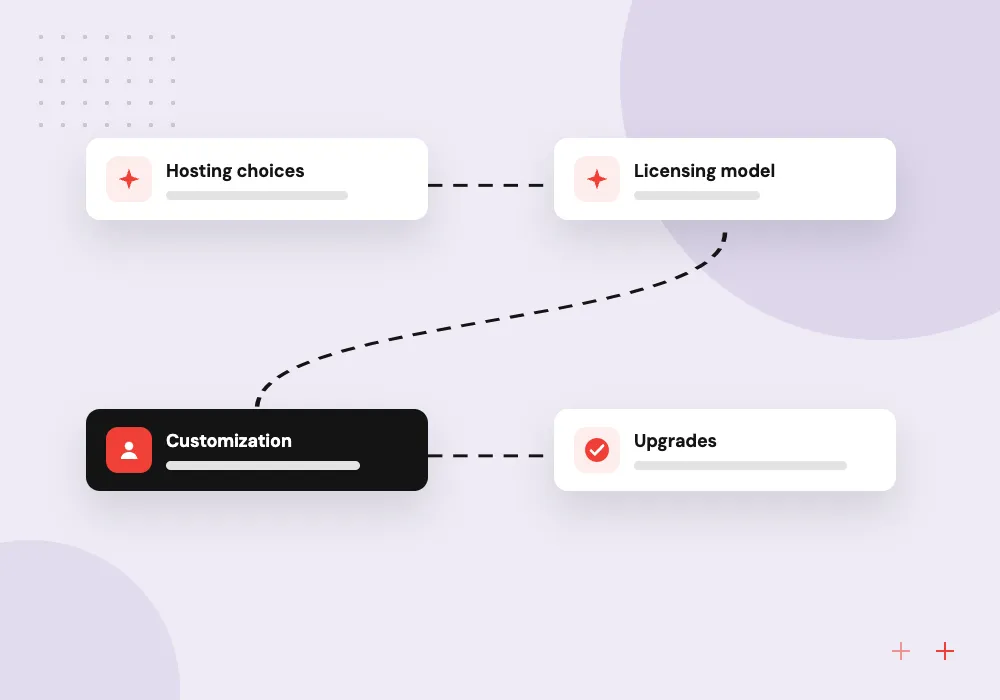
- 01 Hosting choices Odoo can be hosted by Odoo, on Odoo.sh or in-house; NetSuite lives only in Oracle’s cloud.
- 02 Licensing model Odoo has an open-source Community edition and a paid Enterprise edition; NetSuite is subscription only.
- 03 Customization Odoo modules are written in Python; NetSuite extensions use SuiteScript, which is JavaScript.
- 04 Upgrades Odoo ships a major version each year; Oracle upgrades every NetSuite account on its own schedule.
Both can run a growing business well. Your finance needs, your processes and who supports the system decide it.
Odoo vs NetSuite: four points for an ERP comparison
Feature lists overlap heavily. These differences shape ownership cost and daily work far more.

Finance and multiple entities
NetSuite is known for strong accounting, consolidation across subsidiaries and audit controls. Odoo also handles multi-company accounting, with depth that varies by country localization.
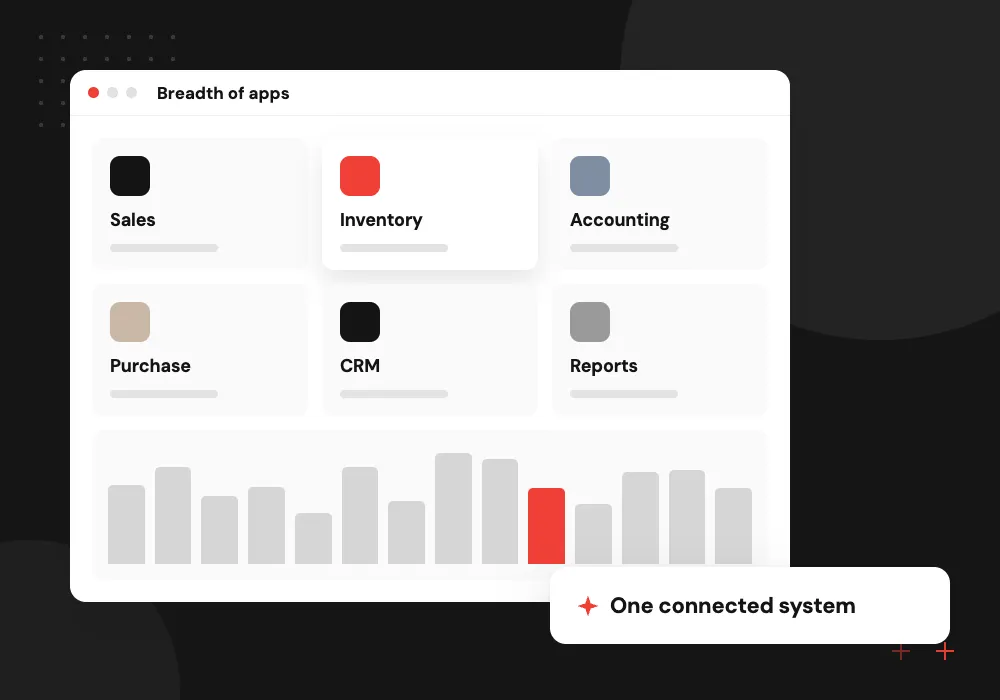
Breadth of apps
Odoo covers sales, inventory, manufacturing, website, eCommerce, HR and more as one app family. NetSuite covers similar ground, with some areas sold as add-on modules.
Customization and code
Odoo is open at the code level, so developers write Python modules and can change almost any screen. NetSuite customizes through SuiteScript, workflows and custom records.
AI and automation
Both expose APIs that let AI tools read orders, bills and stock levels. Document capture, forecasting or an assistant can sit on top, with staff approving changes.
Where Odoo is the stronger choice
Odoo stands out when operations drive the business: stock across warehouses, manufacturing orders, field service, a web shop and accounting in one database. Open code and three hosting options let a partner shape it closely to your process and keep data where you want it.
What we do
- Inventory, MRP and shop in one
- Online, Odoo.sh or own servers
- Python modules for custom rules
- Studio for no-code field changes
- A new major version yearly
Where NetSuite is the stronger choice
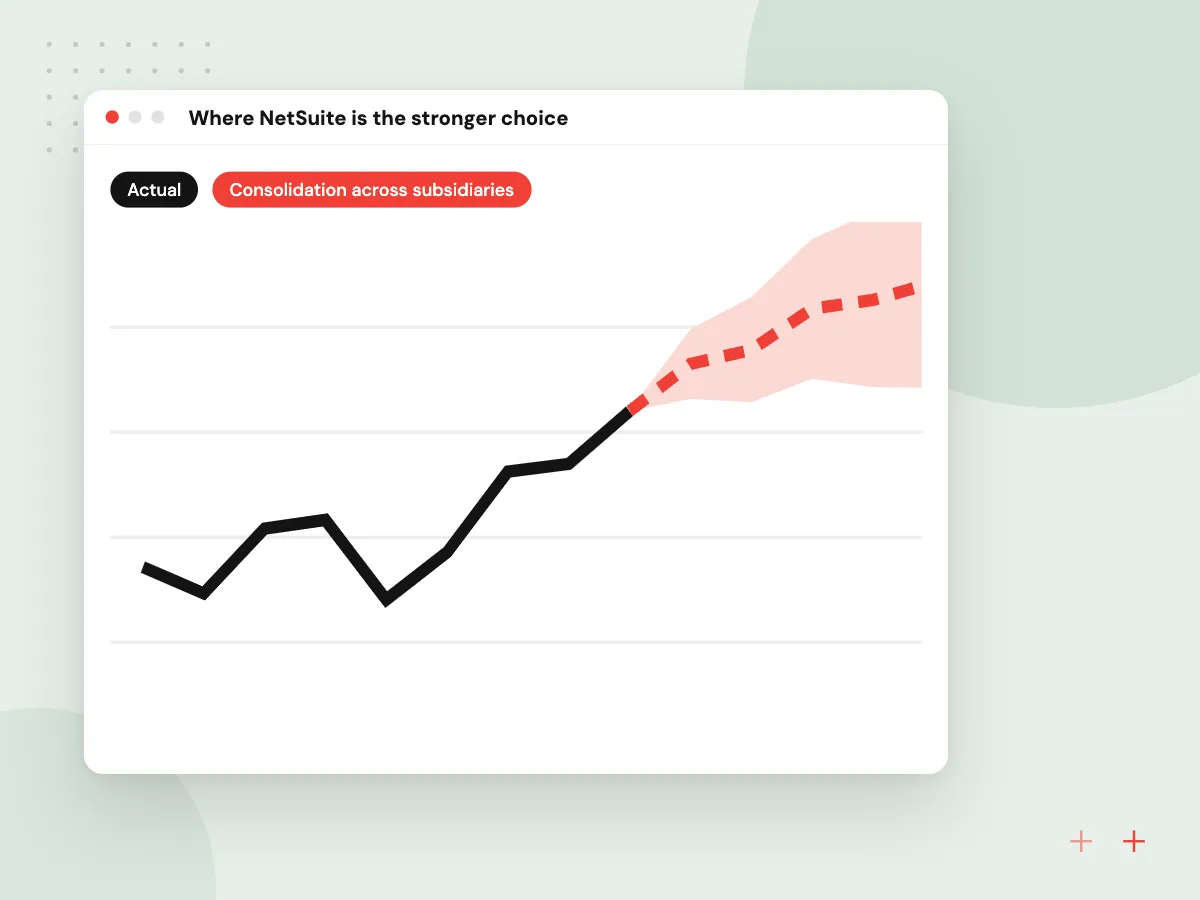
NetSuite stands out when finance leads the decision: several subsidiaries, currencies and tax regimes, consolidated reporting and auditors who expect standard controls. Oracle runs the infrastructure and upgrades, so your team spends its time on configuration and reporting rather than system care.
What we do
- Consolidation across subsidiaries
- Fully managed by Oracle
- SuiteScript and SuiteFlow customization
- Saved searches and SuiteAnalytics
- Large partner and SuiteApp market

How we approach a project
Moving between them. Data from either system exports to spreadsheets or through APIs, but workflows and scripts must be rebuilt. Treat a switch like a fresh project, using our Odoo implementation steps as the plan, and see Odoo migration for moves between Odoo versions.
Where AI fits. Reading supplier bills, forecasting stock and answering staff questions about orders work on either ERP through its API. Our AI for ERP and Odoo page shows these jobs, and the Odoo development hub lists the rest of our Odoo work.
How we work
- Map processes before watching demos
- Weigh support, not only features
- Test with your own transactions
Our Process
-

Write down core processes
List the order, purchase, production and month-end flows the ERP must handle, and who does each step.
-

Script the vendor demos
Give each vendor the same scenarios and sample data, then score how each one handles them.
-

Check partner and support
Ask who configures, trains and supports the system, and how upgrades affect custom code.
-

Total the five-year cost
Add licenses, hosting, implementation, customization and support for each option before you decide.
How Aranv helps with this choice
Clear about our side
We implement and extend Odoo, and we say so up front. If your scenarios point to NetSuite, we tell you, and our integration work can still connect it to your other systems.
Scripted scenarios, real data
We help you write demo scripts from your own orders, bills and stock moves, so both products are judged on the same work.
An integration map
We list every system the ERP must talk to, such as your store, CRM, payroll or bank feeds, and note which ones have ready connectors.
Data readiness review
Before any migration we check customer, product and opening balance data, because poor data hurts either ERP more than a missing feature does.
Ready to act on this guide?
Ask our team in a 30-minute conversation.
Or see how we build it: Explore all services
Odoo vs NetSuite FAQs
-
Is Odoo a good NetSuite alternative?
For many small and midsize businesses, yes. Odoo covers sales, inventory, manufacturing, accounting and eCommerce in one system and can be hosted in several ways. Groups with many subsidiaries or strict audit routines should test Odoo against their month-end close first.
-
Which is easier to customize, Odoo or NetSuite?
Odoo gives developers the source code of its modules and a framework for adding new ones, so almost any screen or rule can change. NetSuite offers SuiteScript, workflows and custom fields within Oracle’s platform. Odoo is more flexible; NetSuite changes stay more contained.
-
Can Odoo handle multiple companies and currencies?
Yes. Odoo supports several companies in one database, multi-currency transactions and inter-company rules. Fit depends on your countries, because tax and reporting localizations differ in depth, so we check the localization for each entity during discovery.
-
How long does an Odoo or NetSuite implementation take?
Both range from a few months for one company on standard flows to much longer for multi-entity rollouts with integrations and data migration. Scope, data quality and how fast your team decides set the pace more than the product does.
-
Can we self-host NetSuite the way we can host Odoo?
No. NetSuite is offered only as a cloud service run by Oracle. Odoo can run on Odoo Online, on Odoo.sh or on servers you control, which matters for companies with data residency rules or existing infrastructure.
-
What AI features can we add to either ERP?
Common additions are reading supplier invoices into draft bills, forecasting demand from sales history and answering staff questions about orders or stock. Both vendors also ship built-in AI features, which we review before building anything new.

Let’s talk about your next step
Contact Aranv to discuss your workflow, current tools, and goals. Meet with our team or send an inquiry.
Book a meeting with our team
Choose an available date and time for a 30-minute conversation about your project.
Tell us about your project
Share a few details so we can discuss a useful next step.
Prefer email? sales@aranv.com