


Odoo go-live checklist and what follows
Aranv’s summary of the Odoo implementation steps: map your processes, choose edition and hosting, configure accounting and core apps, clean and import your data, customize only where standard features fall short, test with real scenarios, train users, then cut over with a go-live checklist and close support.
Who you need. Name a project owner who can make decisions, a key user for each department and someone from finance for the accounting setup. Our Odoo implementation team supplies functional consultants and developers, and our Odoo development page covers every other kind of Odoo work we take on.
The go-live checklist. Before cutover, confirm opening balances, open invoices and bills, stock counts, user access rights, email settings, document layouts and payment provider settings. Freeze changes in the old system, run the final import, and keep the old system read-only for reference.
An Odoo project in four stages
From process map to live system
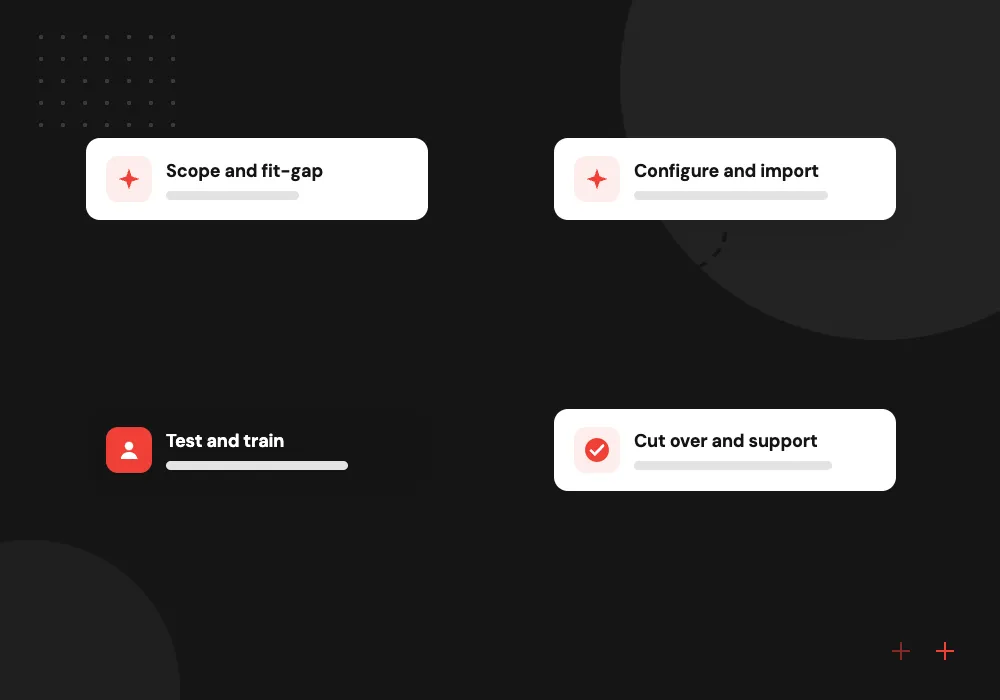
- 01 Scope and fit-gap Compare each process with standard Odoo and list the gaps worth closing.
- 02 Configure and import Set up companies, accounting, stock and sales, then load cleaned master data.
- 03 Test and train Run real scenarios end to end and train each role on its own tasks.
- 04 Cut over and support Load opening balances, retire old tools and stay close to users.
Accounting setup comes early, because almost every other Odoo app posts entries to it.
Odoo project plan: four things to get right
Most of the planning effort in an Odoo project belongs to these four areas.
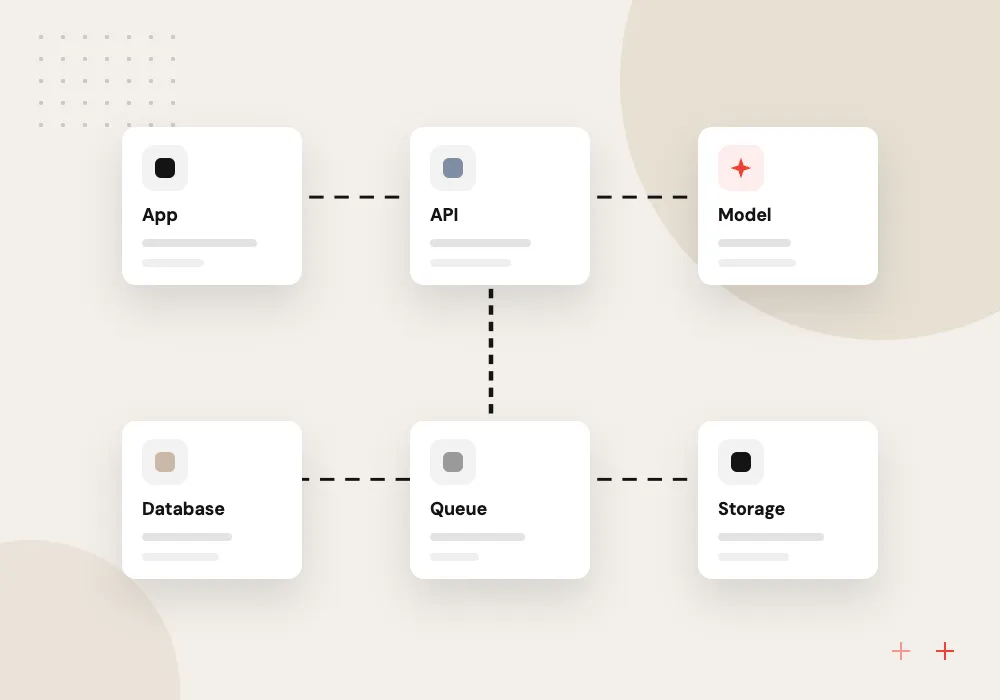
Edition and hosting
Decide early between Community and Enterprise, and whether Odoo hosts it, it runs on Odoo.sh or it sits on your servers, since each affects apps and custom code.
Fit-gap analysis
Walk each process through standard Odoo with the people who do it, and list only the gaps that truly block their work.
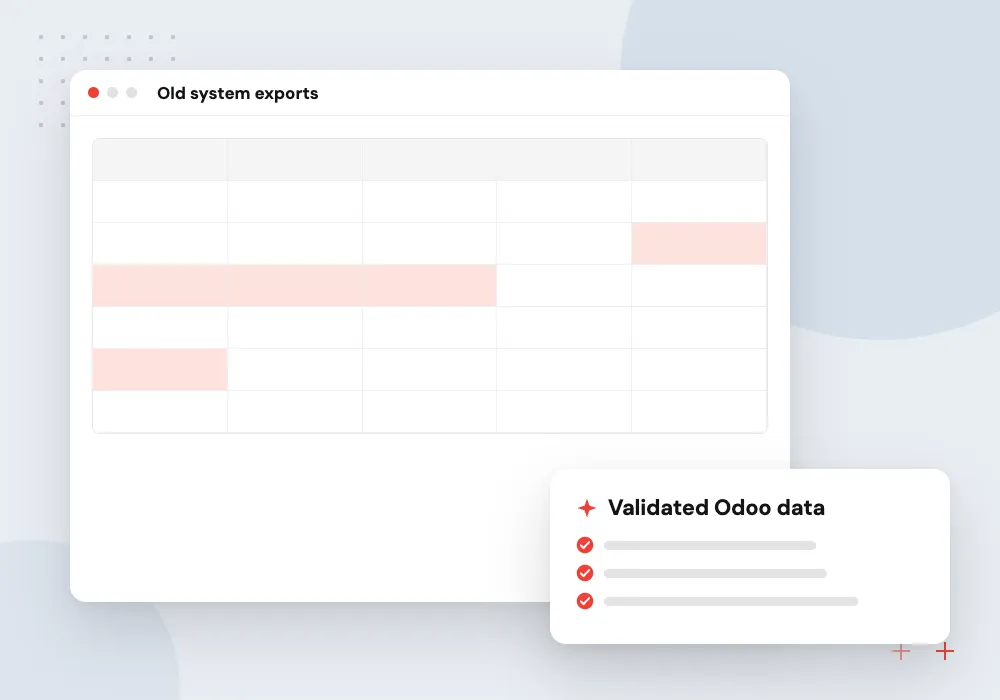
Data migration
Customers, vendors, products, open orders and balances are cleaned and loaded with Odoo’s import templates, with test imports before the final load.
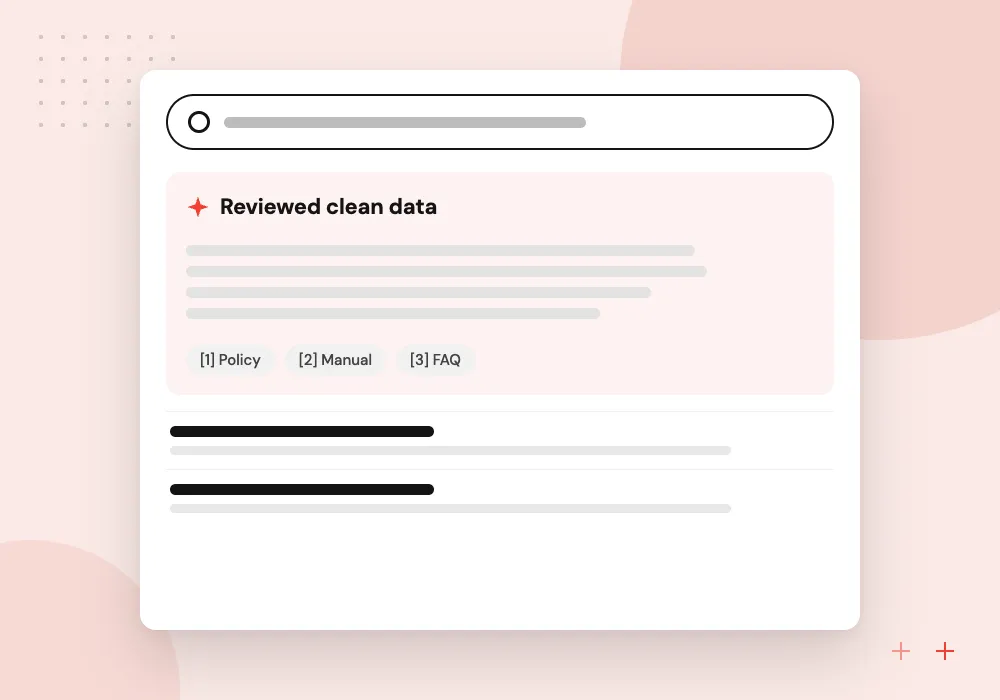
AI-assisted data cleanup
Before import, AI can flag duplicate contacts, normalize product names and suggest categories. Staff confirm each change, so the data entering Odoo stays trusted.
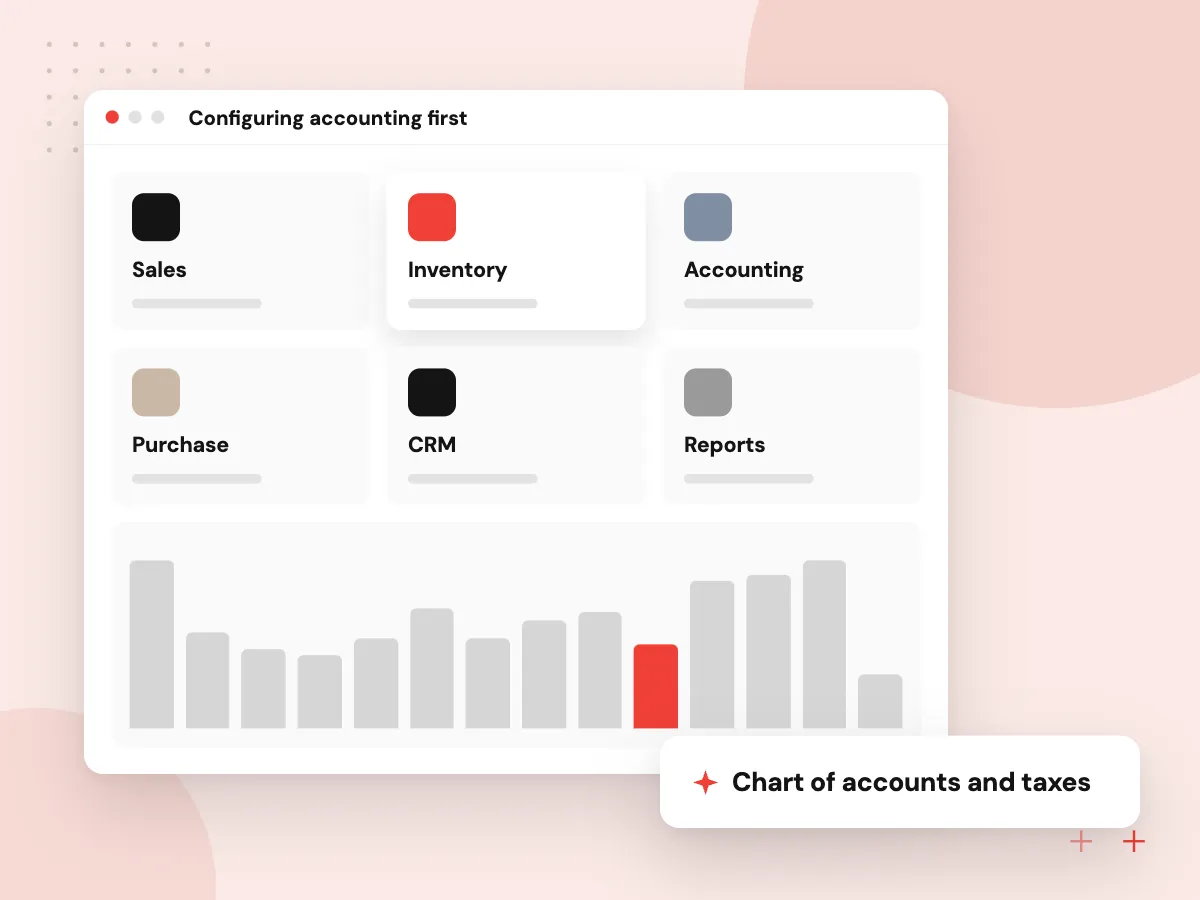
Configuring accounting first
Sales, purchasing, inventory and payroll all post entries to accounting, so the chart of accounts, taxes, fiscal positions, journals and bank feeds are set up and reviewed with your accountant before other apps go live. Fixing them after transactions exist is far harder.
What we do
- Chart of accounts and taxes
- Fiscal positions for tax rules
- Journals and payment methods
- Bank feed or statement import
- Opening balances signed off
Testing and training by role
Each key user runs written scenarios, such as quote to cash or purchase to payment, on a copy of the configured database with real data. Problems are logged and fixed, then each role is trained only on the screens and tasks it uses.
What we do
- Written end-to-end scenarios
- Test database with real data
- Issue log with owners and dates
- Role-based training sessions
- Short how-to guides per role

How we approach a project
Customization and integrations. Close gaps with configuration or Studio first and custom modules second, through Odoo customization. Links to your online store, carriers or CRM are planned in the same phase, so testing covers them too.
Before and after. Still choosing an ERP? Read Odoo vs NetSuite. Already live on an older version? Odoo migration covers upgrades, and AI for ERP and Odoo covers document capture and assistants once the core runs well.
How we work
- Standard features before custom code
- Clean data before it is imported
- Test with real transactions
Our Process
-

Name owner and key users
Choose one decision maker and a key user per department before the kickoff meeting.
-

Write down current processes
Document how orders, purchases, stock and month-end close work today, exceptions included.
-

Prepare data early
Export customers, vendors, products and balances, and start fixing duplicates and gaps.
-

Block time for testing
Reserve key users’ time for scenario testing and training in the weeks before go-live.
How Aranv runs Odoo projects
Standard first, code last
We show you how standard Odoo or Studio handles a need before suggesting a custom module, which keeps later upgrades simpler.
Data cleaned before it lands
We profile your exports, flag duplicates and gaps, and repeat test imports until record counts and balances match.
Accountant in the loop
Your accountant reviews the chart of accounts, taxes and opening balances before go-live, not after the first month-end close.
Support after cutover
Our team stays close in the first weeks after go-live to answer questions and fix issues as users meet real work.
Ready to act on this guide?
Ask our team in a 30-minute conversation.
Or see how we build it: Explore all services
Odoo implementation FAQs
-
How long does an Odoo implementation take?
A single company on standard sales, purchase, inventory and accounting flows can go live within a few months. Manufacturing, several companies, heavy customization or many integrations extend that. Data quality and how quickly key users test and decide matter as much as scope.
-
What is the first step in an Odoo implementation?
Process mapping. Before anything is configured, the team documents how each department works today and compares it with standard Odoo. That fit-gap list drives the plan, the estimate and every decision about what to customize.
-
Should we import historical data into Odoo?
Usually only what you need to run the business: open orders, open invoices and bills, balances and master data. Full transaction history is often better kept in the old system or an archive, because importing years of records adds cost and risk for little daily use.
-
What file formats does Odoo accept for data import?
Odoo’s import tool accepts Excel (.xlsx) and CSV files and offers templates for common records such as contacts and products. Dates should follow the YYYY-MM-DD format. We run test imports first and fix every error before the final load.
-
What belongs on an Odoo go-live checklist?
Verified opening balances, open receivables and payables, stock quantities, user rights, email and printing settings, payment and shipping setup, a frozen legacy system, a rollback plan and a support rota for the first weeks.
-
Can we implement Odoo in phases?
Yes, and it often lowers risk. Many companies start with sales, purchase, inventory and accounting, then add manufacturing, the website, field service or HR in later phases once users are comfortable with the core.

Let’s talk about your next step
Contact Aranv to discuss your workflow, current tools, and goals. Meet with our team or send an inquiry.
Book a meeting with our team
Choose an available date and time for a 30-minute conversation about your project.
Tell us about your project
Share a few details so we can discuss a useful next step.
Prefer email? sales@aranv.com