


The main ERP options for small businesses
Aranv’s answer on ERP for small business: list the three or four processes that cause the most rework, then choose the system that covers them with the least custom code. Odoo suits firms wanting modular apps and freedom to customize, NetSuite suits finance-led, multi-entity growth, and Business Central suits teams already on Microsoft 365.
Odoo. A modular suite with an open-source core: start with sales, inventory and accounting, then add manufacturing, field service or a web store as apps. It runs in Odoo’s cloud, on a managed platform or on your own server. Our Odoo implementation team sets it up, and the Odoo development hub covers custom modules.
NetSuite. Oracle’s cloud-only ERP, strong in financials, multi-entity consolidation and reporting, sold through Oracle and its partners. It fits companies planning several legal entities or a finance team that wants a mature general ledger early. Our Odoo vs NetSuite guide compares the two in depth.
Four questions to answer before any demo
Choosing an ERP in four checks
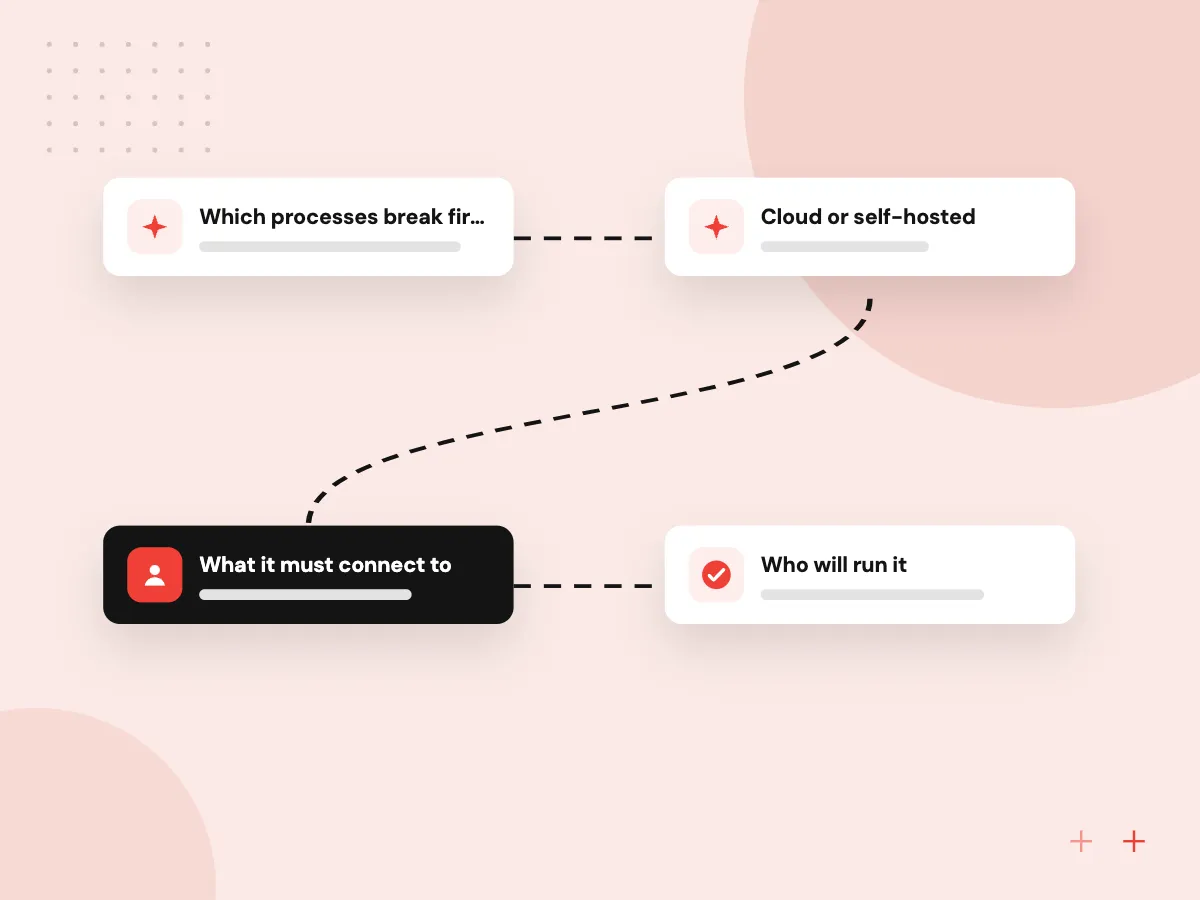
- 01 Which processes break first Orders, stock, purchasing or billing: note where errors and re-keying happen today.
- 02 Cloud or self-hosted Cloud ERP removes server upkeep; self-hosting gives more control over code and data.
- 03 What it must connect to Your store, bank feeds, payroll, carriers and CRM narrow the field.
- 04 Who will run it Someone inside must own users, settings, updates and data quality after go-live.
Licensing and partner fees change often, so compare current written quotes.
What to weigh in a small business ERP system
Small business covers a wide range, from a five-person distributor to a manufacturer with a few hundred staff.
Signs you need ERP
Stock counts that never match, orders typed into three systems, a month-end close that takes days and reports rebuilt by hand every week.
Cloud ERP or self-hosted
With cloud ERP the vendor runs servers, backups and upgrades. Self-hosting suits firms needing deep code changes, special data residency or control over upgrade timing.
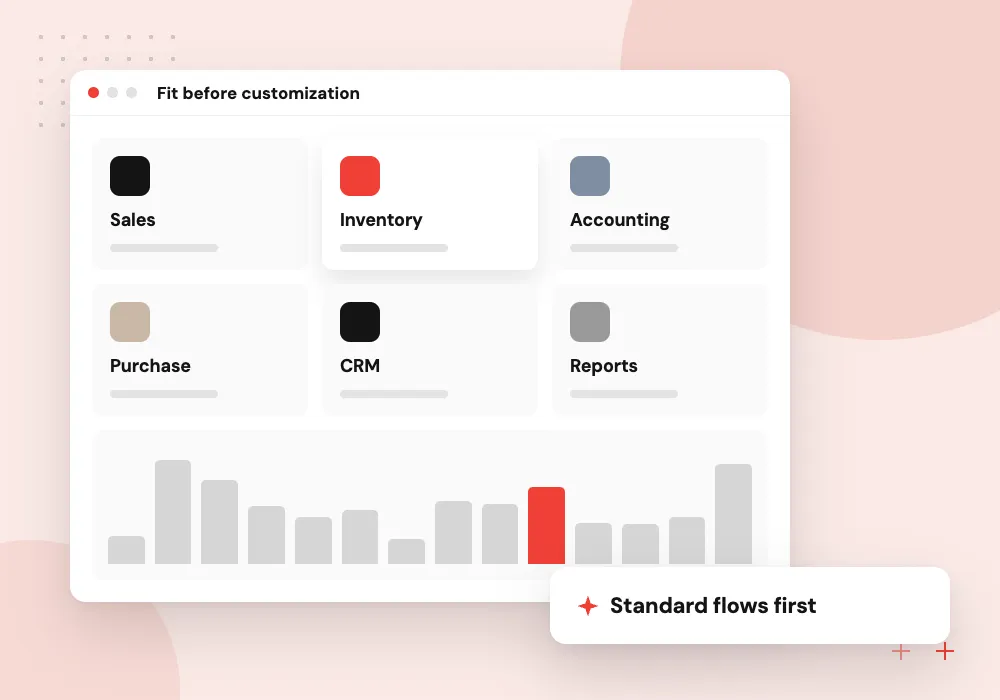
Fit before customization
Every change to standard screens adds testing at each upgrade. Pick the system whose standard flows match most of your process, and customize only what sets you apart.
Where AI helps
Models can turn supplier invoices into draft bills and propose reorder quantities from sales history, and a staff member reviews each draft before it posts.
Comparing cloud ERP for small business
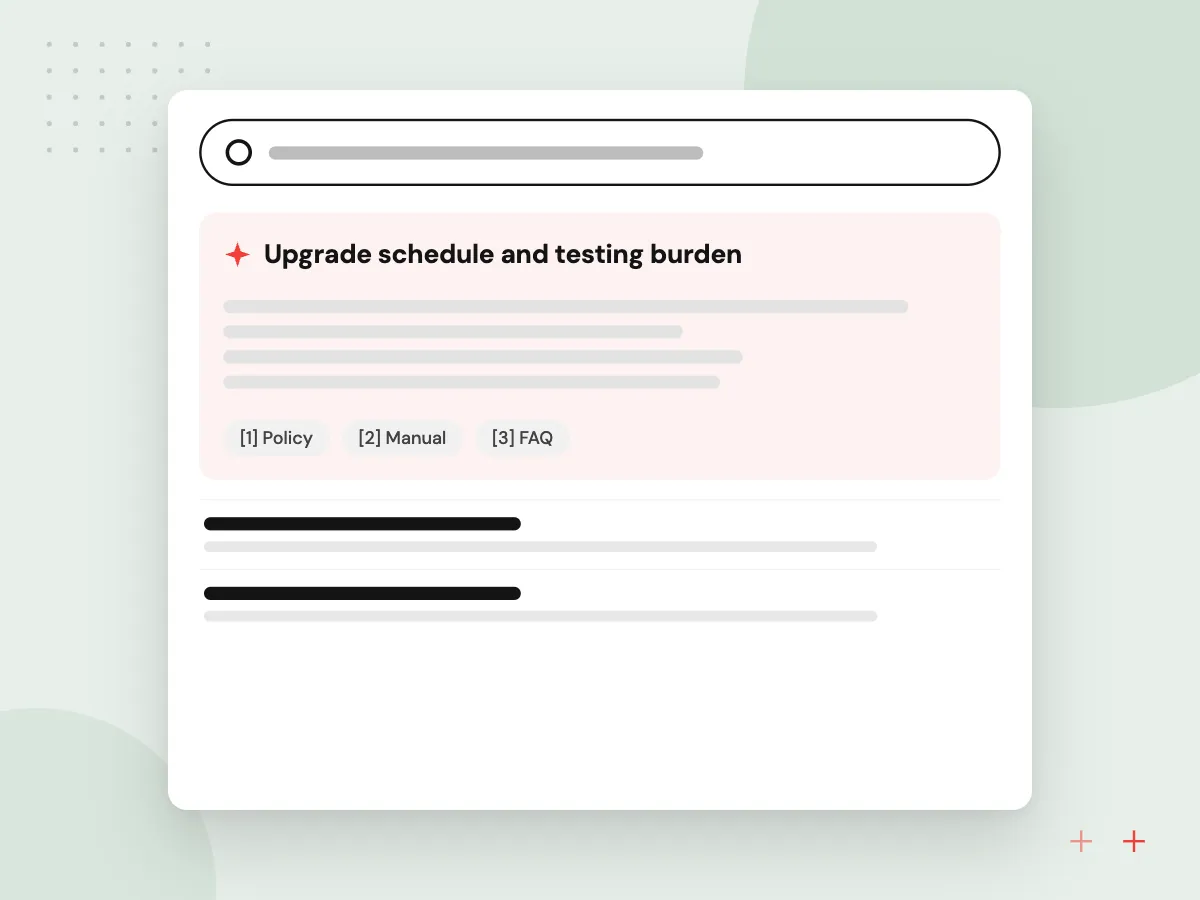
Odoo, NetSuite and Business Central all offer a vendor-hosted version, so the differences lie elsewhere: how far you can change it, how upgrades arrive and how data leaves if you switch. Ask whether custom fields survive upgrades and whether every record can be exported.
What we do
- Upgrade schedule and testing burden
- Custom field and workflow limits
- Built-in bank, store and payroll links
- Full data export on request
- User roles and audit history
What ERP implementation involves
Implementation is mostly people and data work: mapping each process, choosing which standard flow to adopt, cleaning customer and item lists, setting up accounts and tax rules, and training staff. A phased go-live, often finance and inventory first, keeps the business running while each area moves.
What we do
- Process maps for each department
- Cleaned item, customer and vendor lists
- Opening balances and open orders
- Role-based training and test scripts
- Support plan for the first weeks

How we approach a project
Business Central and others. Microsoft Dynamics 365 Business Central works closely with Outlook, Excel, Teams and Power BI and is usually set up through a Microsoft partner. SAP Business One and Acumatica are other common choices at this size.
When none of them fit. If a packaged ERP needs more workarounds than features, custom ERP development, built new or on the Odoo framework, is the answer, and data migration moves customers, items and open orders across. If your shortlist needs a second opinion, a 30-minute conversation with Aranv is one form away on the contact page.
How we work
- Processes first, software second
- Fit the standard before customizing
- Plan data migration from day one
Our Process
-

Write down your must-haves
List the processes, documents and reports the ERP must handle, with rough order, item, user and site counts.
-

Shortlist two or three systems
Keep options whose standard flows cover most of the list and whose partners know your industry.
-

Demo with your own data
Ask each vendor to run one real order, purchase and month-end report with your items.
-

Compare total effort, not licenses alone
Add implementation, migration, integrations, training, support and your own staff hours over several years.
How Aranv helps you choose
A process review before software
Before any vendor demo, we follow one real order from quote to payment and mark every place data is typed twice.
Plain advice on each option
We implement Odoo and build custom ERPs, and when NetSuite, Business Central or your accounting package fits better, we say so and explain why.
Data cleanup planned early
We profile customer, item and vendor lists during selection, so duplicates and stale records surface before they reach the new system.
Integrations checked before you sign
We confirm how your store, bank feeds, payroll and shipping tools connect to each shortlisted ERP, and which links need custom code.
Ready to act on this guide?
Ask our team in a 30-minute conversation.
Or see how we build it: Explore all services
Small business ERP FAQs
-
Which ERP should a small business choose?
Start from your processes, not a brand. If you want modular apps you can customize, look at Odoo; if multi-entity finance comes first, NetSuite; if your staff live in Outlook and Excel, Business Central. Firms with simple operations may not need an ERP yet.
-
When does a small business need an ERP system?
When the same data is typed into several tools, stock figures cannot be trusted, month-end close drags on, or growth adds a warehouse, a sales channel or an entity. If accounting software and one or two apps still cope, an ERP can wait.
-
Is cloud ERP for small business better than on-premise?
For most small firms it is simpler, because the vendor handles servers, backups, patches and upgrades. Self-hosting makes sense when you need deep code changes, must keep data on your own hardware or want to time upgrades yourself. Odoo runs either way; NetSuite is cloud only.
-
How long does a small business ERP system take to implement?
It depends on modules, integrations, data quality and how fast decisions get made. Accounting and inventory alone go faster than adding manufacturing and several integrations together. Rolling out one department at a time lowers risk, and the selection phase should end with a dated plan.
-
Can AI be added to a small business ERP?
Yes, usually through the ERP’s API. Typical examples are reading supplier invoices into draft bills, flagging unusual orders, suggesting reorder quantities and answering staff questions about stock. Anything that posts to the books should wait for a person to approve it.

Let’s talk about your next step
Contact Aranv to discuss your workflow, current tools, and goals. Meet with our team or send an inquiry.
Book a meeting with our team
Choose an available date and time for a 30-minute conversation about your project.
Tell us about your project
Share a few details so we can discuss a useful next step.
Prefer email? sales@aranv.com