


What Salesforce AI integration covers
Aranv offers Salesforce AI integration for midsize and smaller US companies whose sales or service teams work in Salesforce. We configure Agentforce, connect outside language models through Apex and Flow, and build AI steps that summarize cases, qualify leads and draft replies, while your sharing rules and field security stay in charge.
We start with what your edition already includes, such as Agentforce, prompt templates and Einstein features, because native tools are easier for your admin to own. Where they fall short, we call outside models from Apex through Named Credentials, or from an external service listening to platform events.
Model choice and data flow follow our AI integration services approach: which fields leave Salesforce, which provider receives them and how long anything is kept. Customer-facing agents get the same planning as our customer service automation projects.
Where AI fits in a Salesforce org
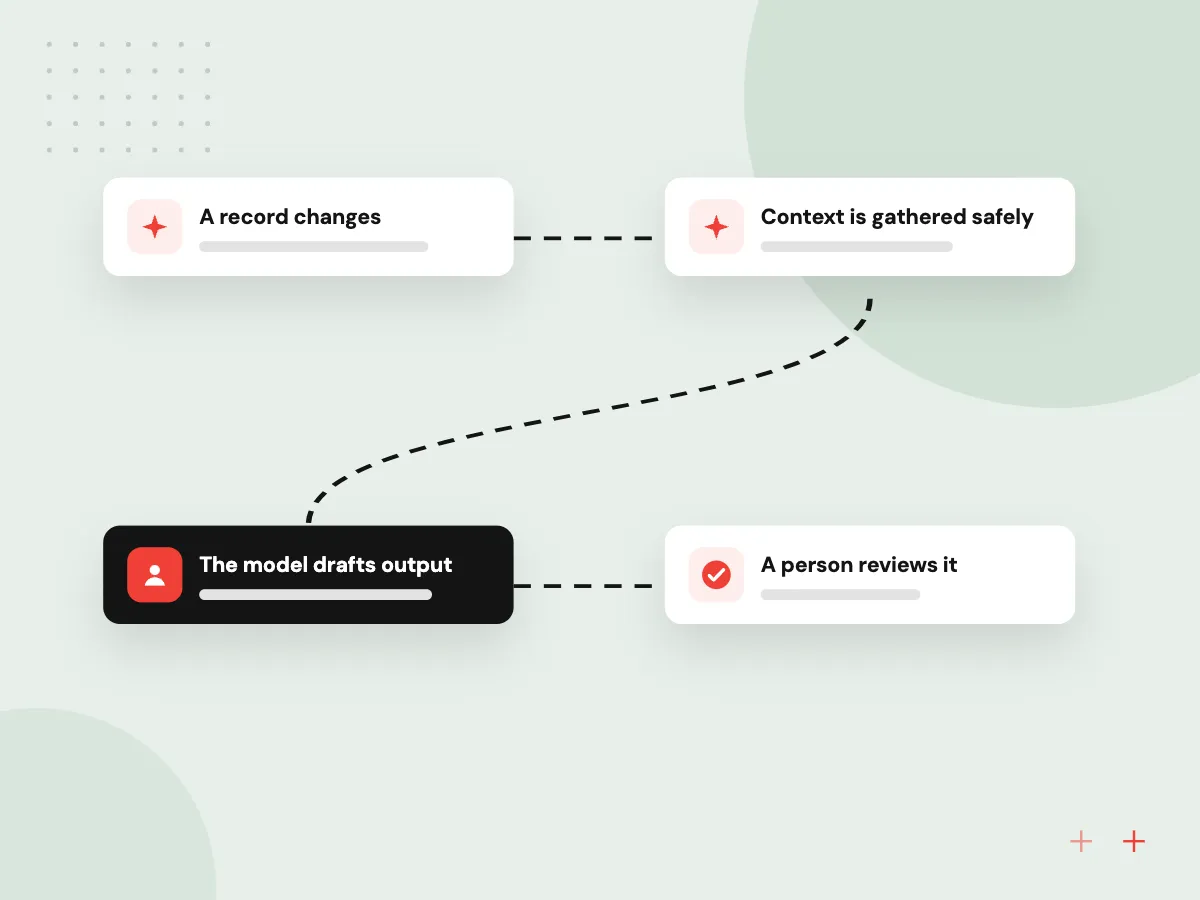
One record, from trigger to reviewed update
- 01 A record changes A new lead, case or inbound email triggers a Flow or platform event.
- 02 Context is gathered safely Only fields the running user may see go into the prompt.
- 03 The model drafts output Agentforce or an outside model returns a summary, score or reply draft.
- 04 A person reviews it Drafts appear on the record page for a rep or agent to accept or edit.
The prompt, model and result are kept with the record’s history, so admins can see what the AI suggested and who accepted it.
Salesforce AI work we take on
Most Salesforce AI projects begin with a team that spends too long reading records before it can act on them.
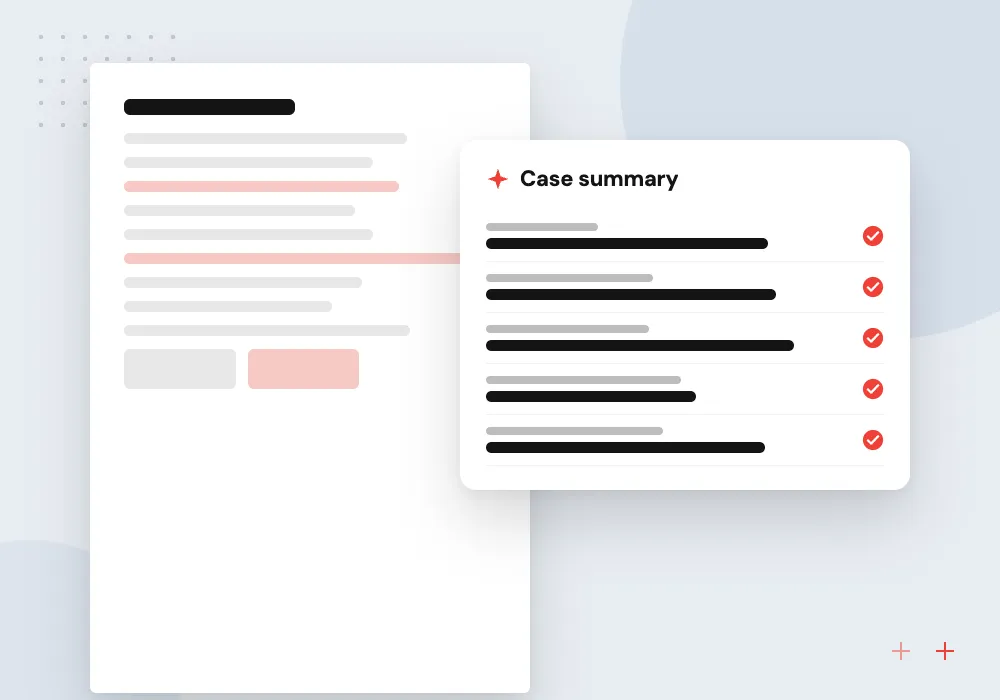
Case summaries for service
Agents open a case and see a short summary of the email thread, past cases and entitlements, with a suggested next step to accept or change.
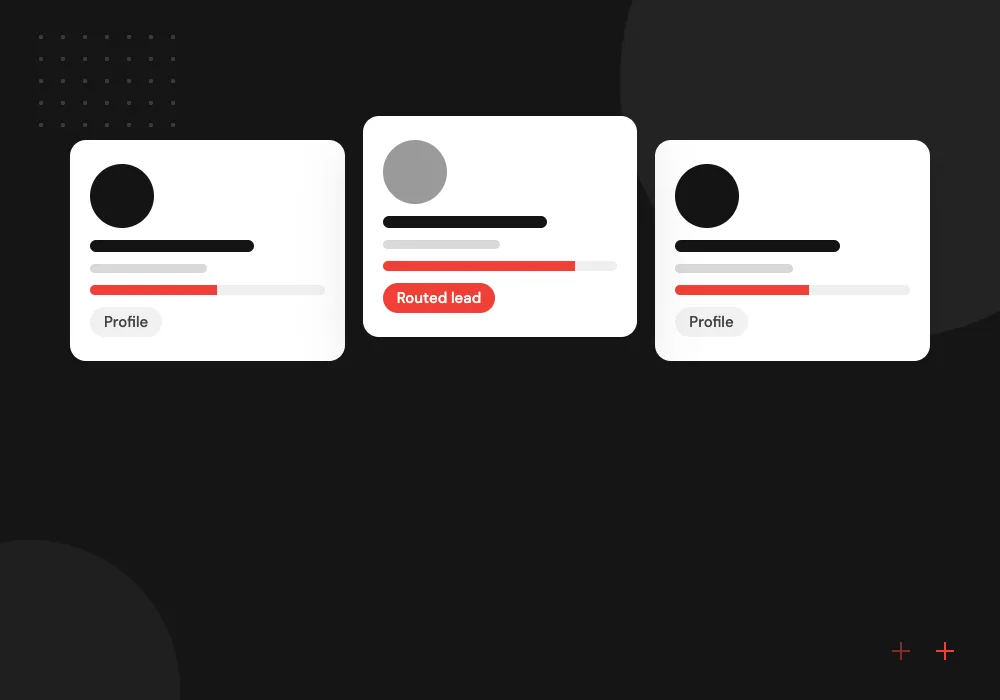
Lead scoring and routing
New leads are enriched, scored against your ideal customer notes and routed to the right rep, with the reasons written on the record.
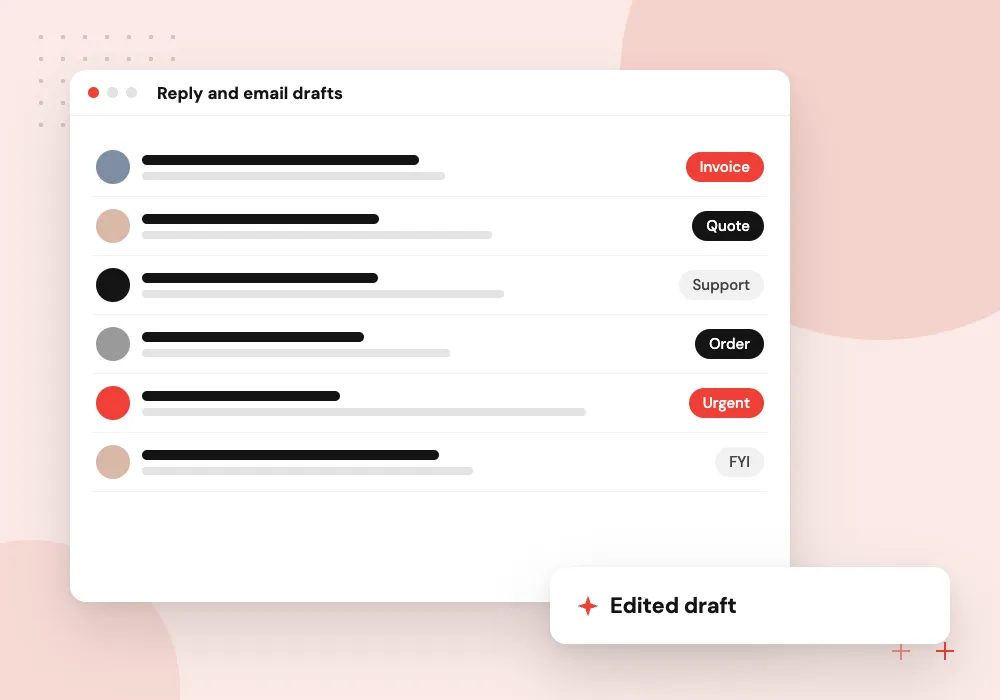
Reply and email drafts
Reps get a first draft of a follow-up or quote email built from the opportunity, its contacts and recent activity, ready to edit.
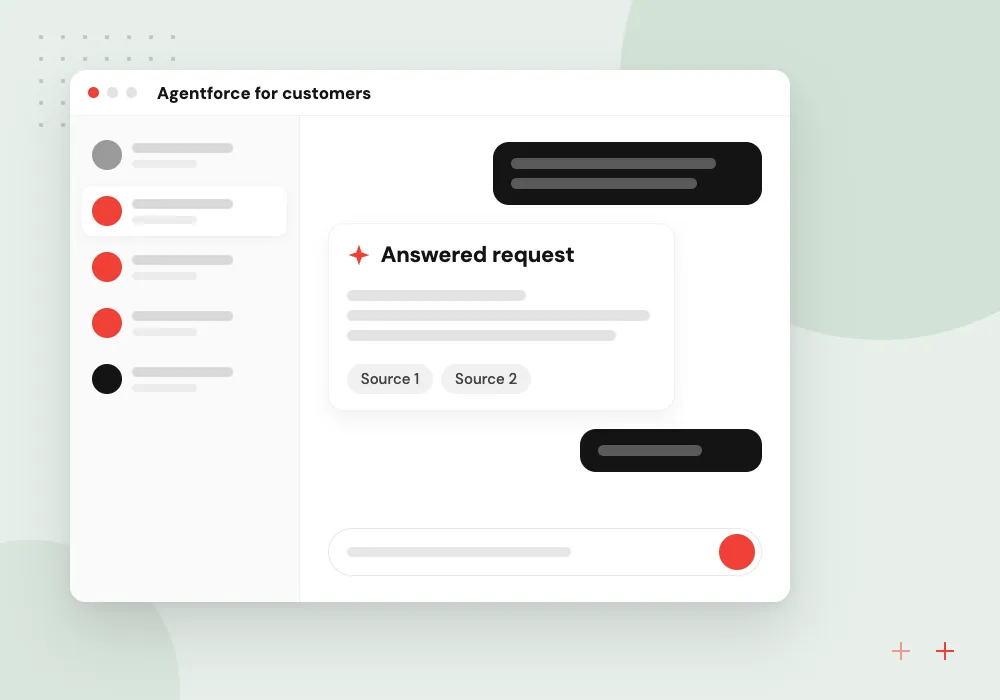
Agentforce for customers
A customer-facing agent answers order and account questions from Salesforce data and knowledge articles, and opens a case when it cannot help.
Agentforce development and configuration
When Agentforce fits, we define the agent’s job and instructions, connect its actions to existing Flows and Apex, and ground answers in your knowledge articles and records. We test the agent against real cases in a sandbox and agree with your admin who may change its instructions after launch.
What we do
- Agent job and instructions
- Actions from Flow and Apex
- Knowledge article grounding
- Sandbox tests on real cases
- Admin handover notes
Field access, logging and review
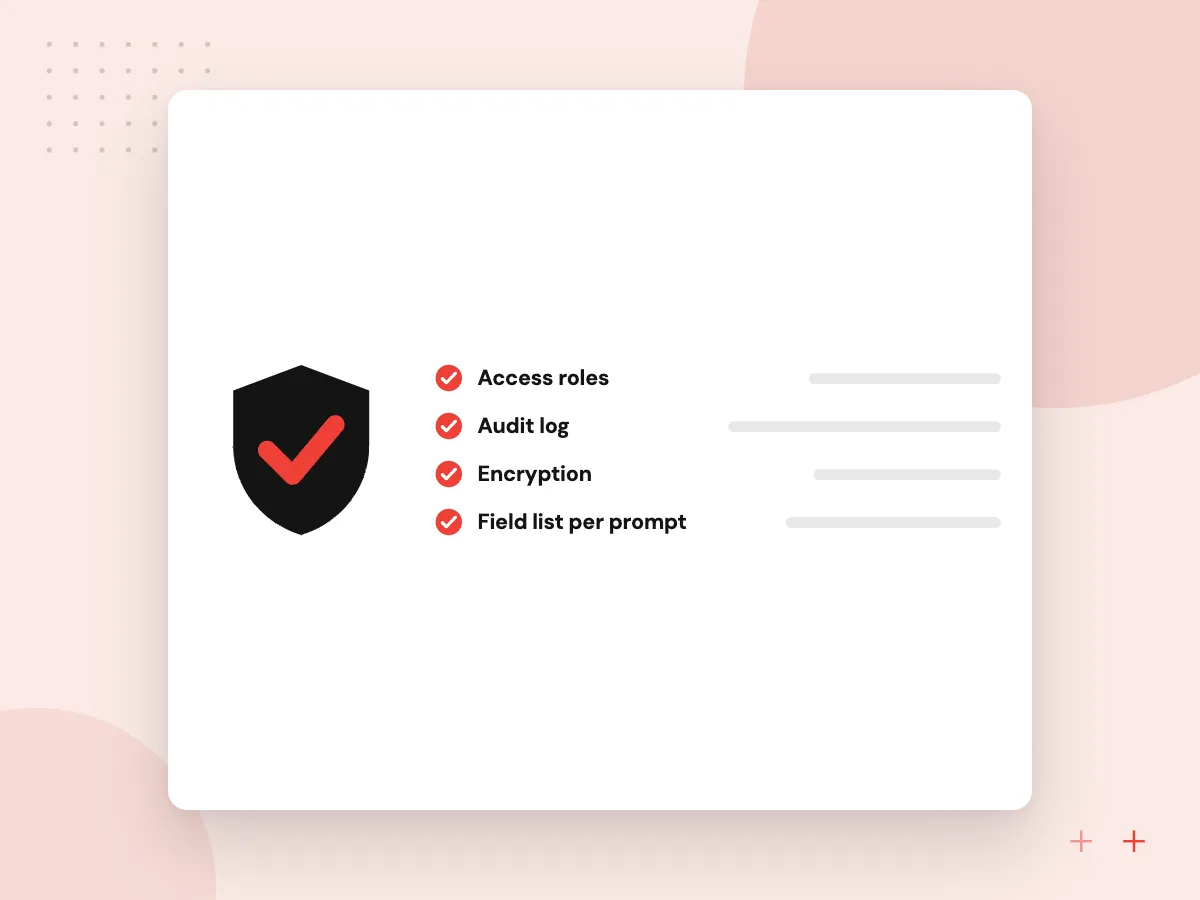
AI in a CRM touches customer data, so we agree which fields each prompt may use and run calls as a user bound by your sharing rules. Every suggestion is stored with its record, rejected drafts are reviewed with the team lead, and prompts change only after a sandbox test.
What we do
- Field list per prompt
- Calls under scoped users
- Suggestion history on records
- Review of rejected drafts
- Sandbox test before changes

How we approach a project
When Salesforce is one of several systems, the AI step often sits between them and reaches your ERP, helpdesk or billing tool through API integration services. Teams weighing Salesforce against a CRM shaped around their own process can compare custom CRM development.
Salesforce’s Einstein Trust Layer module explains how it handles prompts, retention and audit trails. We review those settings with your admin and add our own logging for any call made outside Salesforce.
How we work
- Sharing rules apply to AI too
- Drafts before automatic updates
- Native features before custom code
Our Process
-

Review the org and edition
We look at your objects, automation, edition and licenses to see which AI features you already pay for.
-

Pick one record type
Cases, leads or opportunities: we choose one and agree what the AI should produce and how staff will review it.
-

Build in a sandbox
Flows, Apex, prompts and agent actions are built in a sandbox and tested on copies of real records.
-

Deploy and compare
After release we compare handling time and the share of AI drafts accepted with your team, then plan the next object.
Why Aranv for Salesforce AI
Native first, code second
We use Agentforce, Flow and prompt templates where they do the job, and write Apex or outside services only for the parts they cannot handle.
Your security model respected
Prompts are built from fields the user can already see, so AI never becomes a back door around profiles, permission sets or sharing rules.
Reviewable suggestions
Summaries, scores and drafts are saved on the record with their source, so managers can check what the AI proposed and what staff changed.
Sandbox discipline
Every flow, prompt and class goes through a sandbox and your normal deployment path, which keeps production stable and your admin informed.
Planning Salesforce AI Integration?
Book a 30-minute conversation with the team that would build it.
Salesforce AI FAQs
-
How much does Salesforce AI integration cost?
Our work is priced on scope: the objects involved, the number of flows and Apex classes, whether outside models are called, and how much sandbox testing the change needs. Salesforce charges separately for Agentforce and related add-ons, so we review your current licenses before recommending anything.
-
Should we use Agentforce or connect our own LLM?
Use Agentforce when its actions and data access cover the job and your admin wants to manage it in Setup. Connecting your own model suits tasks Salesforce does not cover, specialist models, or processing that spans systems outside Salesforce. Running both side by side is also possible.
-
Is Salesforce data sent to OpenAI or other model providers?
Only if you choose that design. With Agentforce, prompts pass through Salesforce’s Trust Layer. With an outside model, we send only the fields a task needs, pick providers whose API terms exclude training on your inputs, and log every call for your admin to review.
-
Can our Salesforce admin maintain the AI features?
Admins can maintain most of what we build in Flow, prompt templates and Agentforce settings. Apex classes and outside services need a developer for changes, so we document them clearly and can provide ongoing support if you have no developer in-house.
-
Which Salesforce editions support this work?
Agentforce and many AI features depend on your edition and add-on licenses, which Salesforce revises over time, and Apex and API access also vary by edition. We confirm what your org has during the first review and design around it.

Let’s talk about your next step
Contact Aranv to discuss your workflow, current tools, and goals. Meet with our team or send an inquiry.
Book a meeting with our team
Choose an available date and time for a 30-minute conversation about your project.
Tell us about your project
Share a few details so we can discuss a useful next step.
Prefer email? sales@aranv.com