


What Electron app development includes
Aranv offers Electron app development for companies that need desktop software on Windows, macOS and Linux built with web technology: installable tools with offline work, local file and device access, signed installers and automatic updates, maintained by the team that wrote them.
Electron packages Chromium and Node.js together, so one JavaScript codebase becomes a desktop app for Windows, macOS and Linux. It fits teams that already have a web product or web developers, and apps that need offline work, local files or attached hardware. We usually write the interface in React with TypeScript.
Not every desktop need calls for Electron. A web application costs less to run when users only need a browser, and a native app or a lighter framework suits tools where install size and memory matter more than shared code.
What turns a web app into a desktop product
Web code, desktop behavior
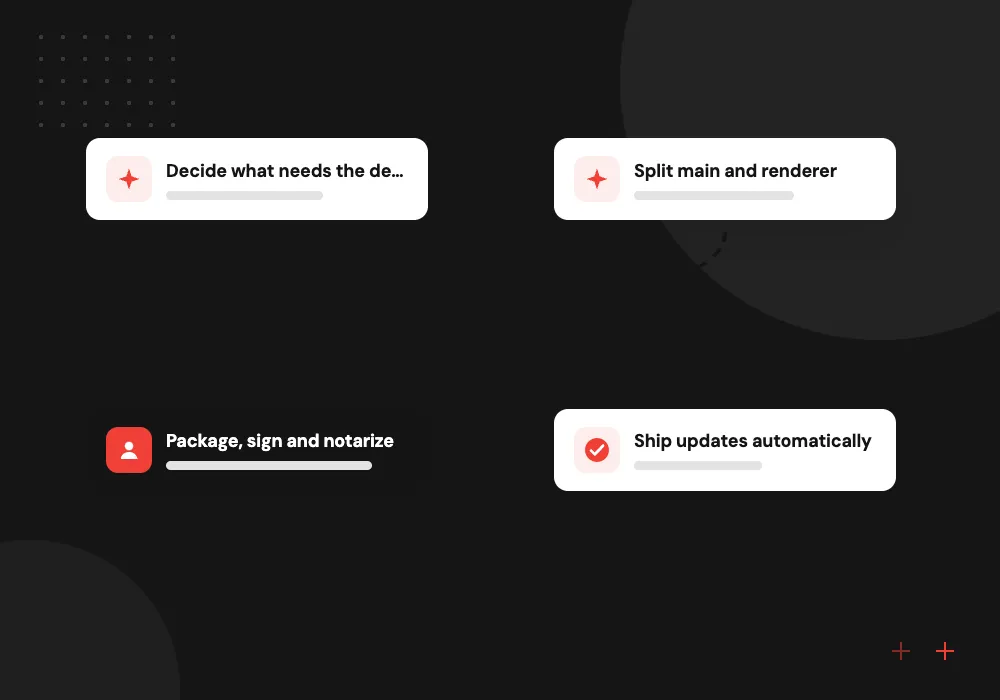
- 01 Decide what needs the desktop Offline use, local files, printers or devices justify a desktop app over a browser.
- 02 Split main and renderer Node.js work stays in the main process; screens run in sandboxed renderers.
- 03 Package, sign and notarize Installers for Windows, macOS and Linux, signed so operating systems can verify them.
- 04 Ship updates automatically Users receive new versions in the background, and crashes are reported to your team.
If a browser tab can do the job, we will recommend a web app and spare you the installer work.
Desktop app development with Electron
Teams come to us for Electron when a browser tab cannot reach the files, devices or offline use their staff depend on.
Internal desktop tools
Order desks, scheduling consoles and reporting tools that open from the taskbar, remember window layouts and keep working when the network drops.
Hardware at the counter
Apps that talk to label printers, scales, card readers and USB or serial equipment on the shop floor or at the front desk.
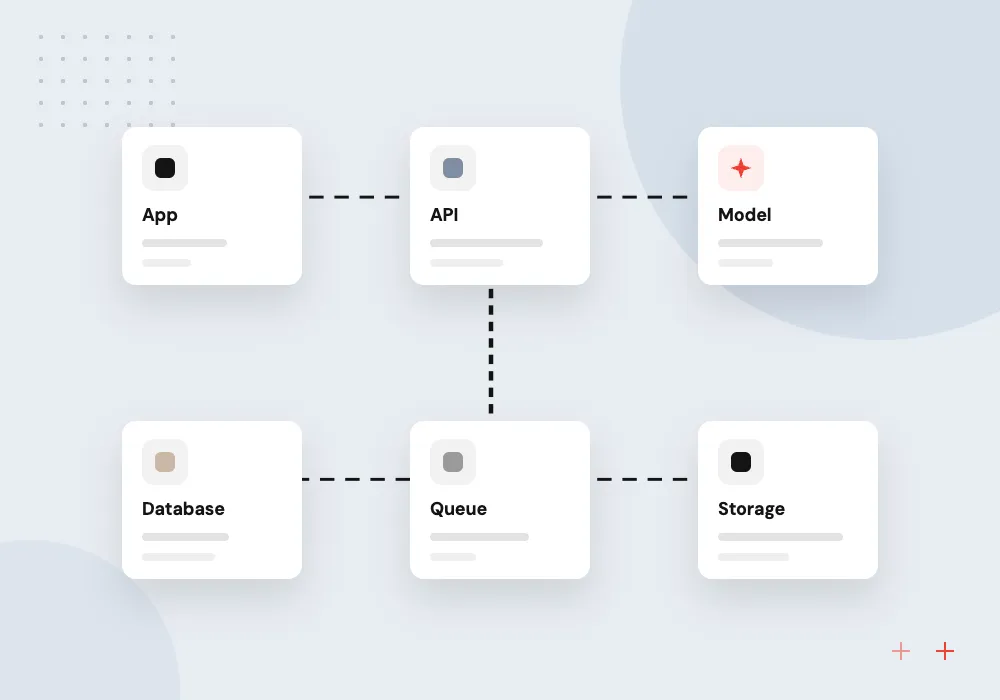
Desktop clients for SaaS
A desktop version of your web product with tray icons, notifications, deep links and single sign-on for your business customers.
Local AI assistants
Assistants that search and summarize documents in folders the user chooses, using a hosted model or a small model running on the machine.
Security and upgrades for existing Electron apps
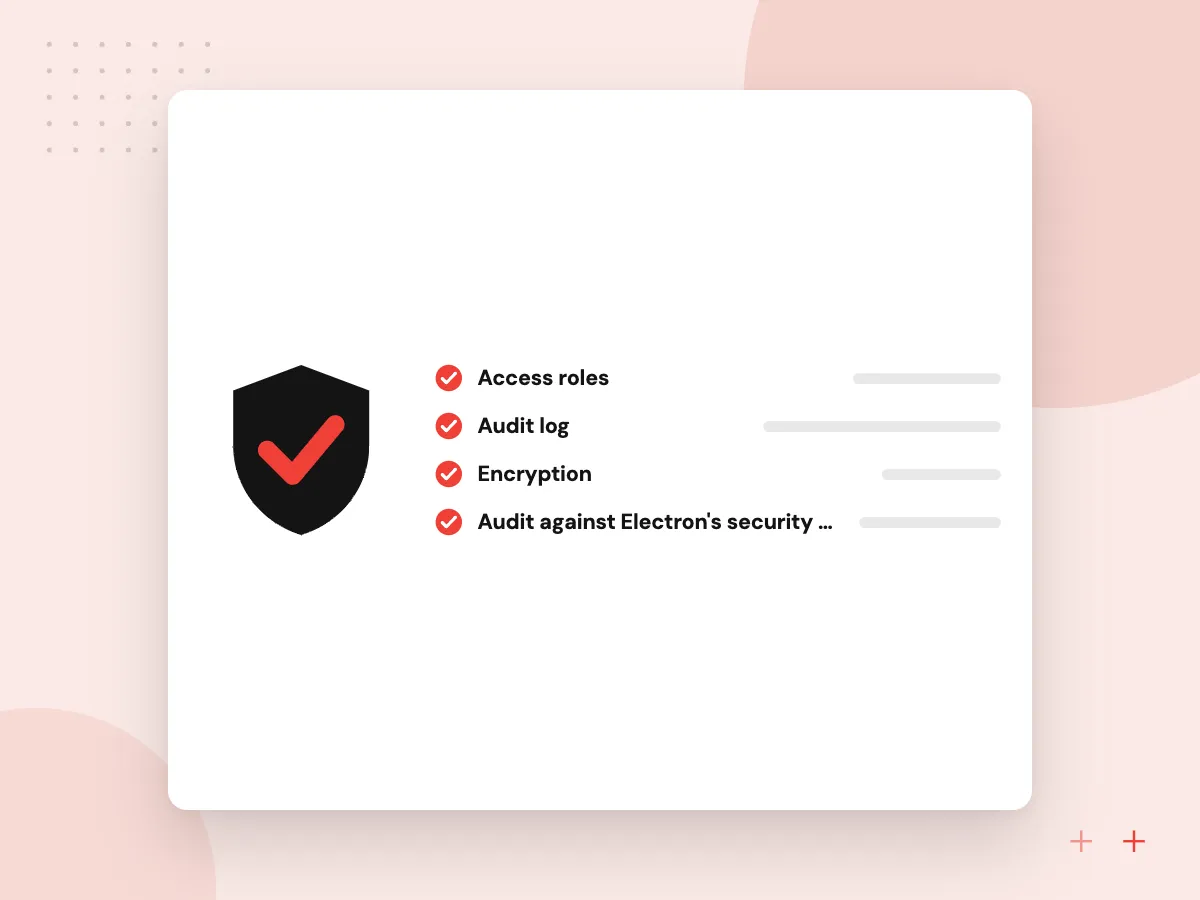
Many Electron apps were built years ago with Node access in every window and the old remote module, which Electron removed in version 14. We audit the app, move privileged work behind a preload script and context bridge, turn on sandboxing, and bring it to a supported Electron release.
What we do
- Audit against Electron’s security checklist
- Preload script and IPC review
- Replacing the old remote module
- Upgrade to a supported major
- Tests on all three systems
AI features on the desktop
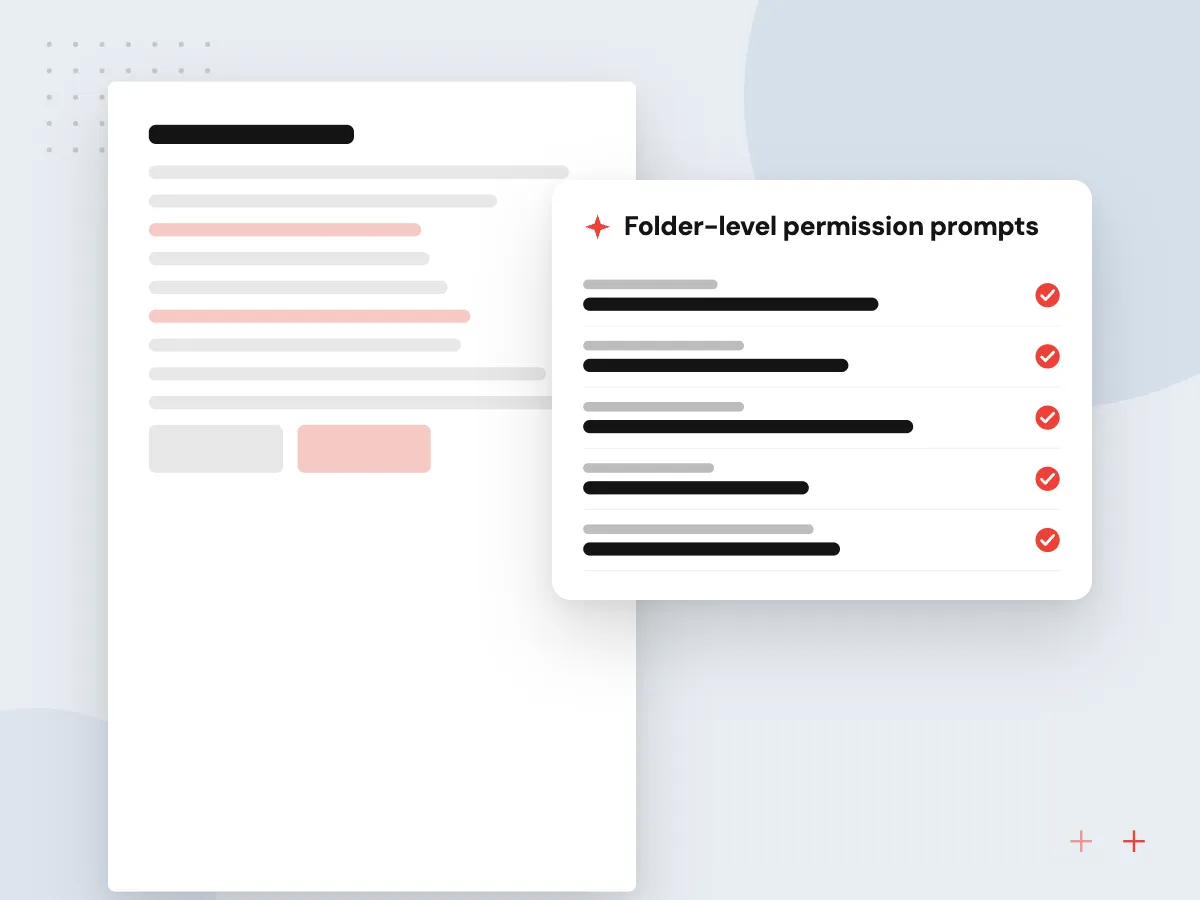
A desktop app can work with files a browser never sees. We build assistants that read folders the user selects, draft replies from local documents and fill forms from scanned paperwork. Model calls go through your server or the main process, so API keys stay out of the renderer.
What we do
- Folder-level permission prompts
- Local document indexing
- Hosted or on-device models
- Keys kept away from renderers
- A log of what the assistant read
How we approach a project
Electron ships a new major version every eight weeks and supports only the latest three, as its release timeline explains. We plan those upgrades, dependency updates and certificate renewals through maintenance and support, and our QA team tests each release on all three systems.
Back-end work for sync, licensing and user accounts runs on Node.js or the stack you already use. Other languages and frameworks we work with appear on the technologies hub.
How we work
- Desktop only where it earns it
- Locked-down renderers by default
- Upgrade Electron on a schedule
Our Process
-

Desktop requirements
We list the operating systems, devices, offline cases and file access the app truly needs.
-

Architecture and IPC design
Main process duties, preload APIs and message channels are agreed before screens are built.
-

Build with nightly installers
Testers install fresh builds on Windows, macOS and Linux machines throughout development.
-

Release, update, monitor
Signed installers go out, auto-update is switched on, and crash reports flow to your team.
Why Aranv for Electron apps
Web and desktop in one team
Our React and TypeScript developers build the screens, and the same people handle Node.js, installers and native menus, so nothing is lost between a web team and a desktop team.
Security reviewed before release
Every build is checked against Electron’s own security recommendations: context isolation, sandboxed renderers, a strict content security policy and validated IPC messages.
Signed for all three systems
We set up Apple notarization, Windows code signing and Linux packages in CI, so operating systems can verify who published each release.
Honest about footprint
Electron ships its own copy of Chromium, so installers are larger than native apps. If size or memory matters most, we compare Tauri or a native build before you commit.
Planning Electron App Development?
Book a 30-minute conversation with the team that would build it.
Electron app FAQs
-
Is Electron a good choice for business desktop apps?
Yes, when your team works in web technology and the app needs offline work, local files or connected devices on more than one operating system. It is less suited to small utilities where download size and memory use matter most, or to apps that need deep platform features only native code reaches.
-
Electron or Tauri: which should we choose?
Electron bundles its own Chromium, so pages render the same everywhere and the Node.js ecosystem is available, at the cost of larger installers. Tauri uses the operating system’s webview and a Rust core, giving smaller apps but more variation between platforms. We choose based on your team’s skills and the app’s needs.
-
Can you turn our existing web app into a desktop app?
Often, yes. Much of a React or Vue front end can run inside Electron with little change. The real work is adding desktop features, handling offline data, securing the bridge to Node.js, and setting up signing and updates for each operating system.
-
How do updates reach users of an Electron app?
Through Electron’s auto-update support and an update server, users download new versions in the background and switch over on restart. We set up release channels so a pilot group can try a version before everyone receives it.
-
What affects the cost of an Electron app?
The number of screens, the operating systems you need, hardware and offline requirements, and whether a web version already exists to reuse. Signing certificates and an update server have running costs of their own. After discovery we provide a phased estimate tied to a written scope.

Let’s talk about your next step
Contact Aranv to discuss your workflow, current tools, and goals. Meet with our team or send an inquiry.
Book a meeting with our team
Choose an available date and time for a 30-minute conversation about your project.
Tell us about your project
Share a few details so we can discuss a useful next step.
Prefer email? sales@aranv.com