


What Chrome extension development includes
Aranv offers Chrome extension development for businesses that want tools inside the browser their staff and customers already use: Manifest V3 extensions, side panels that connect web pages to your CRM, AI helpers that read the page, and rebuilds of older MV2 extensions.
A Chrome extension is a small package of JavaScript, HTML and a manifest that adds features to the browser. Under Manifest V3, background logic runs in a service worker, network filtering uses declarative rules, and all code must ship inside the package. We write extensions in TypeScript, with side panels and popups built in React.
Chrome has finished retiring Manifest V2. Google’s MV2 support timeline shows that current Chrome versions no longer run MV2 extensions, so any tool your staff still depend on needs a rebuild. We keep the features, rewrite the background logic and test against the sites it works on.
From idea to a published Chrome extension
Small code, close to the work
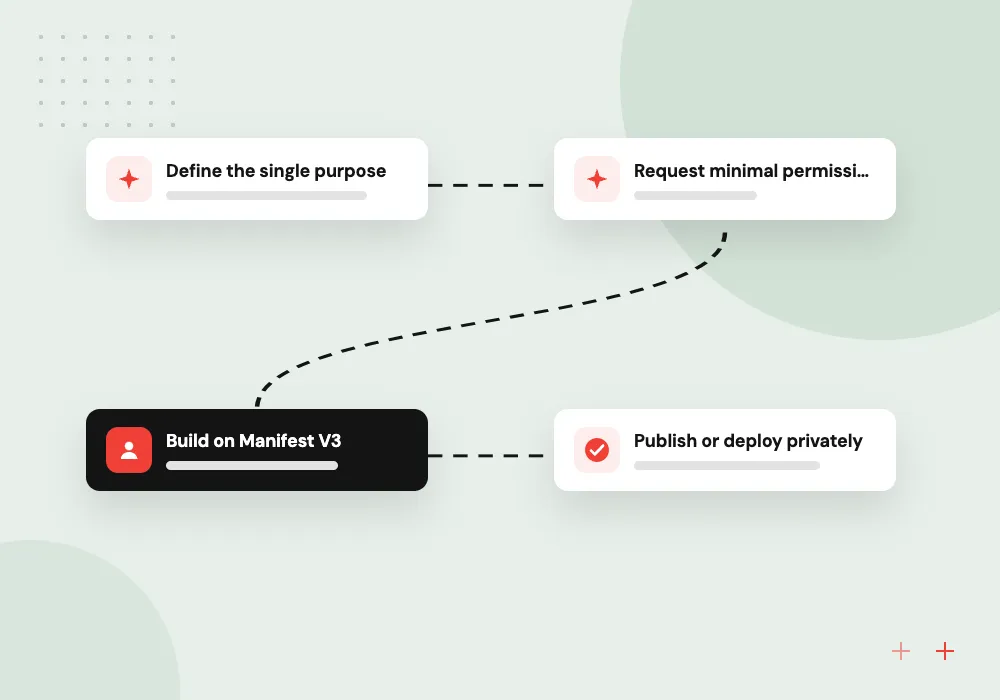
- 01 Define the single purpose Chrome Web Store policy expects one clear job, so we write it down first.
- 02 Request minimal permissions Host access and APIs are limited to the sites and data the job needs.
- 03 Build on Manifest V3 Service worker, content scripts and side panel, with all code bundled in the package.
- 04 Publish or deploy privately Public listing, unlisted link, or force-install to managed browsers through your admin console.
Edge accepts the same Chromium package with small changes; Firefox and Safari need their own adjustments.
Browser extension development we take on
An extension makes sense when the work happens on web pages you do not control, such as supplier portals, webmail or a SaaS tool.
CRM and helpdesk side panels
A side panel that shows the customer record for the email, web form or ticket on screen, and saves notes back without switching tabs.
Data capture from portals
Content scripts that read order numbers, prices or tracking details from supplier portals and send them to your system as structured records.
Customer-facing extensions
An extension your customers install to reach your product from any site, with sign-in, synced settings and a Chrome Web Store listing.
MV2 to MV3 migration
Background pages rewritten as service workers, blocking web requests replaced with declarative rules, and remotely loaded code bundled into the package.
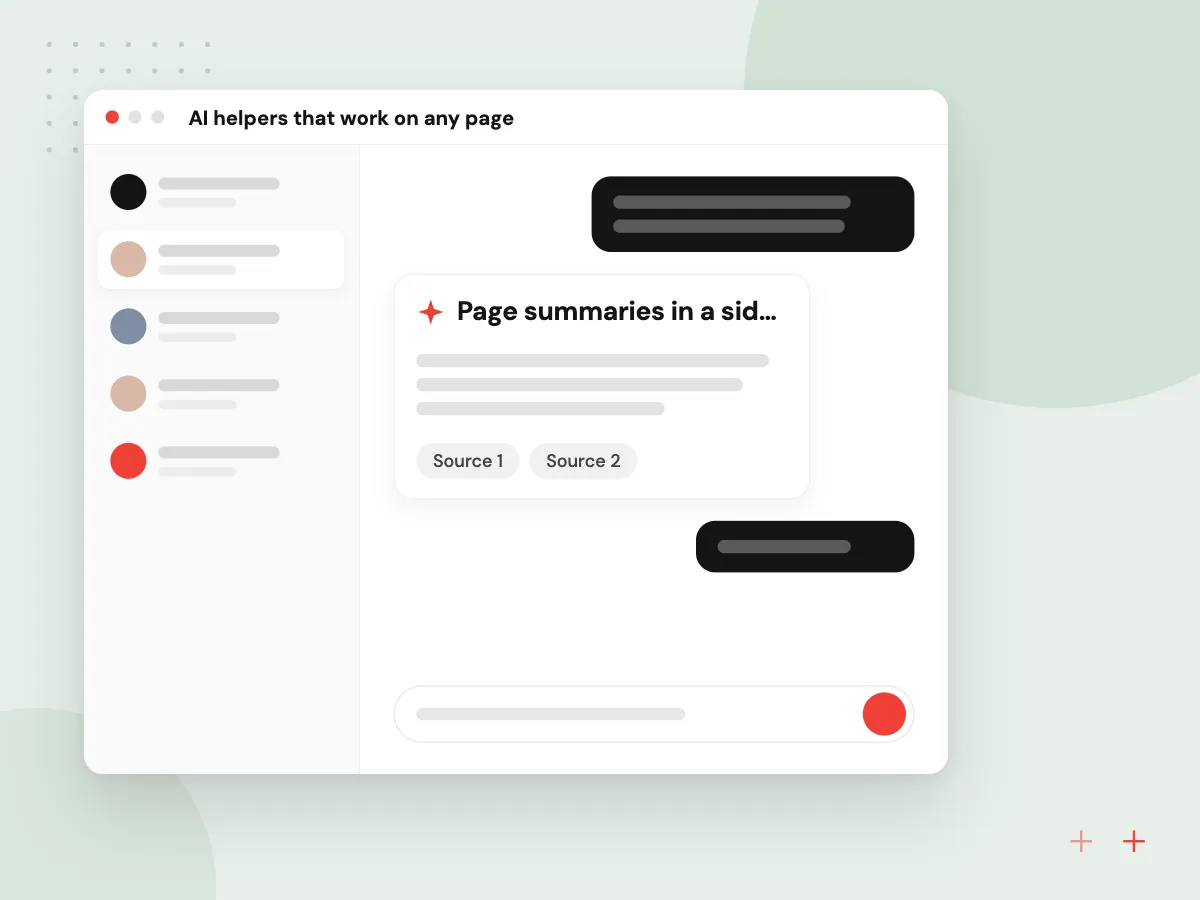
AI helpers that work on any page
An extension can read the page a person is looking at and help with it: summarize a long contract, draft a reply in webmail, or pull fields from a supplier invoice. We use Chrome’s built-in AI APIs where the device supports them, or call a hosted model through your server, and show results for a person to accept.
What we do
- Page summaries in a side panel
- Draft replies inside webmail
- Field extraction into your CRM
- Built-in or hosted models
- User approval before anything is saved
Enterprise rollout and security review
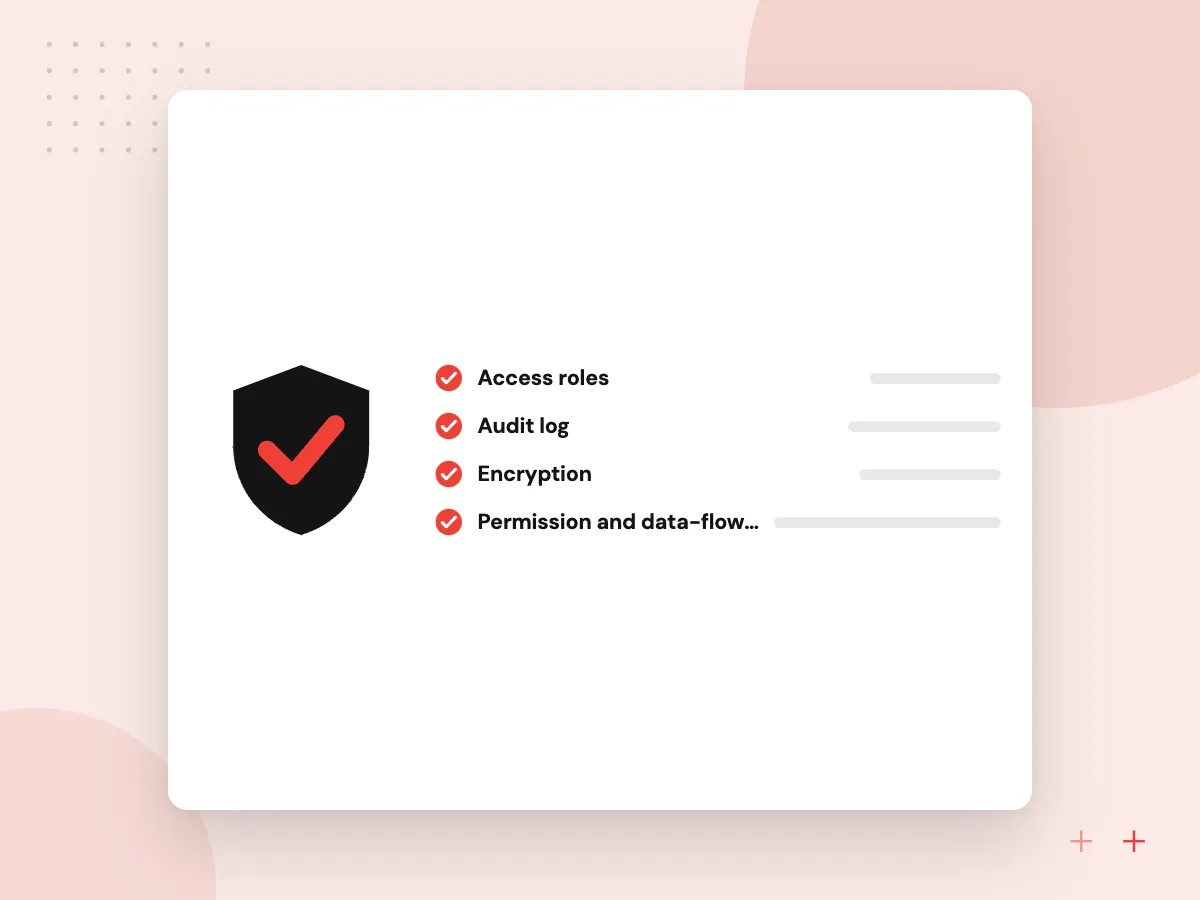
Internal extensions often see sensitive pages, so we treat them like any other business system. Permissions are narrowed to named domains, sign-in tokens are short-lived, and managed browsers receive the extension through Google Admin console policy instead of a public listing.
What we do
- Permission and data-flow review
- Private or unlisted publishing
- Force-install for managed browsers
- Content security policy settings
- Update and rollback plan

How we approach a project
Extensions are often the front end of a larger job. Captured records reach your systems through API development and integration, and assistants that answer from company documents follow the same design as our LLM integration work. A separate web app is still the better choice when the job does not depend on someone else’s page.
Store listings, privacy disclosures, version updates and fixes after a target site changes are handled through maintenance and support. The rest of our toolset is on the technologies page.
How we work
- One clear job per extension
- Ask for the fewest permissions
- All code shipped in the package
Our Process
-

Workflow and site review
We watch staff use the target pages and note what to read, write and automate.
-

Permission and data plan
A short document lists permissions, data flows and storage for your security lead to approve.
-

Build and pilot
A small group installs test builds, and we fix selectors and edge cases from their feedback.
-

Store review and rollout
We submit the listing or set up managed deployment, then monitor errors and site changes.
Why Aranv for Chrome extensions
Policy-aware from day one
We read the Chrome Web Store program policies with you before design, so the single purpose, permissions and privacy disclosures are ready for review instead of stalling the launch.
Back end included
Most useful extensions talk to something: a CRM, an ERP or your own API. We build that side too, with authentication and rate limits, so the extension itself stays thin.
Built for page changes
Third-party sites change their markup without warning. We write selectors defensively, log failures and alert you when a page layout breaks the capture.
Cross-browser when you need it
The same codebase can ship to Edge, with adjustments for Firefox and Safari, and we check each store’s review rules before submission.
Planning Chrome Extension Development?
Book a 30-minute conversation with the team that would build it.
Chrome extension FAQs
-
Do Manifest V2 extensions still work in Chrome?
No, not in current versions. Chrome 138 was the last version to support Manifest V2, and on August 31, 2026 Google removed the remaining MV2 extensions from the Chrome Web Store. Any MV2 tool still in use needs rebuilding on Manifest V3.
-
Can a Chrome extension be private to our company?
Yes. You can publish it unlisted, limit it to users in your Google Workspace domain, or force-install it on managed Chrome browsers through the Google Admin console. Staff then receive updates automatically without searching the public store.
-
Will one extension work in Edge, Firefox and Safari?
Mostly. Edge runs Chromium extensions with few changes. Firefox supports Manifest V3 with some API differences, and Safari requires the extension to be wrapped in an app built with Xcode. We plan for the browsers you need from the start.
-
What is a realistic timeline for a Chrome extension?
An extension with one job and a small back end can be a short project, while one that reads many third-party sites or needs enterprise rollout takes longer. Chrome Web Store review adds time before a public launch. We give a schedule after the workflow review.
-
What affects the cost of a browser extension?
The number of sites it reads, the back-end and CRM connections, any AI features, the number of browsers, and how often target pages change their layout. A pilot with one workflow is a sensible first step before other teams adopt it.

Let’s talk about your next step
Contact Aranv to discuss your workflow, current tools, and goals. Meet with our team or send an inquiry.
Book a meeting with our team
Choose an available date and time for a 30-minute conversation about your project.
Tell us about your project
Share a few details so we can discuss a useful next step.
Prefer email? sales@aranv.com