


What our Odoo customization services include
Aranv provides Odoo customization services for businesses whose processes go beyond standard Odoo. We build custom modules, reports and screens, and connect Odoo to your store, CRM, carriers and payment tools through the Odoo API, written so upgrades stay manageable.
Before writing code, we check whether settings, automation rules or Odoo Studio can close the gap, because every custom module has to be updated at each version upgrade. When code is the right answer, we build a separate module that extends standard models and views through inheritance, with tests and a plain description of what it changes.
Odoo integration work starts with the API. Odoo 19 introduced the JSON-2 API, and Odoo’s external API documentation marks the older XML-RPC and JSON-RPC endpoints as deprecated. New connectors we build use JSON-2 with API keys, which Odoo limits to a lifetime of three months, so key rotation is planned from day one.
How we change Odoo safely
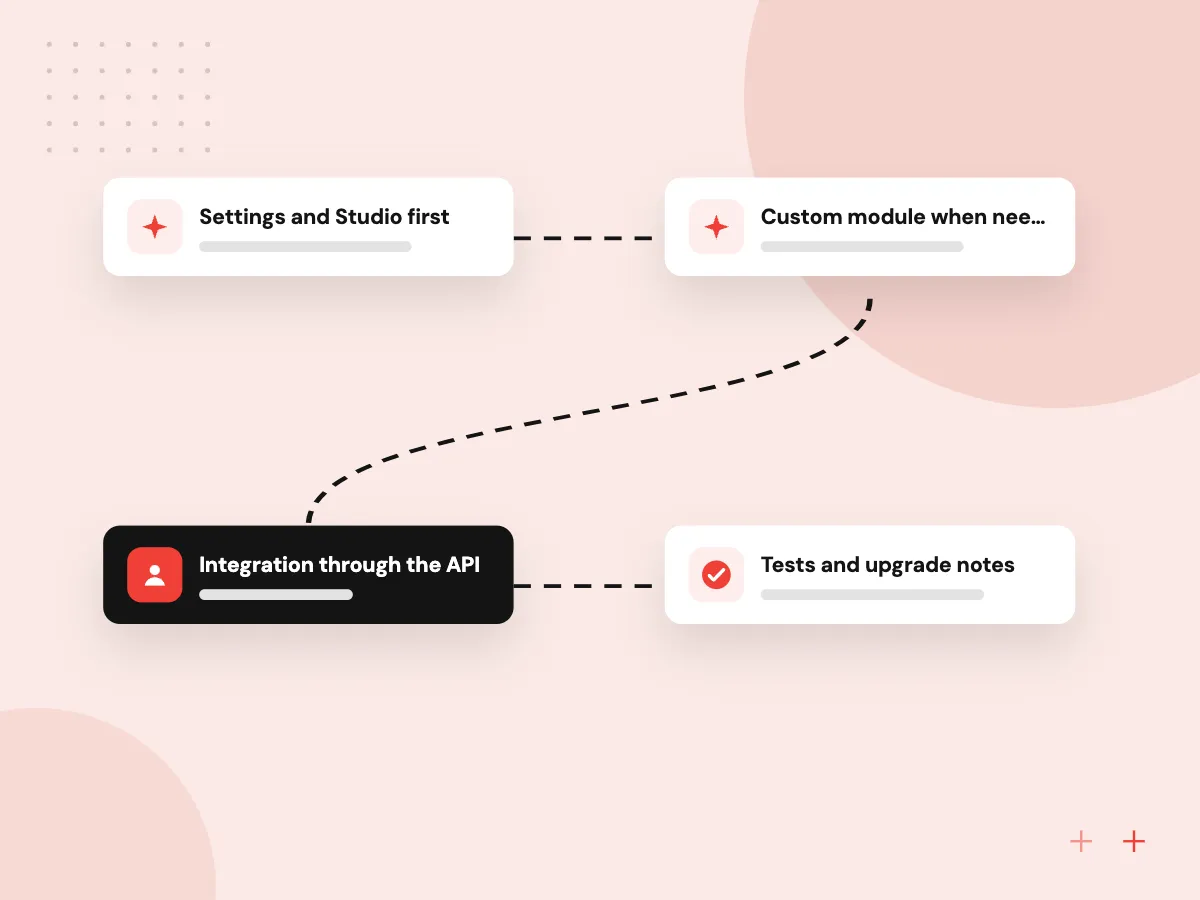
Settings, Studio, then code
- 01 Settings and Studio first Many gaps close with configuration or Odoo Studio, without writing a module.
- 02 Custom module when needed Python and XML in a separate module that inherits from core code instead of editing it.
- 03 Integration through the API JSON-2 API calls or webhooks link Odoo with your store, CRM and carriers.
- 04 Tests and upgrade notes Automated tests and a short note per module make the next upgrade predictable.
Every module lives in your Git repository, with its purpose and owner written down.
Common Odoo customization and integration work
These four requests make up most of what businesses ask us to build on top of Odoo.
Odoo module development
New models, fields, screens and workflow steps for approvals, job costing or industry rules that Odoo lacks.
Reports and documents
Quote, invoice and delivery slip layouts in your branding, plus management reports built on live data.
Store and marketplace links
Orders, stock and prices kept in step between Odoo and Shopify, WooCommerce or marketplace seller accounts.
Shipping, payments and CRM
Carrier labels, payment updates and customer records exchanged with the services your team uses every day.
Store and marketplace connectors
A connector is only useful if staff can trust it on a busy day. We decide which system owns each product, price and stock figure, sync orders and fulfillment both ways, and queue any call that fails so it retries without creating duplicates. A named person on your team gets an alert when a sync stops.
What we do
- Field map and record ownership
- Order, stock and price sync
- Retry queue for failed calls
- Alerts to a named person
- Sync log staff can read
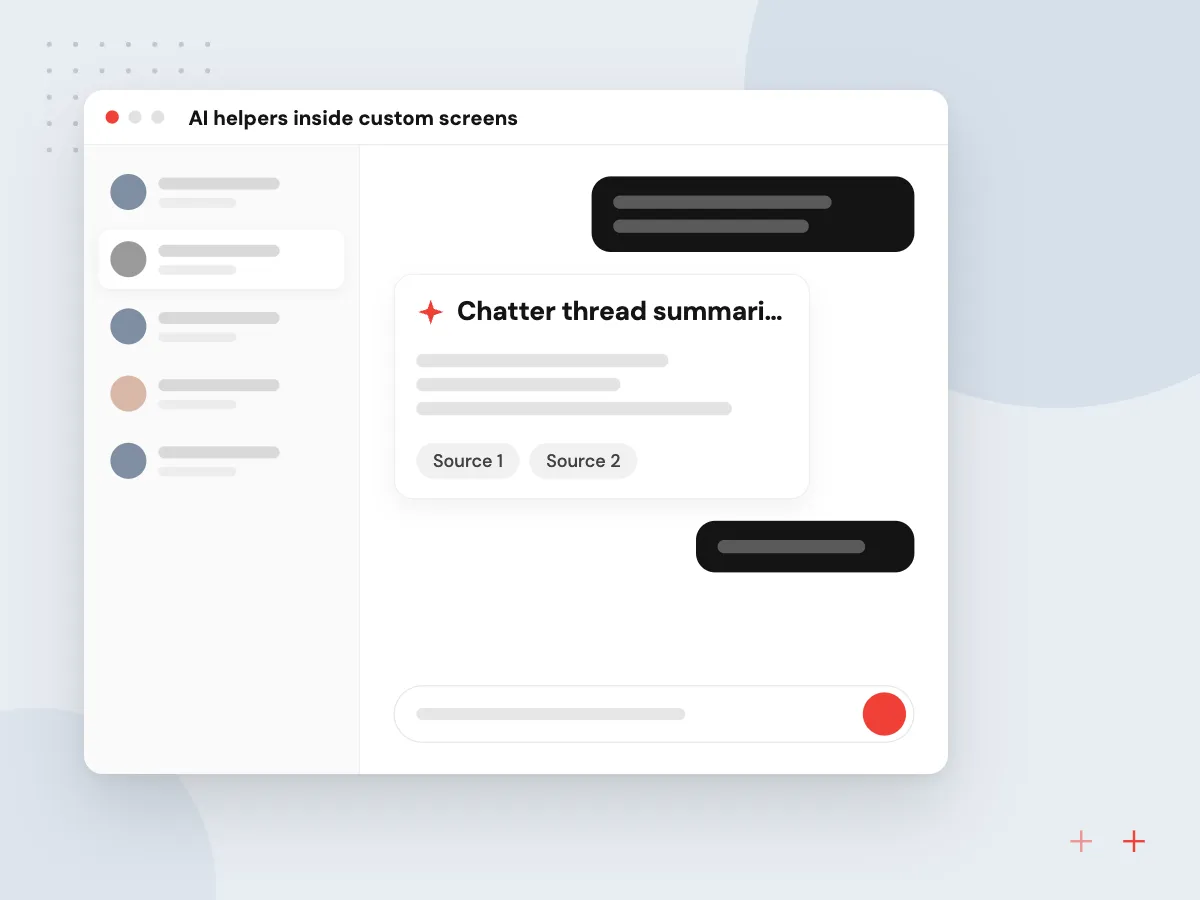
AI helpers inside custom screens
A custom module can add AI exactly where your own workflow needs it: summarizing a long chatter thread on a customer, suggesting a product category or job code from a description, or drafting a delivery note from a free-text request. Suggestions appear as editable fields, so staff accept or change them before saving.
What we do
- Chatter thread summaries
- Category and job code suggestions
- Drafts from free-text requests
- Editable suggestion fields
- Model calls logged per record

How we approach a project
Hosting and plan affect what you can build. Odoo Online does not accept custom modules, and Odoo’s documentation says external API access is available only on Custom pricing plans, not on One App Free or Standard. Where a project needs custom code, we usually recommend Odoo.sh or your own servers.
Odoo treats each JSON-2 call as its own transaction, so related steps, such as confirming an order and reserving its stock, belong in one server-side method rather than several separate calls.
This work sits under our Odoo development services. New rollouts start with Odoo implementation, version moves with Odoo migration, and links to non-Odoo systems with API development and integration.
How we work
- Configuration before code
- Inherit, never edit core
- Every sync logged and retried
Our Process
-

Gap review
We watch the process in your Odoo database, confirm what standard features cannot do and write a short specification.
-

Design and estimate
You approve the data model, screens and integration flows, along with the estimate, before development begins.
-

Build and test on staging
Modules and connectors are built on a staging database with automated tests, then checked by your key users.
-

Deploy and document
We deploy in a planned window, monitor logs and syncs, and leave upgrade notes for each module in your repository.
Why Aranv for Odoo customization
Small modules with clear notes
Each module does one job and carries a short README on what it changes, so a later developer can find and update it without reading the whole codebase.
History kept in your Git
Code lives in your repository from the first commit, with reviewed pull requests, so you keep the full record of every change we make.
Written for growing databases
Computed fields, scheduled jobs and syncs are written with large record counts in mind, so screens stay quick as your data grows.
Least access for every user
Custom screens and API users get only the rights they need, set through Odoo security groups and record rules rather than broad admin access.
Planning Odoo Customization and Integration?
Book a 30-minute conversation with the team that would build it.
Odoo customization FAQs
-
Will customizing Odoo make upgrades harder?
Every custom module must be updated for each new version, so more code means more upgrade work. We keep that cost down by configuring first, extending rather than editing core code, and writing tests that show quickly what breaks.
-
Can you customize Odoo Online?
Only within limits. Odoo Online allows changes that need no custom code, such as settings and automation rules, but not custom modules or modules from the Odoo Apps Store. If you need custom code, Odoo.sh or self-hosting is the usual path, and we can help move your database.
-
How do you connect Odoo with Shopify or other systems?
Through the Odoo API on one side and the other system’s API or webhooks on the other. We map fields, decide which system owns each record, then build a connector with logging and retries. Ready-made connectors are fine when they cover your needs, and we say so.
-
What does an Odoo custom module cost?
It depends on the number of models and screens, the business rules, integrations and the testing needed. A new report or a few extra fields is small; a full workflow with approvals and external sync is larger. We estimate after a short gap review.
-
Which Odoo versions and editions do you work with?
Community and Enterprise on current supported versions, including Odoo 20.0, and older versions when a business needs fixes before an upgrade. Odoo 20 requires Python 3.12 or later, which matters for self-hosted servers.
-
Who owns the custom modules you write?
You do. Module source code is stored in your Git repository and deployed to your Odoo.sh project or servers, so another developer can maintain it later. We document what each module does and which standard features it extends.

Let’s talk about your next step
Contact Aranv to discuss your workflow, current tools, and goals. Meet with our team or send an inquiry.
Book a meeting with our team
Choose an available date and time for a 30-minute conversation about your project.
Tell us about your project
Share a few details so we can discuss a useful next step.
Prefer email? sales@aranv.com