


What HR software development includes
Aranv offers HR software development for in-house HR teams, recruitment agencies and HR tech companies: applicant tracking and interview scheduling, onboarding workflows, employee case intake and AI assistants for HR questions, connected to your HRIS and payroll so employee data is entered once.
HR software sits next to systems that must stay accurate: the HRIS, payroll, benefits and the applicant tracking system. We connect to them through their APIs so a hire, change or exit is entered once. Our API integration work covers these links, and SaaS development applies when you are building an HR product to sell to other companies.
Our wider team built Project 02, an AI platform for HR support for a US HR tech company, listed on our case studies page. Employees describe workplace concerns in a conversational intake, a multi-agent workflow passes each case to a specialist agent, privacy rules redirect cases that involve HR staff, and severity-based escalation tracks deadlines. Our agentic AI development page explains how such systems are put together.
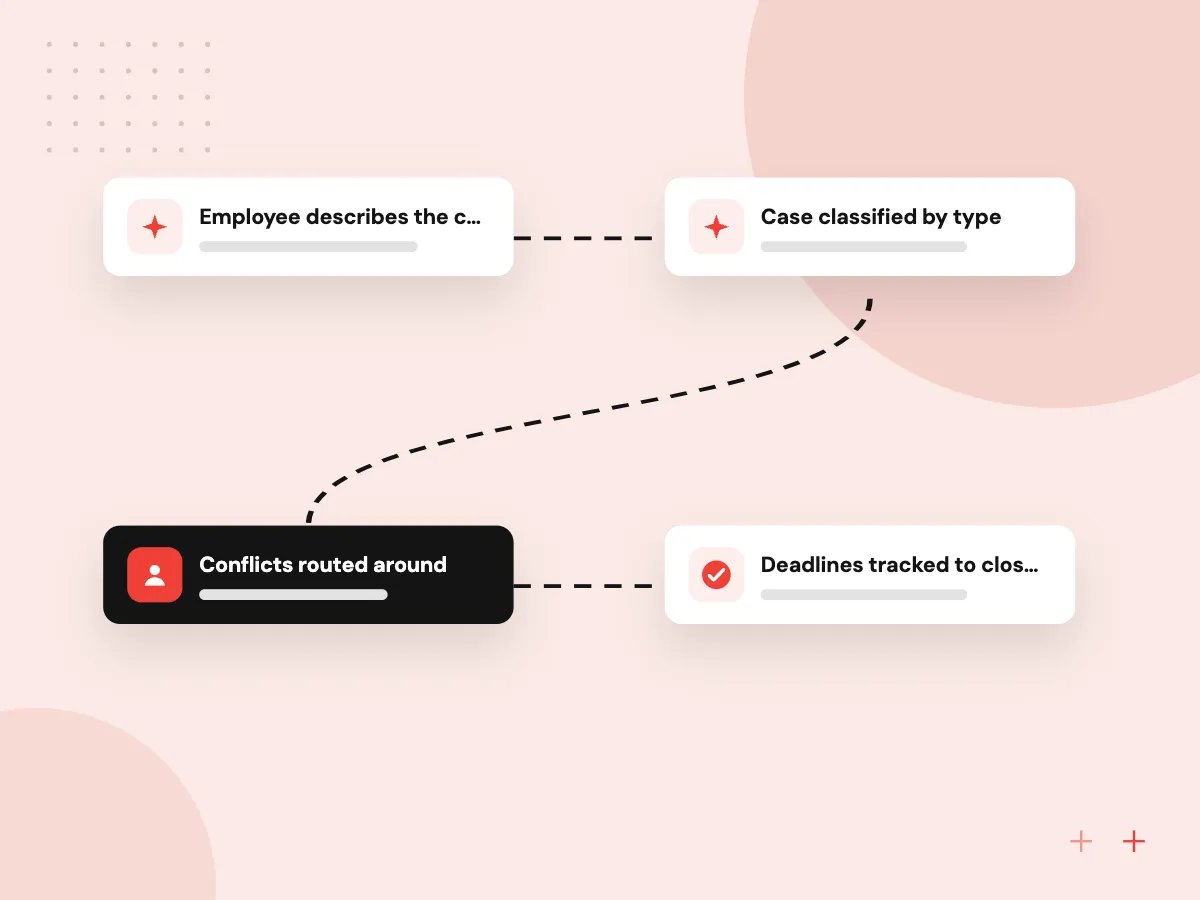
How an employee concern moves through an HR case system
From report to resolved case
- 01 Employee describes the concern A private chat or form collects the details in the employee’s own words.
- 02 Case classified by type AI tags topic and severity, then suggests the right specialist or policy.
- 03 Conflicts routed around Cases that involve HR staff go to someone without a conflict of interest.
- 04 Deadlines tracked to closure Escalation rules and due dates stop serious cases from stalling.
This flow mirrors the HR support platform built by our wider team, described on the case studies page.
Recruitment software development and AI for HR
HR and recruiting teams spend much of the week scheduling, chasing documents and answering the same policy questions. These tools take on that load.
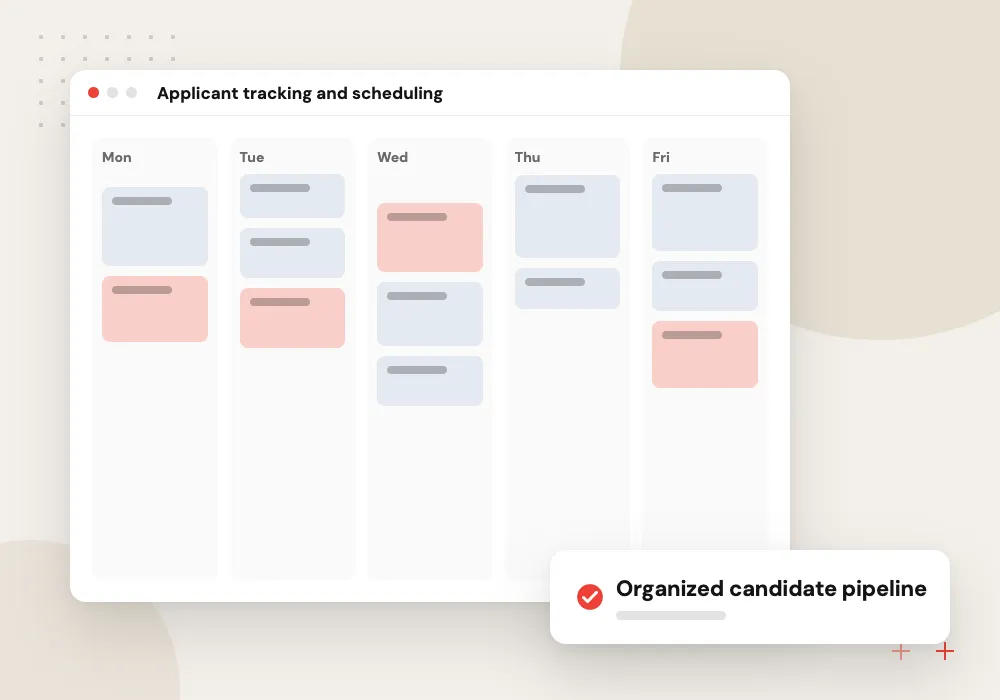
Applicant tracking and scheduling
Job posts, candidate pipelines, interview scheduling and scorecards, built new or connected to your current ATS.
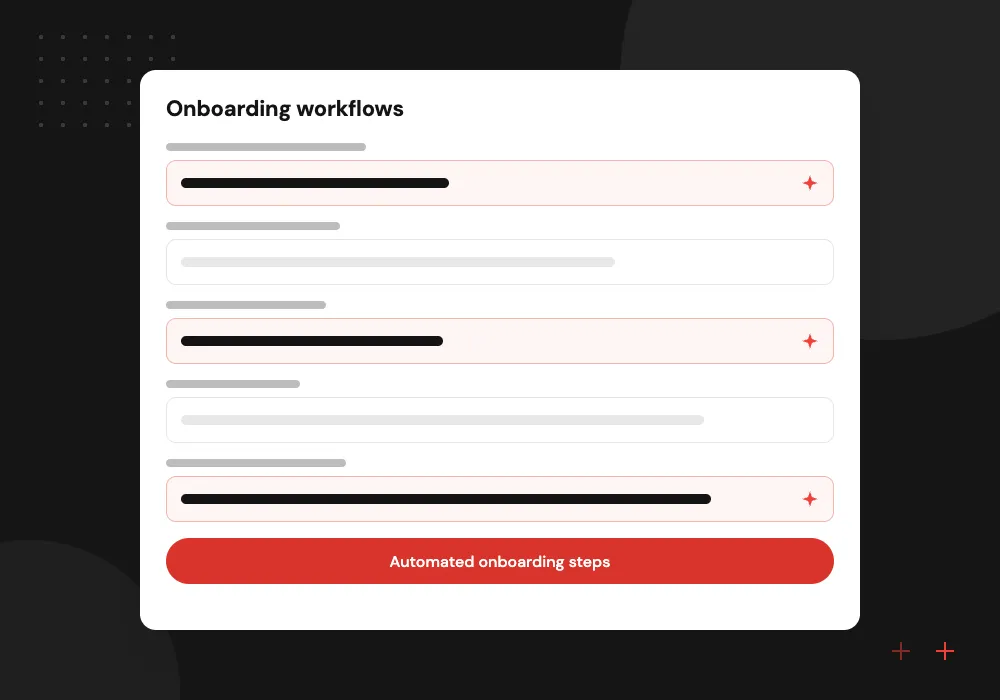
Onboarding workflows
Offer letters, document collection, equipment requests and first-week tasks triggered from one hire record.
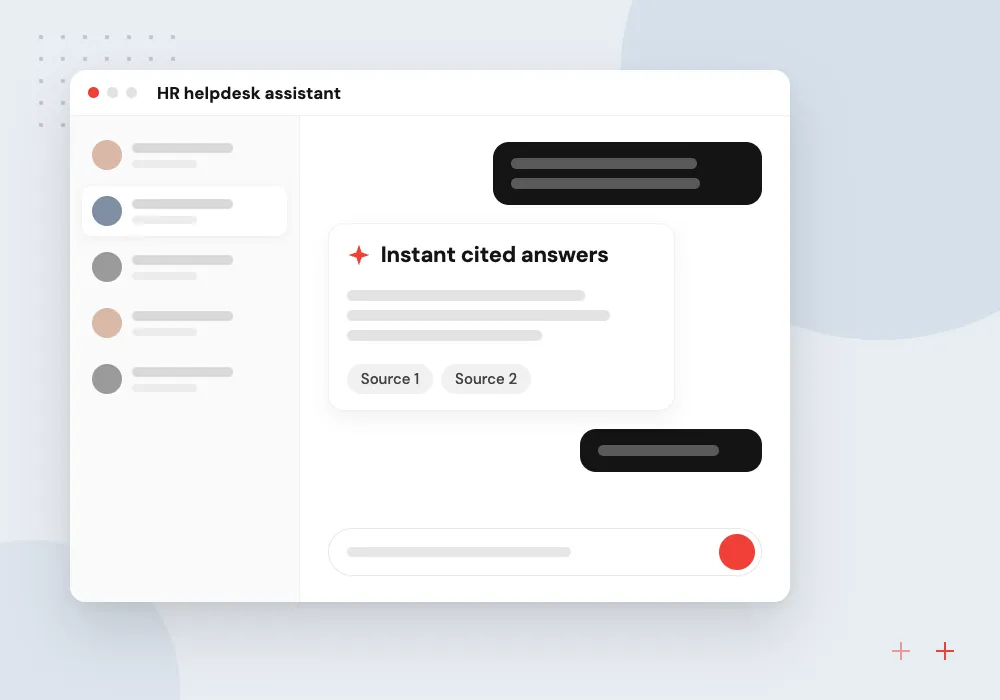
HR helpdesk assistant
An assistant answers leave, benefits and policy questions from your handbook and opens a case when needed.
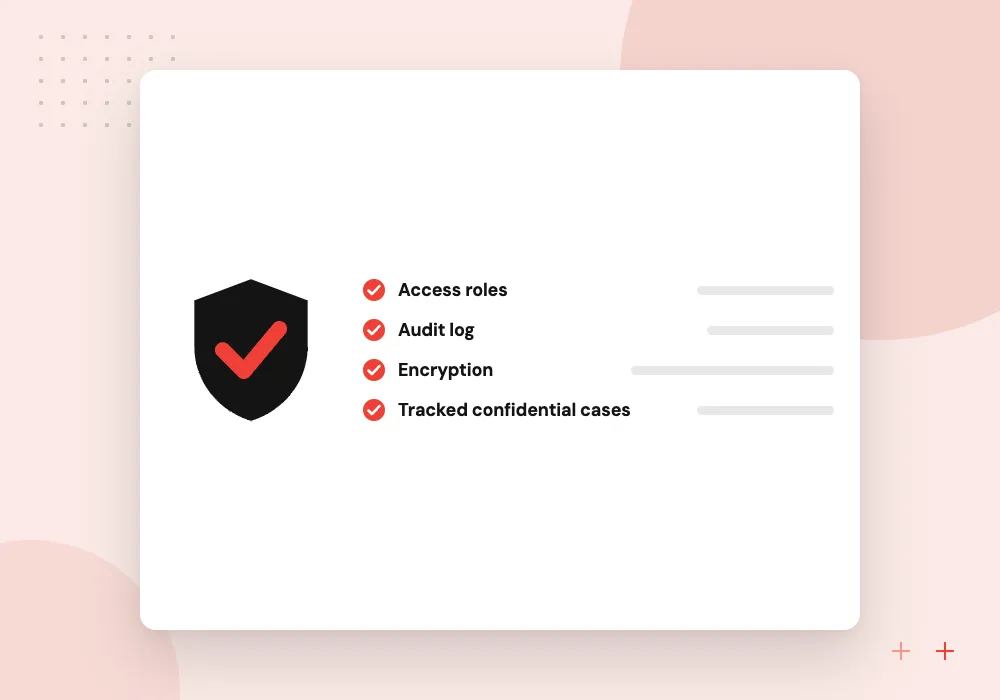
Employee case management
Confidential intake, routing, escalation and records for complaints, accommodation requests and workplace investigations in one place.
Onboarding that starts from one hire record
Once an offer is accepted, one record in your ATS or HRIS can set off the rest. We build flows that send the offer packet for signature, collect tax and identity forms, request a laptop and accounts from IT, and give the manager a first-week checklist.
What we do
- Offer packets sent for e-signature
- Document collection with reminders
- IT and equipment requests
- First-week checklist for managers
- Open items view for HR
Review and fairness checks for hiring AI
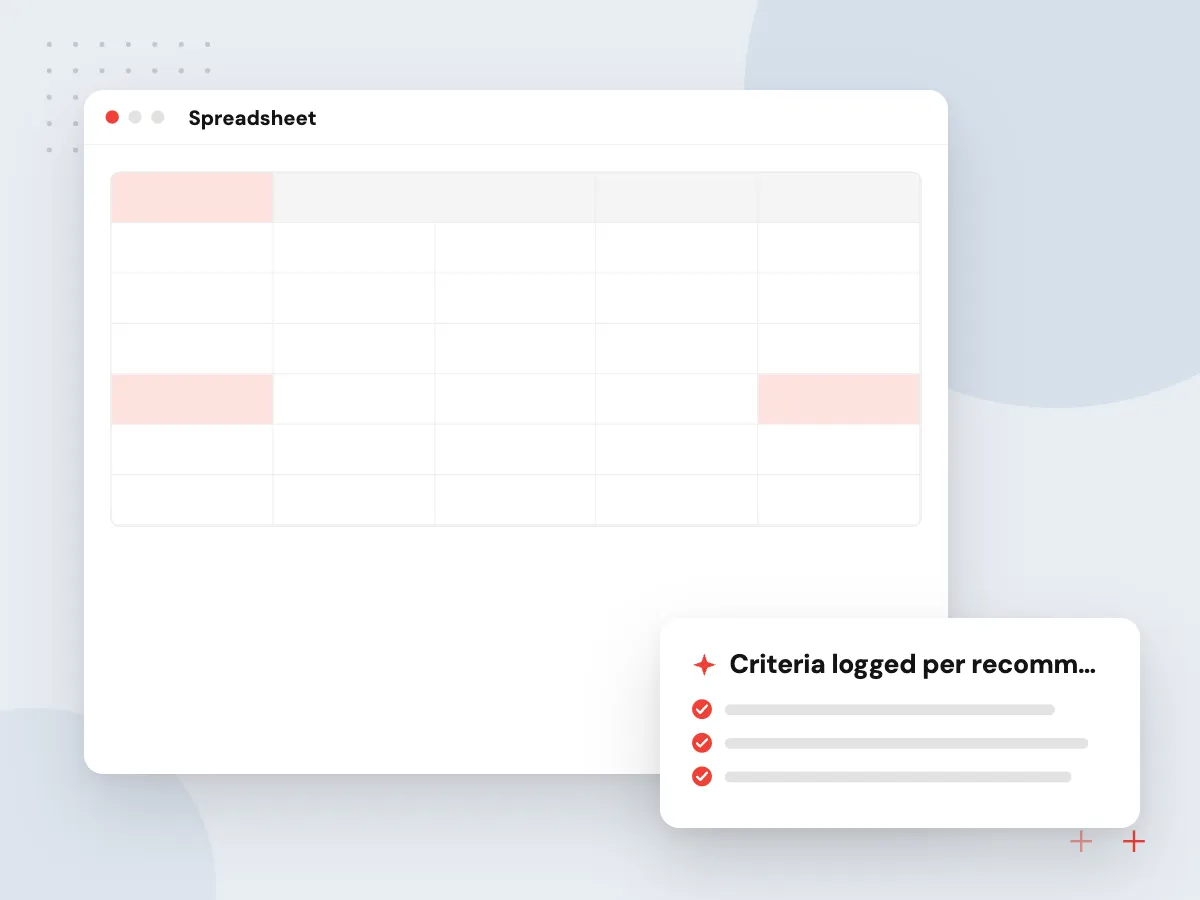
Any AI that ranks or summarizes candidates needs checks built around it. We record which criteria each recommendation used, compare outcomes across applicant groups on a set schedule, let recruiters override every suggestion, and keep the records your counsel needs for audit and notice rules where you hire.
What we do
- Criteria logged per recommendation
- Outcome comparison across applicant groups
- Recruiter override on every suggestion
- Retention periods for candidate data
- Records ready for bias audits

How we approach a project
AI for HR works best on questions and paperwork. A chatbot grounded in your handbook can answer leave and benefits questions, and document processing can read resumes and work authorization documents into structured fields. Hiring, pay and disciplinary decisions stay with people.
Hiring tools face specific rules. New York City, for example, does not allow an automated employment decision tool to be used unless it has had a bias audit within one year of use and candidates have been notified. Federal anti-discrimination law applies too, so screening features are designed with your counsel.
How we work
- People make employment decisions
- Sensitive cases stay private
- Hiring tools checked for bias
Our Process
-

Data and policy review
We list the employee data involved, retention rules, and who may see each case type.
-

Map the hiring or case flow
Every step from application or report to decision is drawn with its owner and deadline.
-

Test with HR on sample cases
HR staff check routing, wording and escalation on sample cases before any employee uses it.
-

Launch, audit and adjust
We monitor routing accuracy, response times and fairness checks, then refine rules and prompts.
Why Aranv for HR software
Access set by case type
Permissions follow case type and role, so a manager can see a leave request but not a harassment complaint, and cases naming HR staff go elsewhere.
Your HRIS remains the record
Employee data lives in your HRIS. Our tools read from it and write back through its API, so each person has one version of their details.
Answers that cite the handbook
The helpdesk assistant shows the handbook section behind each answer and passes the question to a person when it is personal or the policy is unclear.
Vendor access checked first
Before quoting, we confirm which API or partner program each ATS, HRIS and payroll vendor offers, since those terms decide what can be synced.
Planning HR Software Development?
Book a 30-minute conversation with the team that would build it.
HR software FAQs
-
Should we build HR software or buy an HRIS?
Buy an HRIS for core records, payroll and benefits, since these are mature products. Build when you need something they do not do well: a specialist recruiting workflow, a confidential case system, an internal helpdesk on your own policies, or an HR product you plan to sell.
-
Can AI screen job candidates fairly?
AI can sort and summarize applications, but it can also repeat bias found in past hiring data. We keep the final decision with recruiters, test outcomes across groups, document the criteria used, and follow local rules such as bias audit and candidate notice requirements.
-
Can you integrate with our ATS and payroll system?
Most applicant tracking, HRIS and payroll products offer APIs or partner programs. We confirm access with each vendor, then sync candidates, hires and employee changes so your team stops copying data between screens.
-
How is sensitive employee information protected?
We limit access by role and case type, encrypt data, log every view and change, and set retention periods with your HR and legal leads. Cases that involve HR staff themselves can be routed to someone outside the usual reporting line.
-
What drives the price of recruitment software development?
The biggest factors are how many systems must be integrated, whether candidates need their own portal or app, how much AI is involved and the hiring rules in the places you recruit. We give an estimate after a short discovery of your process and systems.
-
How do we start an HR project with Aranv?
Book a 30-minute conversation from our Contact page. Bring your current hiring or case process and the tools involved, and we will point out where software or AI would save the most time.

Let’s talk about your next step
Contact Aranv to discuss your workflow, current tools, and goals. Meet with our team or send an inquiry.
Book a meeting with our team
Choose an available date and time for a 30-minute conversation about your project.
Tell us about your project
Share a few details so we can discuss a useful next step.
Prefer email? sales@aranv.com