


What a PWA project includes
Aranv offers PWA development services for small and midsize businesses that want an app without the app stores. We build progressive web apps that install from the browser, open full screen, keep working on weak connections and send push notifications on iPhone and Android.
A progressive web app is a website with a web app manifest and a service worker, so browsers can install it, open it in its own window and run it offline. We build the front end in React, Vue or Next.js, depending on your current site and team, and connect it to your data through APIs.
The work covers touch-first screen design, an offline plan for each screen (what is cached, what is queued, what needs a connection), install prompts, push notifications, accessibility, performance budgets and hosting. Updates go live when you deploy, with no store review in between.
What turns a website into a PWA
Four parts of an installable web app
- 01 A web app manifest Name, icons and colors that let browsers install the site like an app.
- 02 A service worker A background script that caches screens and data so the app opens offline.
- 03 HTTPS on every page Service workers only run on secure origins, so hosting and certificates come first.
- 04 Push and badges Opt-in notifications and icon badges, including for iPhone Home Screen apps.
Every page still loads as a normal website for visitors who never install it.
Good uses for a progressive web app
A PWA fits when people use a tool often, need it on whatever device they have, and the features stay within what browsers allow.
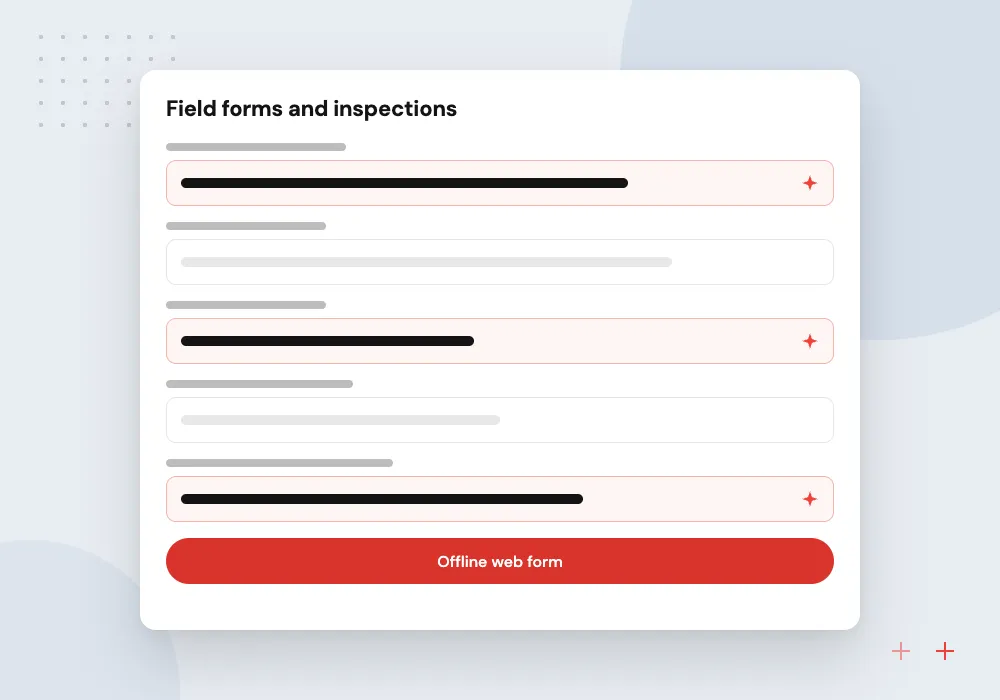
Field forms and inspections
Checklists that save on a tablet or phone with no signal and upload once the connection returns.
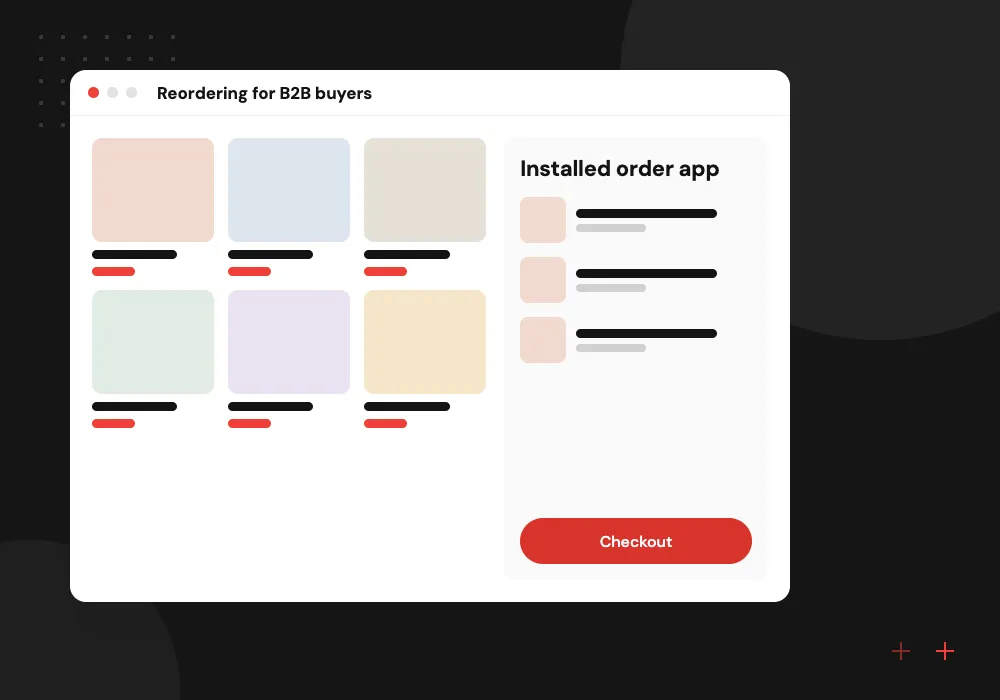
Reordering for B2B buyers
Repeat orders, price lists and order history on a buyer’s phone, without any store download.
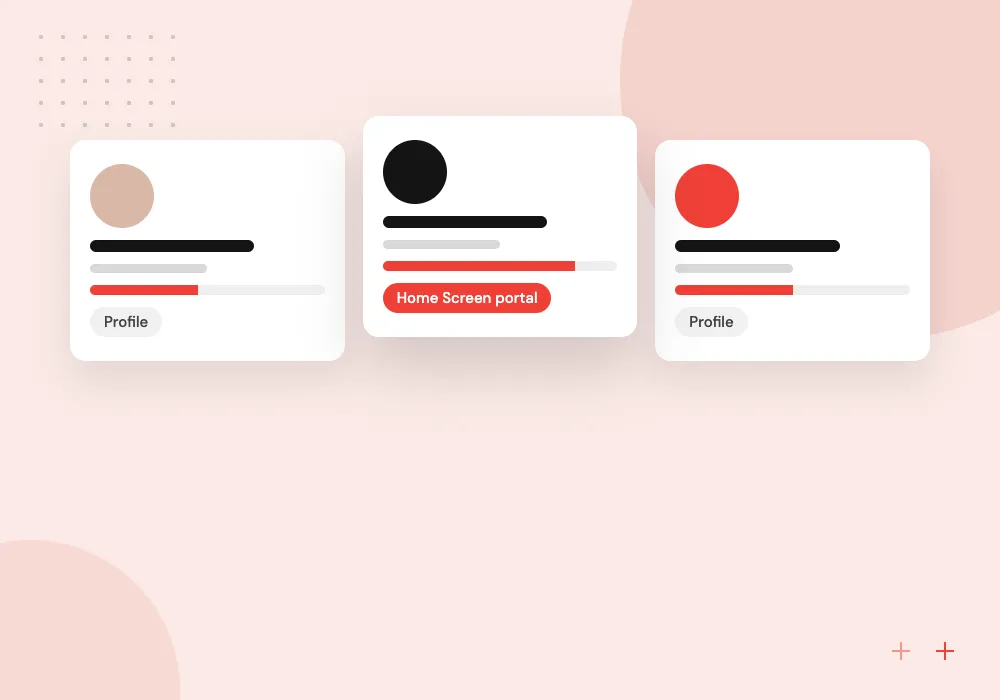
Staff portals
Shift schedules, announcements and leave requests for teams who will not install yet another store app.
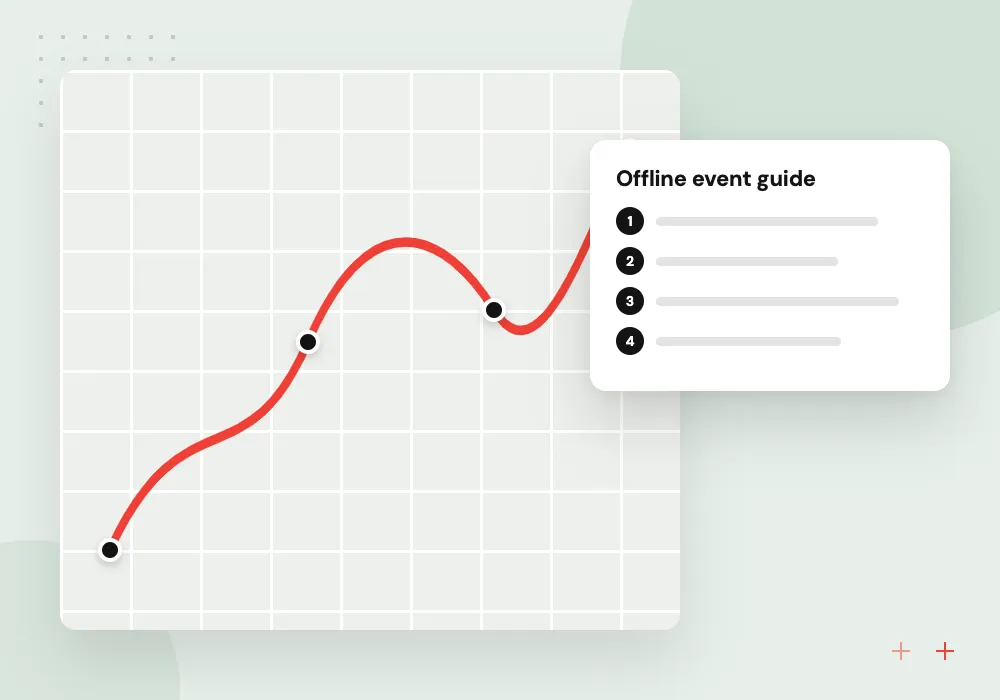
Event and venue guides
Maps, agendas and alerts for visitors who only need the information for a few days.
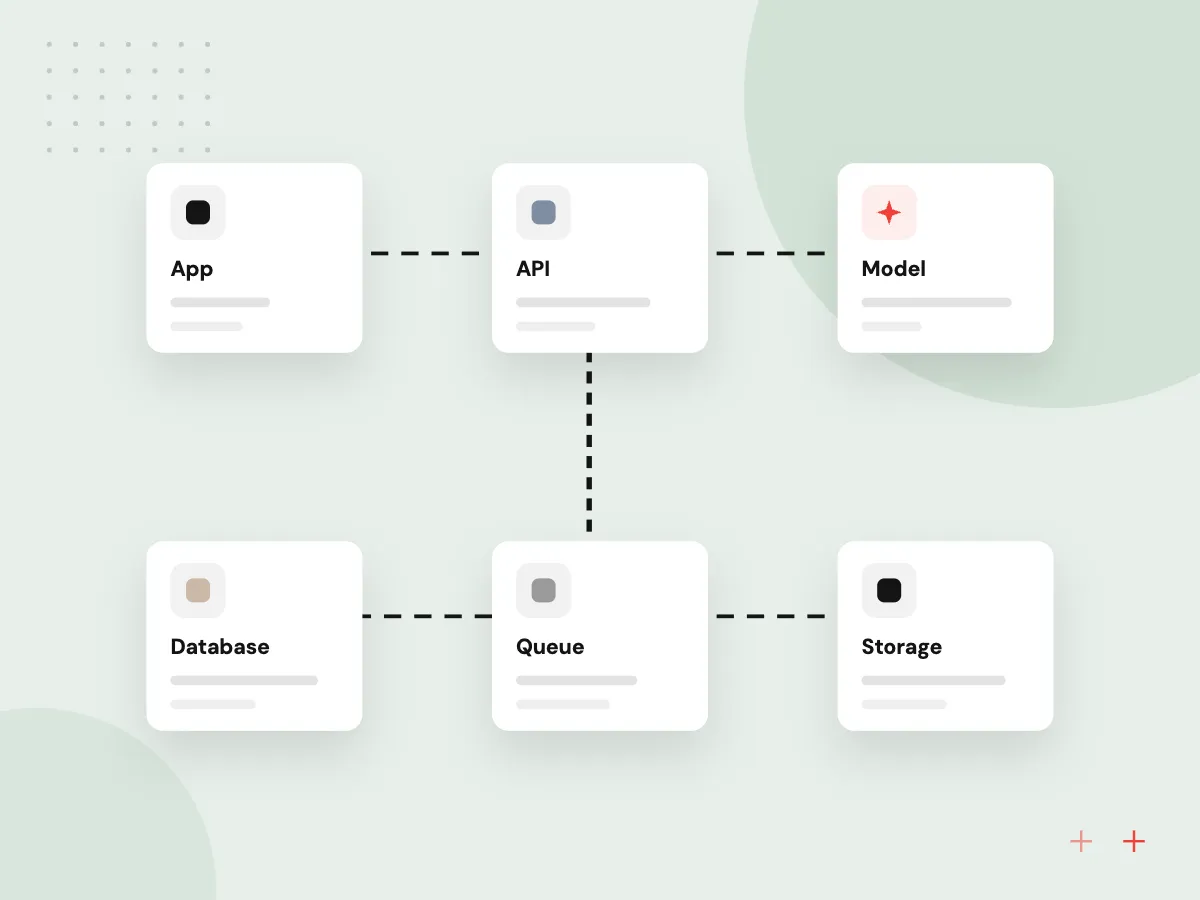
Offline sync and conflict handling
Offline work needs the most planning in a PWA. We decide per screen what is stored on the device, hold changes made without signal until the connection returns, and agree what happens when two people edit one record. Users can see which entries have not uploaded yet.
What we do
- Cache rules for each screen
- Queued changes sent on reconnect
- Conflict rules agreed with your team
- Pending-upload status for users
- Storage limits tested per browser
AI features inside a web app
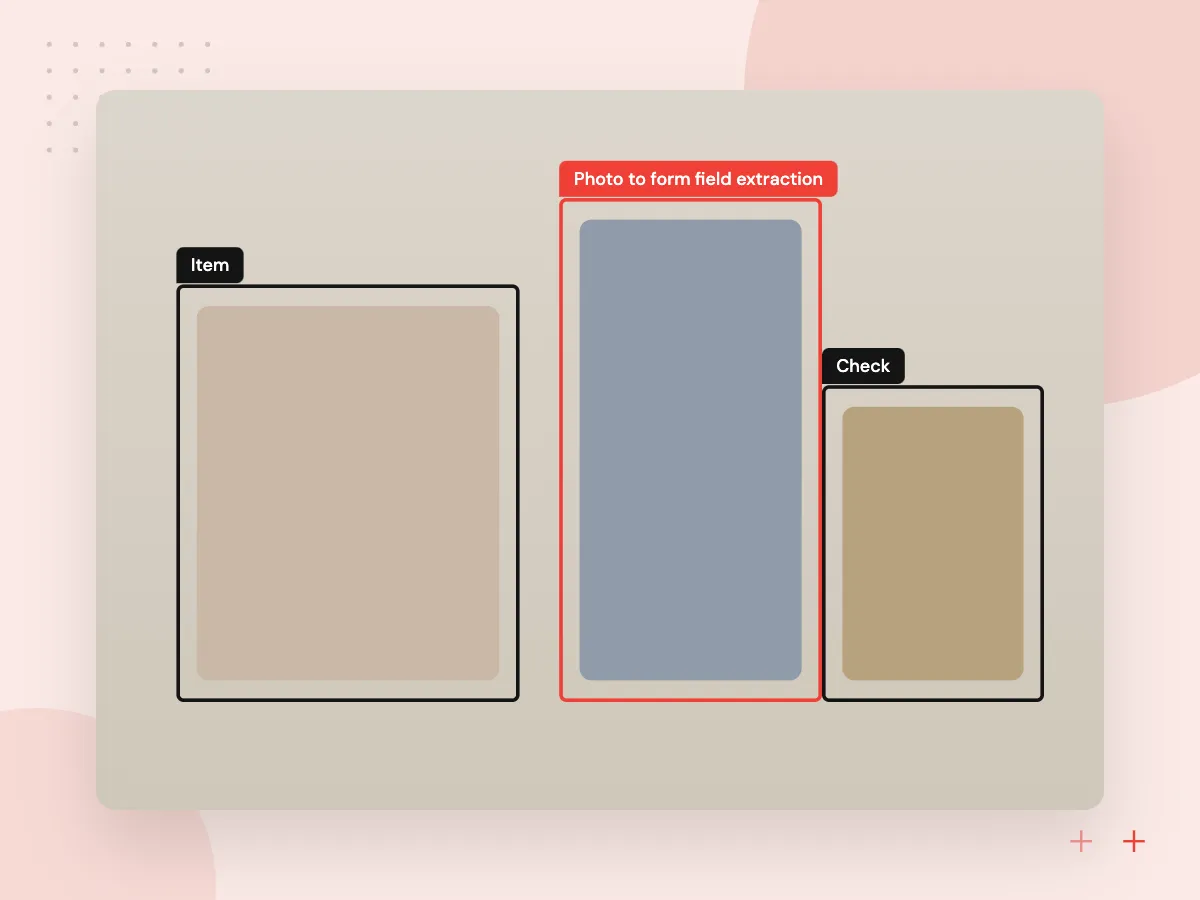
A PWA can call AI services through your server, just like any web app. We add features such as filling a form from a photo, turning voice notes into text, or a help assistant that answers from your manuals. Model keys stay on the server, and offline screens fall back to manual entry.
What we do
- Photo to form field extraction
- Voice notes transcribed to text
- Help assistant over your documents
- Model calls routed through your API
- Manual fallback when offline

How we approach a project
PWA vs native app. A PWA usually costs less to maintain because there is one codebase, and its pages can be found through search. A native app gets fuller access to device hardware, background tasks and store discovery. iPhone support has grown: Apple brought Web Push to Home Screen web apps with iOS and iPadOS 16.4, as the WebKit team announced. Some browser APIs, such as Web Bluetooth, are still missing from Safari.
If the app needs heavy device integration, compare our mobile app development options, including React Native. For larger browser-based systems, see web application development.
How we work
- One codebase for every device
- Offline before online
- Updates without store review
Our Process
-

Feature fit check
We test each must-have feature against what iPhone and Android browsers support today, before any design work.
-

Offline and caching plan
Each screen gets a rule for what is stored on the device, what syncs later and what needs a live connection.
-

Build and device testing
We test installation, offline mode and push on real iPhones, Android phones and desktop browsers.
-

Release and measure
We deploy, track installs, errors and load times, and ship updates as often as you need them.
Why Aranv for PWA development
Tested on real phones
Installation, offline mode and push are checked on actual iPhones and Android phones, since browsers behave differently from a desktop emulator.
A straight answer on fit
If a must-have feature relies on an API that Safari lacks, we say so before design starts and suggest a native or hybrid route.
Clear install guidance
iPhone users add web apps from the Share menu, so we build short in-app guidance that walks people through each step.
Updates that reach every install
We version the service worker so installed copies pick up your next deploy instead of serving old files from the cache.
Planning Progressive Web App Development Services?
Book a 30-minute conversation with the team that would build it.
PWA FAQs
-
What is the difference between a PWA and a native app?
A PWA runs in the browser and installs from a web page, while a native app is downloaded from the App Store or Google Play. PWAs usually cost less to build for every device and update instantly; native apps get deeper hardware access and a store listing.
-
Do progressive web apps work on iPhone?
Yes. iPhones can add web apps to the Home Screen, cache them for offline use and, since iOS 16.4, receive push notifications from installed web apps. Installing is done from the browser’s Share menu, so we design clear instructions into the app.
-
Can a PWA be listed in the app stores?
On Google Play, yes, by packaging it as a Trusted Web Activity. Apple applies stricter rules to apps that are mainly web content. Many businesses skip the stores and share a link or QR code instead.
-
Can you turn our existing website into a PWA?
Often, yes. If the site is already a modern web app, we add a manifest, a service worker and offline handling to what exists. If it is a content site on an older CMS, a separate PWA for the logged-in features is usually cleaner.
-
What affects the cost of a PWA?
How many screens there are, how much must work offline, how sync conflicts are resolved, push notifications, integrations and the browsers you must support. Offline sync is often the largest single cost driver.
-
Will a PWA help our search rankings?
A PWA is still a website, so its public pages can be indexed like any other. Fast loading and a good mobile experience help, but rankings also depend on your content and the links pointing to it.

Let’s talk about your next step
Contact Aranv to discuss your workflow, current tools, and goals. Meet with our team or send an inquiry.
Book a meeting with our team
Choose an available date and time for a 30-minute conversation about your project.
Tell us about your project
Share a few details so we can discuss a useful next step.
Prefer email? sales@aranv.com