


What Power BI consulting includes
Aranv offers Power BI consulting for small and midsize businesses: we connect ERP, CRM, accounting and spreadsheet data, build a clean data model and design Power BI dashboards that managers trust, with scheduled refresh, row-level security and training for the people who own the reports.
Work starts with questions, not charts. We meet the people who will use each report, list the decisions they make and the numbers behind them, and agree definitions with finance: what counts as revenue, when an order is late, which customers are active. Those definitions become DAX measures that every report shares.
Data comes in through Power Query, with the on-premises data gateway for sources such as a local SQL Server or ERP database. Where sources are messy or several systems must be joined, we add a small warehouse or a Microsoft Fabric layer first; our business intelligence page covers that wider data work. Systems without a ready connector are reached through API integration.
How a Power BI report is built
Sources, model, measures, report
- 01 Connect the sources ERP, CRM, accounting, SQL databases and SharePoint files through Power Query.
- 02 Model the data A star schema with clear fact and dimension tables and one shared date table.
- 03 Define the measures DAX measures for revenue, margin and targets, agreed with finance first.
- 04 Publish and secure Workspaces, refresh schedules and row-level security in the Power BI service.
Most report problems start in the model, so we spend time there before designing pages.
Power BI dashboards we build
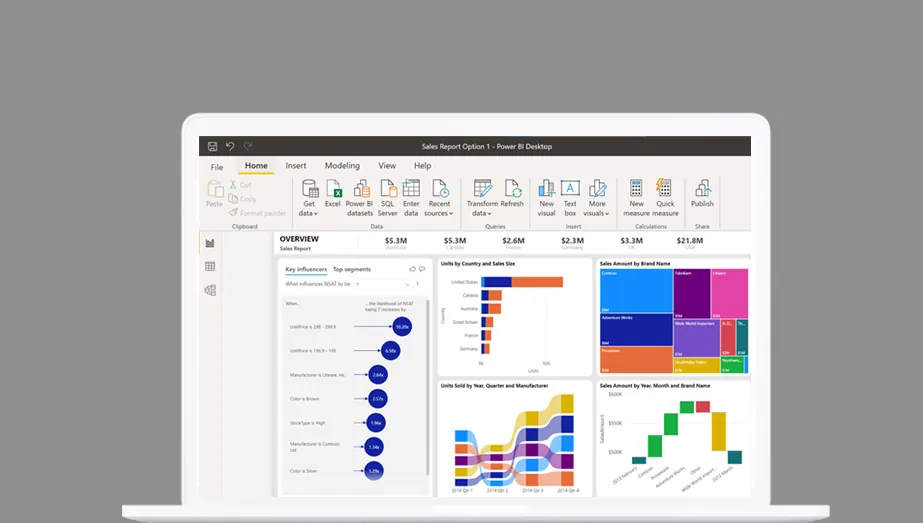
Each dashboard answers a short list of questions that a named person asks every week.
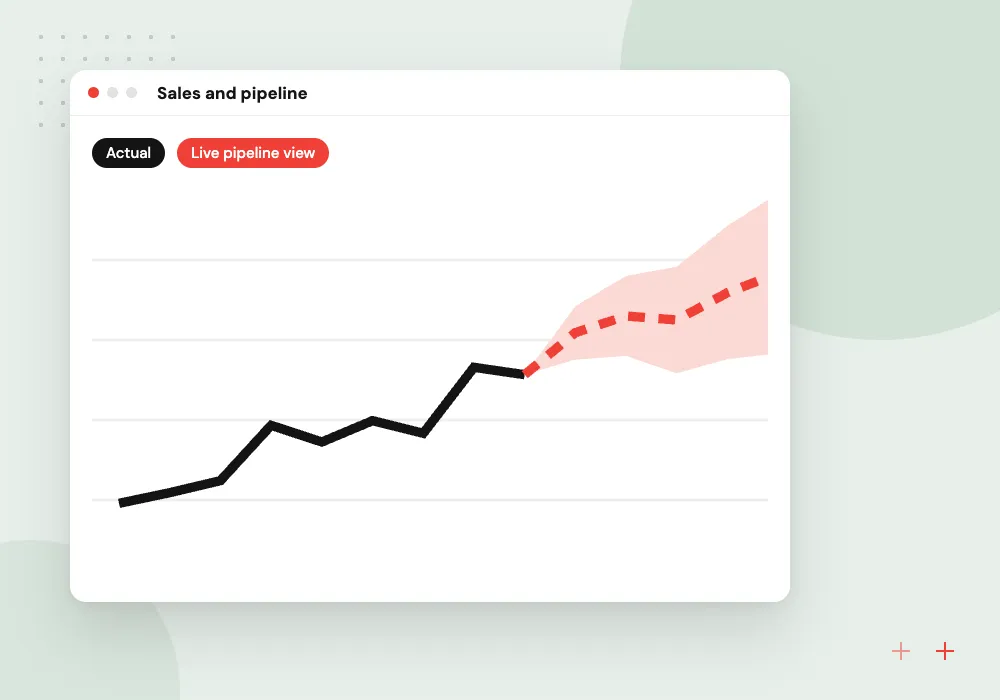
Sales and pipeline
Bookings, pipeline by stage and rep, and win rates from your CRM, with drill-down to each deal.
Finance and margin
Revenue, cost and margin by product, customer and month from your accounting or ERP system.
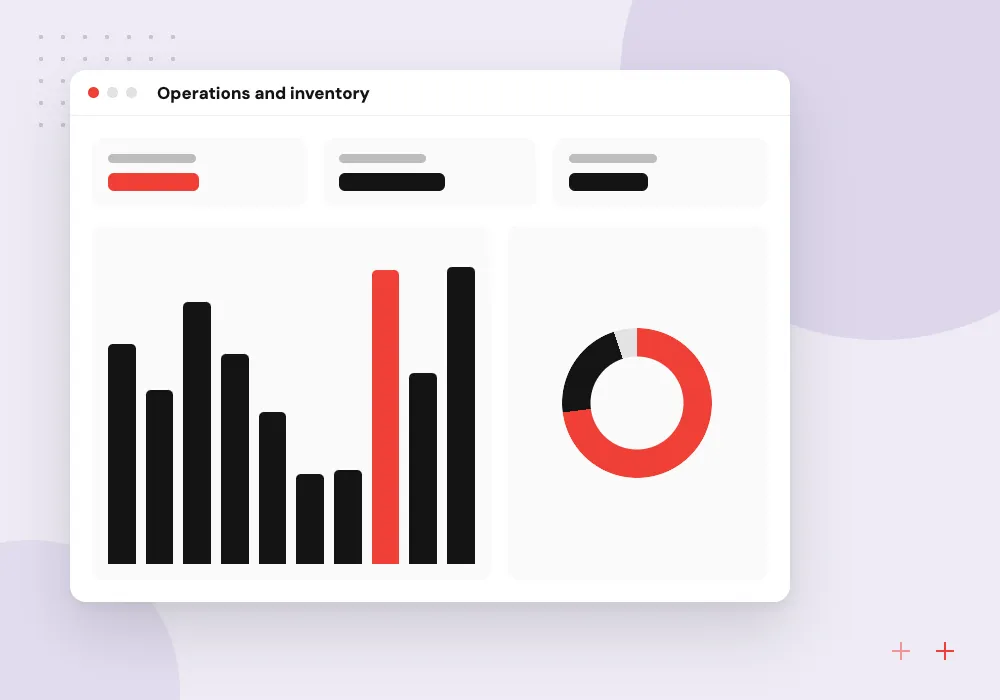
Operations and inventory
Stock levels, open orders, late shipments and supplier lead times together on one page.
Fixing slow reports
A Power BI developer reviews models that are slow or give disputed numbers, then rebuilds measures and relationships.
Gateway, refresh and security setup
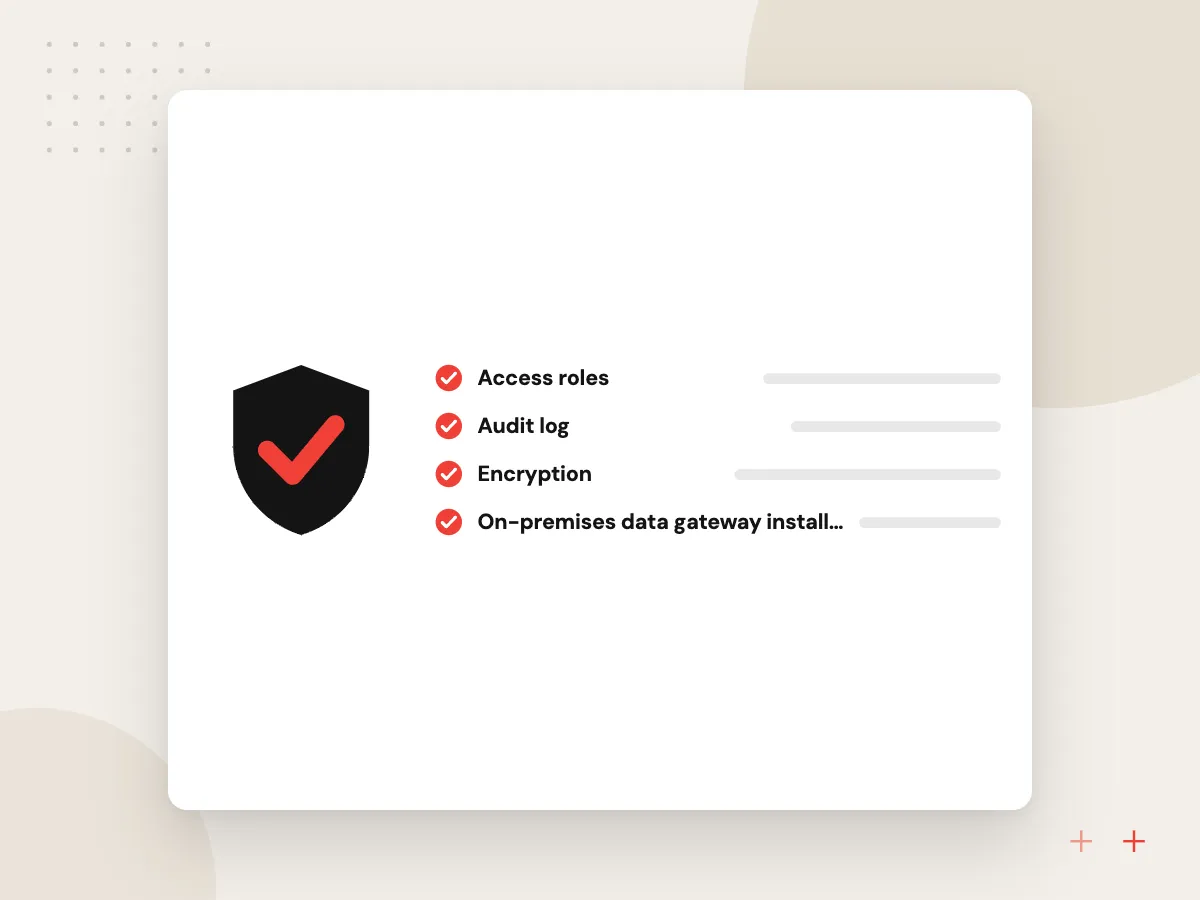
A dashboard earns trust when it refreshes on time and shows each person the right rows. We install the on-premises data gateway, set refresh schedules that fit your license and build row-level security roles, then test them with real user accounts.
What we do
- On-premises data gateway installation
- Refresh schedules and failure alerts
- Row-level security by region or branch
- Workspace roles and app audiences
- Setup notes your admin can follow
AI summaries and questions on your reports
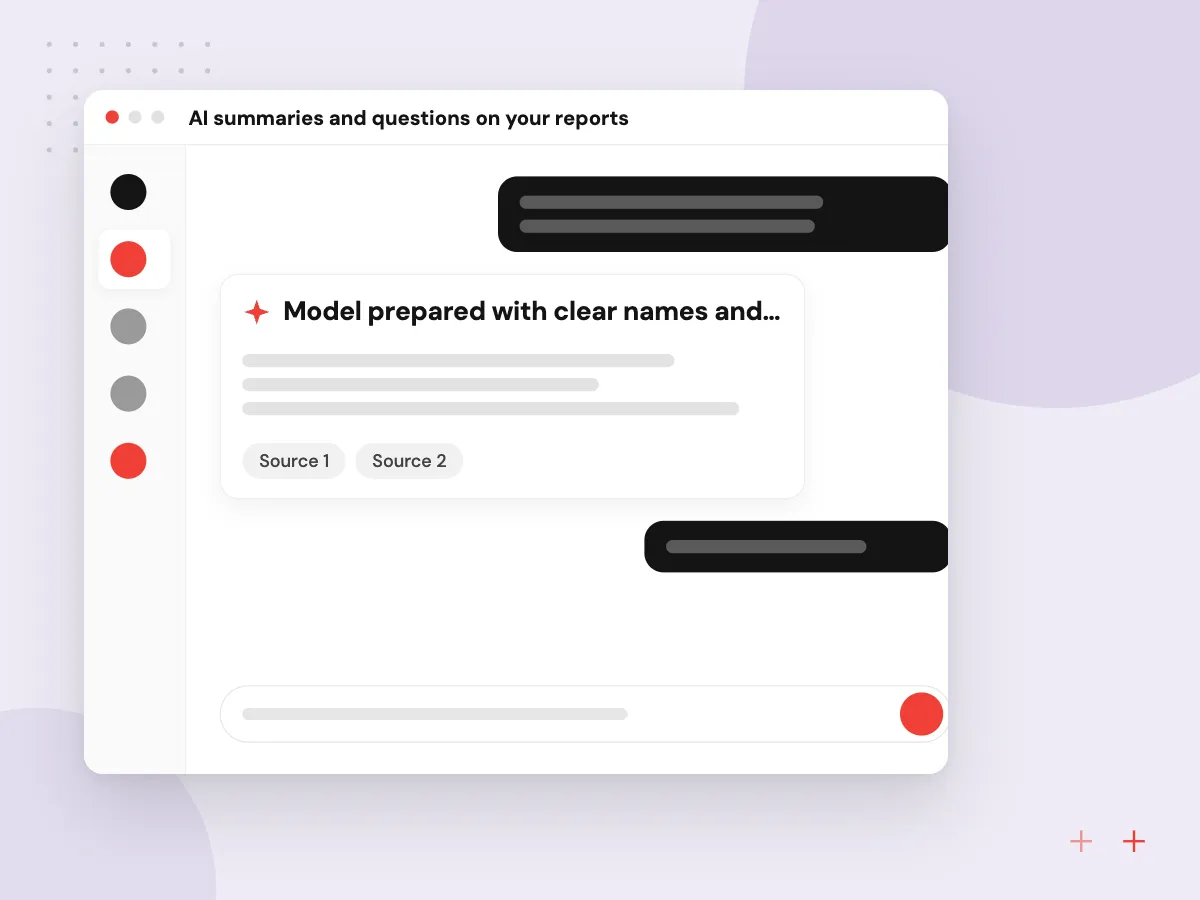
Once the measures are agreed, AI can work on top of them. We set up Copilot in Power BI where your license includes it, or build a custom assistant that answers from the same semantic model, so a question about margin returns the figure finance approved.
What we do
- Model prepared with clear names and descriptions
- Copilot setup where licensed
- Custom assistant over the semantic model
- Written summaries of monthly changes
- Answers checked against known totals
How we approach a project
Licensing shapes the design. Power BI Pro covers many small teams, while Premium Per User and Fabric capacity add larger models and more frequent refresh. That matters if managers expect figures that are close to live, so we explain the trade-offs before you buy licenses.
Security lives in the model. Row-level security limits each person to their region, branch or accounts, and workspace roles decide who edits and who only views. We document the model, measures and refresh setup so someone on your team can maintain them.
If you run Odoo, reports can read from its API or, when self-hosted, its database; see Odoo development. Once the model and definitions are reliable, plain-language questions through Copilot in Power BI or a custom assistant built with LLM integration become useful.
How we work
- One agreed definition per metric
- Model first, visuals second
- Reports your own staff can maintain
Our Process
-

Report workshop
Users, questions, metric definitions and data sources listed for the first dashboard.
-

Data model build
Power Query connections, a star schema and DAX measures checked against known totals.
-

Dashboard design and review
Pages built around the agreed questions, reviewed with users and adjusted before rollout.
-

Rollout and training
Workspace, app, refresh, security roles and a hands-on session for report owners.
Why Aranv for Power BI
Definitions settled before design
Finance and sales agree what each metric means before any page is drawn, so two managers opening the same report see one number.
Tested against trusted figures
Every measure is compared with numbers your team already relies on, such as last month’s closed books, before users see the dashboard.
Your tenant, your files
Reports, models and dataflows sit in your Microsoft tenant from the start, and the PBIX files and measure notes are yours at handover.
Light load on live systems
We pick connection methods and refresh times that keep heavy queries out of busy hours, so reporting does not slow the ERP staff use all day.
Planning Power BI Consulting Services?
Book a 30-minute conversation with the team that would build it.
Power BI FAQs
-
What does a Power BI consultant do?
A Power BI consultant connects your data sources, builds the data model and measures, designs dashboards and sets up publishing, refresh and security. A good one also gets managers to agree metric definitions, because most disputed reports come from two teams counting the same thing differently.
-
Should we hire a Power BI developer or use a consultant?
A full-time Power BI developer makes sense when you have a steady flow of new reports. A consultant suits a first rollout, a rebuild of slow or wrong reports, or a team that needs a solid model and training before taking over. Some companies use both.
-
How long does a first Power BI dashboard take?
It depends on how clean and reachable your data is. A dashboard on one well-structured source is a small project; several systems with inconsistent customer or product codes take longer because records must be matched first. We estimate after the report workshop.
-
Which Power BI license do we need?
Report authors and most viewers need Power BI Pro, unless the content sits on a capacity large enough to let free users view it. Premium Per User adds bigger models and more refreshes. We recommend licenses once we know who views what and how fresh the data must be.
-
Can Power BI connect to Odoo or our own database?
Yes, through built-in connectors, a database connection or an API. Odoo can be reached through its API, or its PostgreSQL database when self-hosted. We pick the method that keeps refresh reliable and avoids heavy load on your live system.
-
Who keeps the reports after the project?
You do. Reports and models are published in your own Microsoft tenant, and the source files, measure definitions and documentation are handed over, so your team can change them later without us.

Let’s talk about your next step
Contact Aranv to discuss your workflow, current tools, and goals. Meet with our team or send an inquiry.
Book a meeting with our team
Choose an available date and time for a 30-minute conversation about your project.
Tell us about your project
Share a few details so we can discuss a useful next step.
Prefer email? sales@aranv.com