


What a cloud migration includes
Aranv provides cloud migration services for small and midsize businesses moving servers, databases and business applications to AWS, Microsoft Azure or Google Cloud: a full inventory and plan, rehearsed moves with a rollback path, and cost controls so the monthly bill matches the estimate.
Discovery comes first. We record each server and application, what it depends on, who uses it, how much data it holds and how long it can be offline. That inventory sets the order of moves, the target services and the cost estimate.
Each workload gets its own path. Rehost moves a server largely as it is. Replatform swaps parts for managed services, such as a hosted database in place of a self-run one. Refactor changes the application to use cloud services more fully, which overlaps with legacy application modernization. Some systems are better replaced by SaaS or retired. AWS describes these options in its migration strategies guide.
How a migration is staged
Inventory, plan, move, tune
- 01 List every workload Servers, databases, file shares, scheduled jobs and every system that calls them.
- 02 Pick a path per application Rehost, replatform, refactor, replace with SaaS, keep in place or retire.
- 03 Rehearse, then cut over A trial run, a timed cutover window and a written rollback plan.
- 04 Tune cost and performance Right-size resources, set budgets and alerts, and switch off what sits idle.
Not every workload should move. Some stay where they are, and some are switched off.
Common cloud migration projects
Most migrations start with a deadline: an expiring hosting lease, aging hardware or an operating system losing support.
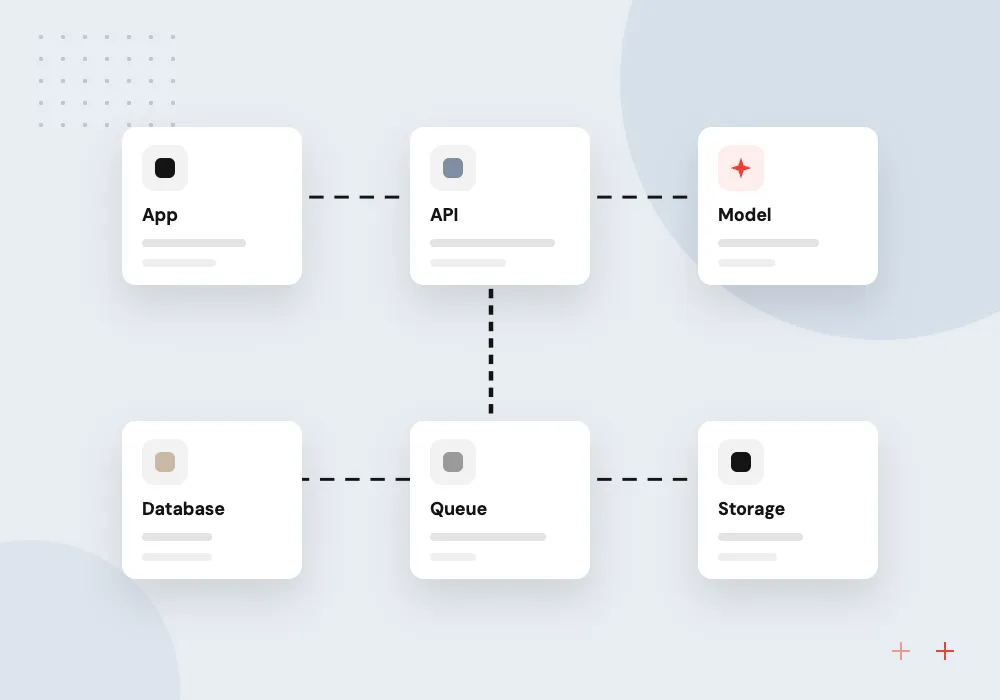
AWS migration of office servers
File, application and database servers moved to EC2 or managed services, with backups and access rebuilt.
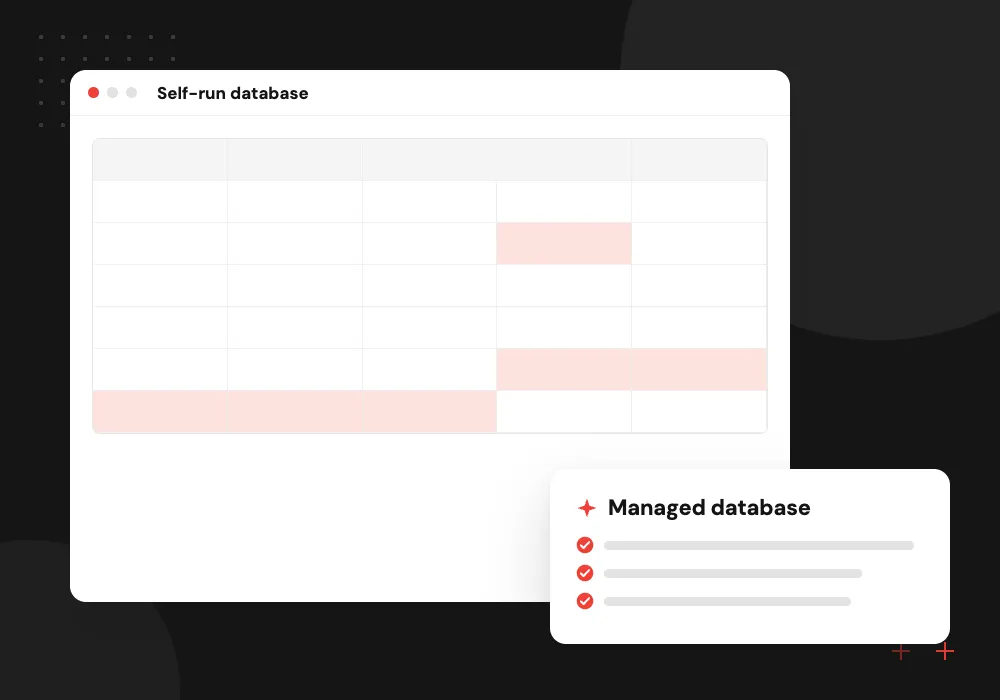
Database moves
SQL Server, MySQL or PostgreSQL moved to a managed database service, kept in sync until a verified cutover.
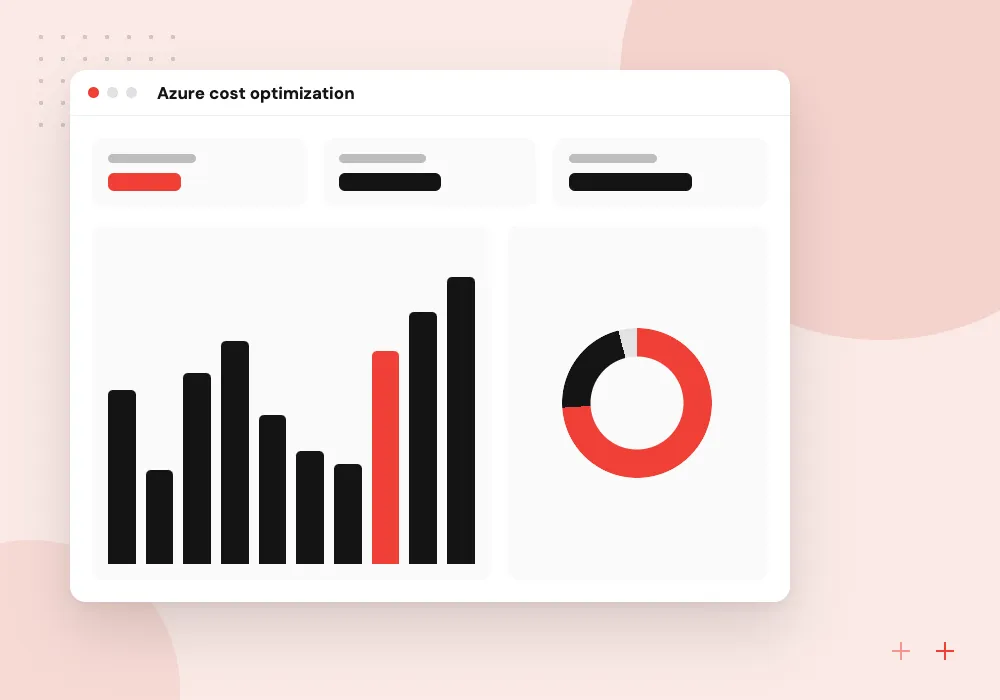
Azure cost optimization
A review of an existing Azure bill: idle resources, oversized machines, reservations and Hybrid Benefit eligibility.
Aging Windows servers
Workloads on Windows Server 2016 or older moved before support ends, upgraded or rebuilt on the way.
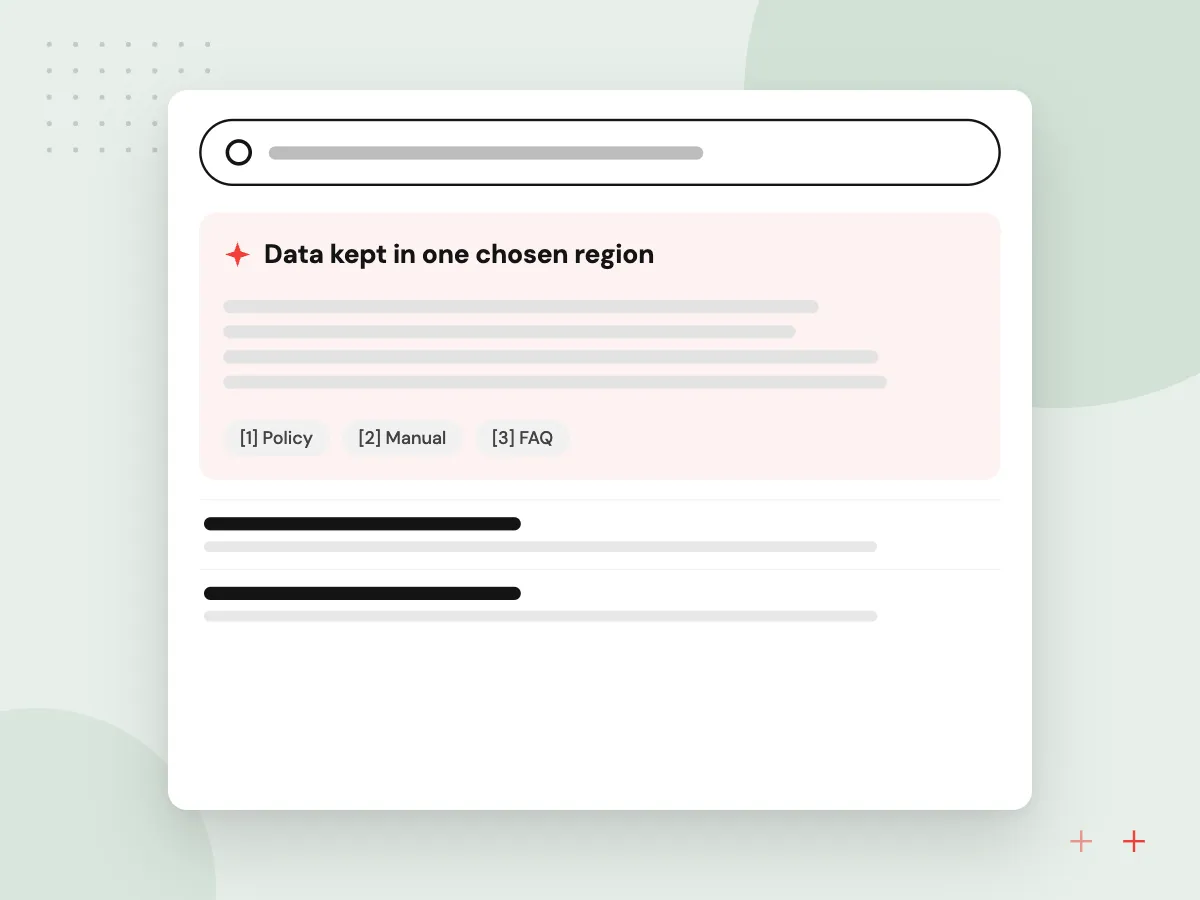
Ready for AI services after the move
Once your data sits in AWS, Azure or Google Cloud, managed AI services such as Amazon Bedrock, Azure OpenAI or Vertex AI are close at hand. We plan the landing zone so a later AI project can read your documents and databases in the same region, under the same access rules and budgets.
What we do
- Data kept in one chosen region
- Access roles ready for AI services
- Budget alerts for model usage
- Document storage an AI tool can index
- Logs for prompts and responses
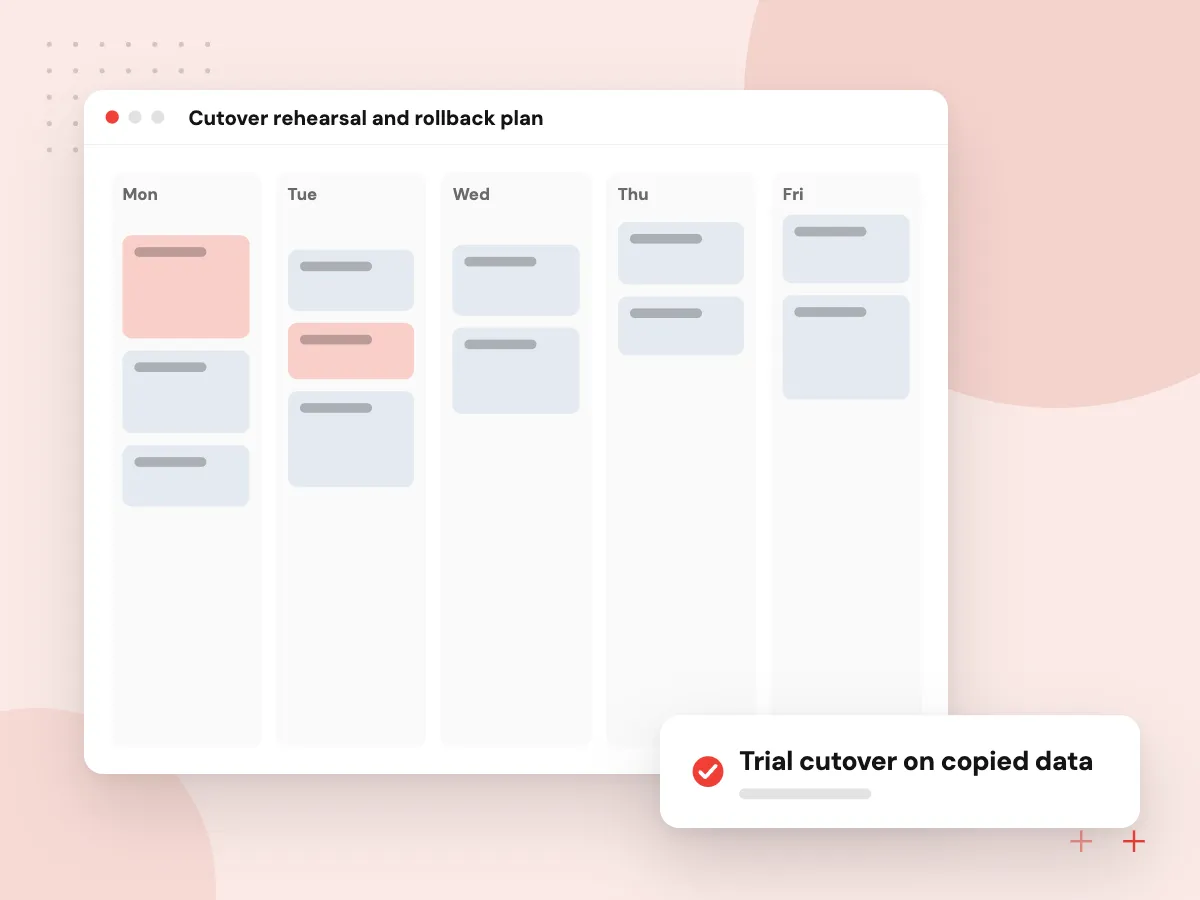
Cutover rehearsal and rollback plan
Before the real move, we run the cutover on a copy: data is synced, the application starts in the cloud, staff test their daily tasks and we time every step. The written runbook lists who does what during the window and the exact point at which we roll back if checks fail.
What we do
- Trial cutover on copied data
- Timed runbook with named owners
- Test checklist for key staff tasks
- Rollback trigger agreed in advance
- DNS and access changes scheduled

How we approach a project
Security is rebuilt, not copied. Identity and roles, network rules, encryption, backups and logging are set up in the new environment before any data moves, and restores are tested, following the practices of our DevOps services.
Cost is part of the plan. We estimate monthly spend per workload before the move, tag resources so the bill reads by system or department, and set budget alerts. Steady workloads can use commitment discounts: reservations, savings plans and Azure Hybrid Benefit on Azure where your licenses qualify, and Savings Plans or Reserved Instances on AWS.
Migration is one part of our cloud computing services. If Odoo runs on an old server, the move can be combined with an Odoo version upgrade.
How we work
- Inventory before any move
- A rollback path for every cutover
- Cost visible from day one
Our Process
-

Assessment
Inventory, dependency map, downtime limits and a monthly cost estimate for each workload.
-

Landing zone
Accounts, identity, networking, backups and logging built in the target cloud first.
-

Pilot, then waves
Move a low-risk system first, then the rest in planned groups with tested rollbacks.
-

Optimize and hand over
Right-size, review the first bills, document the setup and train your team.
Why Aranv for cloud moves
Your accounts from the start
The cloud subscription, billing and admin access sit in your organization’s name, and we work through roles you can remove when the project ends.
A path chosen per workload
A database that suits a managed service is not simply copied onto a virtual machine because that would be quicker for us. Each system gets the option that fits it.
Bills checked after the move
We compare the first monthly invoices with the estimate, explain any gap and resize or switch off resources before the extra cost becomes routine.
Setup written down as code
Networks, roles and servers are defined in templates where it makes sense, so the environment can be rebuilt, reviewed or handed to another team.
Planning Cloud Migration Services?
Book a 30-minute conversation with the team that would build it.
Cloud migration FAQs
-
How much do cloud migration services cost?
It depends on the number of workloads, the volume of data, how much each application must change and how little downtime you can accept. Rehosting a few servers is far smaller than refactoring a core system. We estimate after the assessment, along with your expected monthly cloud bill.
-
Should we choose AWS or Azure?
If your business runs on Microsoft 365, Windows Server and SQL Server, Azure often fits licensing and sign-in more easily. AWS offers a very broad range of services and a large pool of engineers. Google Cloud suits some data and analytics work. Existing skills and contracts usually decide it.
-
Will there be downtime during the move?
Usually a short, planned cutover window. Data is copied and kept in sync ahead of time, so the final switch covers only the last changes and DNS updates. Systems that cannot stop use replication and a staged switch. The window is agreed with you in advance.
-
Is the cloud always cheaper than our own servers?
No. Steady workloads on paid-off hardware can cost less on premises. The cloud saves money when you stop paying for idle capacity, hand routine upkeep to managed services and resize after the move. You see the expected monthly cost before deciding.
-
How do you reduce an existing Azure or AWS bill?
We read usage reports and tags, remove idle resources, resize oversized machines and databases, move old data to cheaper storage tiers, stop test systems overnight and apply commitment discounts where usage is steady. Each change is listed with its expected effect before it is made.
-
What do you need from us?
Admin access to current servers, someone who knows the business systems, contacts for any licensed software vendors and agreement on acceptable downtime. The cloud account should belong to your organization; we can help create one in your name.

Let’s talk about your next step
Contact Aranv to discuss your workflow, current tools, and goals. Meet with our team or send an inquiry.
Book a meeting with our team
Choose an available date and time for a 30-minute conversation about your project.
Tell us about your project
Share a few details so we can discuss a useful next step.
Prefer email? sales@aranv.com