


What API development and integration covers
Aranv provides API integration services and custom API development for growing businesses. We connect your CRM, ERP, accounting, payment and shipping systems so orders, customers and stock levels move between them automatically, and we build documented APIs that partners and apps can rely on.
Every integration starts with a data map: which system owns each field, what triggers a sync and what happens when two systems disagree. We write that down before coding, because many integration bugs are really unanswered business questions, such as which address wins when a customer edits it in two places.
For the build we use each vendor’s official APIs and webhooks where they exist, queue messages so one slow system cannot hold up the rest, and retry failures, raising an alert when a record needs a person. Credentials live in a secrets store, and each connection gets only the permissions it needs.
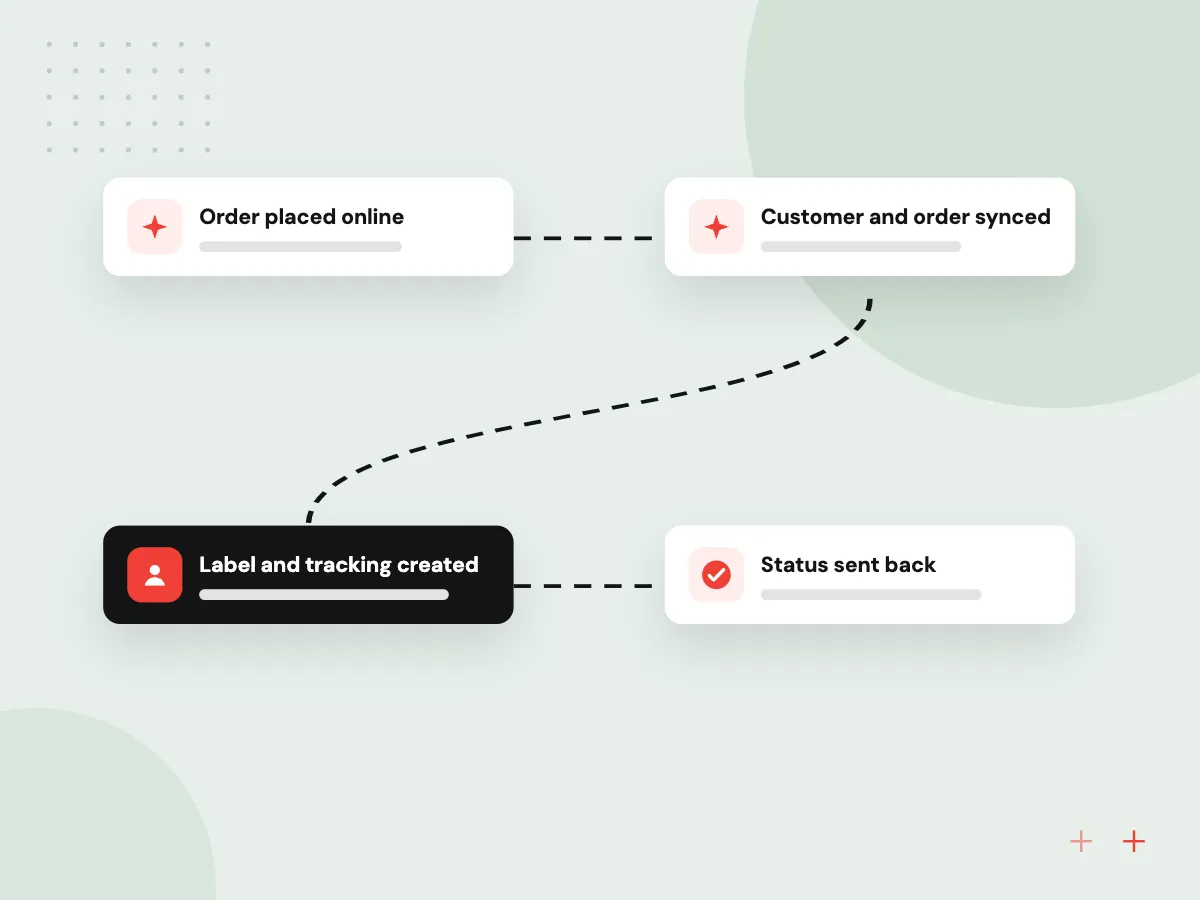
How an integration carries one order
One order, four systems
- 01 Order placed online The store sends a webhook the moment a customer pays.
- 02 Customer and order synced The CRM and ERP receive the record, matched to an existing account.
- 03 Label and tracking created The shipping carrier’s API returns a label and a tracking number.
- 04 Status sent back Tracking and invoice details flow back to the store and on to the customer.
Each hop is logged and retried, so a short outage delays a record instead of losing it.
Third-party integrations we connect
Most integration work links systems you already pay for, so staff stop copying data from one screen to another.
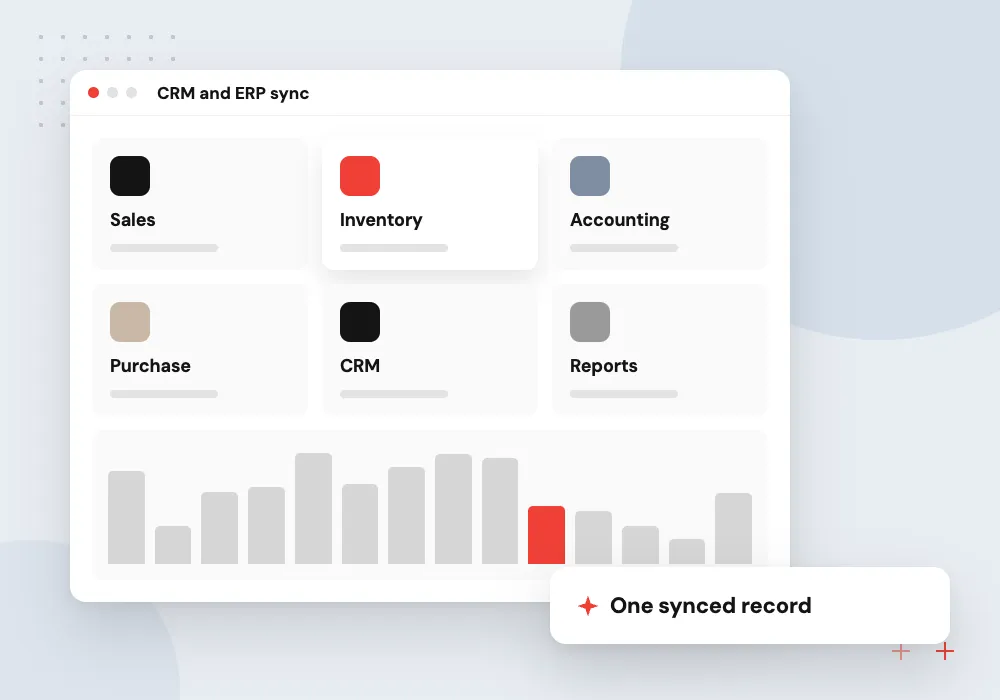
CRM and ERP sync
Customers, quotes, orders and invoices kept consistent between your CRM, ERP and accounting package.
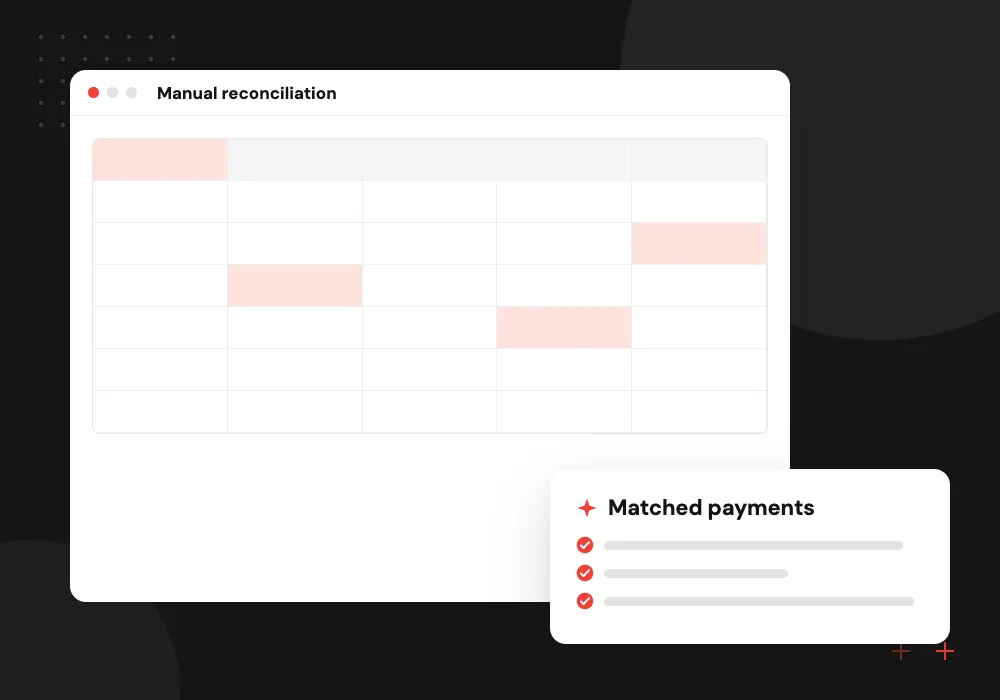
Payments
Payment gateways tied to orders and invoices, with refunds and failed charges reflected in your books.

Shipping and logistics
Carrier and 3PL APIs for rates, labels and tracking, triggered from the order instead of a separate portal.
Partner and public APIs
Your own REST API, so customers, suppliers or mobile apps can read and send data under clear rules.
AI steps inside an integration
Some data arrives as free text: an emailed purchase order, a supplier’s PDF price list or a note typed into a support ticket. An integration can pass that text to a language model, get back fields in a fixed format, validate them like any other input and hold doubtful records for a person.
What we do
- Fields read from emailed orders
- Free-text notes sorted into categories
- Schema checks on every model output
- Review queue for uncertain records
- APIs scoped for AI agent access
Monitoring and the error queue
Integrations fail in small ways: an expired token, a renamed field, a vendor outage. Every message is logged with its source, target and result, failed records wait in a queue with the reason attached, and an alert reaches a named person when errors pass a level you set.
What we do
- Searchable message log
- Error queue with one-click replay
- Alerts by email or team chat
- Daily sync summary
- Reminders before credentials expire


How we approach a project
As an API development company, we design new APIs contract first and describe them in the OpenAPI Specification, so partners can generate client code and test against a mock before the real service is ready. Back ends are usually written in Node.js or Python, with versioning so existing consumers keep working.
Integration is often one part of a larger custom software development or Odoo customization and integration project. If your staff retype data between systems, list those systems and book a 30-minute integration review on our contact page.
How we work
- Every message logged
- Retries, not silent failures
- Documented before it is built
Our Process
-

Field-level data map
Agree the owning system, the trigger and the conflict rule for each shared field.
-

Sandbox connections
Connect to each vendor’s test environment and replay real examples safely.
-

Build with logging
Write the sync, queue and retry logic, with a log entry for every message.
-

Cutover and watch
Run the initial data load, switch on live sync and check the error queue closely in the first weeks.
Why Aranv for integrations
Business rules agreed first
Ownership of each field and the rule for conflicts are signed off by the people who use the data, so the code reflects decisions rather than guesses.
Sandbox tests with real examples
Each connection is proven in the vendor’s test environment with copies of real orders, customers and refunds before any live data moves.
Documentation you keep
Data maps, OpenAPI descriptions and a runbook for common errors are handed over, so your team or another developer can support the integration later.
Upkeep when vendors change
Vendors retire API versions and alter webhooks on their own schedule. Support plans track those notices and update connections before the old version is switched off.
Planning API Development and Integration?
Book a 30-minute conversation with the team that would build it.
API integration FAQs
-
What do API integration services include?
Mapping data between systems, building connections through each vendor’s API or webhooks, handling errors and retries, monitoring, and documenting how it all works. Ongoing support covers vendor API changes, which happen regularly and can quietly break an integration nobody is watching.
-
Can you integrate a system that has no API?
Often, yes. Options include scheduled file exports over SFTP, reading from a database replica, parsing emails or, as a last resort, browser automation. These are less reliable than a real API, so we add extra checks and plan to replace them when the vendor offers something better.
-
Should we use Zapier or custom integration code?
Platforms such as Zapier or Make suit simple, low-volume flows that a non-developer can look after. Custom code fits high volumes, complex business rules, or data you would rather not pass through another vendor. Many businesses use both, and we can advise where the line should sit.
-
What is the difference between a REST API and a webhook?
With a REST API, your system asks another one for data or sends it a change. A webhook works the other way around: the other system calls you when something happens, such as a payment or a new order. Good integrations use webhooks for speed and scheduled API checks to catch anything missed.
-
How do you keep integrations secure?
Each connection has its own credentials with the narrowest permissions the vendor allows, kept in a secrets manager and rotated. Webhooks are verified by signature, traffic is encrypted, and logs record what moved without storing card numbers or passwords.
-
Do we need microservices?
Probably not at first. Microservices help when several teams work on one large product or when parts must scale separately, but they add deployment and monitoring work. A single well-organized service suits most businesses and can be split later.

Let’s talk about your next step
Contact Aranv to discuss your workflow, current tools, and goals. Meet with our team or send an inquiry.
Book a meeting with our team
Choose an available date and time for a 30-minute conversation about your project.
Tell us about your project
Share a few details so we can discuss a useful next step.
Prefer email? sales@aranv.com