


What a support automation project includes
Aranv builds customer service automation for small and midsize businesses that handle support by email and helpdesk tickets. AI sorts and routes every ticket, drafts replies from your help articles and order data, and closes simple requests, while agents keep control of anything sensitive.
We connect to your helpdesk or shared inbox through its API and webhooks, so a new ticket triggers the automation within seconds. Your agents keep their usual tool: tags, drafts and internal notes appear inside the tickets they already work in.
Replies are grounded in your own material: help center articles, saved replies, policies and past resolved tickets, searched with the methods on our RAG and knowledge search page. Order and account lookups come from your store or ERP. If a needed fact is missing, the draft says so instead of guessing.
What happens to a new support ticket
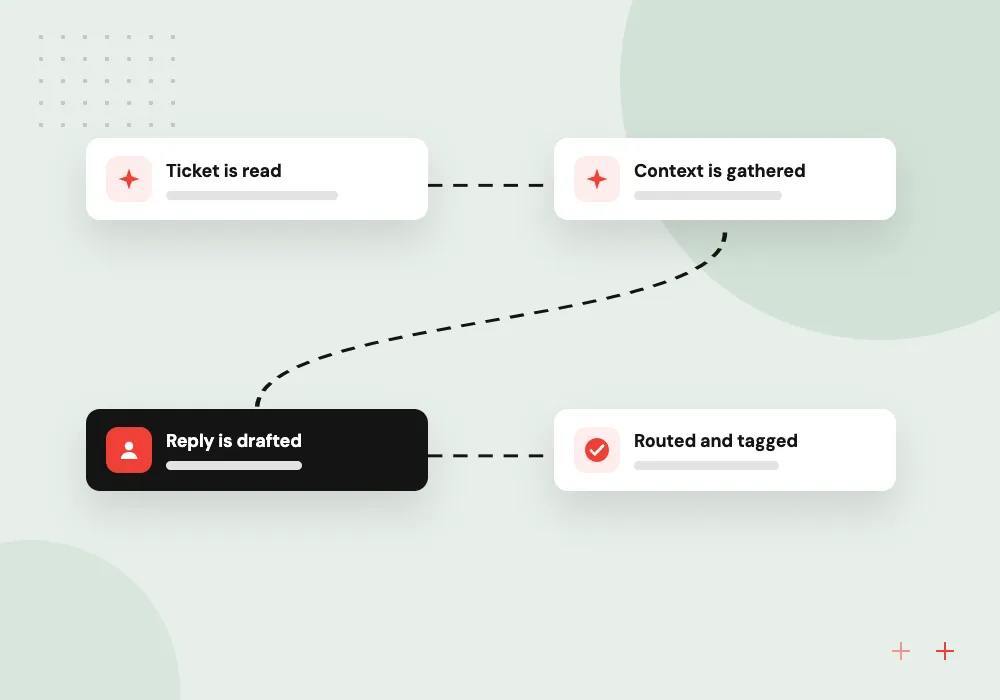
Triage, context, draft, route
- 01 Ticket is read Intent, urgency, language, product and customer value are detected from the message.
- 02 Context is gathered Order status, account history and matching help articles are attached to the ticket.
- 03 Reply is drafted The agent gets a grounded draft to edit and send, or a simple case closes.
- 04 Routed and tagged The ticket lands in the right queue with tags for reporting and response-time alerts.
Refunds, complaints and legal threats always go to a person, whatever the model suggests.
Helpdesk AI for email and ticket queues
AI for customer service in the inbox works on volume: the repeat questions, the sorting and the hunting for context that slow agents down.
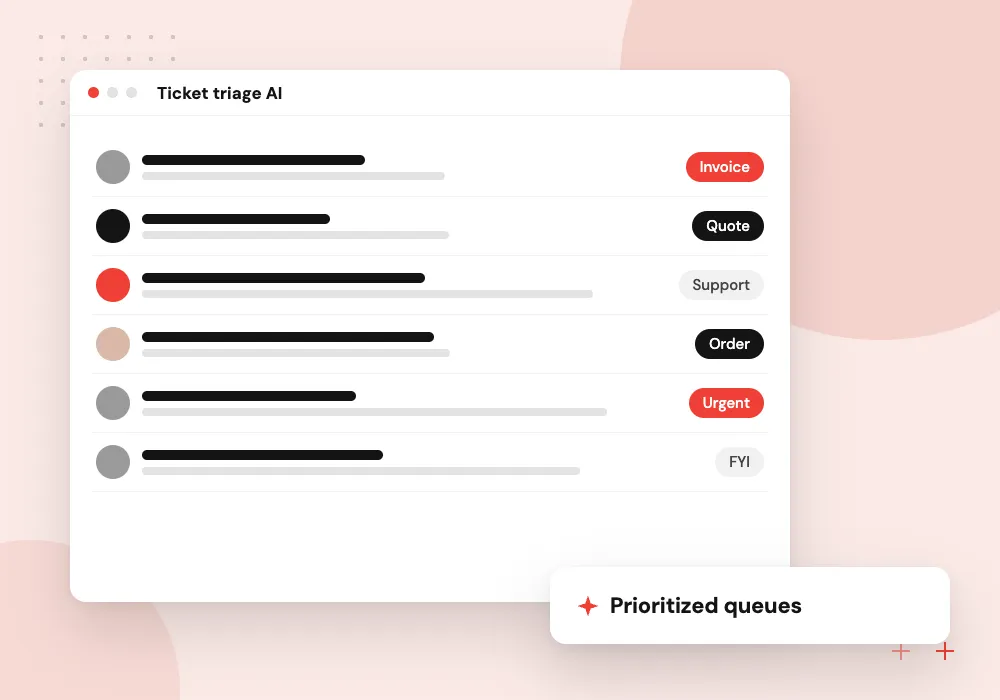
Ticket triage AI
Each new ticket is categorized, prioritized and assigned, so urgent issues stop waiting behind routine ones.
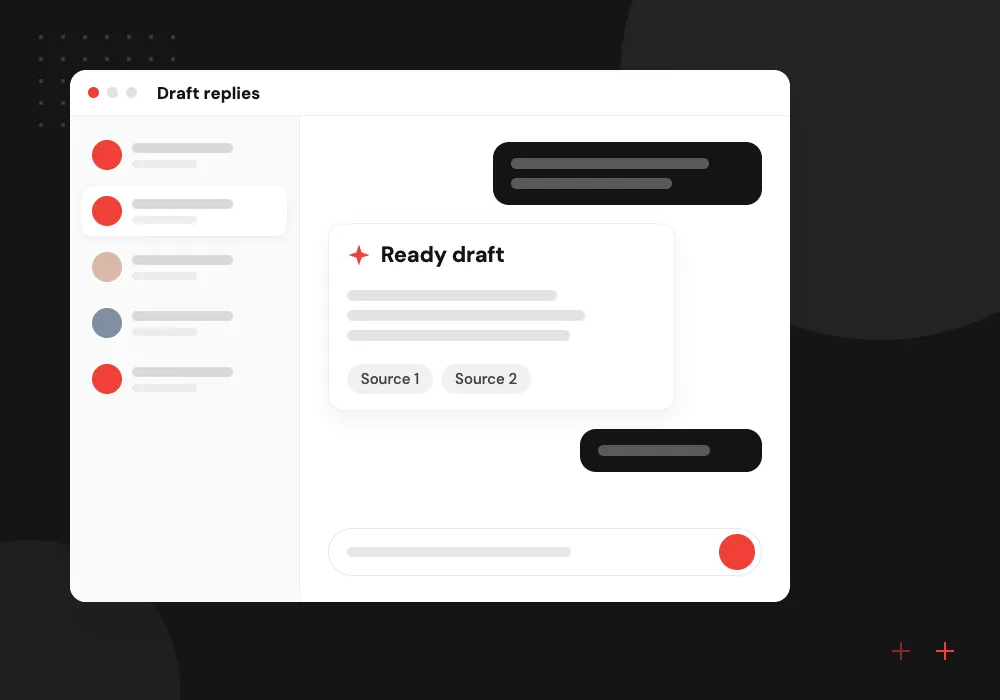
Draft replies
Agents start from a draft that cites the right policy and the customer’s actual order details.
Simple case resolution
Order status, address changes and document requests are answered automatically within limits you set.
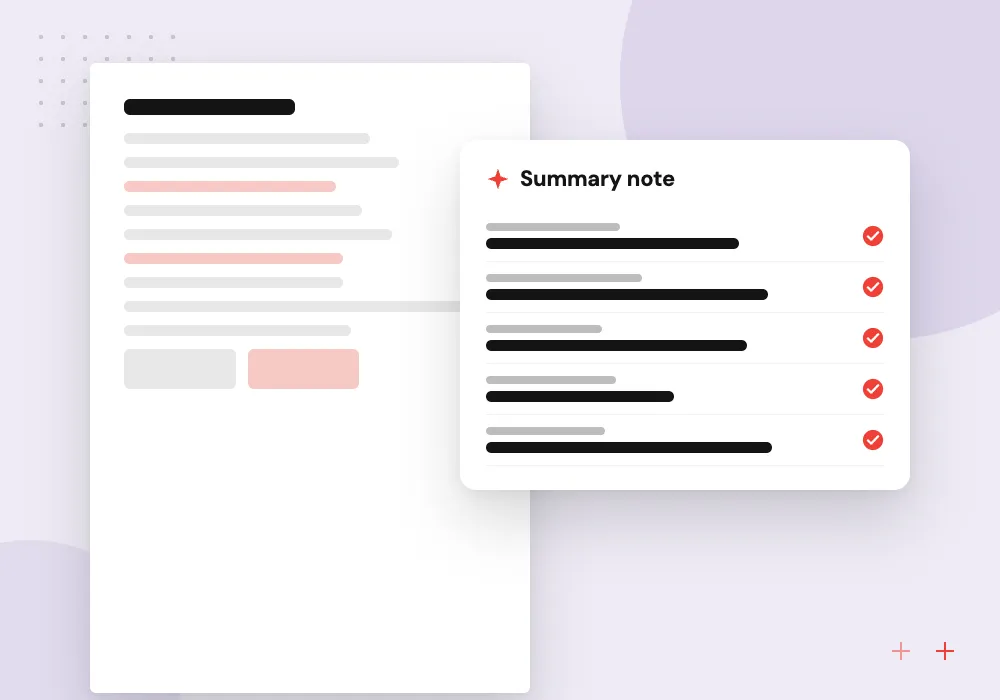
Thread summaries
Long email chains are summarized for the next agent or escalation team, with the open question at the top.
Help center audit before automation
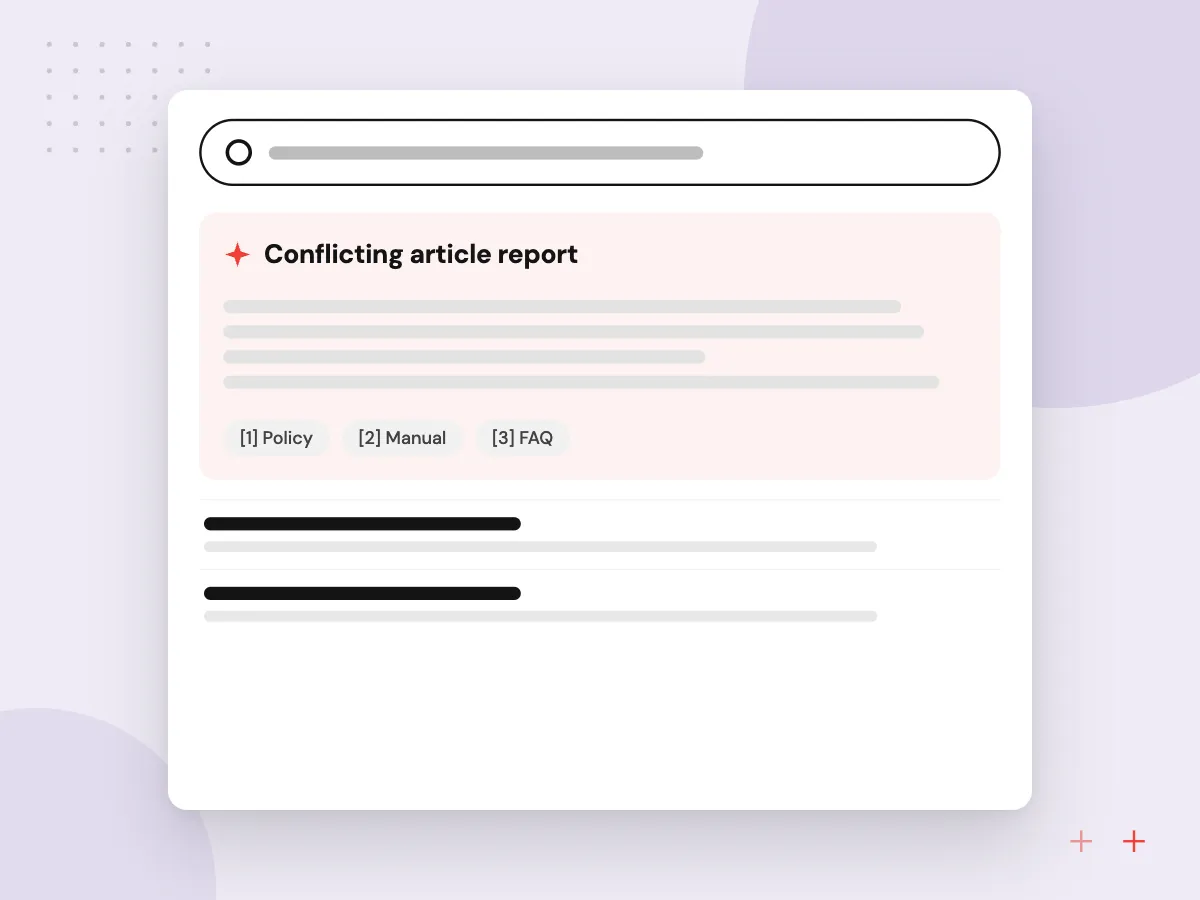
Before any draft reaches an agent, we audit the help center and saved replies. We look for articles that contradict each other, policies that changed without an update and frequent questions with no article at all, then give your team a ranked list of fixes to make first.
What we do
- Conflicting article report
- Outdated policy list
- Missing-article topics from tickets
- Saved reply cleanup
- Owner for each knowledge area
Quality checks for every ticket category
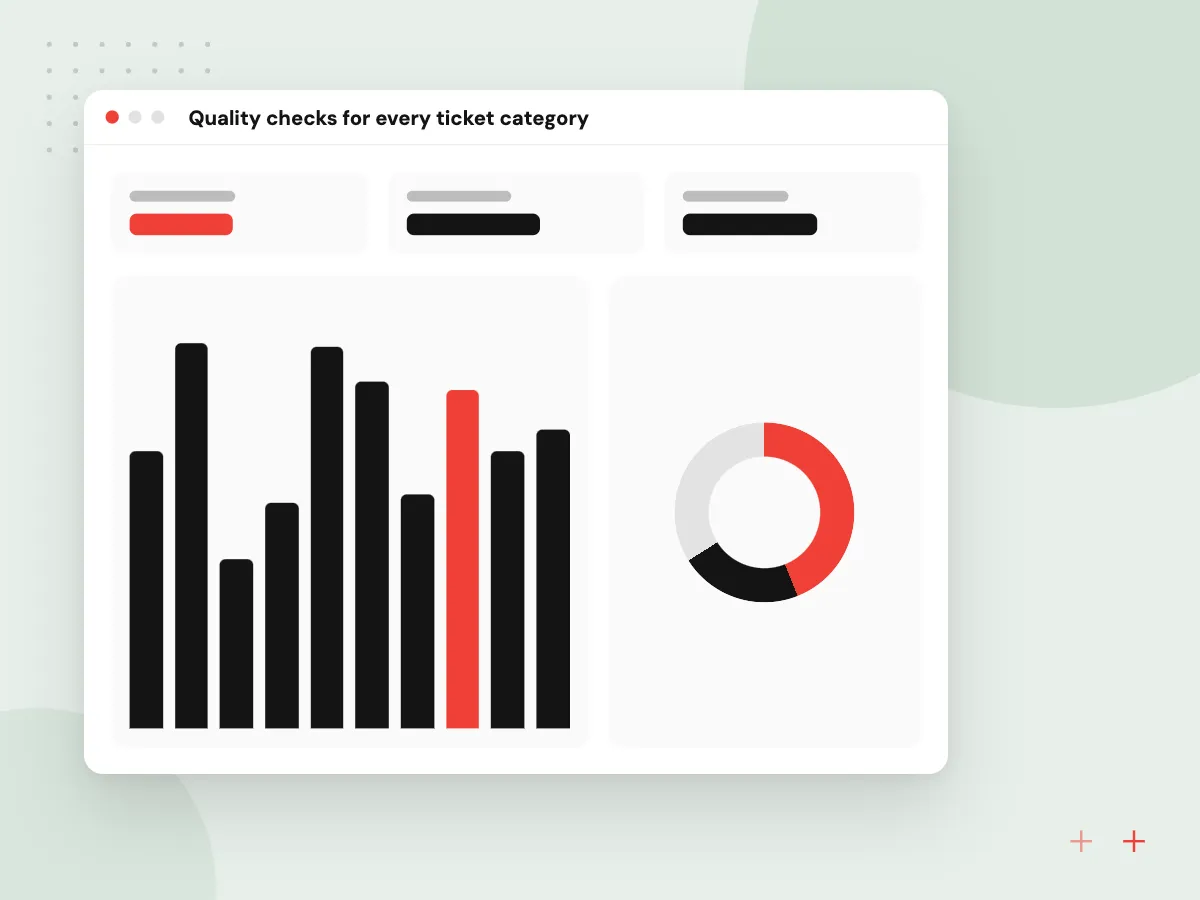
Each ticket category has its own scorecard: how often agents send the draft unchanged, how often they rewrite it and which sources it cited. A team lead reads a sample of sent replies every week, and a category that slips goes back to draft-only mode until the cause is fixed.
What we do
- Edit rate per category
- Source check on every draft
- Weekly sample read by a lead
- Rollback to draft-only mode
- Masking of card and account numbers

How we approach a project
Automatic replies are switched on one category at a time. We start with drafts only, measure how often agents send them unchanged, and enable auto-replies for categories that meet the standard you set. Customers can always reply to reach a person.
Website chat is handled by our AI chatbot development service, and phone lines by AI voice agents. Both can feed the same ticket queue, so customers get consistent answers on every channel. For back-office steps a ticket kicks off, such as returns or credit notes, see AI workflow automation.
How we work
- Agents approve sensitive replies
- Answers grounded in your help center
- Tags that make reporting useful
Our Process
-

Ticket history review
We study recent tickets to find the top categories, their volumes and the replies that resolved them.
-

Knowledge cleanup
Outdated help articles and saved replies are fixed, because drafts are only as good as the material behind them.
-

Draft-only pilot
Triage and drafts run on live tickets while agents edit and send, and we track edit rates per category.
-

Selective automation
Categories with consistently accepted drafts move to auto-reply, everything else stays assisted, and quality is reviewed weekly.
Why Aranv for support teams
Agents stay in their own tool
Tags, drafts and notes appear inside the helpdesk your team already uses, so there is no second screen to learn and ticket assignment works as before.
Automation earned category by category
Auto-replies are turned on only where agents already send drafts unchanged, and refunds, complaints and legal threats stay with people by default.
Lookups from your live systems
Order status, delivery dates and account details come from your store, ERP or billing system at the moment of drafting, not from a copy that goes stale.
A fair look at vendor add-ons
If the AI features in your helpdesk plan already cover what you need at a sensible cost, we tell you and help set them up instead of building.
Reports built on clean tags
Consistent tags show which contact reasons drive volume and where one new help article would remove the most repeat questions.
Planning AI Customer Support Automation?
Book a 30-minute conversation with the team that would build it.
Customer service automation FAQs
-
Will AI replace our support agents?
No. It takes over sorting, lookups and first drafts, so agents spend their time on conversations that need judgment. The time saved can go to faster replies, longer support hours or better follow-up with unhappy customers.
-
Which helpdesk tools does this work with?
Any helpdesk or email platform with an API and webhooks, which covers the widely used ticketing tools and shared inboxes. If your tool offers its own AI add-on, we compare its cost and control with a custom setup first.
-
How do you stop wrong answers from reaching customers?
Drafts must cite a help article or account record, sensitive categories never send automatically, and auto-replies are enabled only for categories that performed well in the pilot. We also sample sent replies each week to check quality.
-
Can it handle tickets in other languages?
Yes. Current language models read and write the major languages well. We detect the language when a ticket arrives, draft in the customer’s language and show the agent a translation.
-
What reports will we get?
Because every ticket gets consistent tags, you can report volume by reason, first-response time, auto-resolution rate per category and topics where no help article exists yet.
-
What does customer service automation cost?
Build cost depends on your helpdesk, the number of ticket categories and the systems needed for lookups. Running cost is model usage per ticket, which we estimate from your volumes after the ticket history review.

Let’s talk about your next step
Contact Aranv to discuss your workflow, current tools, and goals. Meet with our team or send an inquiry.
Book a meeting with our team
Choose an available date and time for a 30-minute conversation about your project.
Tell us about your project
Share a few details so we can discuss a useful next step.
Prefer email? sales@aranv.com