

Connect content publishing with your business workflow
Aranv provides CMS development services for business websites and content workflows. The existing service areas include WordPress, Drupal, Joomla, Sitecore, custom CMS development, and content-system integrations.
Start with content types, editors, approval steps, access roles, integrations, and the URLs that need to remain stable. For a migration, map existing content and files, define redirect needs, and agree how publishing, search, forms, and analytics will be checked.
AI-assisted drafting or document search needs approved sources and an editorial review process. Explore LLM integration for a bounded drafting task or RAG development when answers must be grounded in a controlled content collection.
-

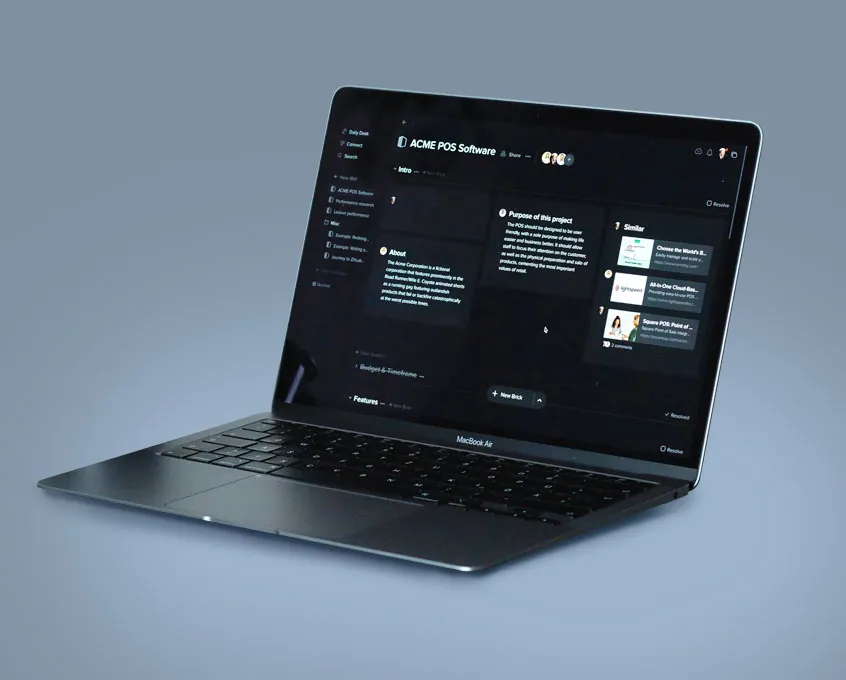
Document management
Secure storage, search and version history for business documents, with access rules so the right people find the right files quickly.
-

Enterprise content management
Central platforms for large sites, intranets and multiple brands, with roles, approval workflows and integrations with your other systems.
-

Website content management
Fast, accessible websites with reusable page blocks, so your marketing team can launch pages and campaigns without waiting for developers.
Custom CMS development
We build and extend CMS platforms around how your team publishes: custom content types, editor-friendly page blocks, approval steps, integrations, and headless setups that feed websites, apps and other channels from one source.
What we do
- Setup and deployment
- Plugin and block development
- Content migrations
- Integrations
- Support and maintenance
- Headless CMS builds
- Performance and scaling
CMS for eCommerce
Connect content and commerce so product stories, guides and landing pages sit next to your catalog. We work with hosted platforms such as Shopify and open-source options such as WooCommerce and Magento, and choose based on your catalog, team and integrations.
Get started
-

WordPress
The most widely used CMS. We build custom block themes and blocks, harden security, tune speed and set up editorial workflows your team can manage.
-

Drupal
Strong for complex content models, multilingual sites and detailed permissions. We build, upgrade and support Drupal sites.
-

Joomla
We maintain and extend existing Joomla sites, and plan a migration to a newer platform when that is the better long-term choice.
-

WooCommerce
Commerce inside WordPress, ideal when content and products belong together. We build custom checkout rules, extensions and integrations.
-

Shopify
A hosted commerce platform that is quick to launch and reliable at checkout. We build custom themes, apps and integrations.
-

Magento
Adobe Commerce and Magento Open Source for large catalogs and complex pricing. We extend, upgrade and integrate existing stores.
Not sure which CMS fits? We can help you choose it, move to it and run it.
CMS Development FAQs
How do we choose a CMS platform?
Compare content types, editor experience, approval rules, integrations, access needs, hosting, and maintenance responsibilities. A platform should support the publishing workflow without making routine updates unnecessarily difficult.
Can existing URLs be preserved during a CMS change?
URL preservation should be part of the migration plan. Inventory the current pages, map their intended destinations, and identify where redirects are required. Verify navigation, canonical tags, forms, and key indexed pages after the migration.
Can AI publish website content automatically?
Define an editorial approval step before connecting automated drafting to publishing. Check facts, source permissions, brand language, and page purpose. Important business or policy content should be reviewed by the responsible owner before it goes live.
Should we go headless?
A headless CMS stores content and your website or app displays it through an API. It suits teams publishing to several channels or needing a custom front end. For a single marketing site, a well-built WordPress site is usually simpler and cheaper to run.
How do we keep a CMS secure?
Apply core, theme and plugin updates on a schedule after testing them on a staging copy, limit admin accounts, use two-factor sign-in, keep off-site backups, and monitor for errors and suspicious activity.
Does our website need to meet accessibility standards?
Accessible sites are easier for everyone to use and reduce legal risk. We design and test against the WCAG 2.2 guidelines, covering contrast, keyboard use, headings, alt text and form labels.
Get in Touch
Cary, NC 27513
Canton, MI 48187